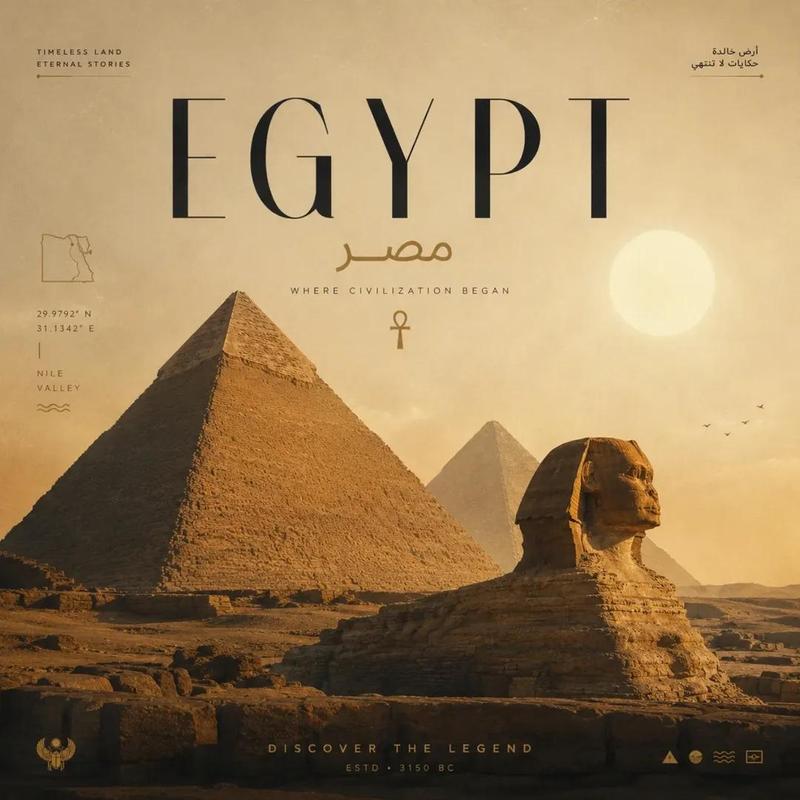
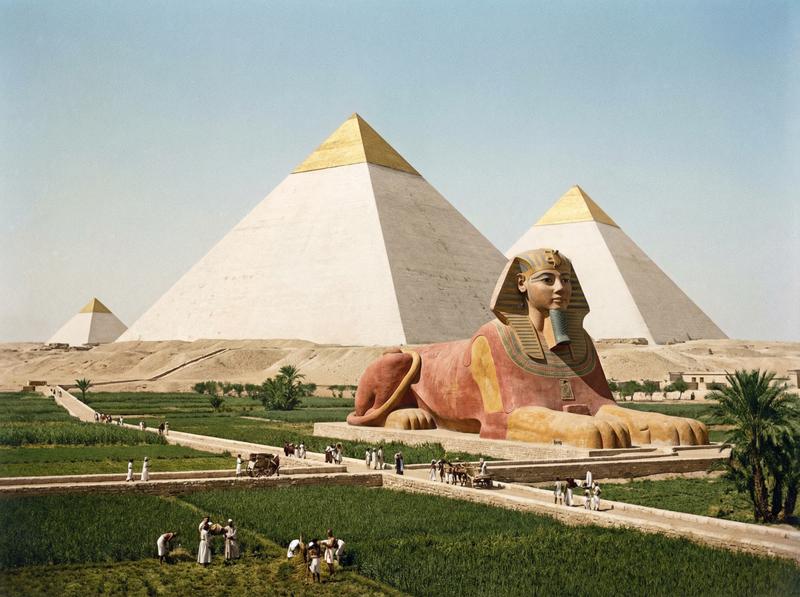
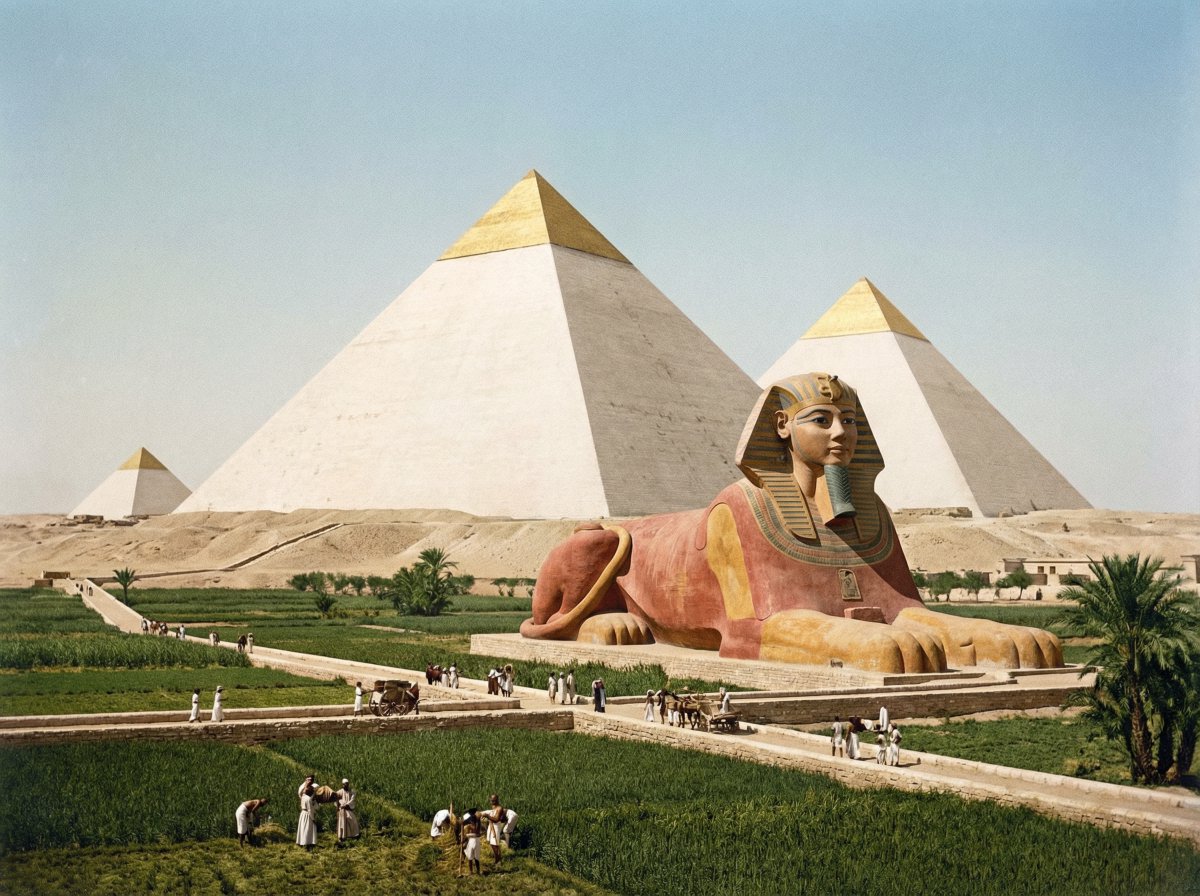
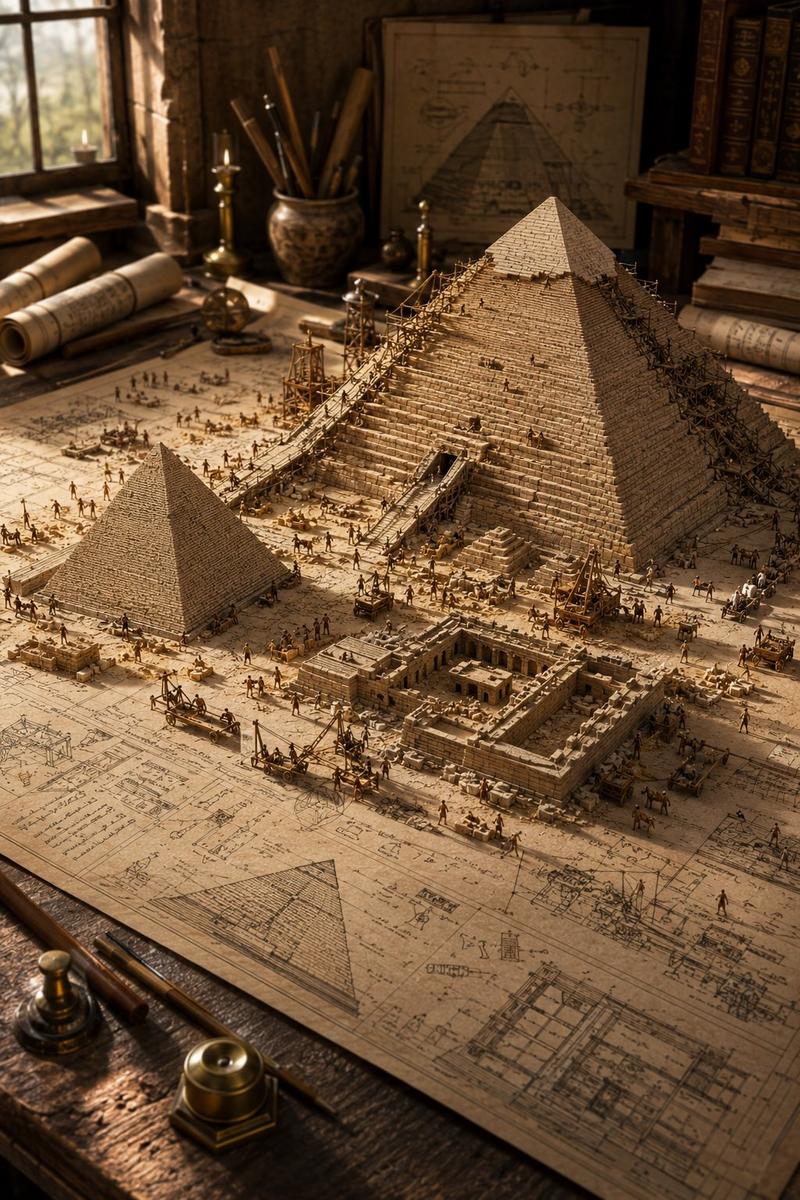
金字塔旅行封面海报
Prompt
Goal: Create a stylish vertical social-media cover poster about travel advice for Egypt, using a cinematic pyramid photograph and bold Chinese typography.

Canvas: Vertical 3:4 cover, 768×1024 style, full-bleed image background with editorial magazine layout. Use a muted blue-gray sky, warm desert sand, soft haze, film grain, slight blur bokeh in the foreground, and high-contrast white typography.

Main image: A dramatic low-angle photo of the {argument name="landmark" default="Giza Pyramid"} centered slightly right, filling most of the poster. The pyramid is lit warmly from the right side, with its shadowed face on the left. Add a blurred rocky desert foreground at the bottom and a pale cloudy sky behind it.

Primary headline: Large bold white Chinese sans-serif text placed over the lower-left/middle of the pyramid, reading {argument name="headline text" default="不建议去\n10个理由"}. Make it heavy, blocky, modern, and tightly kerned, with the second line larger and very prominent.

Supporting text: Under the headline on the left, add small uppercase English text in three stacked lines: “REASONS / NOT TO / GO”. Add a short white horizontal divider beneath it.

Top-left info block: Add a thin white location pin icon, a small horizontal divider, the label “GIZA PYRAMIDS” and “EGYPT” in uppercase, and a small barcode-like row of thin vertical white lines. This block should sit in the upper-left quadrant.

Right sidebar: Add a clean vertical UI-style column on the right edge. Include exactly 4 small outline icons stacked vertically: heart, comment bubble, star, and paper-plane/share icon. Above them place “2025” stacked as “20” over “25”, then small text “DREAM / RECORD”, then “MAY. / 18 / SUN” with tiny divider lines. Lower on the same edge, rotate the text “NOT RECOMMENDED” vertically, with a long thin vertical line beneath it.

Bottom and navigation details: Add exactly 5 small pagination circles below the left subtitle; the first circle is filled white and the other 4 are hollow outlines. At bottom-left, add tiny vertical text “@ DREAM ARCHIVE” with two small circular social-style symbols above it. At bottom-right, add a globe outline icon and the caption “Some places / are better left / as dreams. —”.

Oversized cropped typography: Add huge abstract cropped white Chinese characters around the poster edges, partially cut off by the canvas: large fragments along the top edge, left edge, and bottom edge. These should feel like decorative typographic shapes rather than readable text.

Visual style: Contemporary Xiaohongshu/self-media cover aesthetic, cinematic travel editorial, minimalist UI overlays, soft analog film texture, premium muted tones, crisp white text, slight vignetting, no border, no watermark.

Constraints: Keep the composition uncluttered despite many small UI details. Use exactly the listed count of 5 pagination dots and 4 right-side icons. Do not add extra people, animals, logos, or unrelated text.- Category
- UI & Interfaces
- Model
- GPT Image 2
- Creator
- 小小东
- Source ID
- 26897
- Published
- Jun 26, 2026
Views1