18

复古宝丽来咖啡馆快照
Enlarge

Example images

复古宝丽来咖啡馆快照

Prompt
create image 4:5
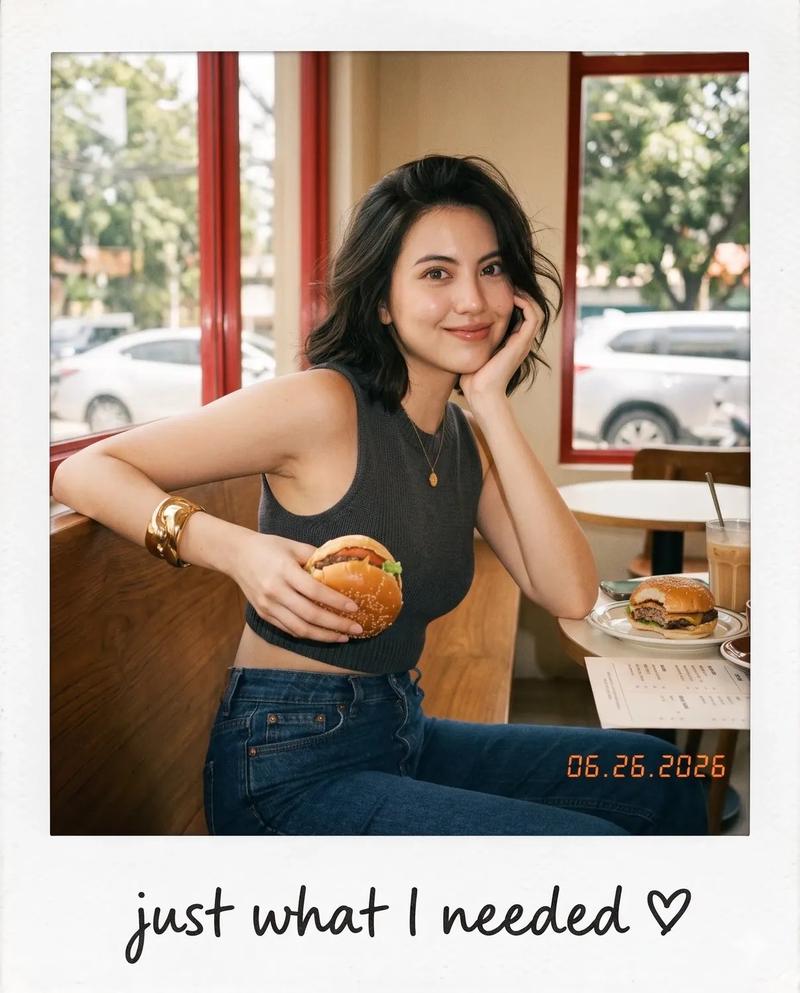
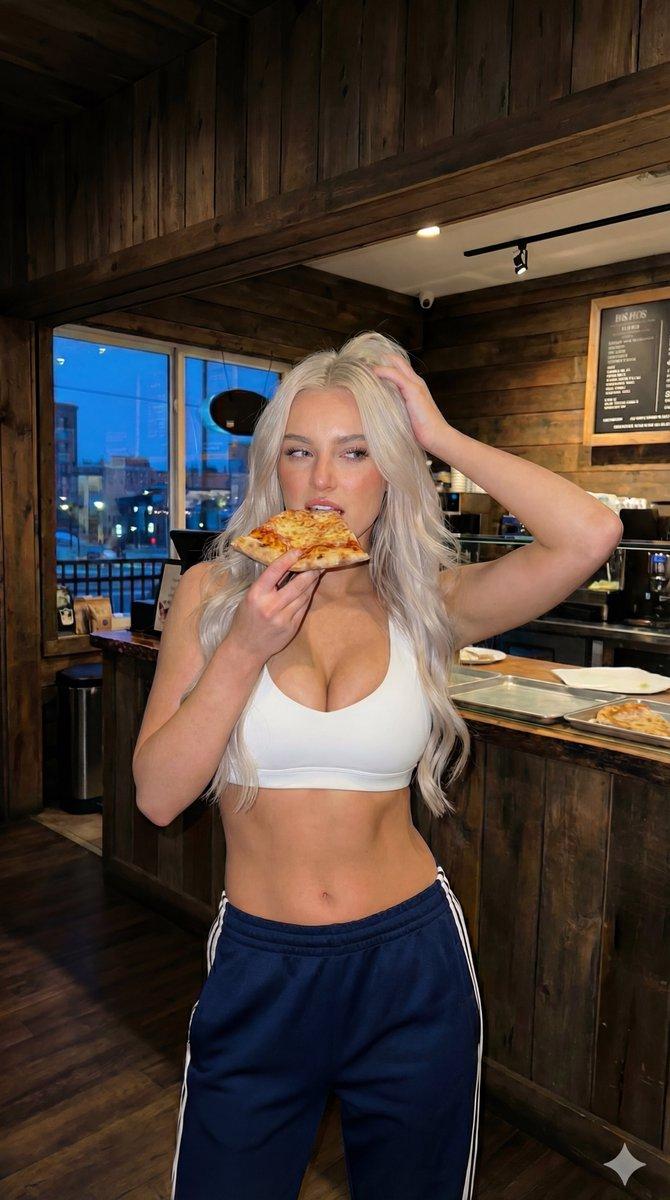
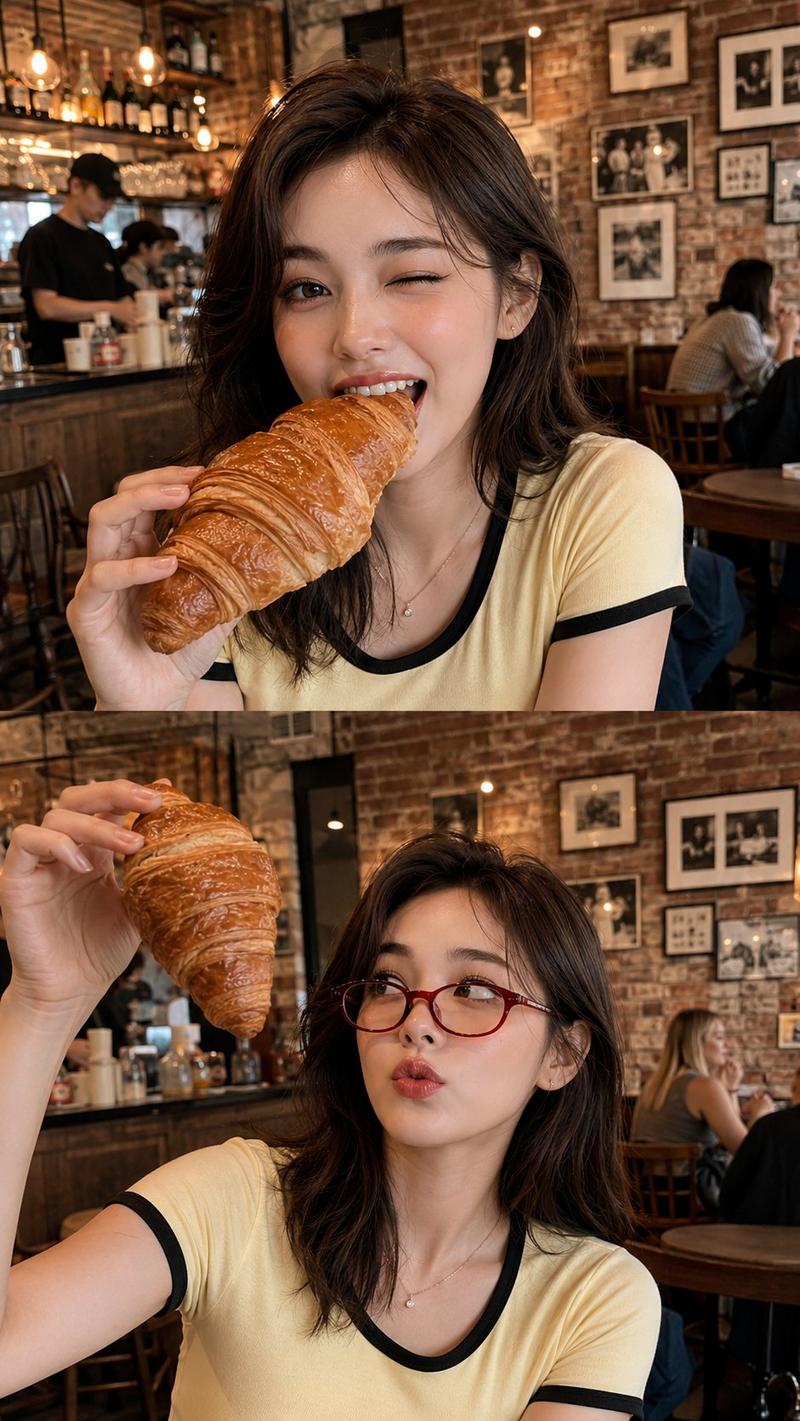
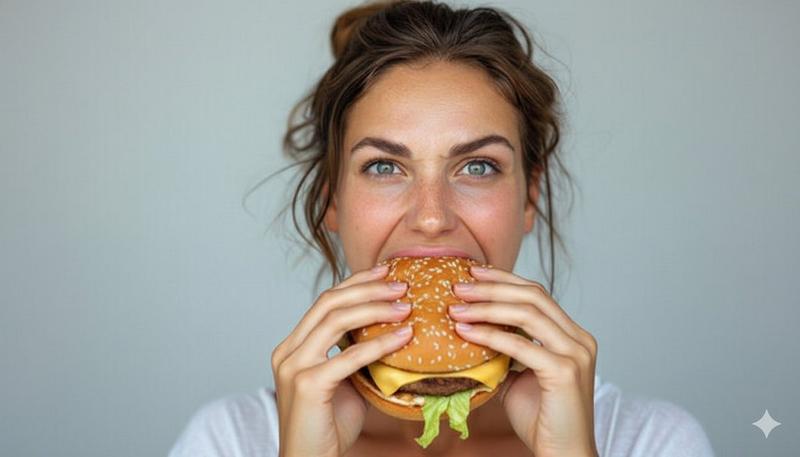
Aesthetic candid café snapshot presented as a realistic vintage Polaroid instant photo, featuring a {argument name="subject" default="young woman"} is sitting on a wooden chair in front of a dining table beside a large café window, wearing a {argument name="outfit" default="fitted sleeveless dark charcoal knit crop top, high-waisted dark blue jeans"}, and a chunky gold cuff bracelet. She naturally holds a burger with both hands at chest level, her body facing the table while her head turns toward the camera with slightly widened eyes and softly parted lips, as if caught off guard by someone taking the picture. Short layered wavy bob with messy windblown strands partially covering one eye, natural editorial makeup with glossy natural lips. Warm vintage café interior with dark green walls, deep red window frame, bright overexposed window, blurred trees and cars outside, drinks, plates, and condiments on the wooden dining table, soft background blur creating depth. Eye-level candid handheld composition, warm cinematic daylight, delicate rim light, subtle film grain, matte instant-film texture, nostalgic earthy tones. Printed as an authentic Polaroid with a clean white border and a thicker bottom margin. Handwritten black ink text on the bottom border reads: "my favorite view ♡". Small vintage date stamp in the lower right corner: "{argument name="date" default="06.26.2026"}"
Category
Products & E-commerce
Model
GPT Image 2
Views0
Source ID
26970
Published
Jun 27, 2026

Guide

About "复古宝丽来咖啡馆快照"

What is this prompt for?

"复古宝丽来咖啡馆快照" AI image prompt for GPT Image 2 (Products & E-commerce). 一张呈现为复古宝丽来照片的自然美学咖啡馆场景,具有逼真的胶片质感和手写文字。 Copy it on Picva and recreate the look in one clic…

The full copyable prompt and example visuals above are ready for AI image generation or one-click recreate in Picva.

How to use this prompt

  1. Step 1

    Open the prompt detail

    Review the example visuals, category, and full prompt text for "复古宝丽来咖啡馆快照".

  2. Step 2

    Copy the prompt

    Copy the prompt body from this page, or load it directly in Studio.

  3. Step 3

    Pick a model (GPT Image 2)

    Prefer GPT Image 2. If you switch models, keep subject and composition and tweak style terms.

  4. Step 4

    Generate and export

    Recreate the look in Picva, or export into your workflow for editing and publishing.

FAQ

What is the "复古宝丽来咖啡馆快照" prompt?
It is an AI image-generation prompt for GPT Image 2 in the Products & E-commerce category. This page includes the full prompt text, example visuals, and a one-click recreate path in Picva.
How do I use this prompt to generate an image?
Copy the prompt from this page, or use Generate / Studio. Paste it into a compatible image model, or recreate the look in Picva with optional reference images.
Which model is this prompt for?
This page lists GPT Image 2. Most descriptive prompts also transfer to nearby image models such as GPT Image, Flux, or Midjourney with light style tweaks.
Can I use the result commercially?
You can usually copy the prompt for creation, but commercial use of the final image depends on the model terms, reference-image rights, and the generated content. Follow the source author and platform rules.