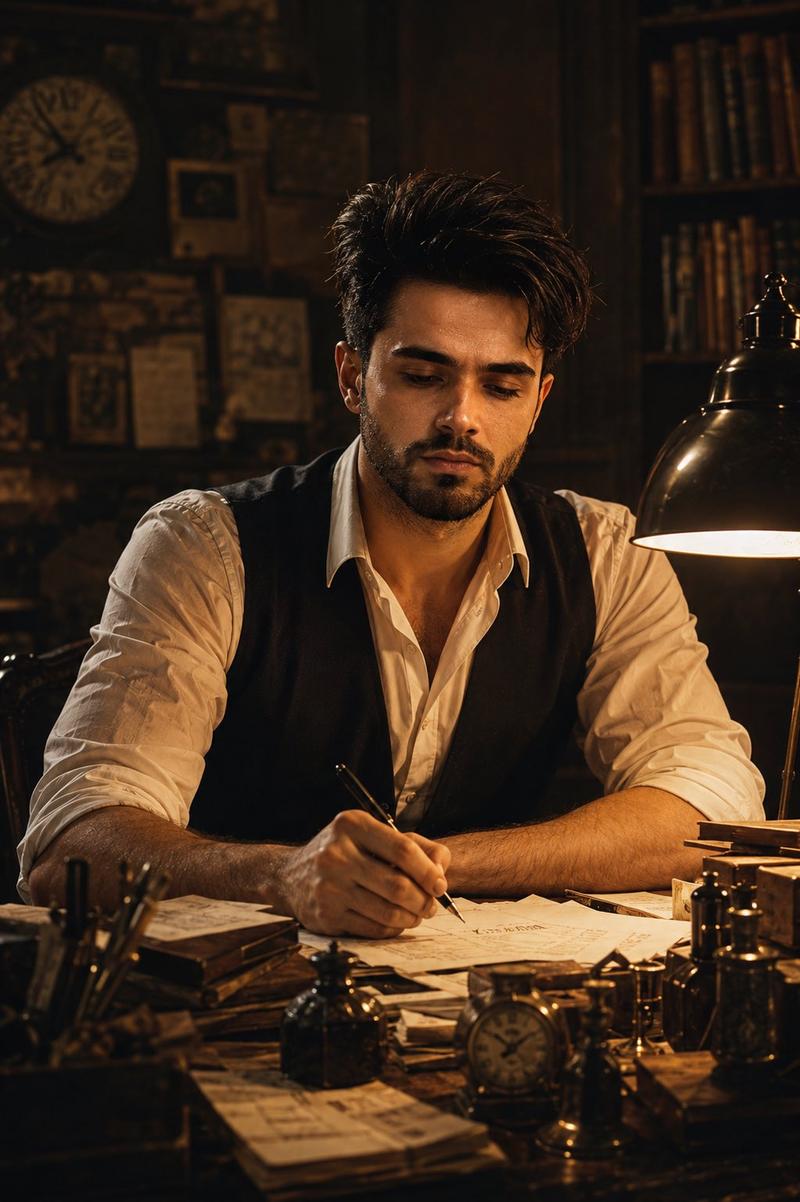
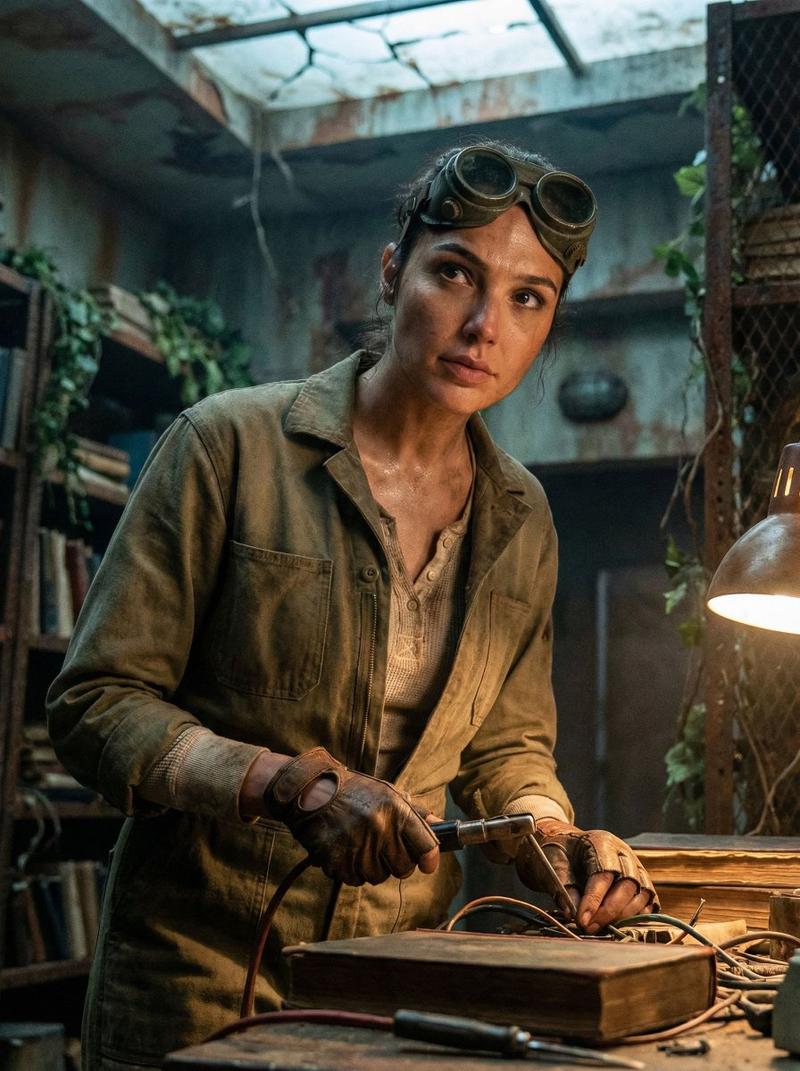
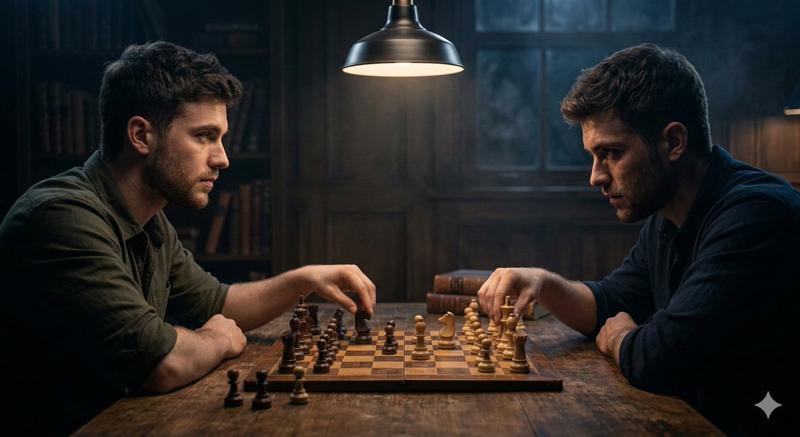
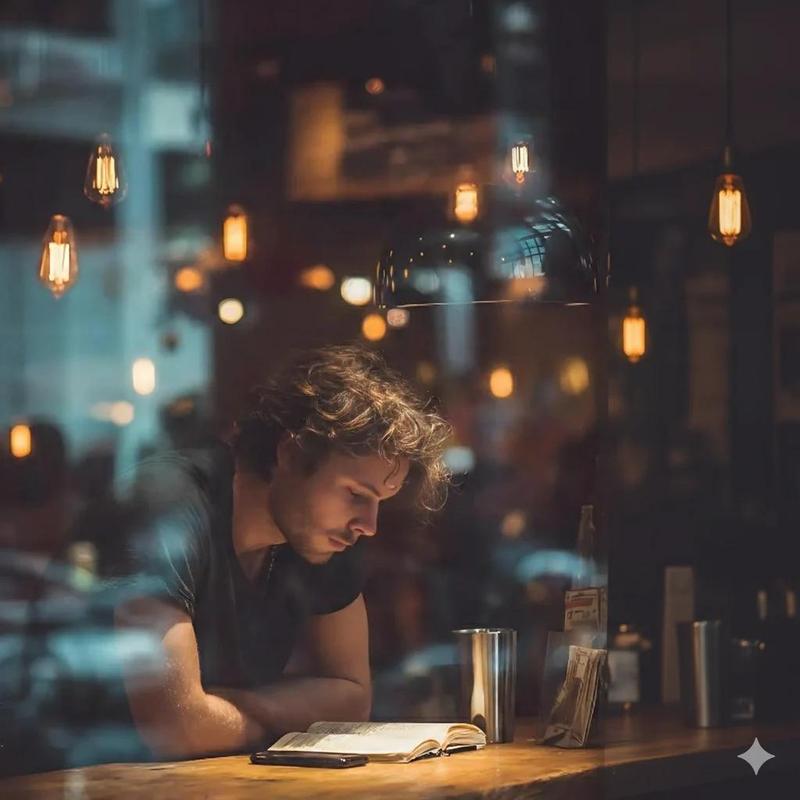
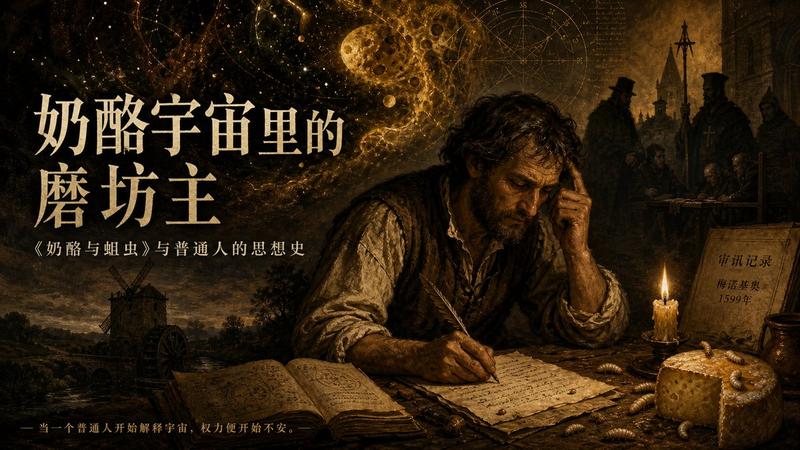
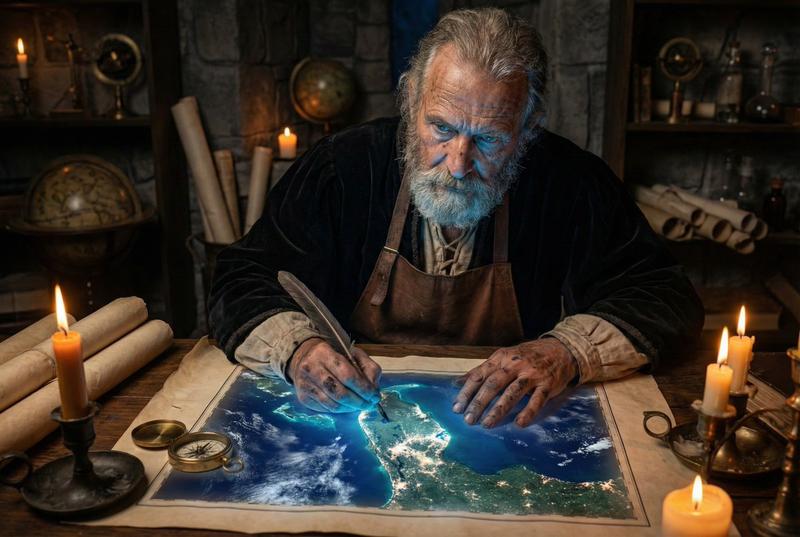
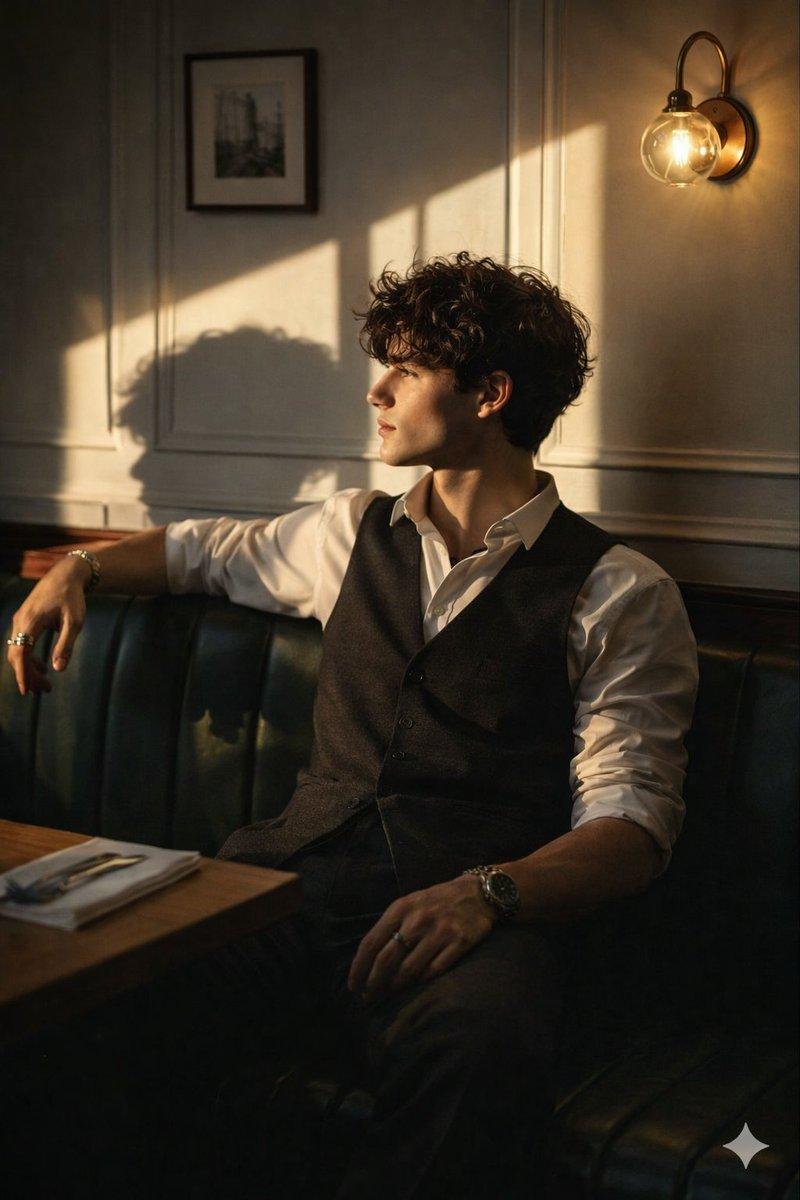
复古作家电影感肖像
Prompt
Use my uploaded face image as the primary identity reference. Preserve my exact facial features, beard, hair texture, skin tone, eye shape, and overall likeness with high fidelity. Create a {argument name="style" default="cinematic vintage writer portrait"} of me sitting at an {argument name="setting" default="antique wooden desk in a dimly lit study"}. I am deeply focused, writing with a fountain pen on scattered papers. Wearing a {argument name="outfit" default="slightly unbuttoned white dress shirt with rolled-up sleeves and a black waistcoat"}. Warm tungsten desk lamp illuminating my face and hands, creating dramatic chiaroscuro lighting and rich amber highlights. The room is filled with old books, vintage clocks, ink bottles, manuscripts, and historical artifacts. Dark wooden shelves in the background, shallow depth of field, atmospheric shadows, subtle dust particles in the air. Thoughtful, introspective expression looking down at the paper. Ultra-realistic photography, cinematic storytelling, film still aesthetic, 85mm lens, f/1.8, volumetric lighting, warm brown and gold color grading, highly detailed skin texture, realistic hands, masterpiece composition, professional editorial photography, award-winning cinematic portrait, 8K resolution. Negative Prompt: blurry, low quality, extra fingers, distorted hands, deformed face, duplicate objects, cartoon, CGI, oversaturated colors, bad anatomy, unrealistic skin, watermark, text, logo, cropped head, multiple people. For even better face accuracy add: face identity weight 1.5, exact facial likeness, preserve facial structure, preserve beard details, preserve hairline, preserve skin tone, photorealistic facial reconstruction, same person consistency.- Category
- Brand & Logos
- Model
- GPT Image 2
- Creator
- Professor
- Source ID
- 27052
- Published
- Jun 28, 2026
Views0