20

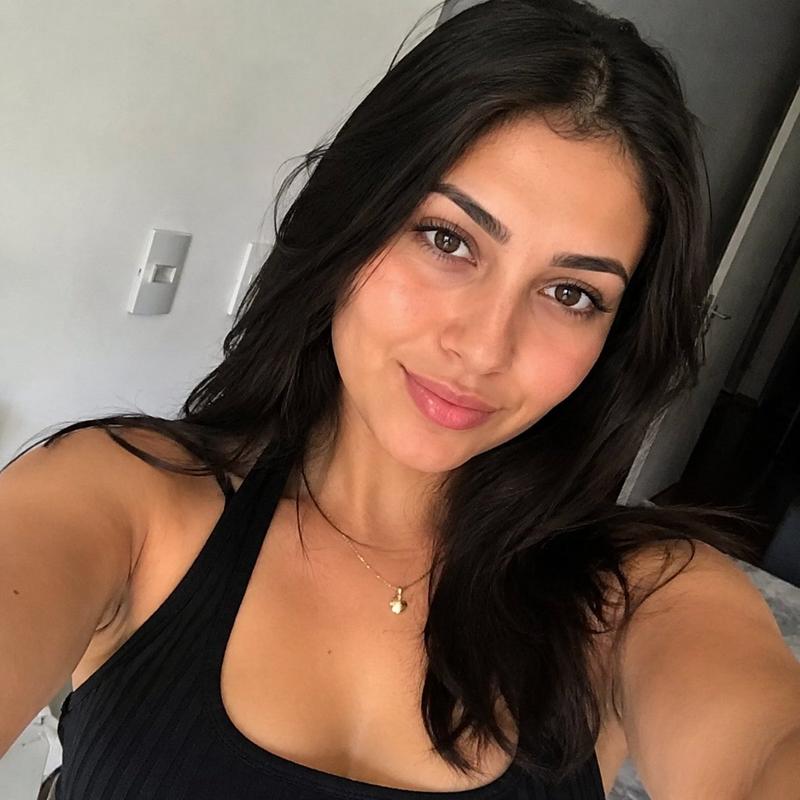
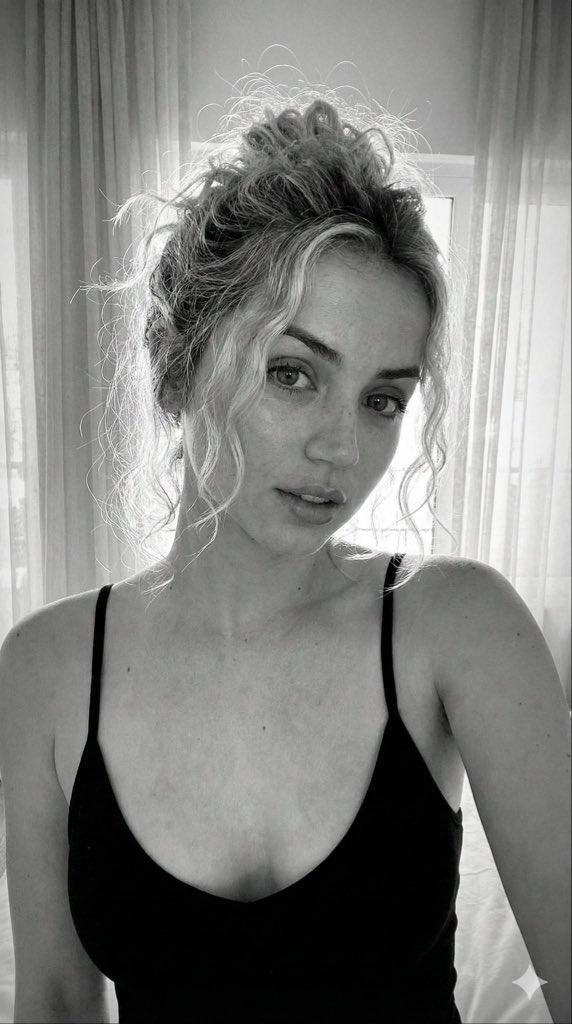
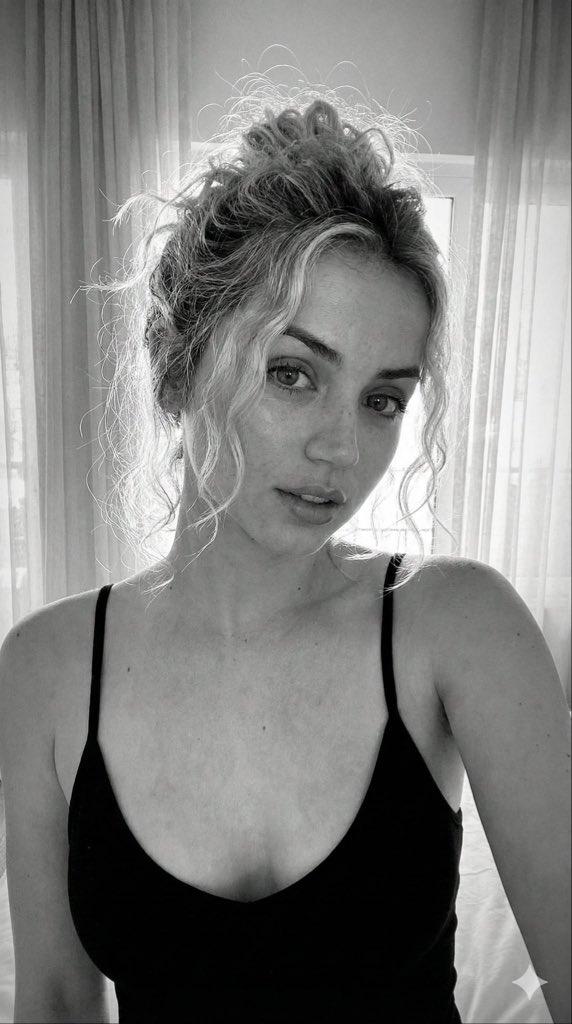
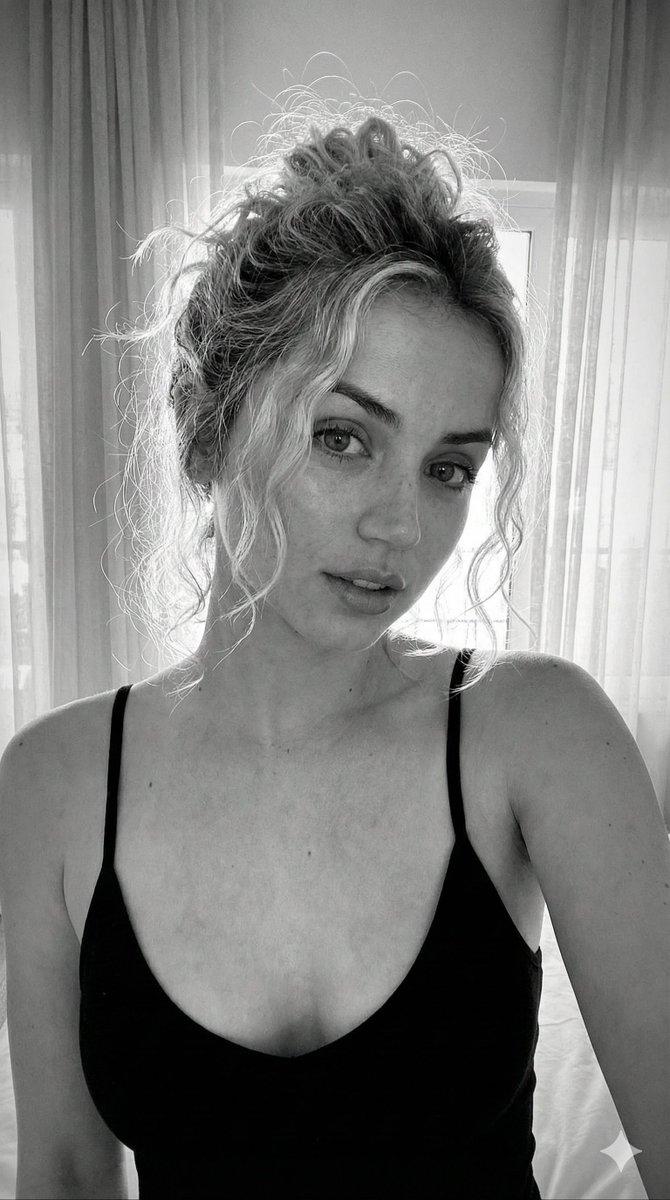
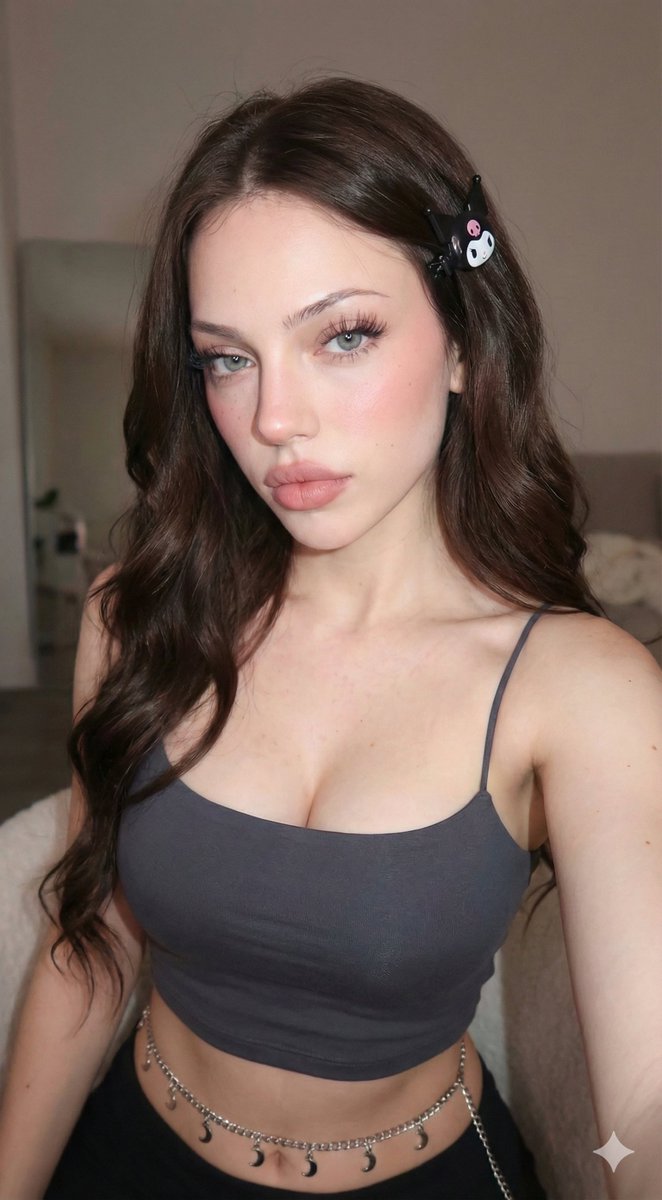
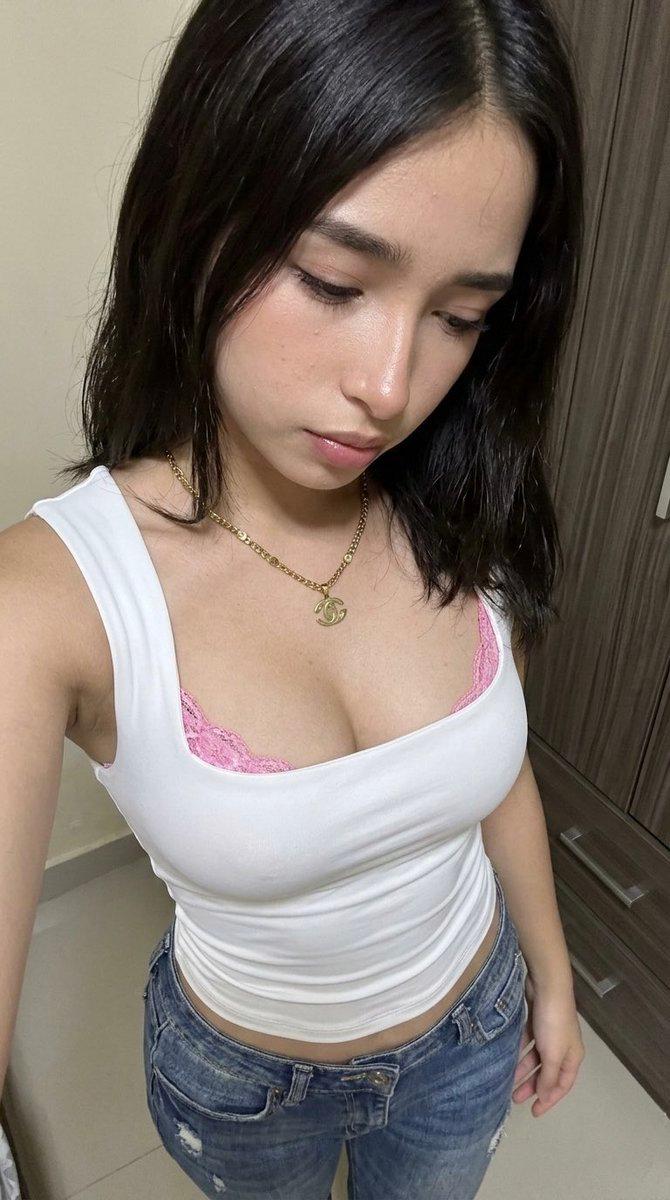
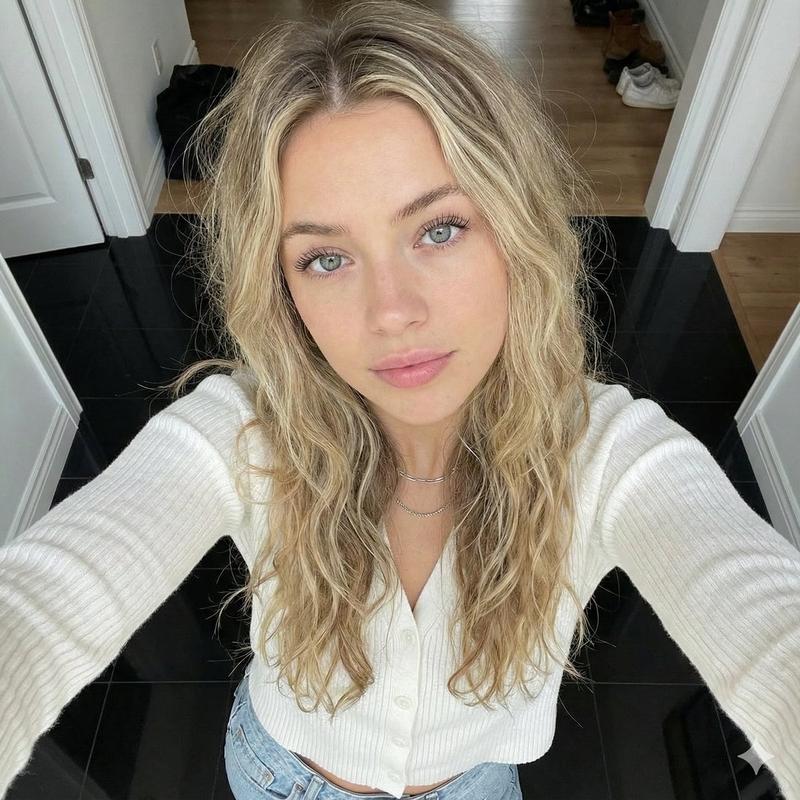
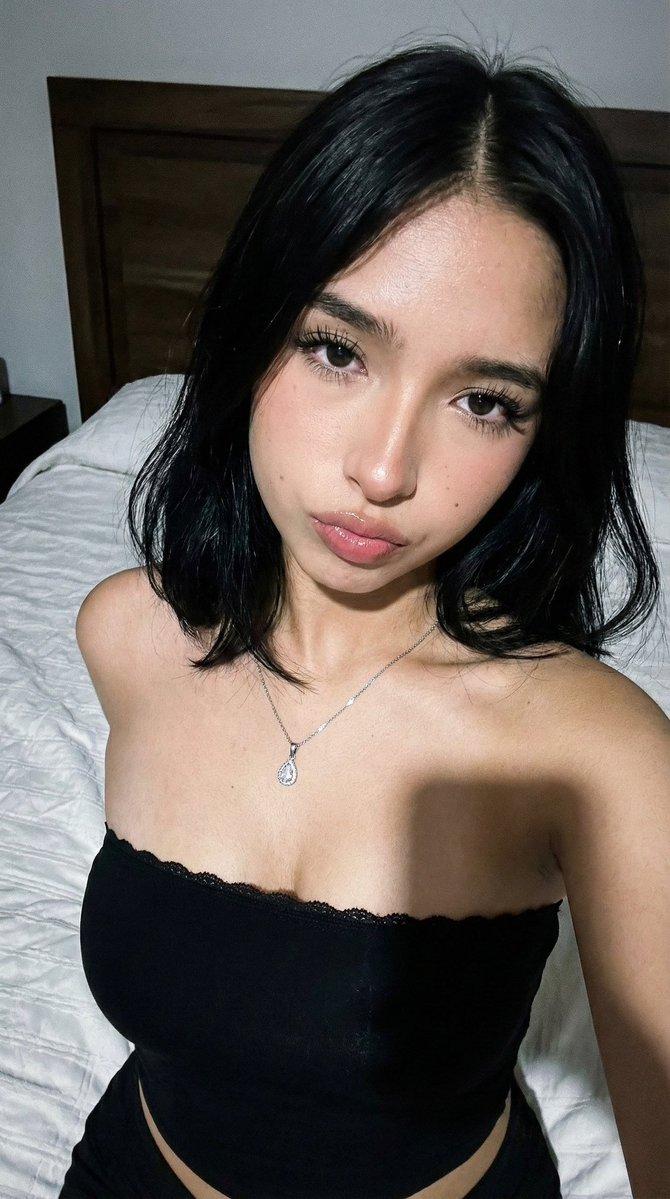
高角度室内自拍肖像
Enlarge

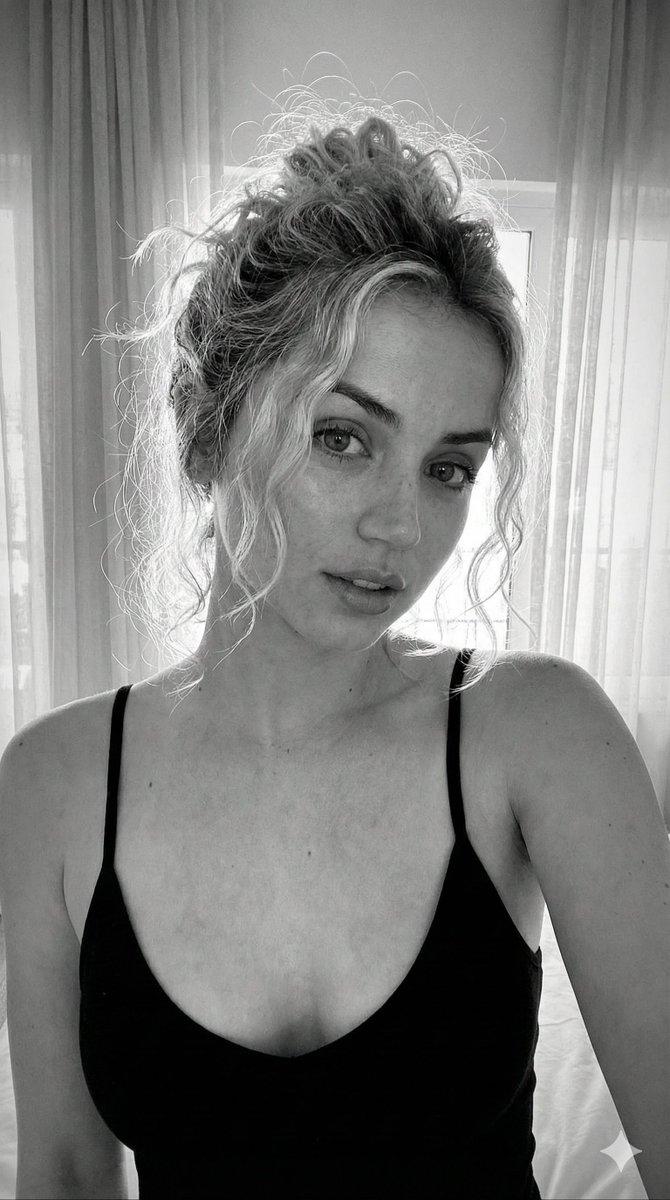
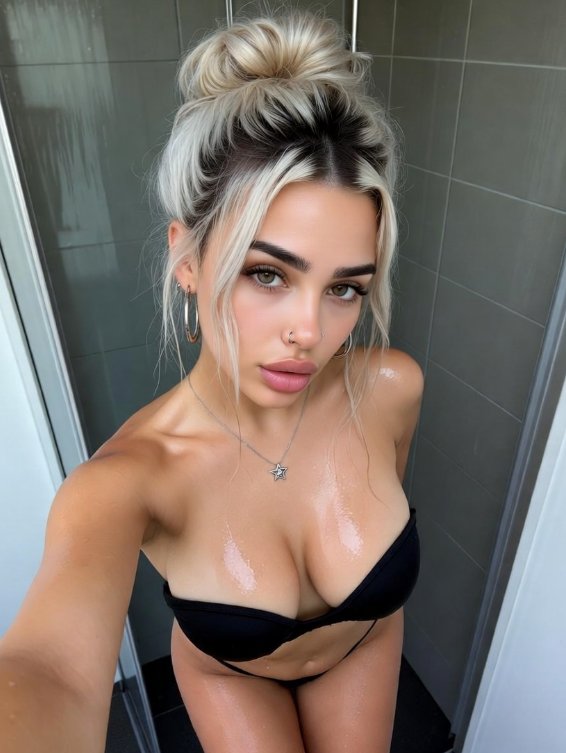
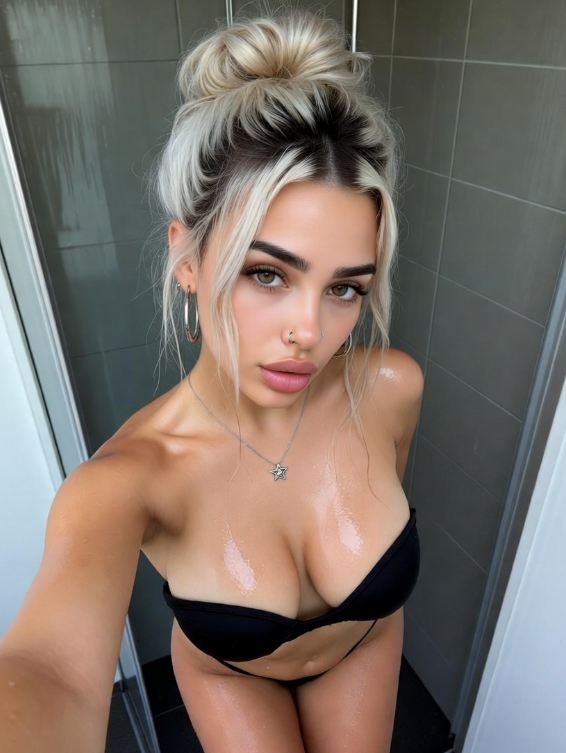
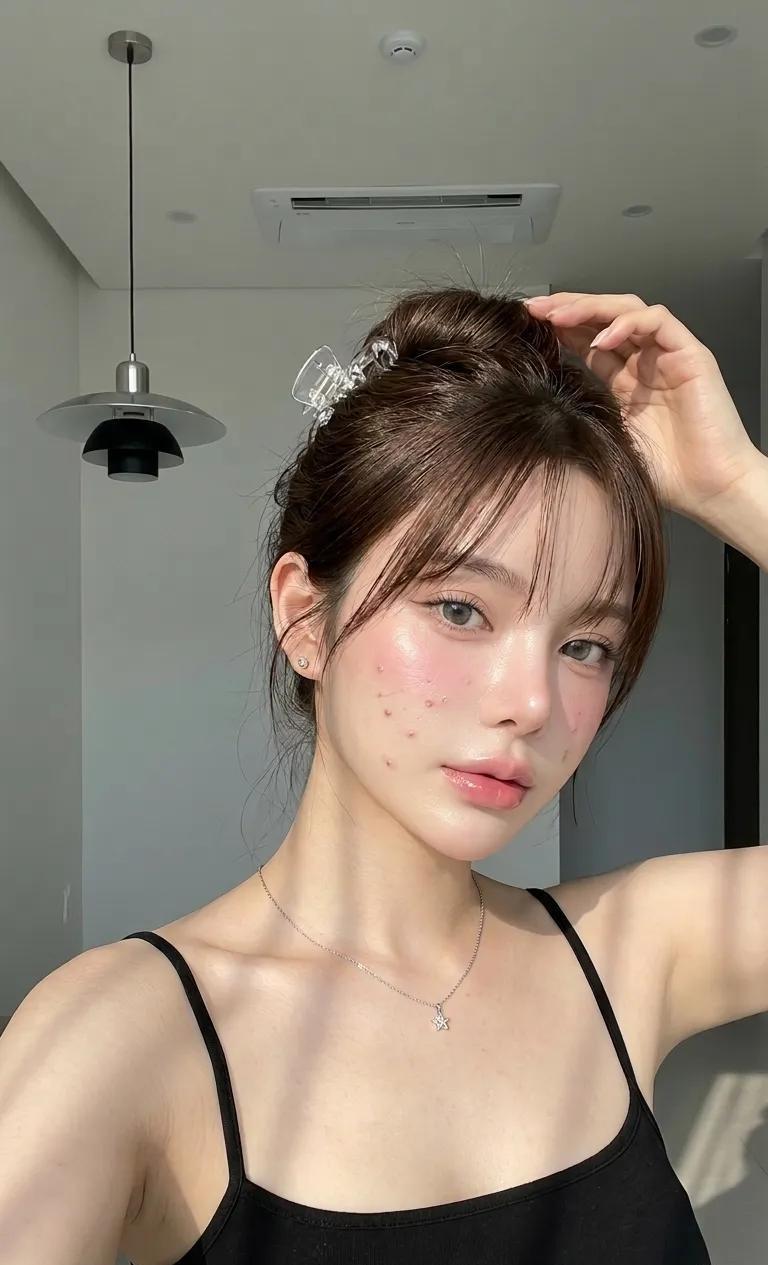
Example images

高角度室内自拍肖像

Prompt
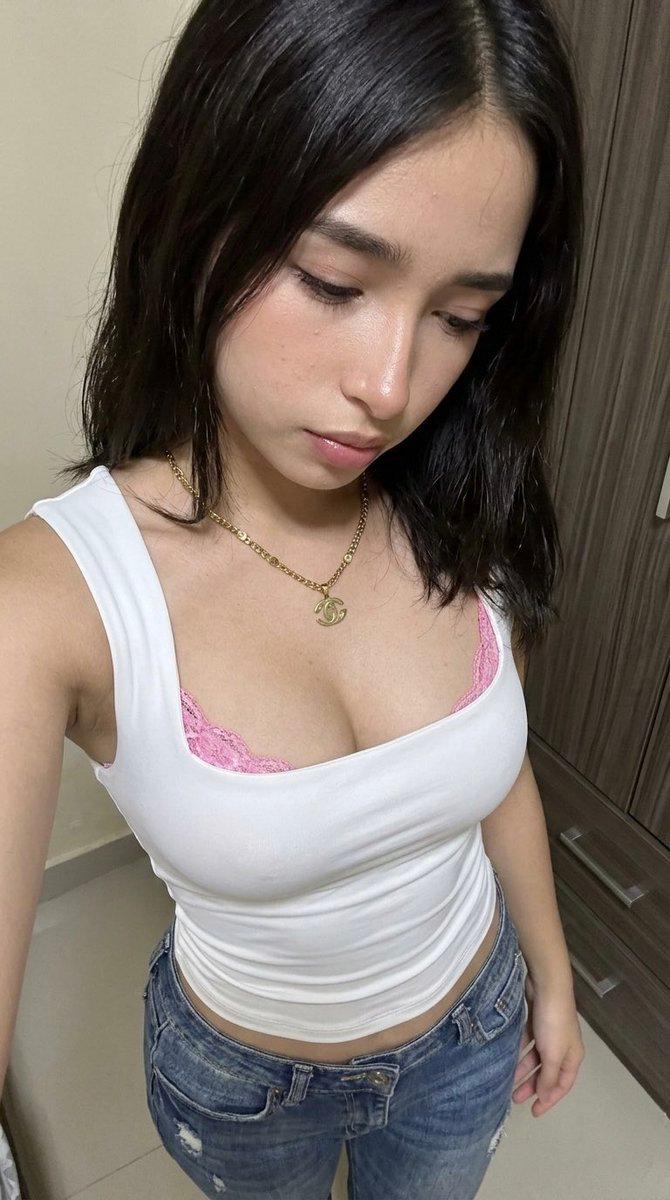
Create a realistic vertical smartphone selfie photo of a young woman in an indoor hallway or bedroom corner. The camera is held high above her face with her arm extended toward the lower right foreground, creating a wide-angle selfie perspective and slight foreshortening of the arm. She looks directly into the lens with a soft closed-mouth smile and relaxed, confident expression. She has {argument name="hair color" default="dark brown"} messy hair gathered into a loose high bun with wispy strands around her face, natural eyebrows, light hazel-green eyes, warm medium skin, and minimal natural makeup with a subtle rosy glow. She wears a fitted {argument name="top color" default="black"} camisole crop top with lace trim along the neckline and straps, a tiny bow at the center, a delicate gold necklace with a small pendant, a dark bracelet, and a high-waisted {argument name="skirt pattern" default="gray-brown plaid pleated skirt"}. The composition crops from the top of the hair to mid-thigh, with shoulders and collarbones visible. Background: plain light gray wall on the left, dark wooden open door on the right with a round metal knob, tiled gray floor, and a few hanging bags partially visible near the doorway. Lighting is dim natural indoor light with soft shadows, slightly underexposed phone-camera look, realistic skin texture, casual candid mood, no studio setup, no text, no watermark.
Category
Architecture & Spaces
Model
GPT Image 2
Creator
Farah
Views0
Source ID
27115
Published
Jun 28, 2026

Guide

About "高角度室内自拍肖像"

What is this prompt for?

"高角度室内自拍肖像" AI image prompt for GPT Image 2 (Architecture & Spaces). 一张写实的手机风格室内自拍肖像,适用于生成类似社交媒体的抓拍照片。 Copy it on Picva and recreate the look in one click.

The full copyable prompt and example visuals above are ready for AI image generation or one-click recreate in Picva.

How to use this prompt

  1. Step 1

    Open the prompt detail

    Review the example visuals, category, and full prompt text for "高角度室内自拍肖像".

  2. Step 2

    Copy the prompt

    Copy the prompt body from this page, or load it directly in Studio.

  3. Step 3

    Pick a model (GPT Image 2)

    Prefer GPT Image 2. If you switch models, keep subject and composition and tweak style terms.

  4. Step 4

    Generate and export

    Recreate the look in Picva, or export into your workflow for editing and publishing.

FAQ

What is the "高角度室内自拍肖像" prompt?
It is an AI image-generation prompt for GPT Image 2 in the Architecture & Spaces category. This page includes the full prompt text, example visuals, and a one-click recreate path in Picva.
How do I use this prompt to generate an image?
Copy the prompt from this page, or use Generate / Studio. Paste it into a compatible image model, or recreate the look in Picva with optional reference images.
Which model is this prompt for?
This page lists GPT Image 2. Most descriptive prompts also transfer to nearby image models such as GPT Image, Flux, or Midjourney with light style tweaks.
Can I use the result commercially?
You can usually copy the prompt for creation, but commercial use of the final image depends on the model terms, reference-image rights, and the generated content. Follow the source author and platform rules.