20

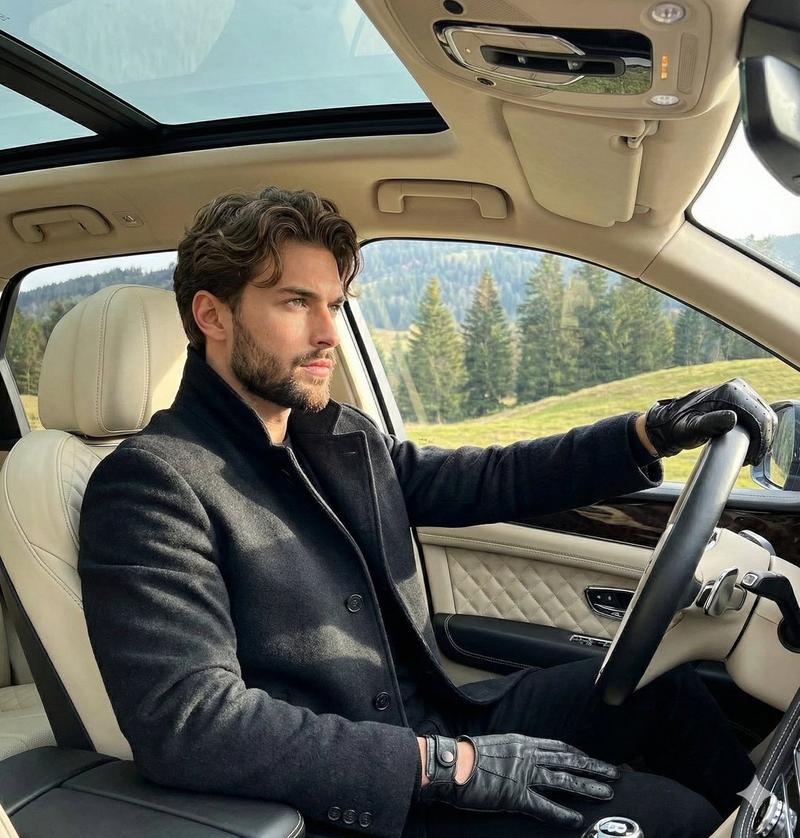
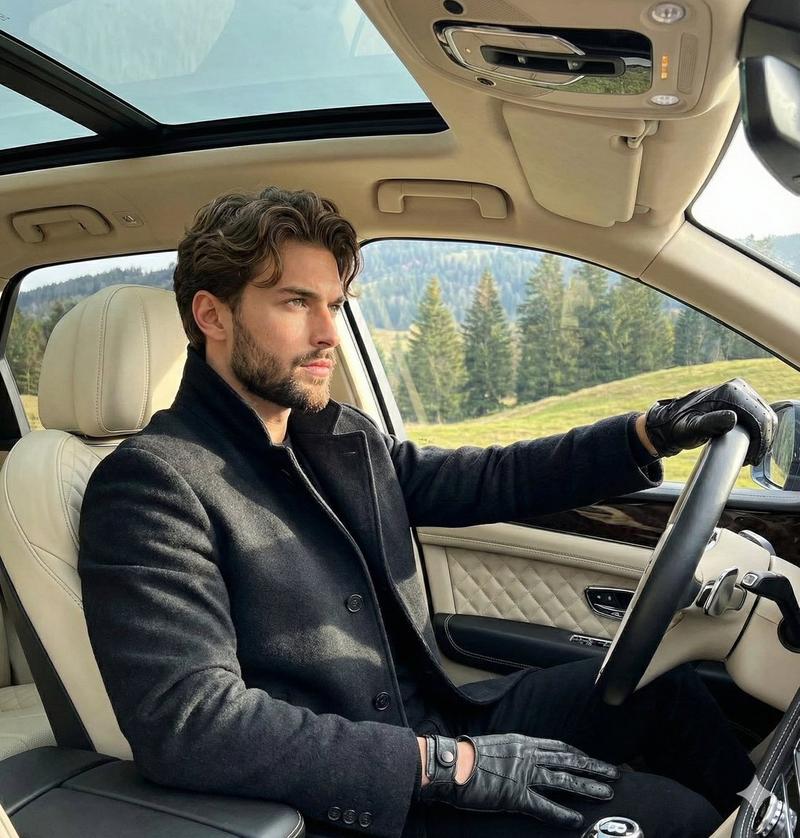
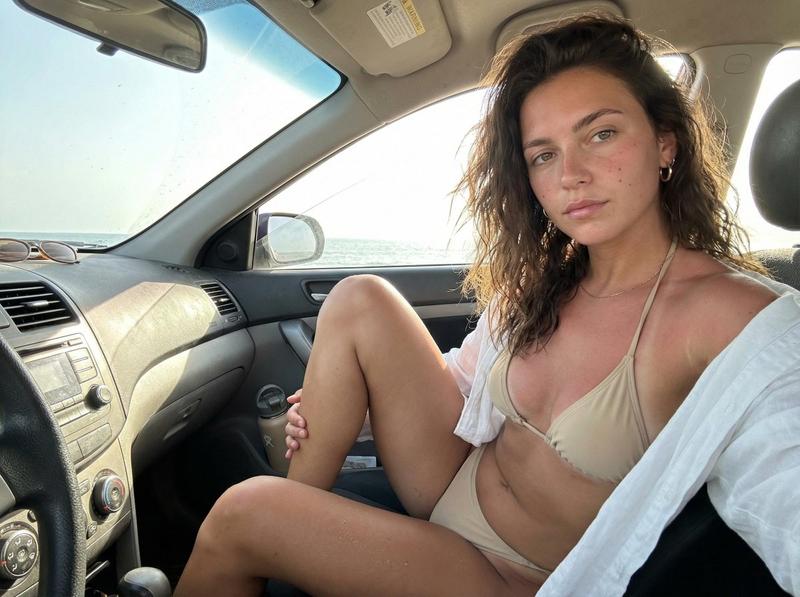
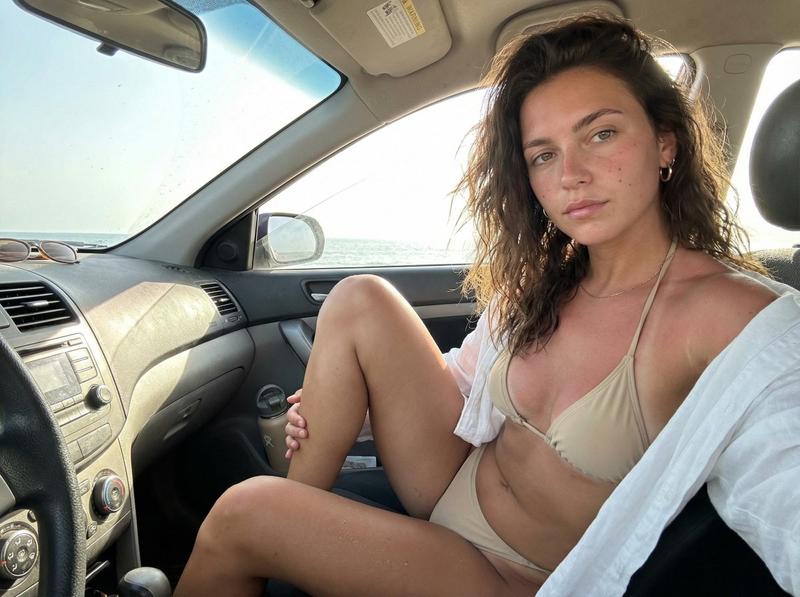
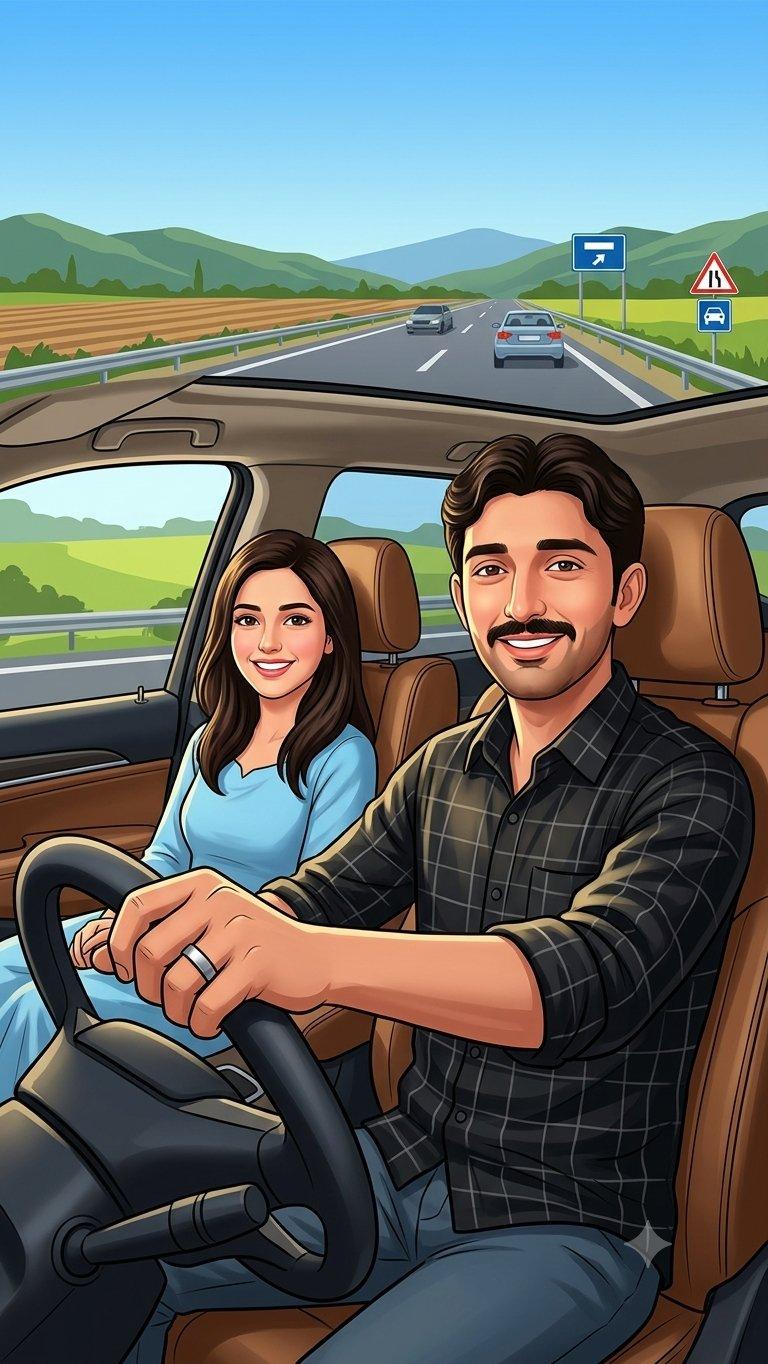
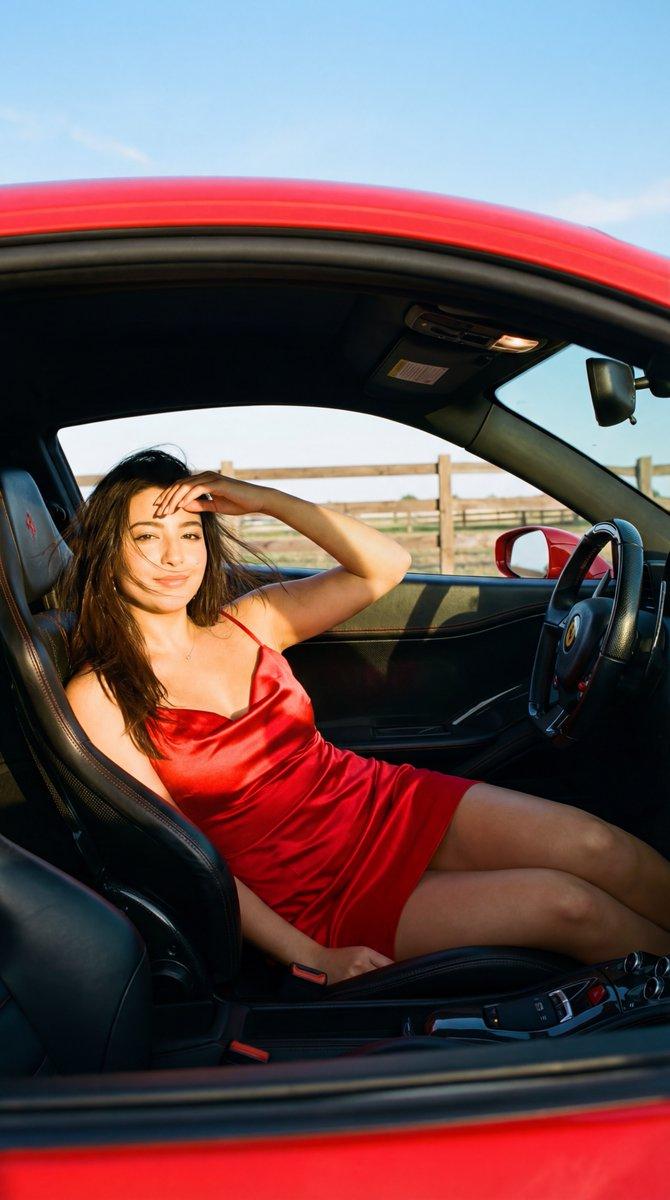
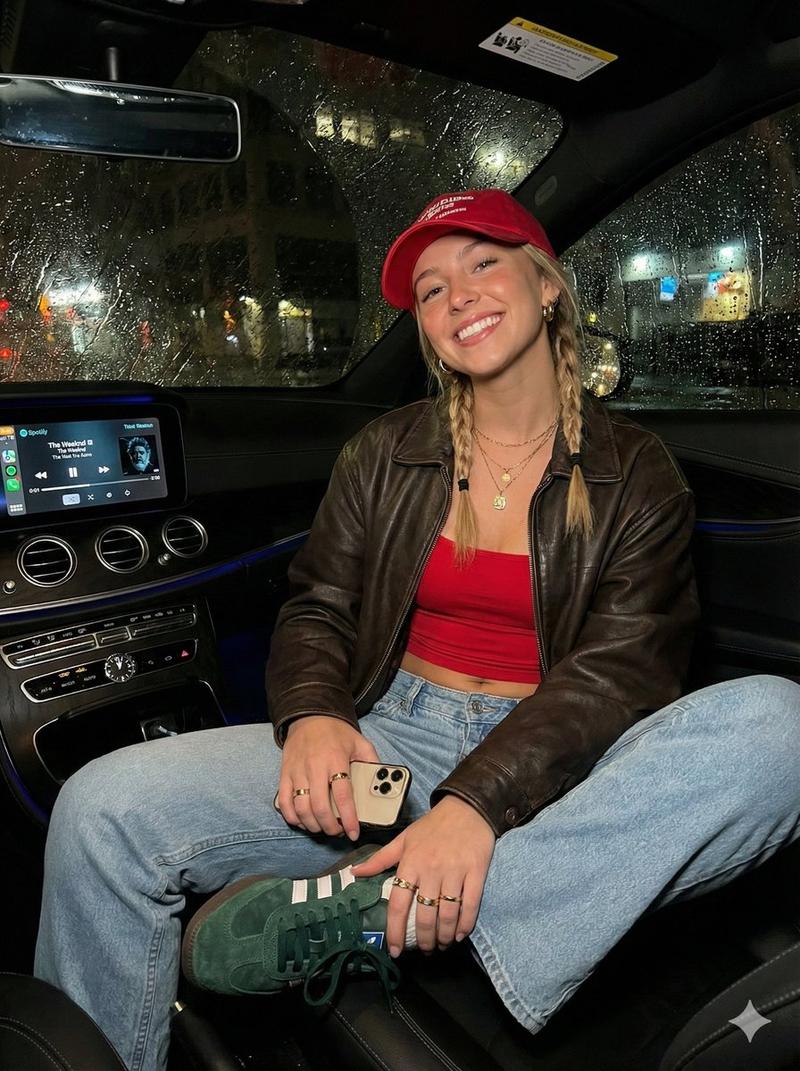
iPhone 拍摄的海岸公路旅行抓拍
Enlarge

Example images

iPhone 拍摄的海岸公路旅行抓拍

Prompt
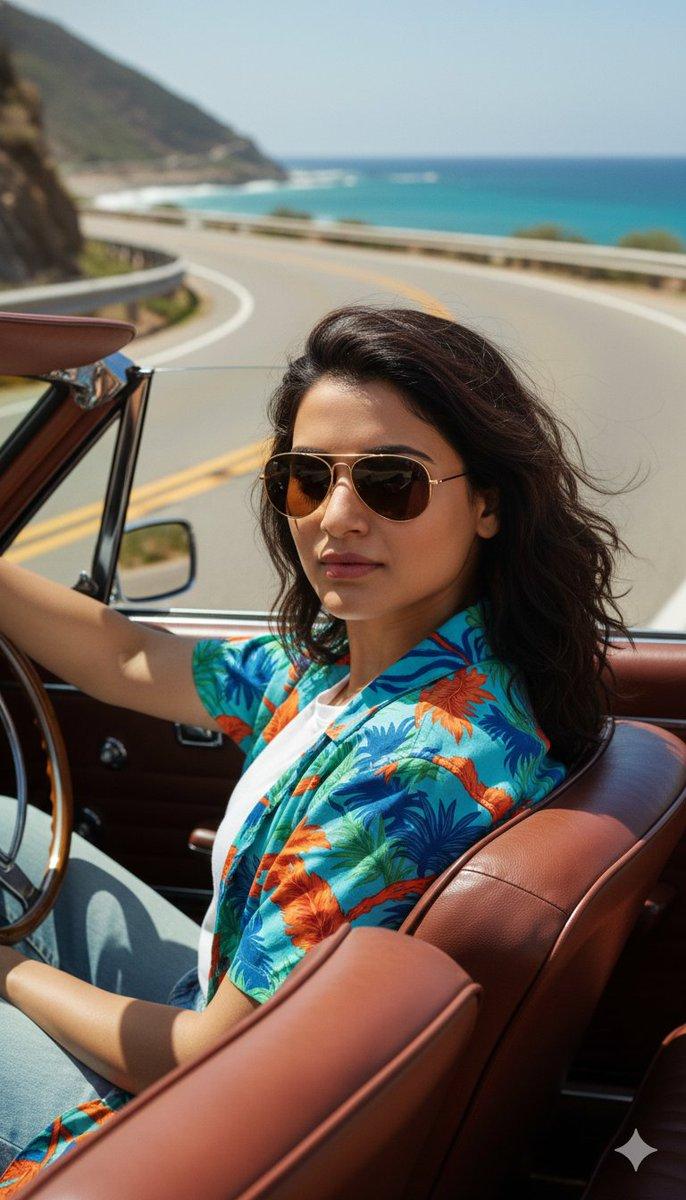
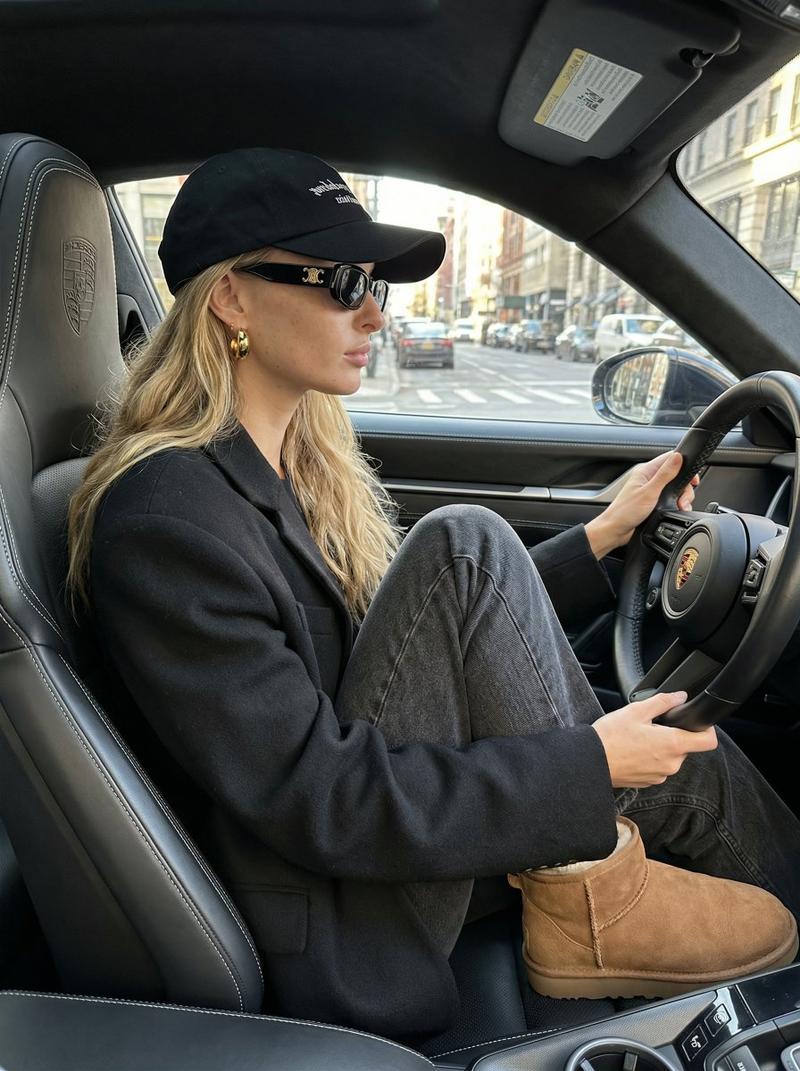
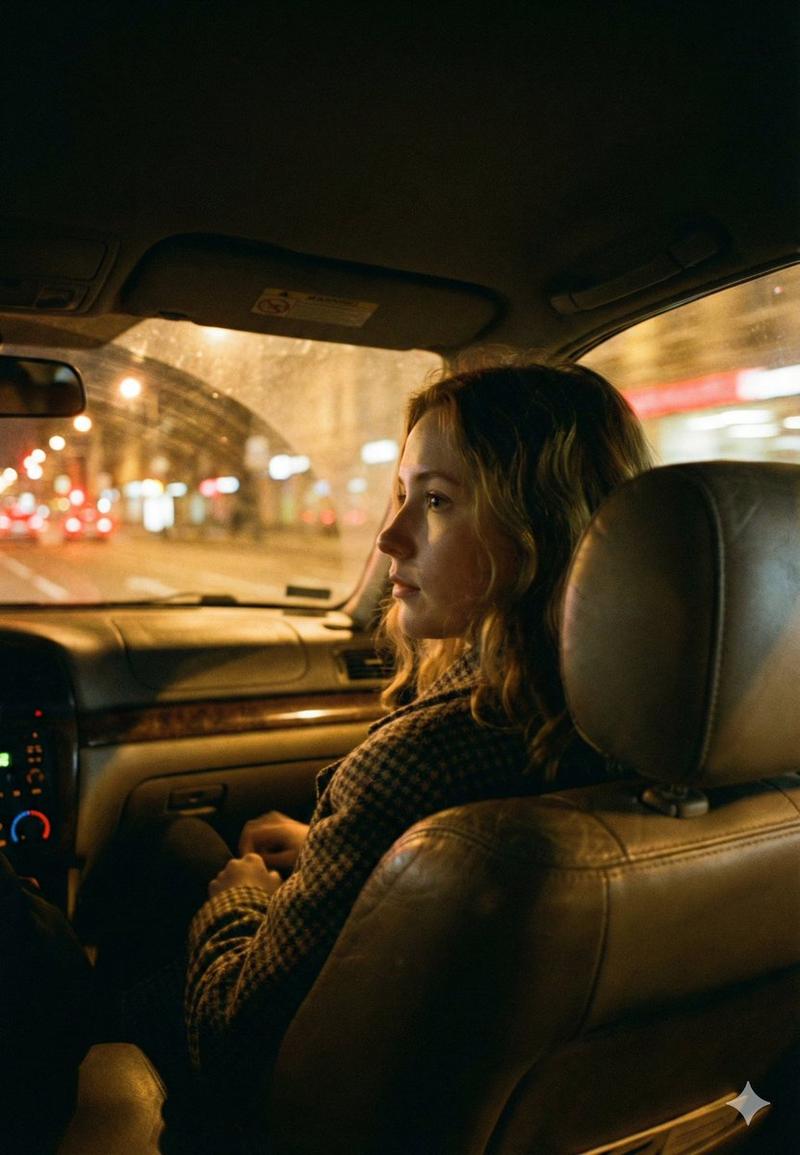
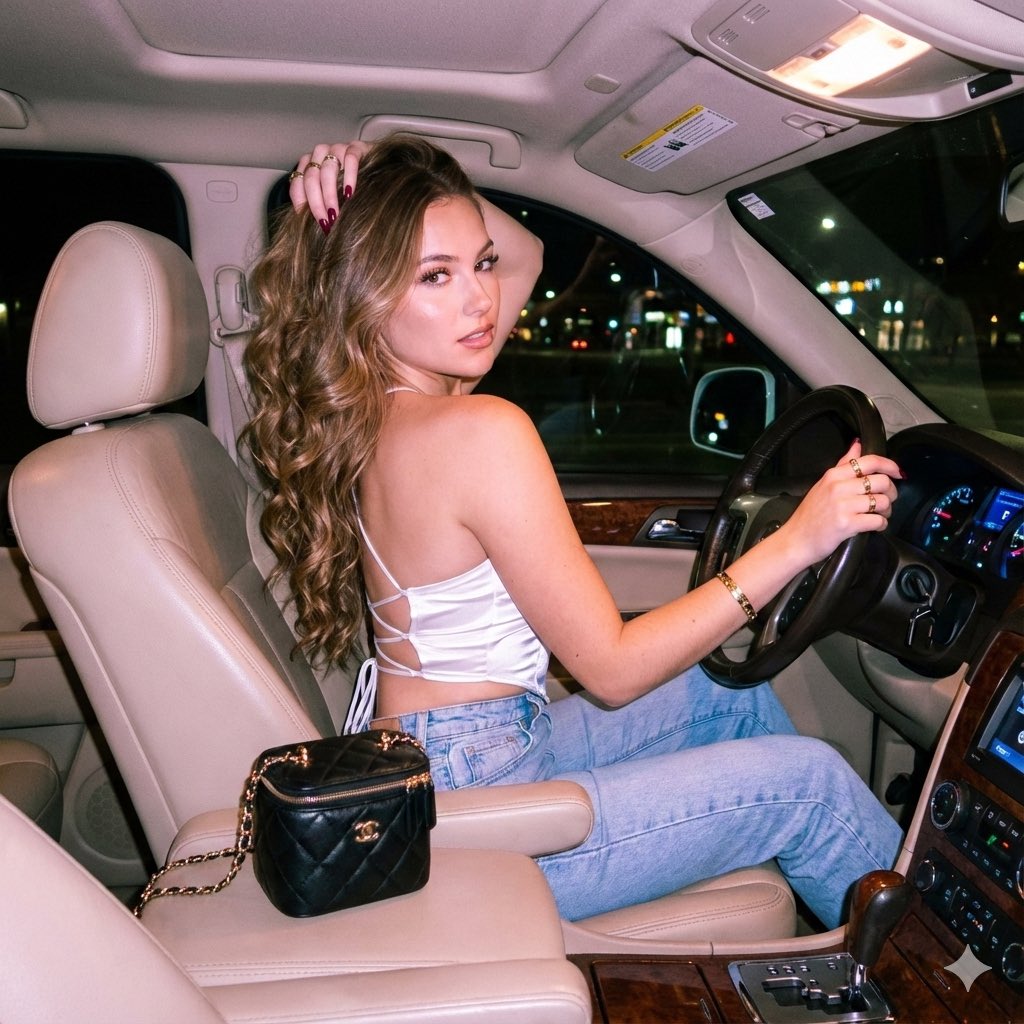
Accidental candid {argument name="camera" default="iPhone 17 Pro Max"} photo captured from the rear seat of a {argument name="car type" default="luxury coastal road-trip car"} at golden hour. A {argument name="subject" default="young woman"} sits in the front passenger seat beside the open window, turned completely away from the camera and gazing toward the endless ocean. One arm extends outside into the rushing sea breeze, fingers skimming the air, while her other arm rests casually near her lap. She wears an oversized white T-shirt and has lightly sun-kissed skin. Her long hair flows naturally in the wind, illuminated by the warm amber glow of the setting sun. The vehicle is a modern high-end luxury car with premium interior details visible in the dim cabin. The side mirror reflects the winding coastline and ocean horizon. Shot with a wide-angle lens, emphasizing both the spacious interior and the dramatic seaside scenery. The car is moving quickly along a coastal highway, with subtle motion cues in the road and landscape conveying speed and freedom. No flash, reduced exposure, natural shadows, realistic iPhone photography, cinematic summer atmosphere, detailed ocean backdrop, crisp unblurred scenery, authentic travel moment, relaxed posture, carefree mood, orange sunset reflecting on the water, ultra-realistic mobile photography, vertical composition.
Category
Posters & Typography
Model
GPT Image 2
Creator
Jack
Views0
Source ID
27134
Published
Jun 29, 2026

Guide

About "iPhone 拍摄的海岸公路旅行抓拍"

What is this prompt for?

"iPhone 拍摄的海岸公路旅行抓拍" AI image prompt for GPT Image 2 (Posters & Typography). 一个用于生成超写实、黄金时刻 iPhone 风格照片的提示词,画面为一名女性在豪华汽车内沿海岸行驶。 Copy it on Picva and recreate t…

The full copyable prompt and example visuals above are ready for AI image generation or one-click recreate in Picva.

How to use this prompt

  1. Step 1

    Open the prompt detail

    Review the example visuals, category, and full prompt text for "iPhone 拍摄的海岸公路旅行抓拍".

  2. Step 2

    Copy the prompt

    Copy the prompt body from this page, or load it directly in Studio.

  3. Step 3

    Pick a model (GPT Image 2)

    Prefer GPT Image 2. If you switch models, keep subject and composition and tweak style terms.

  4. Step 4

    Generate and export

    Recreate the look in Picva, or export into your workflow for editing and publishing.

FAQ

What is the "iPhone 拍摄的海岸公路旅行抓拍" prompt?
It is an AI image-generation prompt for GPT Image 2 in the Posters & Typography category. This page includes the full prompt text, example visuals, and a one-click recreate path in Picva.
How do I use this prompt to generate an image?
Copy the prompt from this page, or use Generate / Studio. Paste it into a compatible image model, or recreate the look in Picva with optional reference images.
Which model is this prompt for?
This page lists GPT Image 2. Most descriptive prompts also transfer to nearby image models such as GPT Image, Flux, or Midjourney with light style tweaks.
Can I use the result commercially?
You can usually copy the prompt for creation, but commercial use of the final image depends on the model terms, reference-image rights, and the generated content. Follow the source author and platform rules.