11

写实风格夜间镜面自拍
Enlarge

写实风格夜间镜面自拍

Prompt
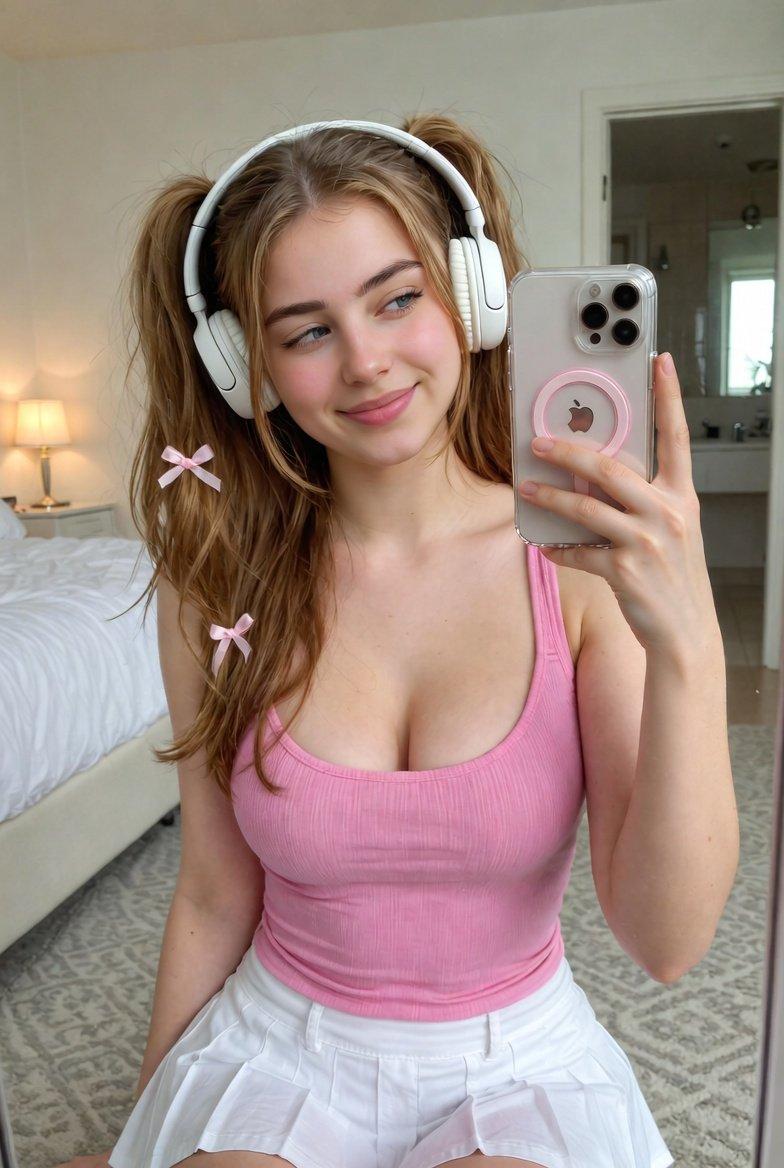
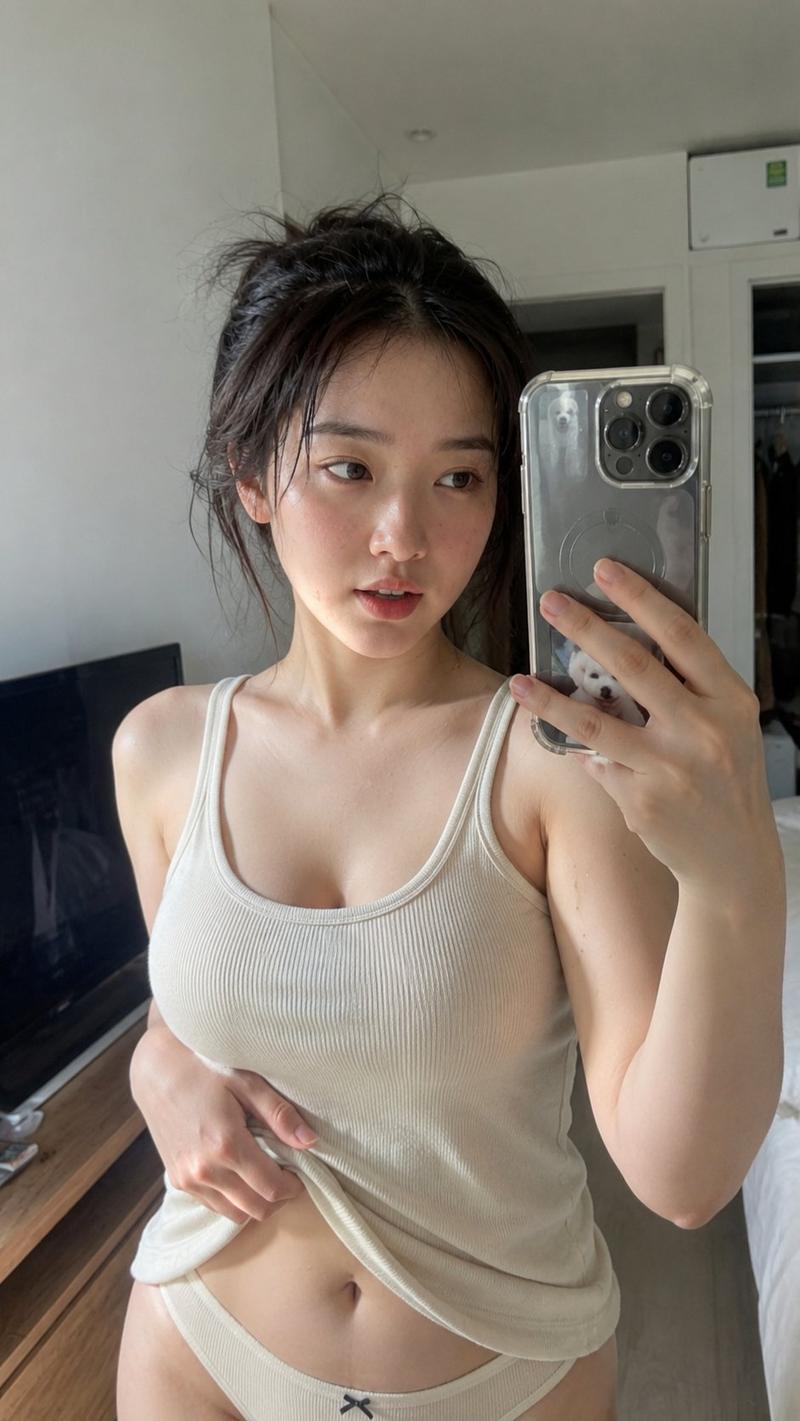
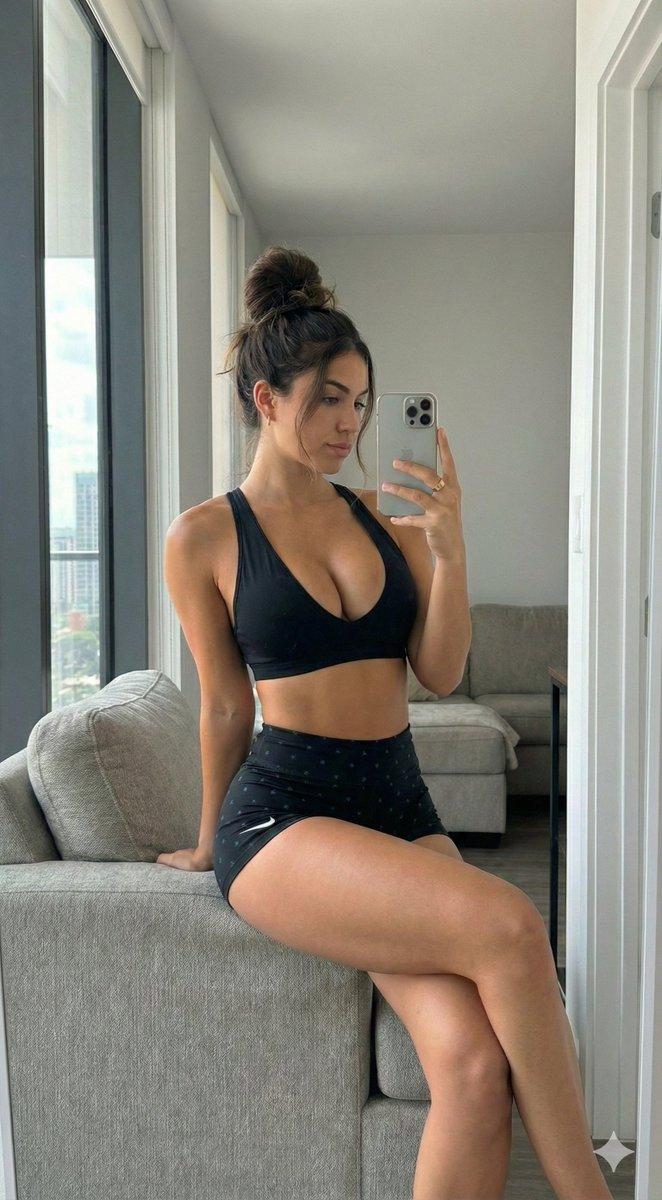
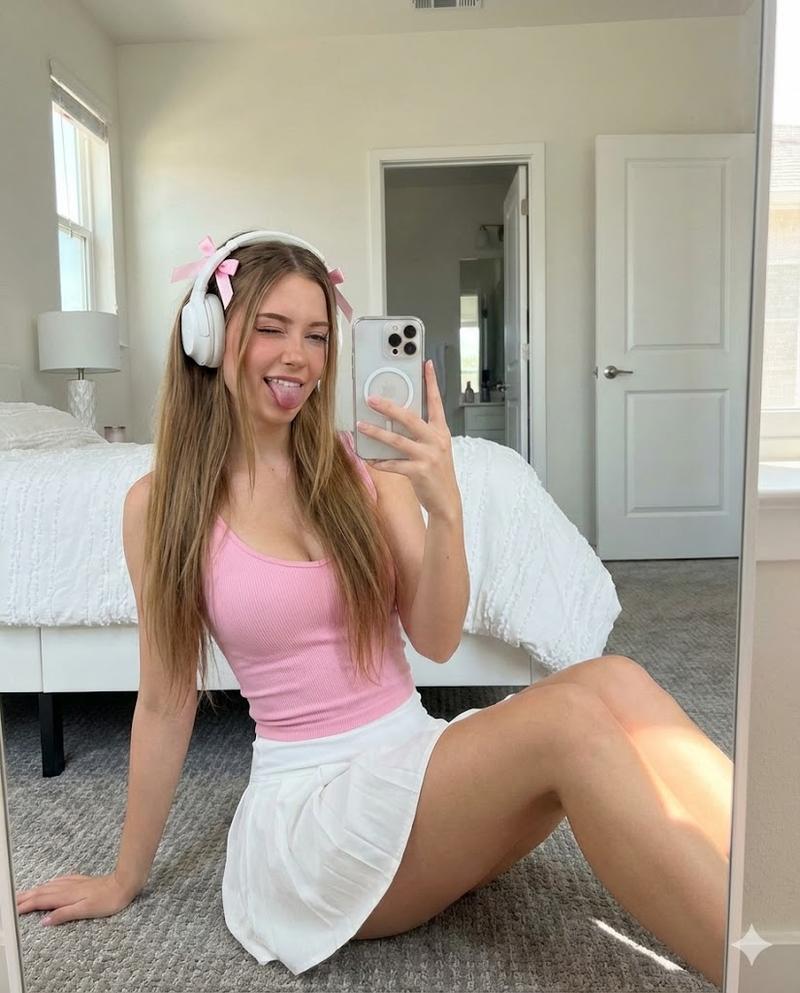
Create an ultra-realistic casual mirror selfie of a young adult woman in a cozy apartment at night. She is seated on a gray sofa, framed from upper thighs to head, holding a dark smartphone in her right hand so the phone partially covers the right side of the image. She has {argument name="hair color and style" default="shoulder-length wavy blonde hair with a loose, slightly messy texture"}, fair skin, soft natural makeup, defined brows, and a relaxed faint smile while looking slightly toward the phone screen. She wears {argument name="outfit" default="a fitted heather-gray ribbed crop tank top and matching light-gray drawstring lounge shorts"}. The pose is casual and intimate: torso angled slightly toward the mirror, left arm resting down by her side, one knee visible in the foreground. The environment is a modern living room or bedroom corner with warm indoor lighting, a glowing table lamp on the left, beige curtains behind her, a large dark window showing blurred city lights at night, a potted plant near the window, and neutral gray upholstery. Use realistic smartphone camera aesthetics: vertical 4:5 composition, close personal framing, slight mirror distortion, soft low-light noise, warm skin tones, natural shadows, shallow background softness, candid social-media realism rather than studio perfection. Avoid text, watermark, exaggerated beauty retouching, extra fingers, distorted phone, or unrealistic anatomy.
Category
Architecture & Spaces
Model
GPT Image 2
Creator
daram
Views1
Source ID
27220
Published
Jun 29, 2026

Guide

About "写实风格夜间镜面自拍"

What is this prompt for?

"写实风格夜间镜面自拍" AI image prompt for GPT Image 2 (Architecture & Spaces). 生成一张在温馨公寓内拍摄的写实感镜面自拍,营造低光环境下的暖色调氛围,适用于生活方式展示或虚拟模特影像。 Copy it on Picva and recreate the lo…

The full copyable prompt and example visuals above are ready for AI image generation or one-click recreate in Picva.

How to use this prompt

  1. Step 1

    Open the prompt detail

    Review the example visuals, category, and full prompt text for "写实风格夜间镜面自拍".

  2. Step 2

    Copy the prompt

    Copy the prompt body from this page, or load it directly in Studio.

  3. Step 3

    Pick a model (GPT Image 2)

    Prefer GPT Image 2. If you switch models, keep subject and composition and tweak style terms.

  4. Step 4

    Generate and export

    Recreate the look in Picva, or export into your workflow for editing and publishing.

FAQ

What is the "写实风格夜间镜面自拍" prompt?
It is an AI image-generation prompt for GPT Image 2 in the Architecture & Spaces category. This page includes the full prompt text, example visuals, and a one-click recreate path in Picva.
How do I use this prompt to generate an image?
Copy the prompt from this page, or use Generate / Studio. Paste it into a compatible image model, or recreate the look in Picva with optional reference images.
Which model is this prompt for?
This page lists GPT Image 2. Most descriptive prompts also transfer to nearby image models such as GPT Image, Flux, or Midjourney with light style tweaks.
Can I use the result commercially?
You can usually copy the prompt for creation, but commercial use of the final image depends on the model terms, reference-image rights, and the generated content. Follow the source author and platform rules.