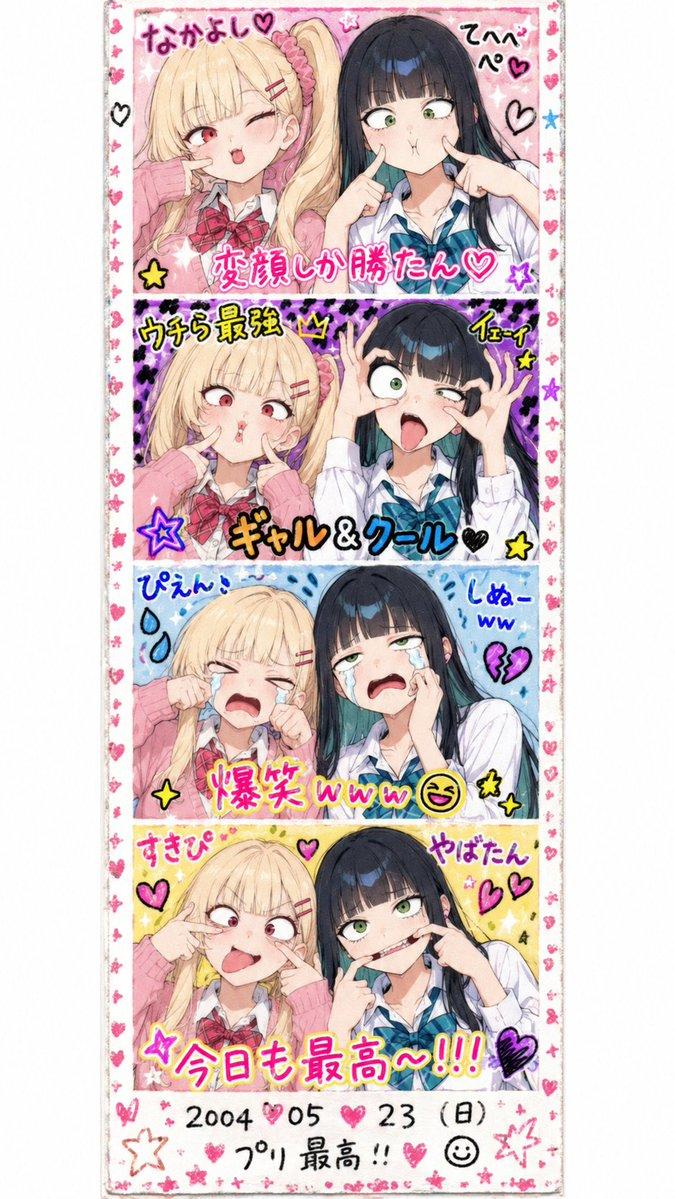
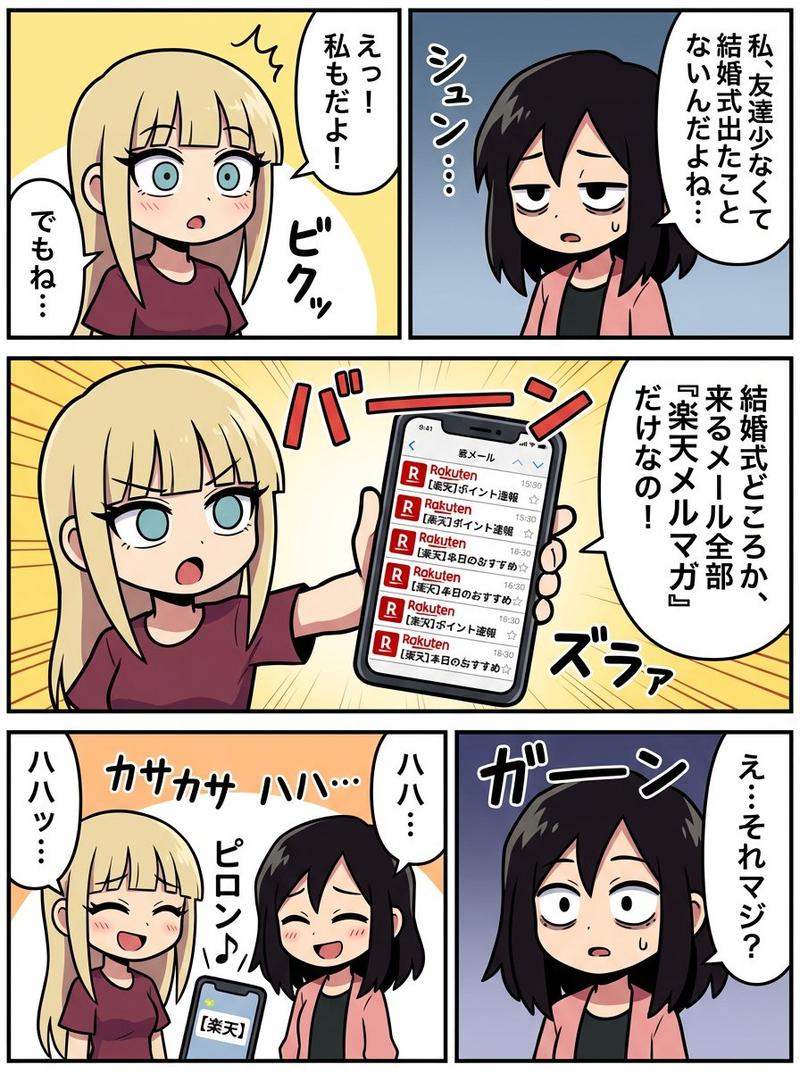
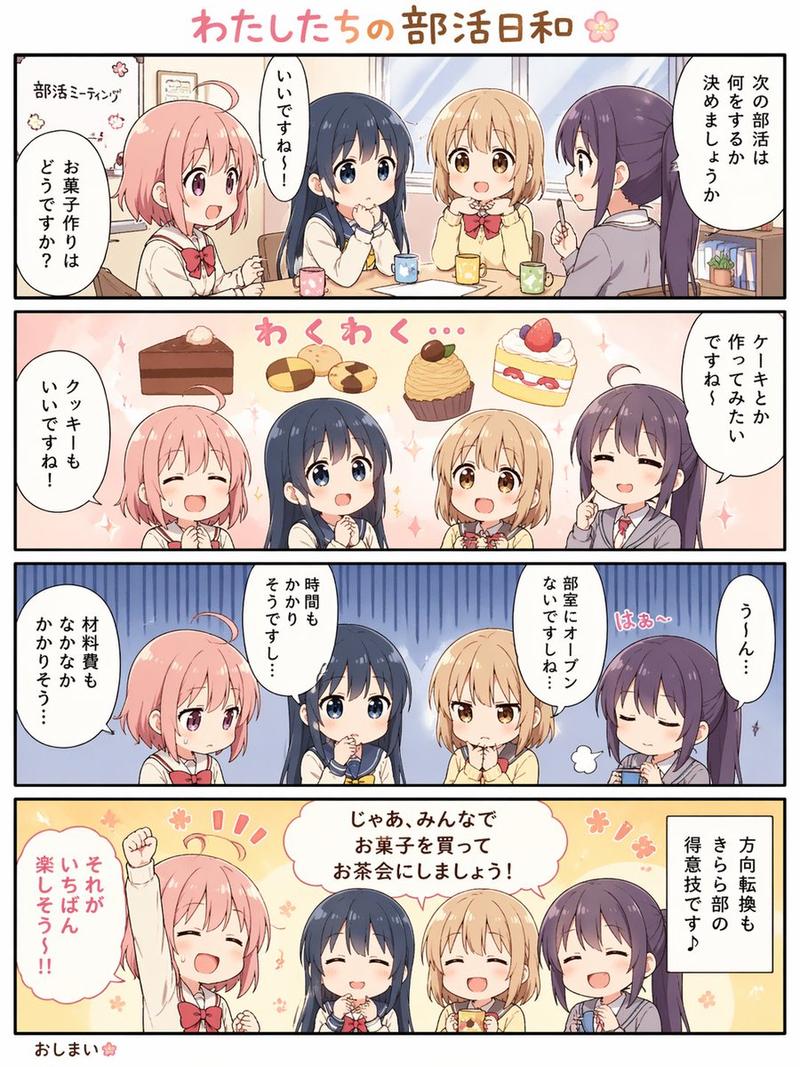
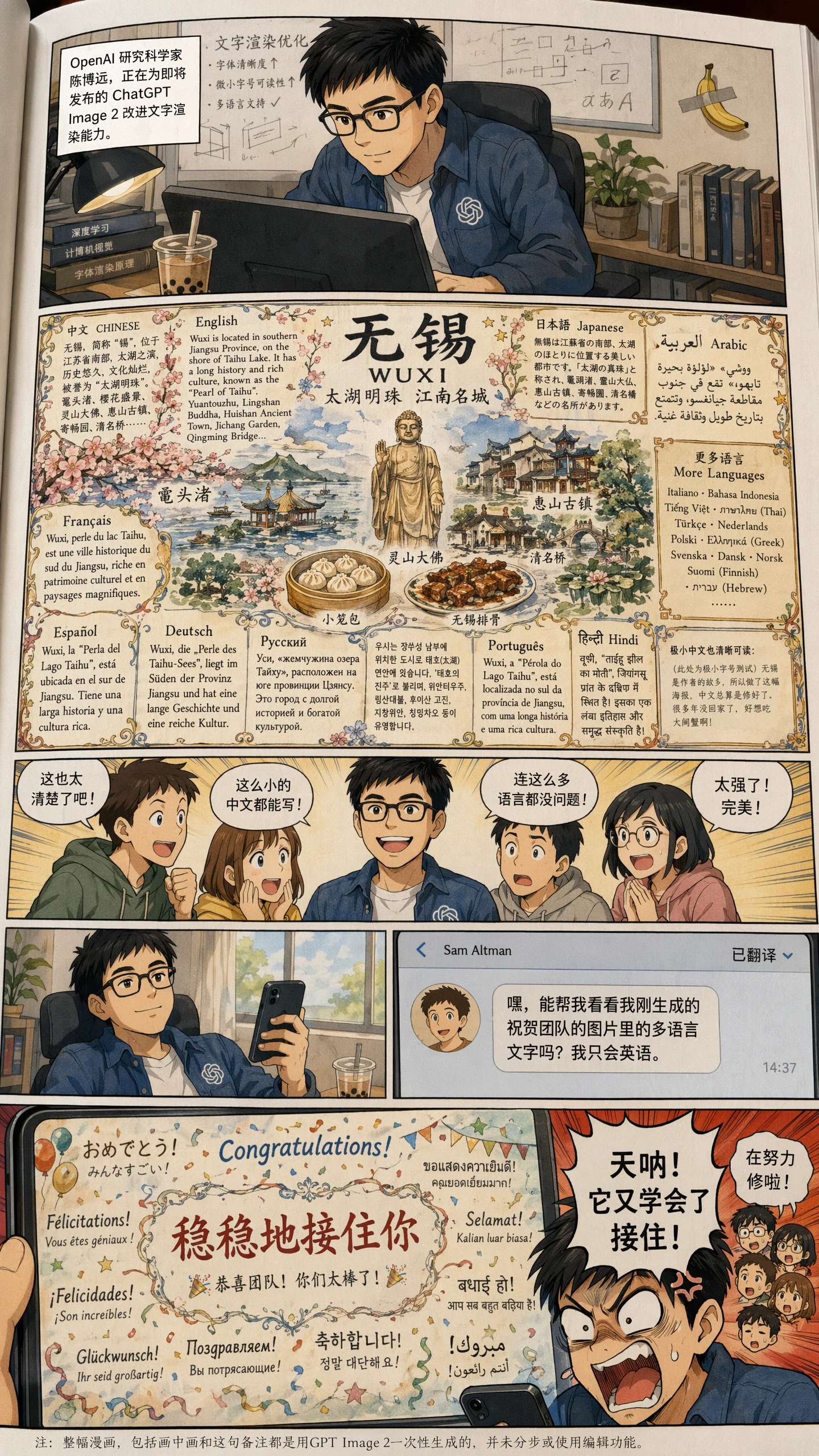
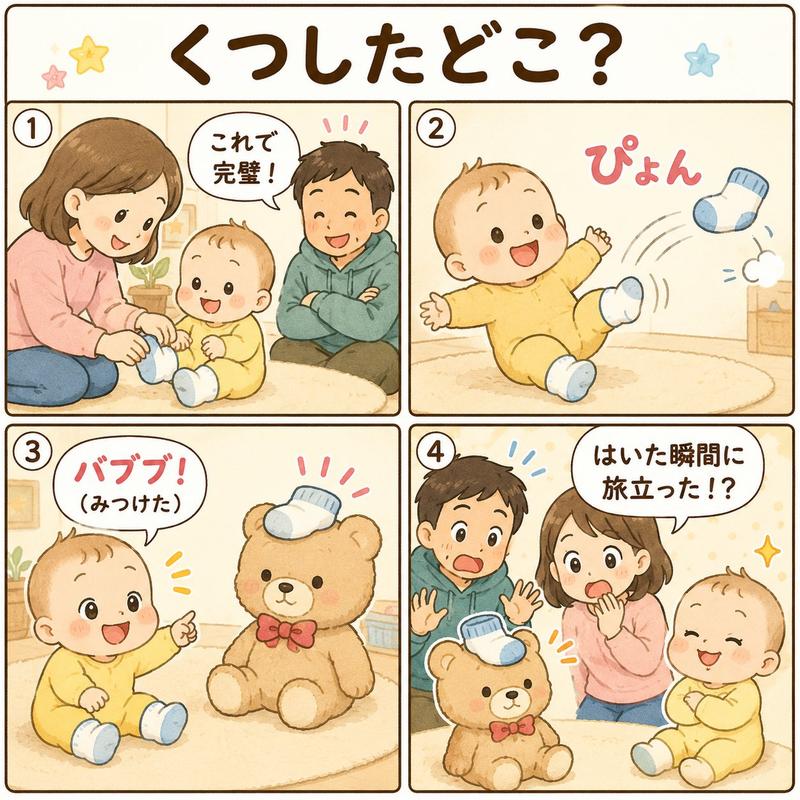
四格 AI 漫画工作流漫画
Prompt
Goal: Create a soft watercolor-style vertical 4-panel manga explainer about an AI manga creation workflow, featuring a cute chibi child with {argument name="hair color" default="bright pink"} hair and a blue sweatshirt demonstrating how to improve image generation prompts before final output.

Canvas: Portrait page, 4:5 aspect ratio, off-white paper texture, hand-drawn pencil panel borders, gentle pastel peach background washes, small pink cherry blossom doodles and sparkle accents scattered between panels. Use a warm, charming Japanese children’s-book manga style with light ink outlines, watercolor shading, and clean readable lettering.

Layout: Exactly 4 horizontal comic panels stacked vertically, separated by thin rough brown hand-drawn borders. The recurring main character appears once in each panel. Include exactly 4 speech bubbles, one per panel, with Japanese handwritten text.

Character details: A small chibi boy/girl mascot, toddler-like proportions, large amber-brown eyes, round face, short side-swept pink hair, wearing a loose sky-blue sweater. Expressions by panel: panel 1 curious and cheerful, panel 2 focused while inspecting, panel 3 serious and concentrated while correcting instructions, panel 4 delighted with eyes closed and big smile.

Panel 1: The character stands on the right, holding up a printed manga page with small grayscale/sepia comic panels showing a young woman. On the left is a large speech bubble containing: {argument name="panel 1 speech" default="まずは\n安いモデルで\n方向確認!"}. Add a tiny flower near the top center.

Panel 2: Close-up composition. The character is larger, leaning over a desk, holding a magnifying glass in one hand and inspecting a paper titled “YAML” on the right. The YAML sheet has red check marks, underlines, and a circled correction. A small generated manga page printout sits on the left side of the desk. On the right is a speech bubble containing: {argument name="panel 2 speech" default="AIと一緒に\nYAMLを\nチェック…"}.

Panel 3: Side view of the character on the right, writing with a red pen on a large instruction sheet labeled in Japanese “プロンプト指示”. The sheet shows multiple prompt categories and red corrections, including crossed-out marks, circled text, and emphatic red symbols near the top. On the left is a speech bubble containing: {argument name="panel 3 speech" default="ズレを直して\n指示を\n具体的に!"}.

Panel 4: The character stands on the right holding up a finished-looking manga page with three visible comic panels, featuring a young woman working at a desk and clean dialogue bubbles. Add pink flowers and golden sparkle marks around the page to imply success. On the right is a speech bubble containing: {argument name="panel 4 speech" default="仕上げは\n高精度モデルで\n完璧っ!"}.

Constraints: Use exactly 4 stacked panels, exactly 4 speech bubbles, exactly 1 main chibi character per panel, exactly 3 visible paper/page props total types across the comic: generated manga printouts, a YAML inspection sheet, and a prompt instruction sheet. Keep all Japanese text legible and handwritten-looking, avoid photorealism, avoid dark heavy shadows, no watermark, no extra panels.- Category
- Charts & Infographics
- Model
- GPT Image 2
- Creator
- みゆ|50歳主婦がAIマンガでKindle出版に挑戦
- Source ID
- 27384
- Published
- Jul 1, 2026
Views0