12

粗粝都市风格人像
Enlarge

粗粝都市风格人像

Prompt
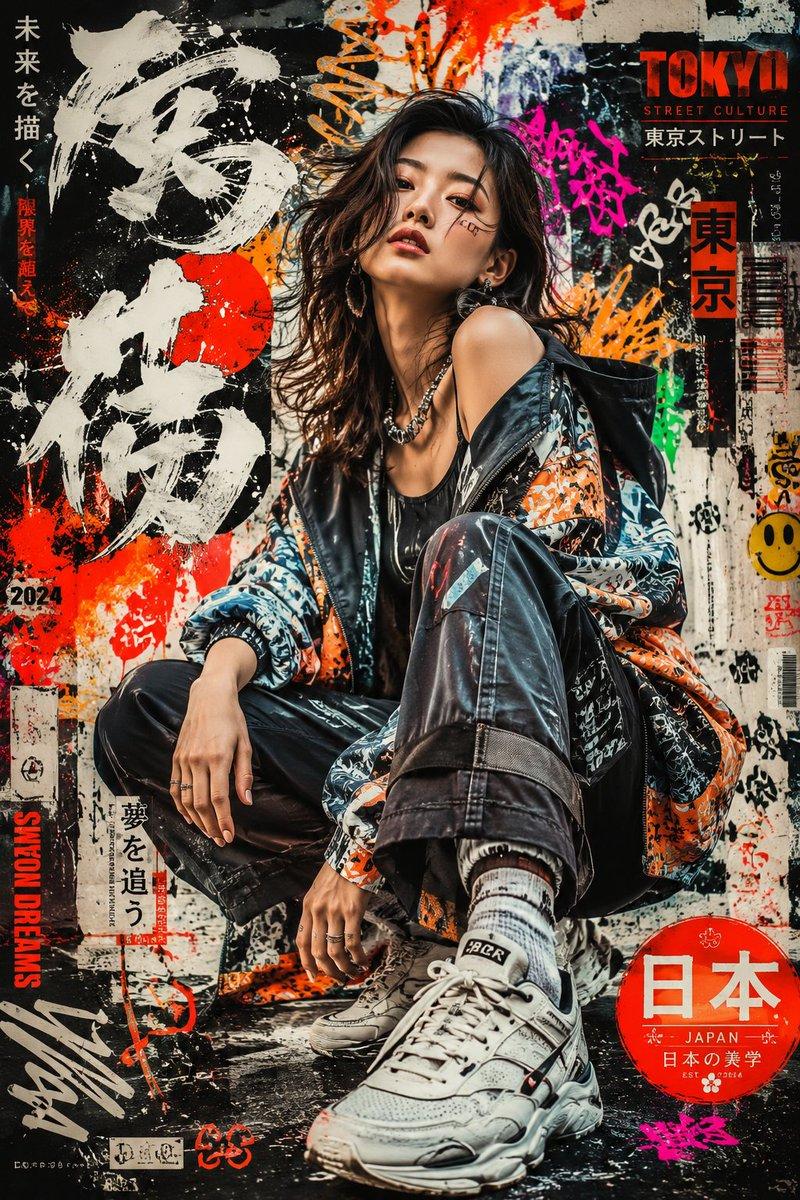
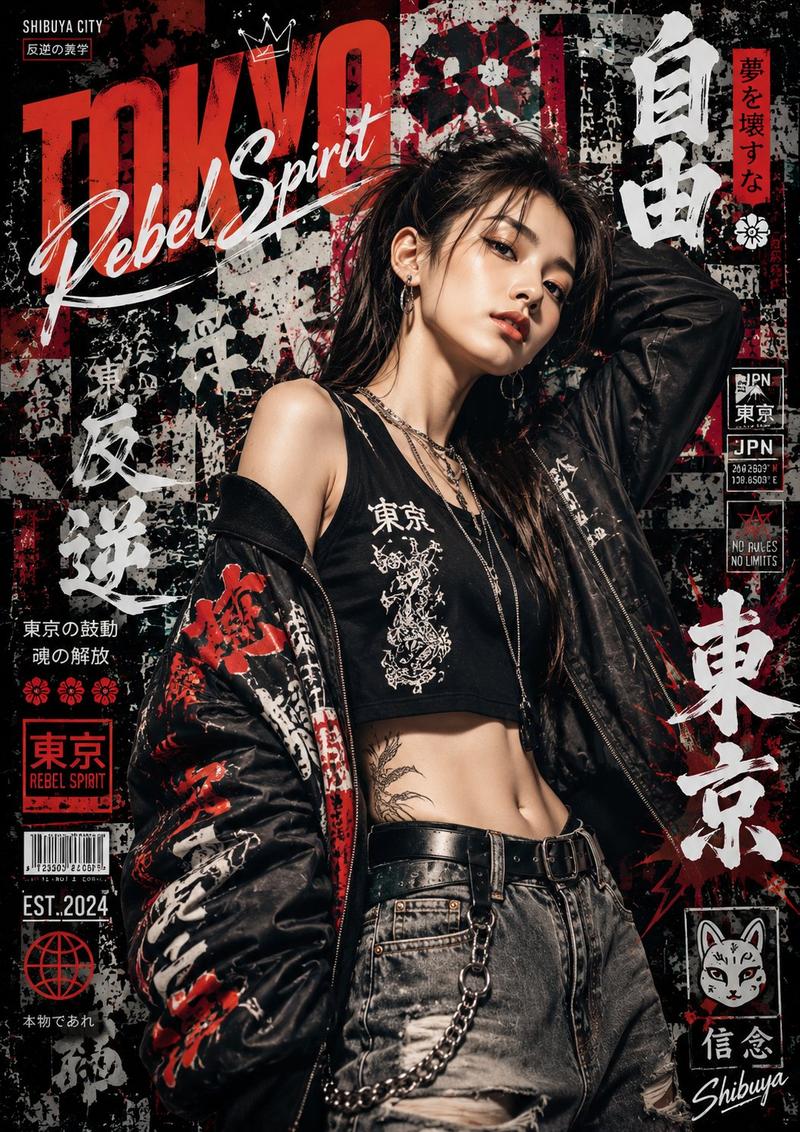
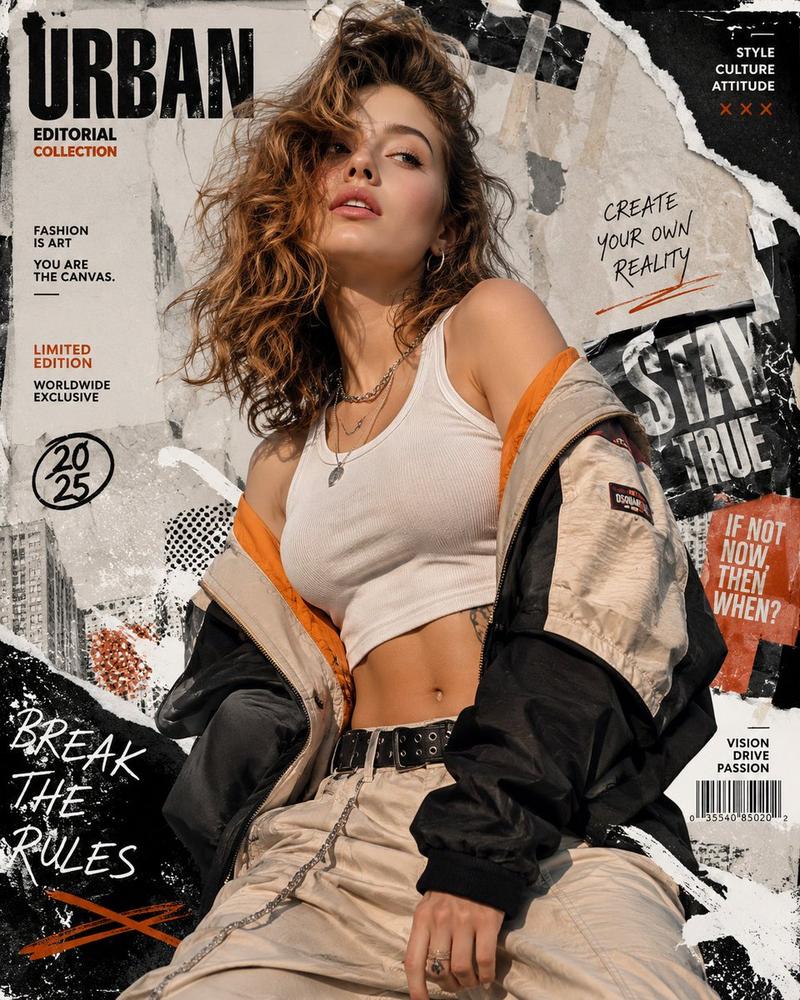
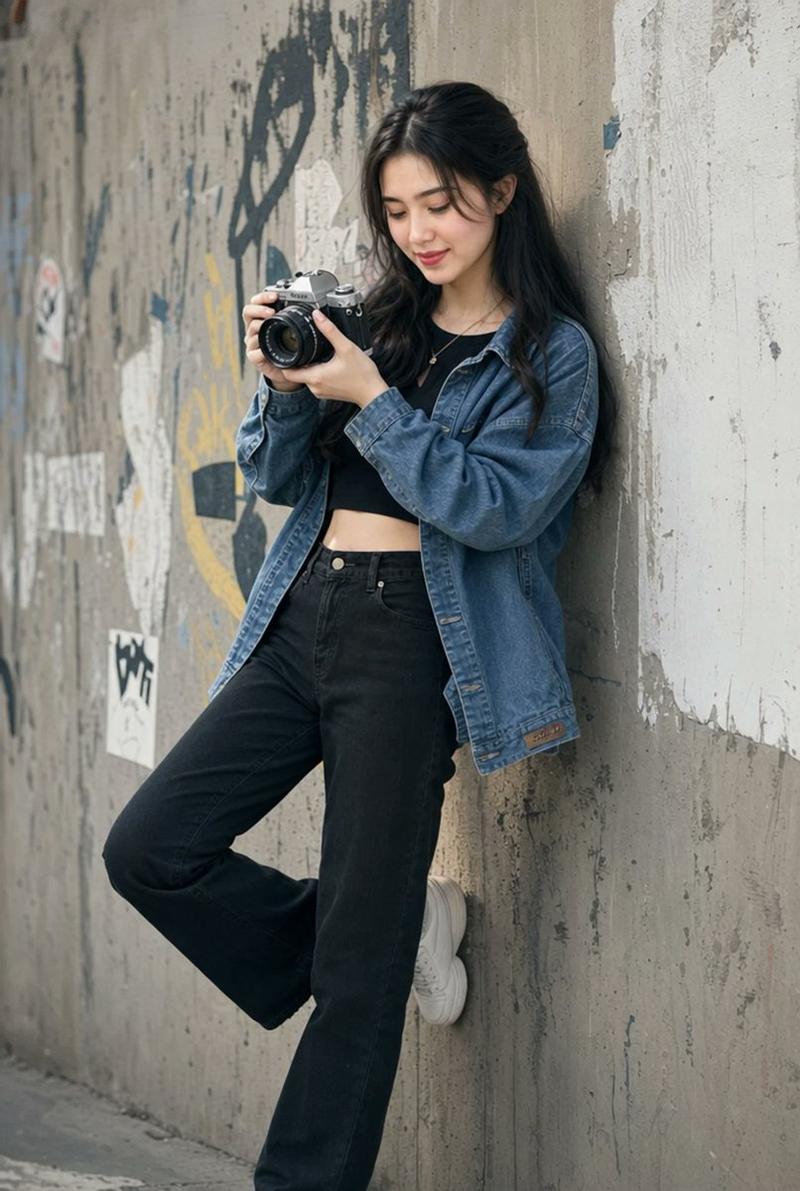
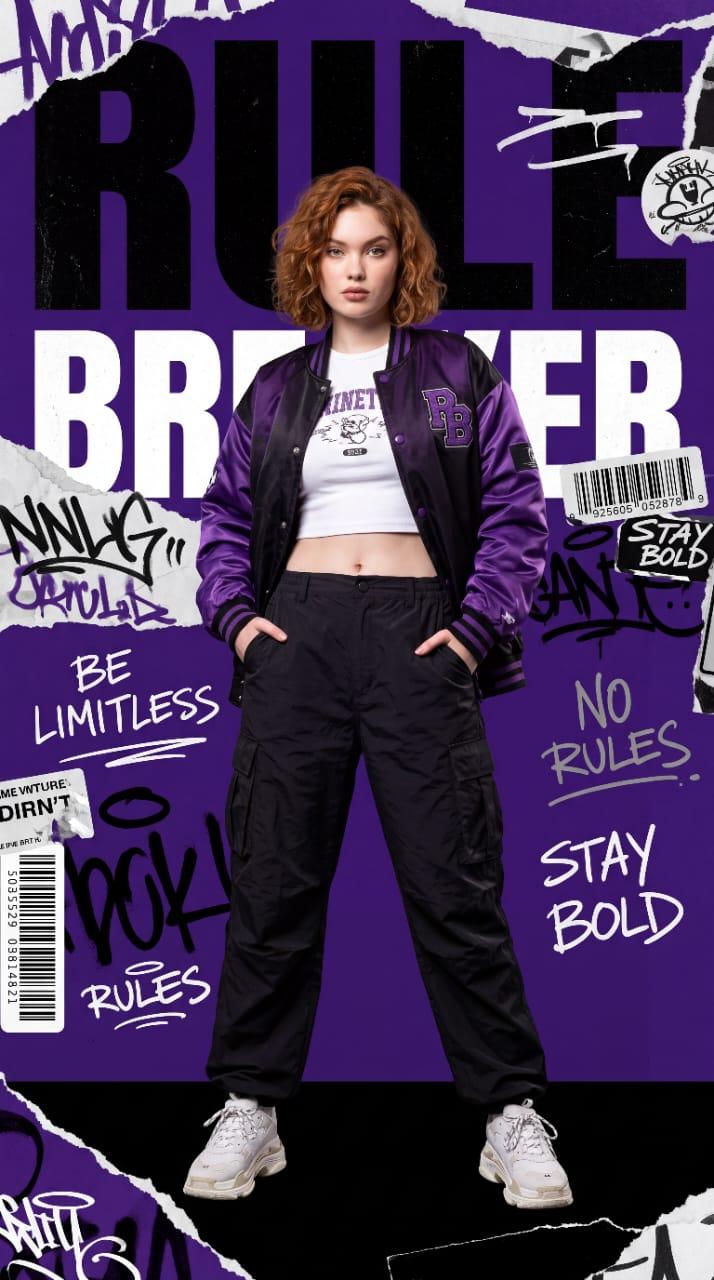
Photorealistic editorial portrait of a confident young woman crouching against a {argument name="backdrop" default="grungy graffiti-covered wall"}, three-quarter full-body composition centered in frame with low camera angle, wearing a {argument name="jacket type" default="black satin bomber jacket with visible zipper and ribbed cuffs"}, layered black top, hoop earrings, {argument name="trousers" default="ripped light-blue jeans"} and black-and-white retro sneakers, one knee raised, one hand resting on knee and the other near the shoe, {argument name="expression" default="intense sultry expression"} with smoky eye makeup and strong catchlights, long tousled brown hair framing her face. Gritty urban setting with bold red, white and black spray-painted text and drips reading chaotic slogans, textured concrete floor with paint splatters. Cinematic high-contrast lighting: soft key from top-left, subtle rim light to separate subject, deep shadows and specular highlights on jacket, shallow depth of field (wide aperture) for subject isolation, crisp skin detail, film grain, moody color grade emphasizing saturated reds and desaturated blues, sharp focus on eyes, natural skin tones, editorial retouching, high resolution, dramatic atmosphere.
Category
Posters & Typography
Model
GPT Image 2
Creator
Lina
Views0
Source ID
27423
Published
Jul 2, 2026

Guide

About "粗粝都市风格人像"

What is this prompt for?

"粗粝都市风格人像" AI image prompt for GPT Image 2 (Posters & Typography). 一个高对比度的电影感提示词,用于创作一张都市风格人像,展现身穿飞行员夹克、背景为质感涂鸦墙的女性,并配以情绪化灯光。 Copy it on Picva and recreate the…

The full copyable prompt and example visuals above are ready for AI image generation or one-click recreate in Picva.

How to use this prompt

  1. Step 1

    Open the prompt detail

    Review the example visuals, category, and full prompt text for "粗粝都市风格人像".

  2. Step 2

    Copy the prompt

    Copy the prompt body from this page, or load it directly in Studio.

  3. Step 3

    Pick a model (GPT Image 2)

    Prefer GPT Image 2. If you switch models, keep subject and composition and tweak style terms.

  4. Step 4

    Generate and export

    Recreate the look in Picva, or export into your workflow for editing and publishing.

FAQ

What is the "粗粝都市风格人像" prompt?
It is an AI image-generation prompt for GPT Image 2 in the Posters & Typography category. This page includes the full prompt text, example visuals, and a one-click recreate path in Picva.
How do I use this prompt to generate an image?
Copy the prompt from this page, or use Generate / Studio. Paste it into a compatible image model, or recreate the look in Picva with optional reference images.
Which model is this prompt for?
This page lists GPT Image 2. Most descriptive prompts also transfer to nearby image models such as GPT Image, Flux, or Midjourney with light style tweaks.
Can I use the result commercially?
You can usually copy the prompt for creation, but commercial use of the final image depends on the model terms, reference-image rights, and the generated content. Follow the source author and platform rules.