19

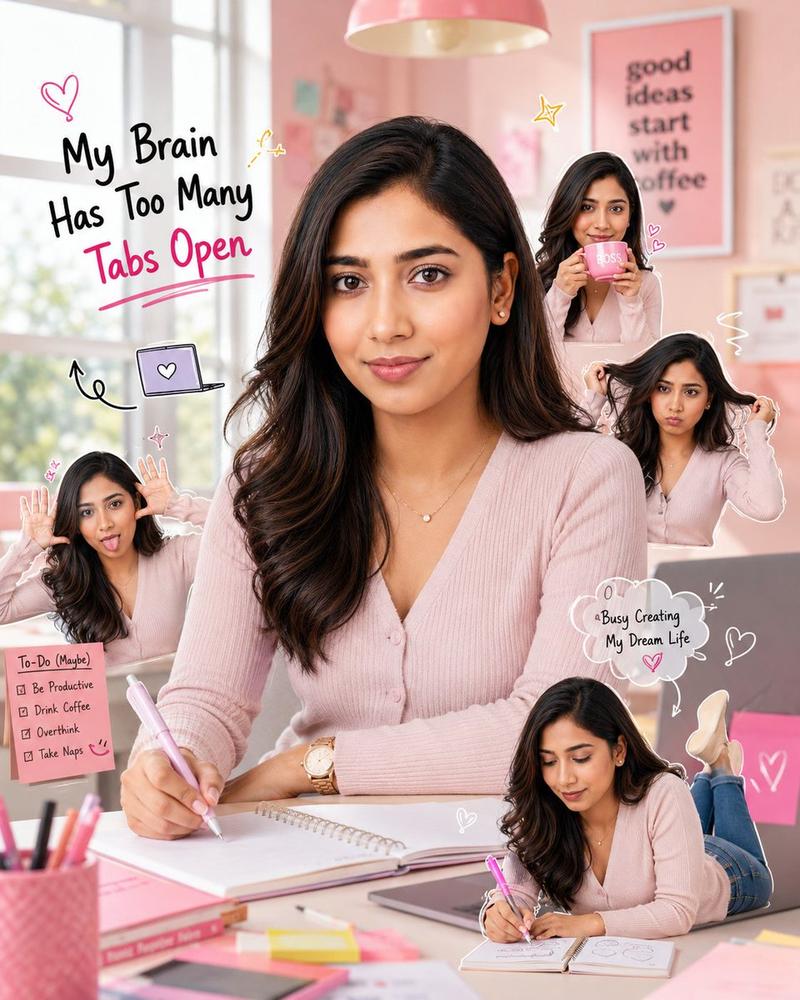
粉色办公室 Q 版场景
Enlarge

粉色办公室 Q 版场景

Prompt
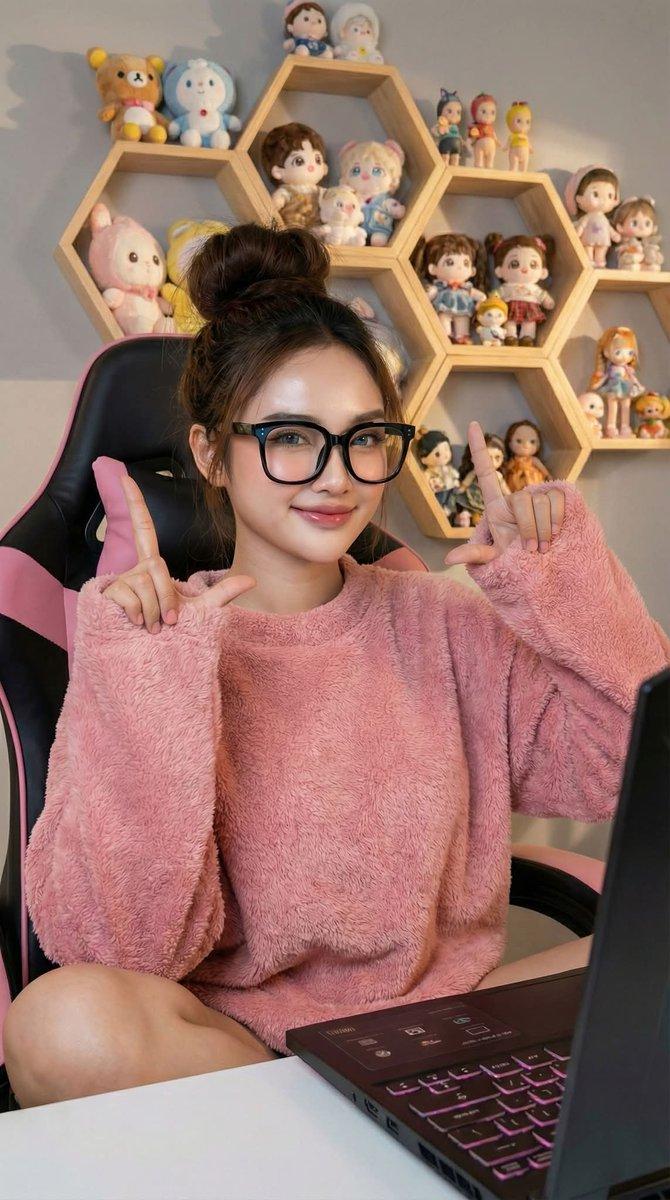
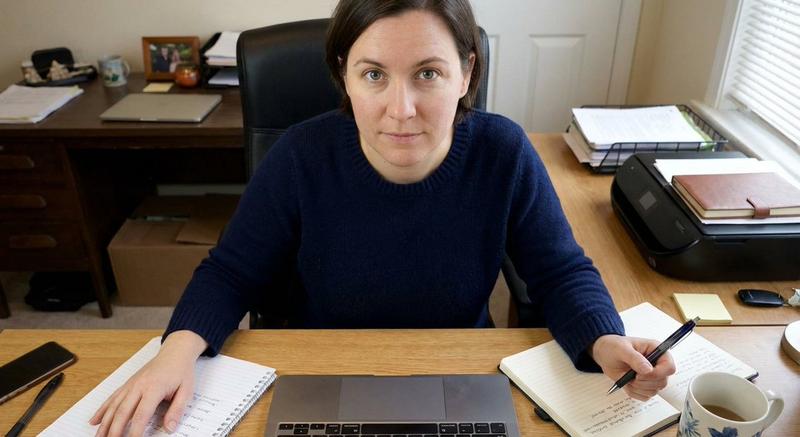
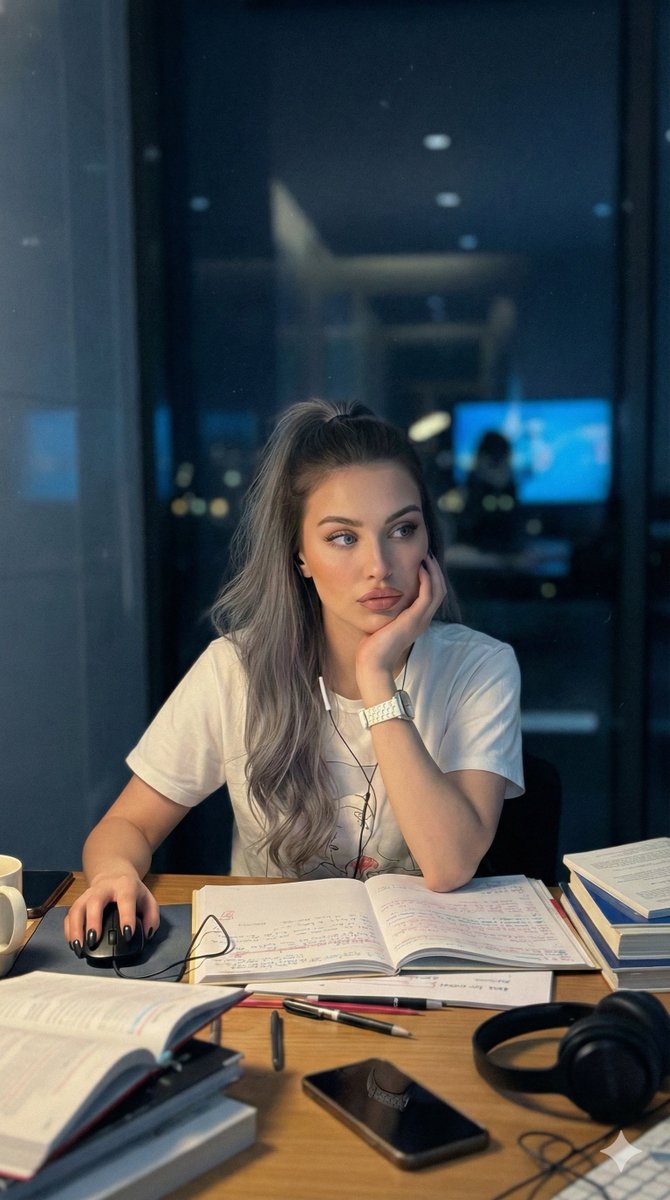
Using the reference photo, create a realistic female character with the same facial structure and facial features. Keep the person as photorealistic as possible, with a soft smile and a playful, natural expression.

Hair: Match the reference photo, including the same hairstyle, natural movement, and healthy shine.

Outfit: Dress her in modern, stylish casual clothing.

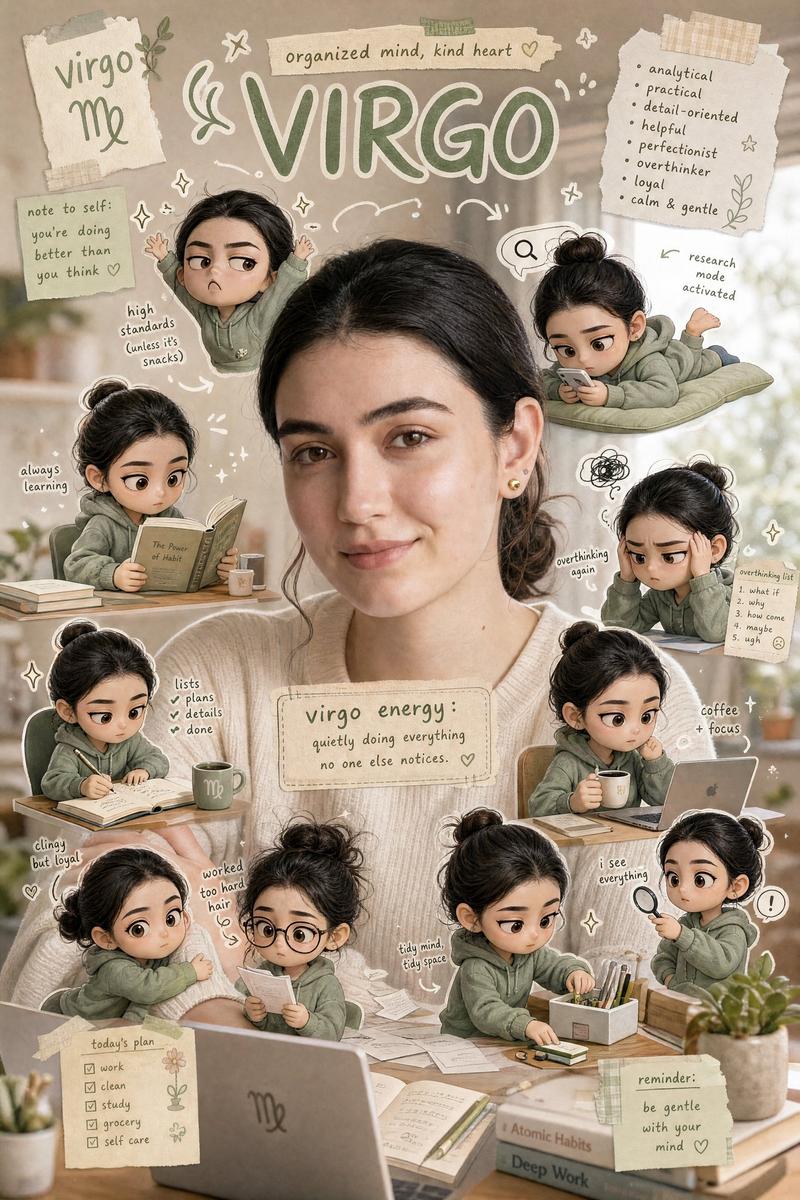
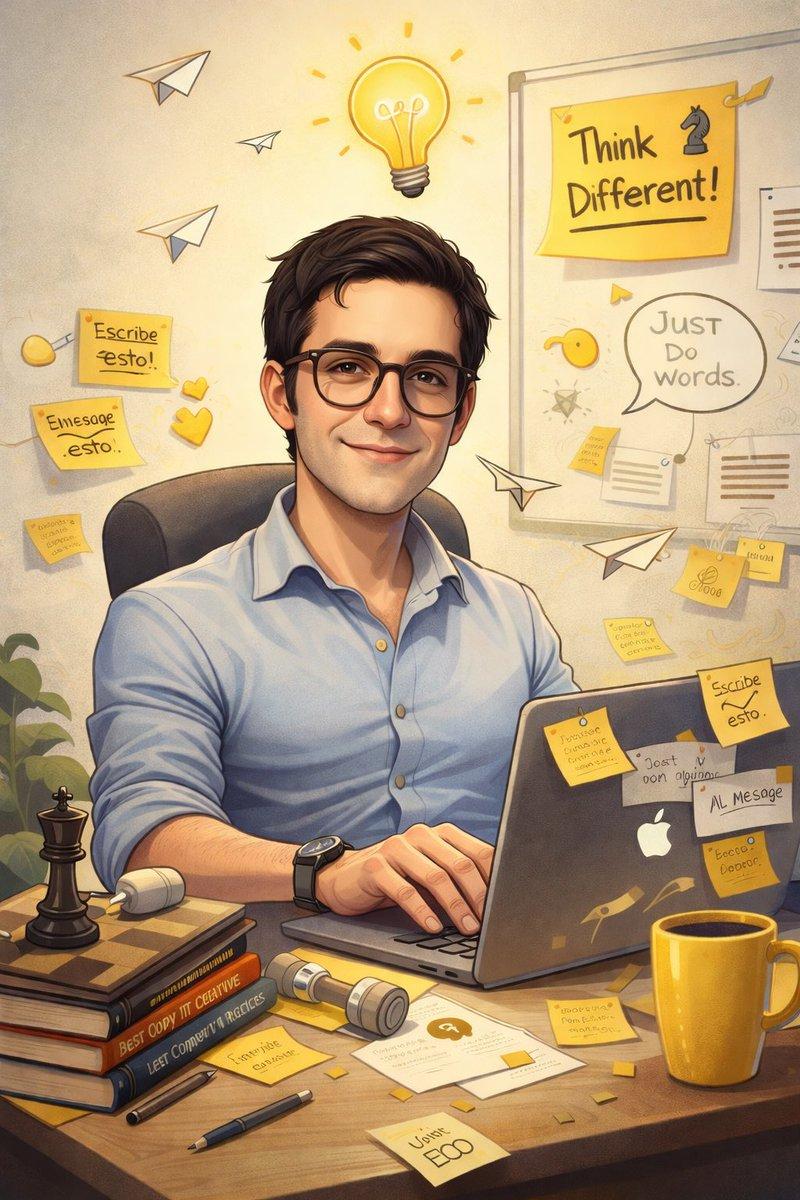
Scene: Place her in an adorable {argument name="color theme" default="pink"} office where she looks creative and inspired. Around her, add {argument name="characters" default="tiny chibi versions of the same woman"} doing {argument name="character actions" default="funny actions: drinking coffee from a cup, pulling her hair, making silly faces"}, and lying on her stomach on the desk while drawing in a notebook. Add cute doodles and emojis throughout the scene, plus a short matching phrase that fits the playful office mood.

Lighting and format: Natural light, realistic detail, {argument name="aspect ratio" default="1080:1350"} aspect ratio, 4:5 vertical composition.
Category
Photography & Realism
Model
GPT Image 2
Creator
PromptLab
Views0
Source ID
27538
Published
Jul 3, 2026

Guide

About "粉色办公室 Q 版场景"

What is this prompt for?

"粉色办公室 Q 版场景" AI image prompt for GPT Image 2 (Photography & Realism). 一个创意提示词,用于生成一位身处粉色办公室的写实女性角色,并配有多个幽默的 Q 版形象。 Copy it on Picva and recreate the look in o…

The full copyable prompt and example visuals above are ready for AI image generation or one-click recreate in Picva.

How to use this prompt

  1. Step 1

    Open the prompt detail

    Review the example visuals, category, and full prompt text for "粉色办公室 Q 版场景".

  2. Step 2

    Copy the prompt

    Copy the prompt body from this page, or load it directly in Studio.

  3. Step 3

    Pick a model (GPT Image 2)

    Prefer GPT Image 2. If you switch models, keep subject and composition and tweak style terms.

  4. Step 4

    Generate and export

    Recreate the look in Picva, or export into your workflow for editing and publishing.

FAQ

What is the "粉色办公室 Q 版场景" prompt?
It is an AI image-generation prompt for GPT Image 2 in the Photography & Realism category. This page includes the full prompt text, example visuals, and a one-click recreate path in Picva.
How do I use this prompt to generate an image?
Copy the prompt from this page, or use Generate / Studio. Paste it into a compatible image model, or recreate the look in Picva with optional reference images.
Which model is this prompt for?
This page lists GPT Image 2. Most descriptive prompts also transfer to nearby image models such as GPT Image, Flux, or Midjourney with light style tweaks.
Can I use the result commercially?
You can usually copy the prompt for creation, but commercial use of the final image depends on the model terms, reference-image rights, and the generated content. Follow the source author and platform rules.