18

将动漫角色转化为霓虹街头风格照片
Enlarge

将动漫角色转化为霓虹街头风格照片

Prompt
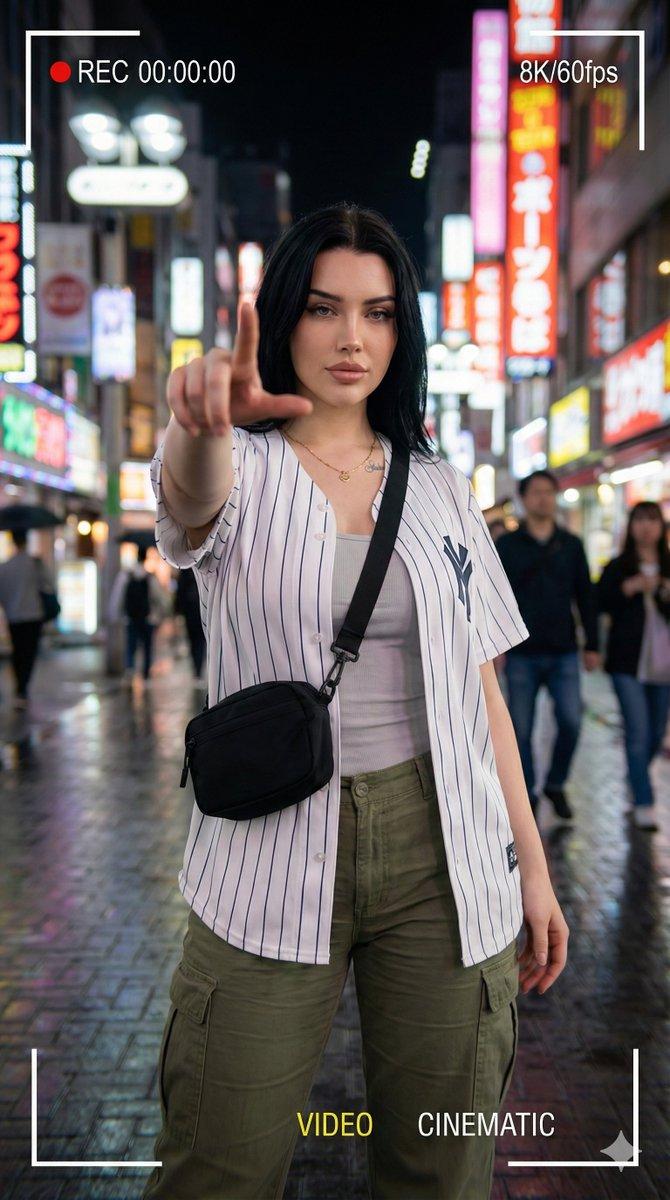
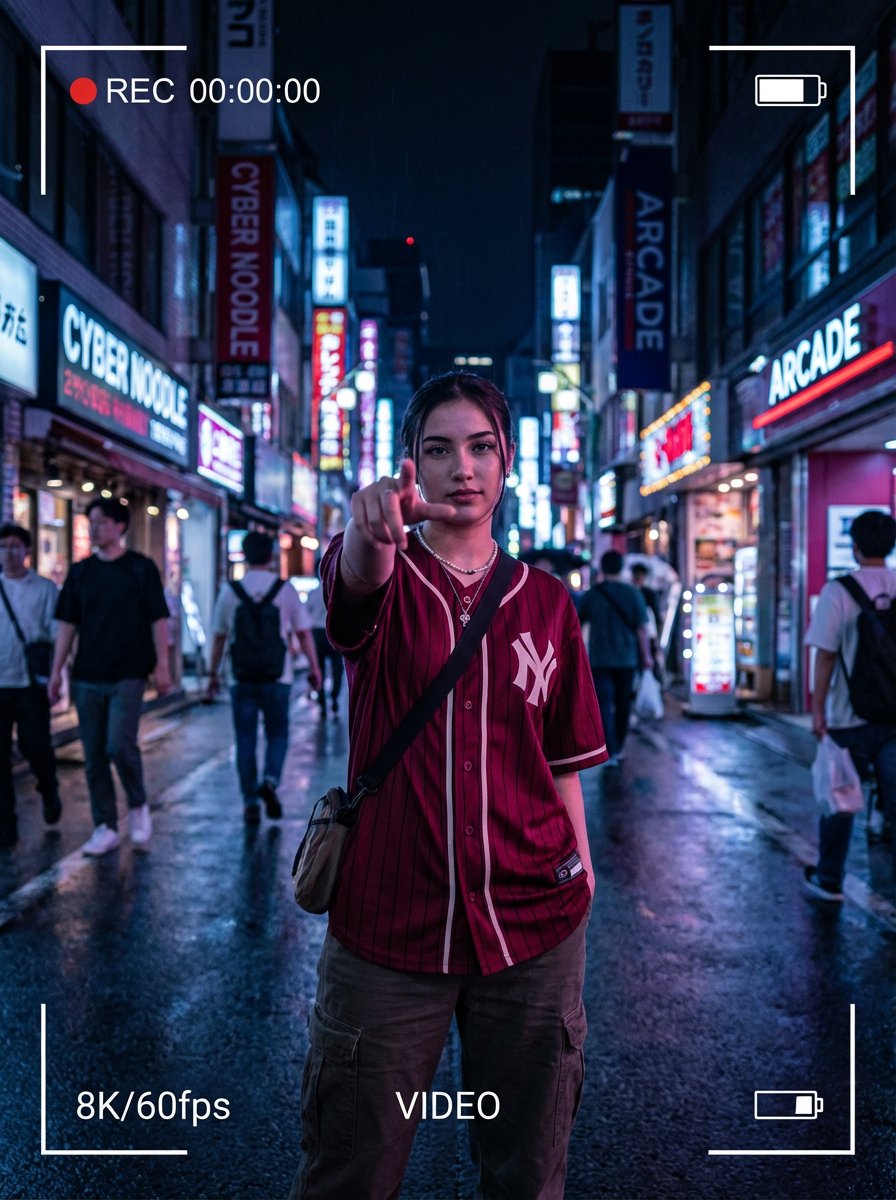
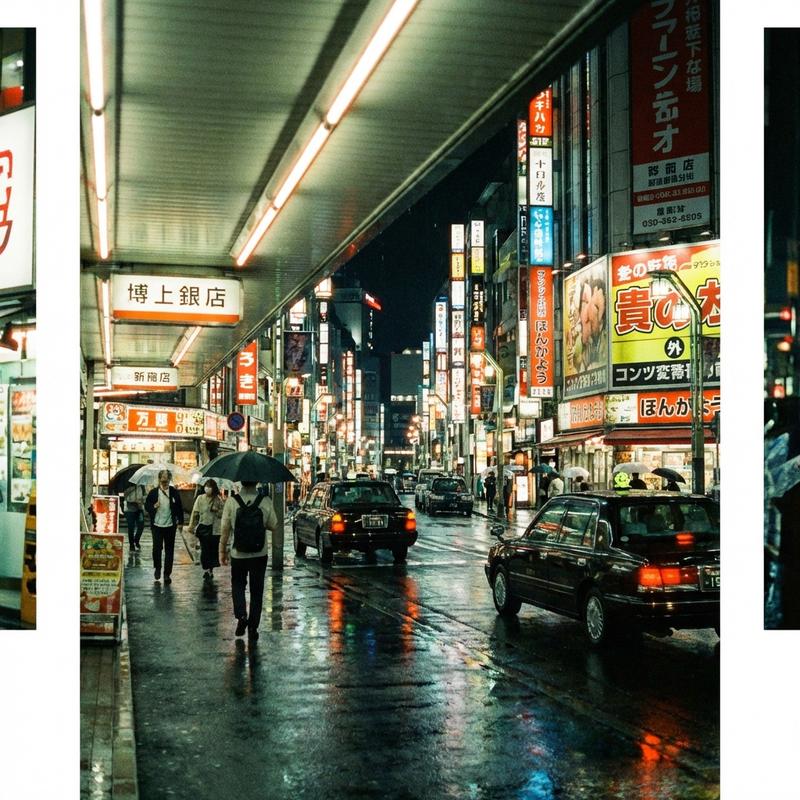
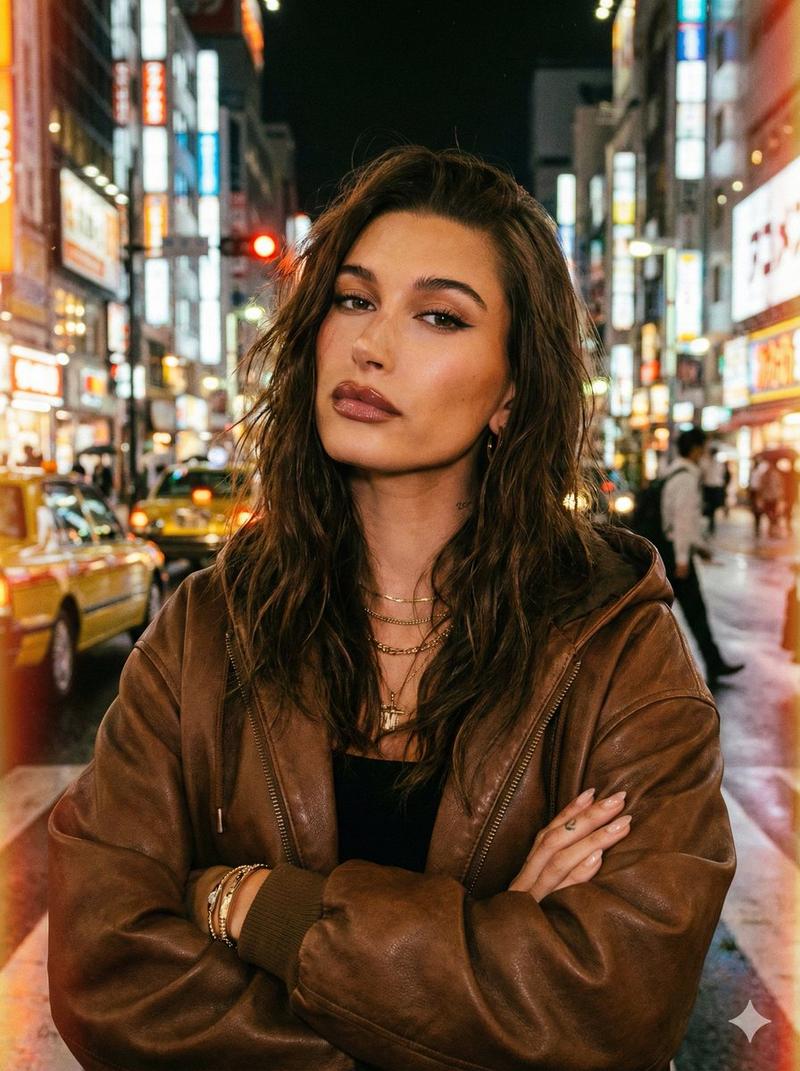
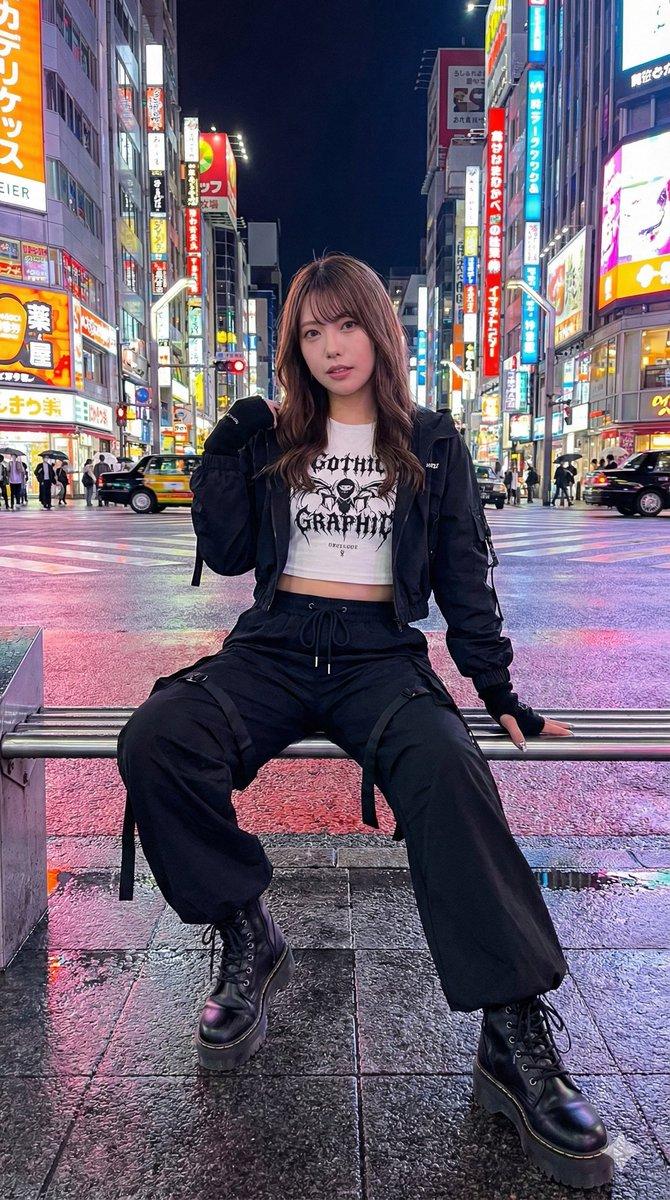
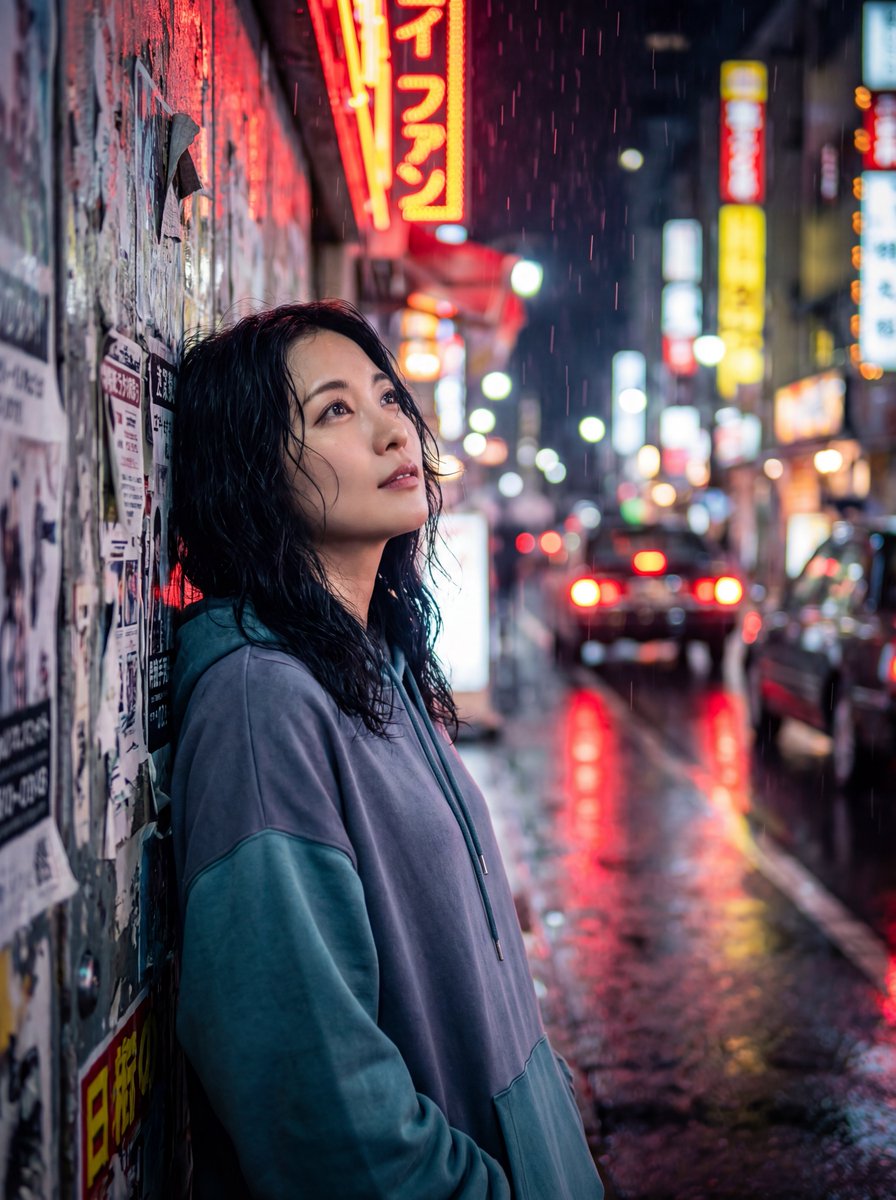
Using REFERENCE_0 as the character and outfit base, transform the anime illustration into a realistic live-action fashion photograph while preserving the recognizable concept: long dark wavy hair, cigarette, white lab coat, dark crop top, black mini skirt, confident frontal attitude, motorcycles, and neon nightlife mood. Make the character a real adult woman with natural human facial features and realistic skin, hair, fabric, smoke, and lighting. Change the pose to a full-body standing stance with legs apart, hands tucked in the lab coat pockets, facing the camera with a serious expression. Change the setting into a rainy Japanese neon entertainment street at night with wet reflective pavement, dense illuminated vertical signboards, and motorcycles parked on both sides; include visible Japanese-style neon signage such as {argument name="large red sign text" default="赤様横丁"}. Keep the cigarette in her mouth with smoke rising above her head. Add glossy black high heels and make the black skirt more realistic and shiny with a thigh slit/zipper detail. Use cinematic shallow depth of field, high-contrast neon reflections, photorealistic editorial styling, vertical 9:16 composition, no anime rendering, no cartoon outlines, no extra characters, no watermark.
Category
Photography & Realism
Model
GPT Image 2
Views1
Source ID
27585
Published
Jul 3, 2026

Guide

About "将动漫角色转化为霓虹街头风格照片"

What is this prompt for?

"将动漫角色转化为霓虹街头风格照片" AI image prompt for GPT Image 2 (Photography & Realism). 将动漫参考角色转化为写实的真人霓虹街头时尚肖像,同时保留其核心服装与气质。 Copy it on Picva and recreate the look in one…

The full copyable prompt and example visuals above are ready for AI image generation or one-click recreate in Picva.

How to use this prompt

  1. Step 1

    Open the prompt detail

    Review the example visuals, category, and full prompt text for "将动漫角色转化为霓虹街头风格照片".

  2. Step 2

    Copy the prompt

    Copy the prompt body from this page, or load it directly in Studio.

  3. Step 3

    Pick a model (GPT Image 2)

    Prefer GPT Image 2. If you switch models, keep subject and composition and tweak style terms.

  4. Step 4

    Generate and export

    Recreate the look in Picva, or export into your workflow for editing and publishing.

FAQ

What is the "将动漫角色转化为霓虹街头风格照片" prompt?
It is an AI image-generation prompt for GPT Image 2 in the Photography & Realism category. This page includes the full prompt text, example visuals, and a one-click recreate path in Picva.
How do I use this prompt to generate an image?
Copy the prompt from this page, or use Generate / Studio. Paste it into a compatible image model, or recreate the look in Picva with optional reference images.
Which model is this prompt for?
This page lists GPT Image 2. Most descriptive prompts also transfer to nearby image models such as GPT Image, Flux, or Midjourney with light style tweaks.
Can I use the result commercially?
You can usually copy the prompt for creation, but commercial use of the final image depends on the model terms, reference-image rights, and the generated content. Follow the source author and platform rules.