18

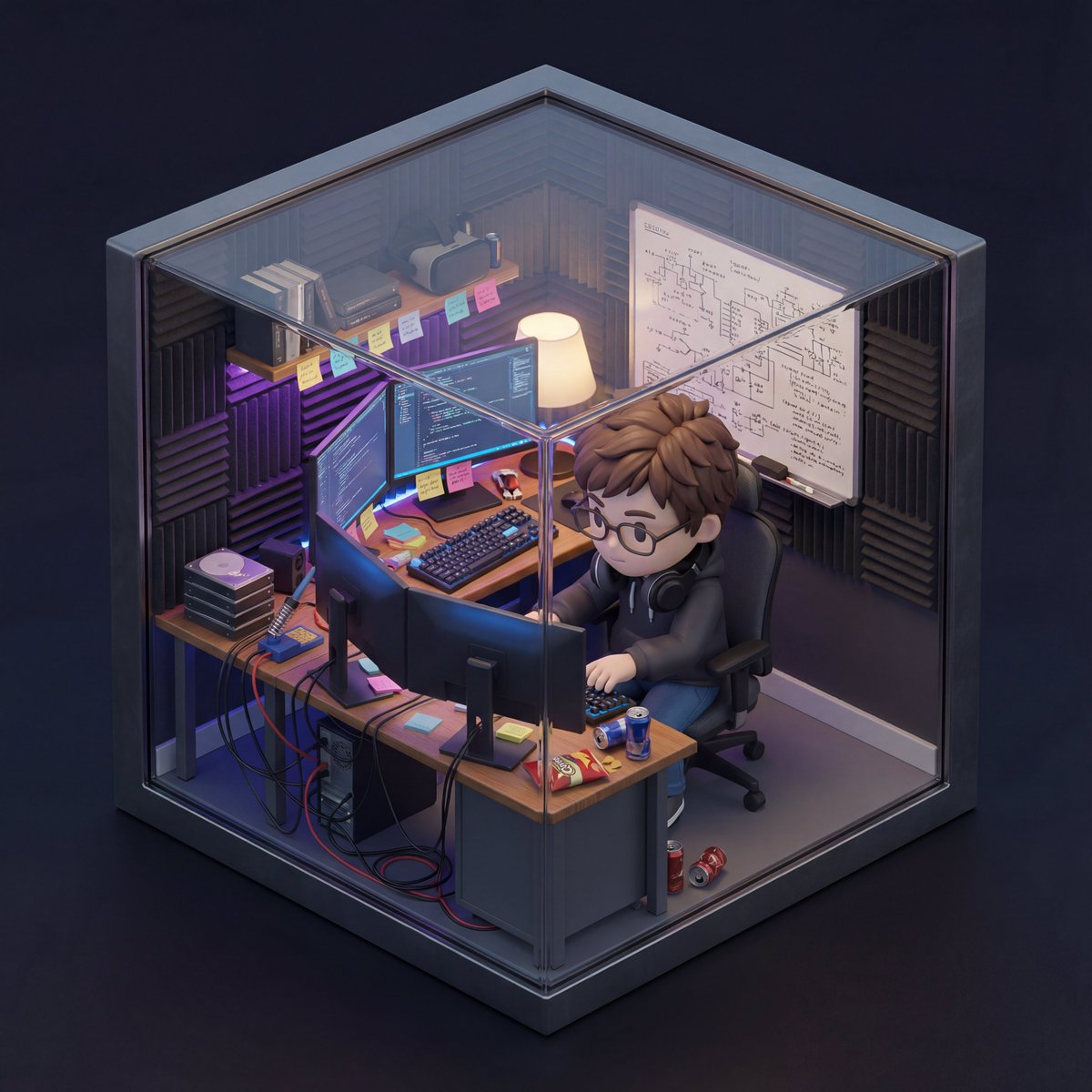
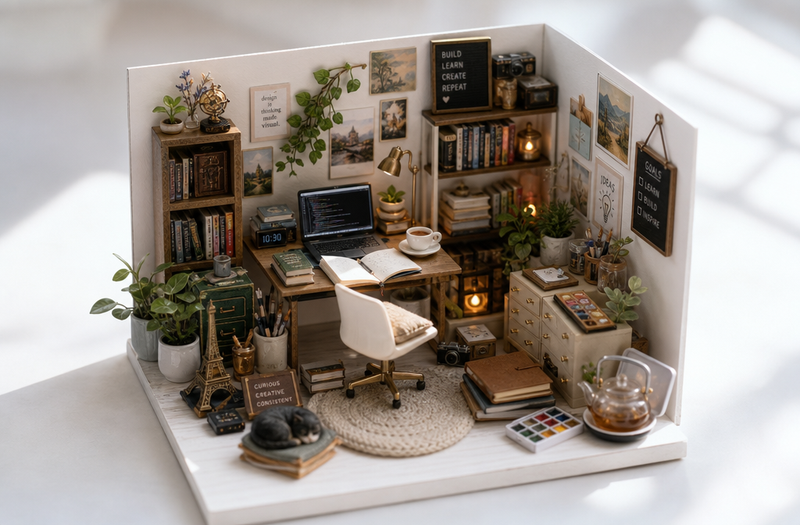
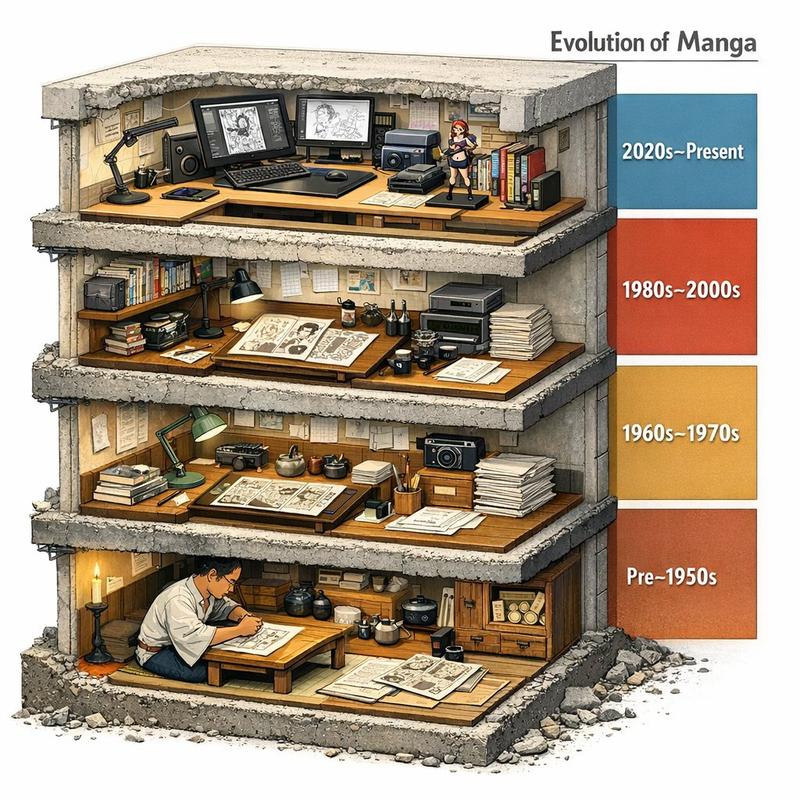
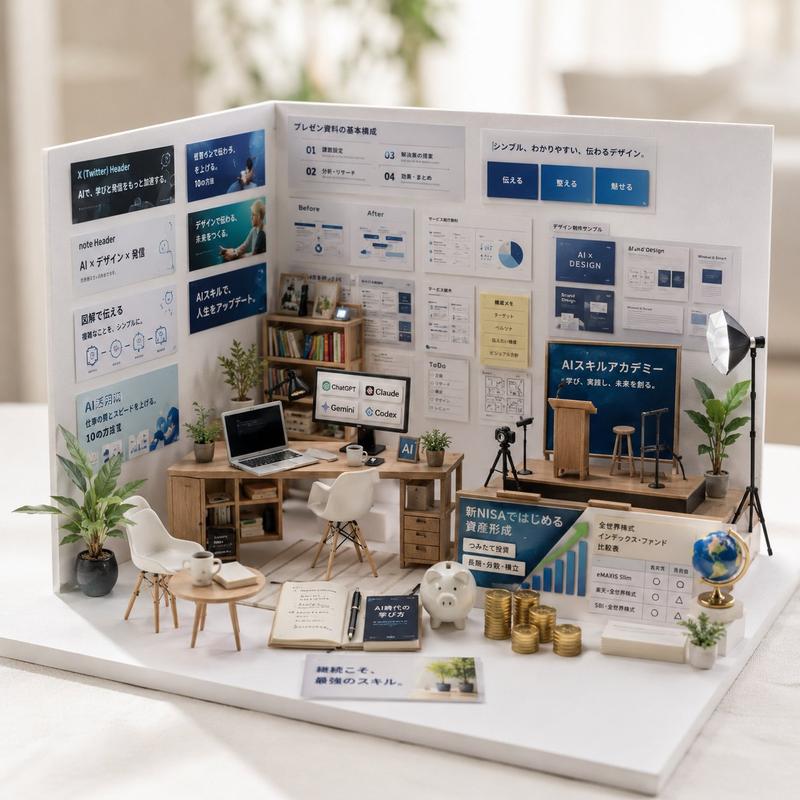
等距视角房间历史时间轴
Enlarge

等距视角房间历史时间轴

Prompt
2x2 grid, 16:9, AI infers: An isometric cutaway of a single room (like a {argument name="room type" default="study or kitchen"}) divided into four seamless quadrants. The bottom-left quadrant is furnished with the earliest era’s {argument name="theme" default="[THEME]"} objects, the top-left is a middle period, the top-right is late period, and the bottom-right is the most modern. The room’s architecture morphs subtly but stays consistent; the objects tell the time shift ::5 Time Logic: AI_INFER 25–30 objects distributed across the four time quadrants, each zone historically consistent. Quadrants flow clockwise like a time-loop ::5 Composition: Isometric view (no perspective distortion), seamless quadrant transitions, no clutter, objects neatly arranged on surfaces ::3 Material Physics: Real materials, period-appropriate aging, soft shadows, no glowing items ::2 Illumination: Neutral ambient light across all zones, no dramatic shadows ::2 Typography: Small year range subtly placed on the floor of each quadrant ::2 Render Stack: Isometric time-room, evolutionary diorama, interior timeline, 8k ::1 Negative: [perspective, broken room geometry, anachronistic mixing across quadrants, excavation, moss, bioluminescence] ::-1
Category
Charts & Infographics
Model
GPT Image 2
Creator
Gadgetify
Views0
Source ID
27629
Published
Jul 4, 2026

Guide

About "等距视角房间历史时间轴"

What is this prompt for?

"等距视角房间历史时间轴" AI image prompt for GPT Image 2 (Charts & Infographics). 一个高级提示词,用于生成房间的等距剖面图,通过四象限布局展示物体在不同历史时期的演变。 Copy it on Picva and recreate the look in on…

The full copyable prompt and example visuals above are ready for AI image generation or one-click recreate in Picva.

How to use this prompt

  1. Step 1

    Open the prompt detail

    Review the example visuals, category, and full prompt text for "等距视角房间历史时间轴".

  2. Step 2

    Copy the prompt

    Copy the prompt body from this page, or load it directly in Studio.

  3. Step 3

    Pick a model (GPT Image 2)

    Prefer GPT Image 2. If you switch models, keep subject and composition and tweak style terms.

  4. Step 4

    Generate and export

    Recreate the look in Picva, or export into your workflow for editing and publishing.

FAQ

What is the "等距视角房间历史时间轴" prompt?
It is an AI image-generation prompt for GPT Image 2 in the Charts & Infographics category. This page includes the full prompt text, example visuals, and a one-click recreate path in Picva.
How do I use this prompt to generate an image?
Copy the prompt from this page, or use Generate / Studio. Paste it into a compatible image model, or recreate the look in Picva with optional reference images.
Which model is this prompt for?
This page lists GPT Image 2. Most descriptive prompts also transfer to nearby image models such as GPT Image, Flux, or Midjourney with light style tweaks.
Can I use the result commercially?
You can usually copy the prompt for creation, but commercial use of the final image depends on the model terms, reference-image rights, and the generated content. Follow the source author and platform rules.