15

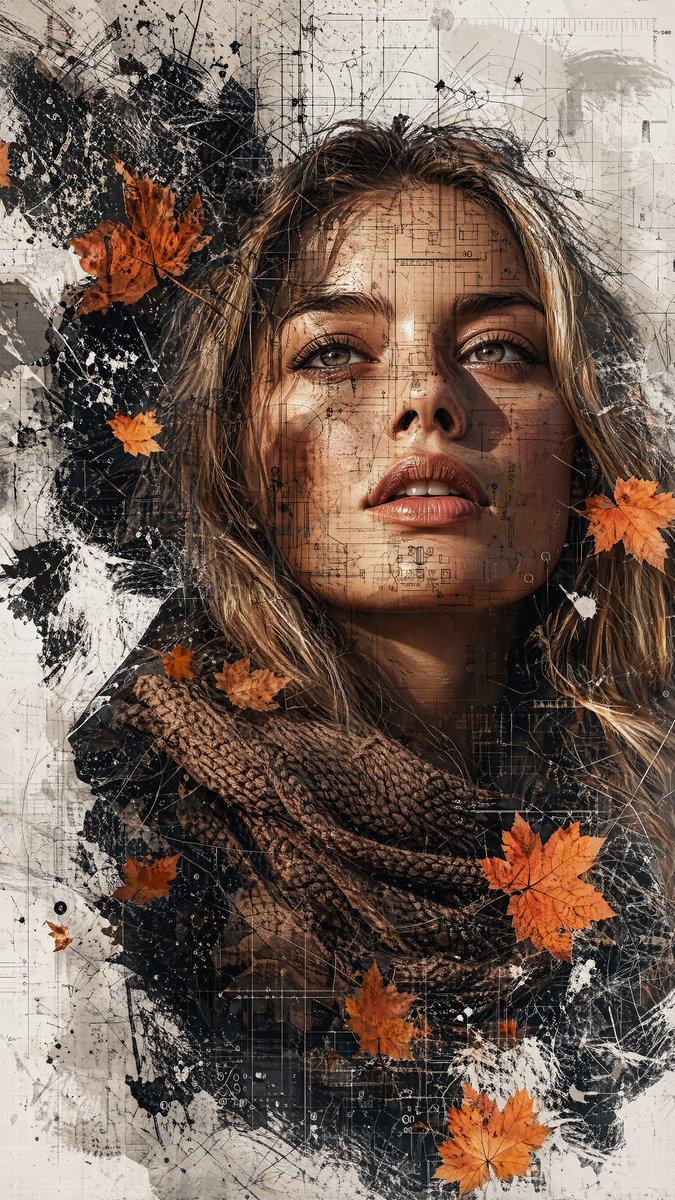
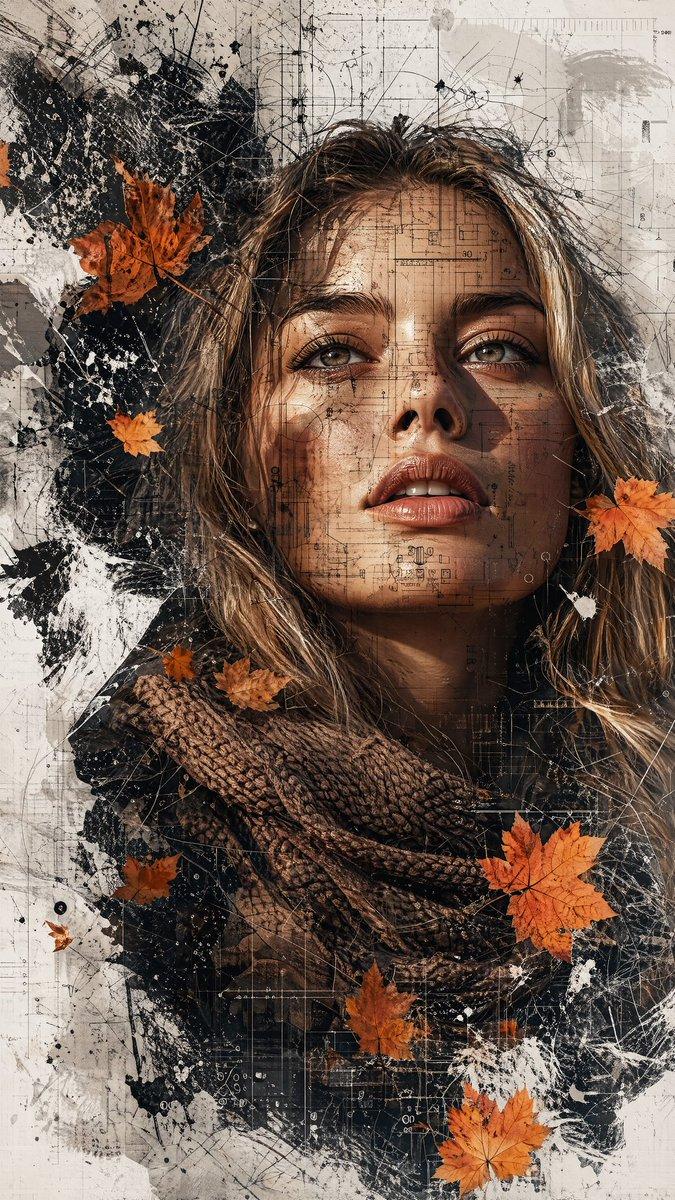
秋叶双重曝光人像
Enlarge

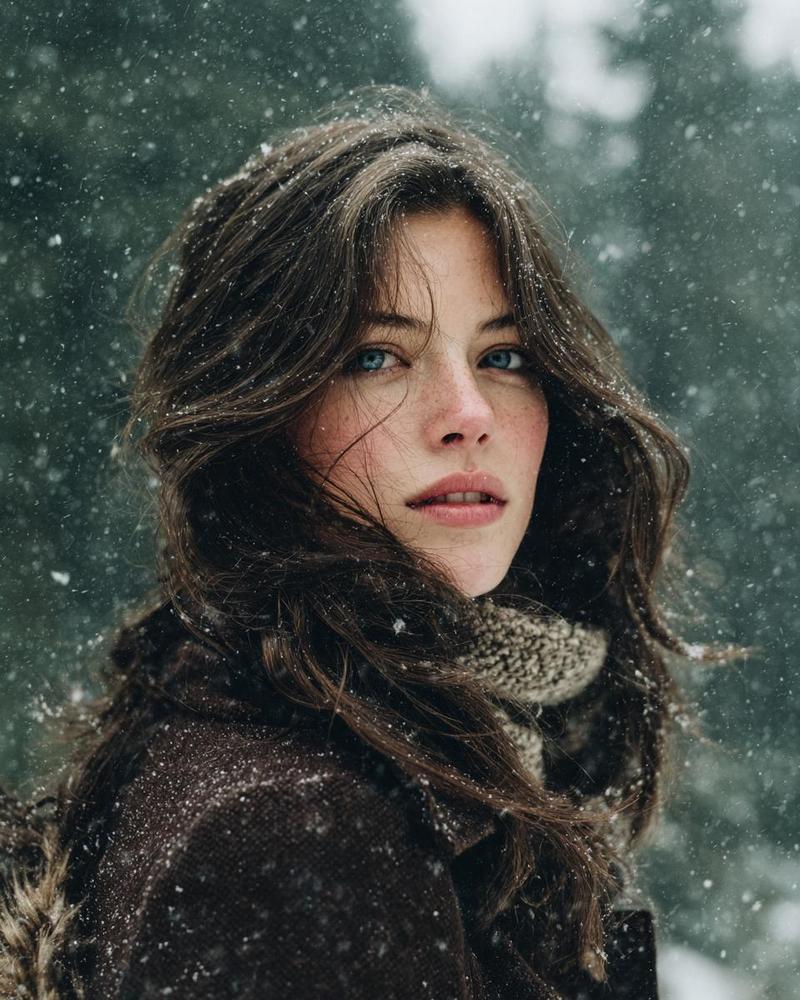
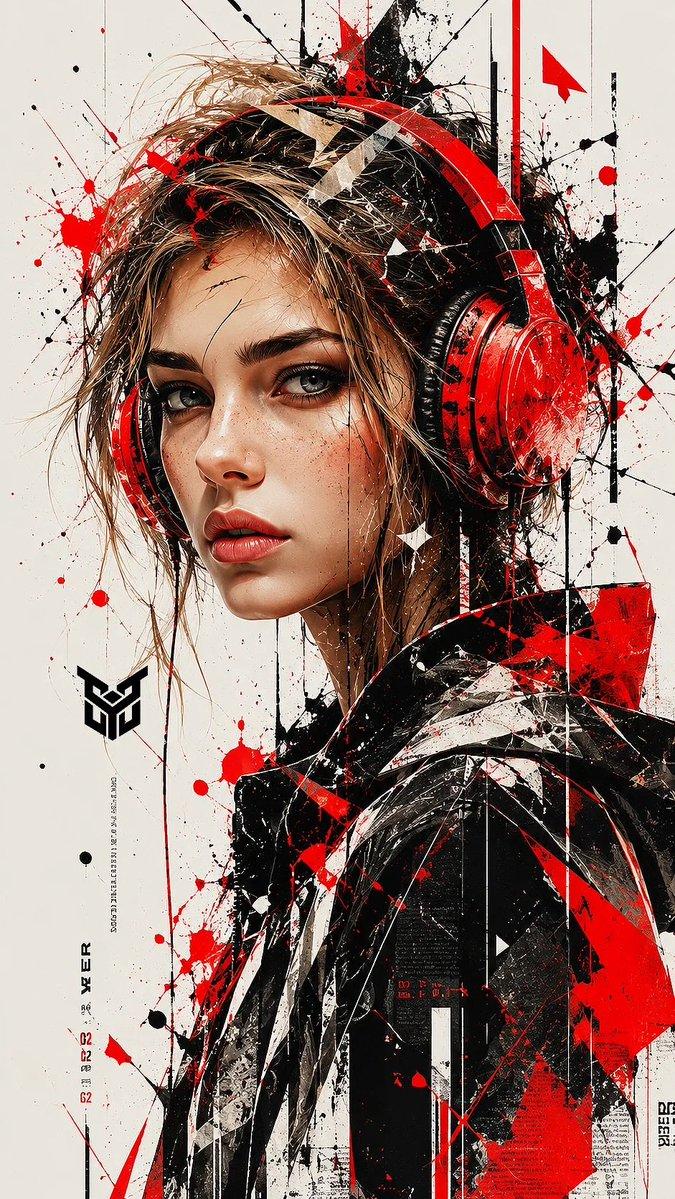
Example images

秋叶双重曝光人像

Prompt
Create a masterpiece 9:16 vertical, 8K ultra-HD, hyper-realistic cinematic editorial double exposure portrait of a {argument name="subject" default="young Asian woman"} with calm expression, blue-green eyes, natural matte makeup, realistic skin with subtle freckles, and medium-length wavy {argument name="hair color" default="ash blonde, platinum, and silver"} hair gently blowing in the wind. She wears a dark winter jacket and a thick light-brown knitted scarf. Blend her portrait with elegant mixed media elements including grunge textures, watercolor splashes, ink effects, architectural blueprints, wireframes, geometric lines, concrete textures, and transparent digital overlays. Add naturally floating golden yellow, burnt orange, and copper autumn maple leaves. Use a clean white minimalist background with abstract paint splashes, modern editorial typography featuring the large vertical word "{argument name="text" default="FANTASTIC"}", subtle grid layouts, and graphic design elements. Apply soft cinematic lighting, HDR, ray tracing, global illumination, volumetric lighting, shallow depth of field, sharp eye focus, luxury magazine cover aesthetics, premium color grading, and award-winning photorealistic quality.
Category
UI & Interfaces
Model
GPT Image 2
Creator
Anissa
Views0
Source ID
27646
Published
Jul 4, 2026

Guide

About "秋叶双重曝光人像"

What is this prompt for?

"秋叶双重曝光人像" AI image prompt for GPT Image 2 (UI & Interfaces). 一个用于 gpt-image-2 的提示词,旨在生成一张超写实的双重曝光人像,将亚洲女性与垃圾摇滚纹理、建筑元素和秋叶巧妙融合。 Copy it on Picva and recreate th…

The full copyable prompt and example visuals above are ready for AI image generation or one-click recreate in Picva.

How to use this prompt

  1. Step 1

    Open the prompt detail

    Review the example visuals, category, and full prompt text for "秋叶双重曝光人像".

  2. Step 2

    Copy the prompt

    Copy the prompt body from this page, or load it directly in Studio.

  3. Step 3

    Pick a model (GPT Image 2)

    Prefer GPT Image 2. If you switch models, keep subject and composition and tweak style terms.

  4. Step 4

    Generate and export

    Recreate the look in Picva, or export into your workflow for editing and publishing.

FAQ

What is the "秋叶双重曝光人像" prompt?
It is an AI image-generation prompt for GPT Image 2 in the UI & Interfaces category. This page includes the full prompt text, example visuals, and a one-click recreate path in Picva.
How do I use this prompt to generate an image?
Copy the prompt from this page, or use Generate / Studio. Paste it into a compatible image model, or recreate the look in Picva with optional reference images.
Which model is this prompt for?
This page lists GPT Image 2. Most descriptive prompts also transfer to nearby image models such as GPT Image, Flux, or Midjourney with light style tweaks.
Can I use the result commercially?
You can usually copy the prompt for creation, but commercial use of the final image depends on the model terms, reference-image rights, and the generated content. Follow the source author and platform rules.