18

极简主义巨型芝士汉堡广告创意
Enlarge

极简主义巨型芝士汉堡广告创意

Prompt
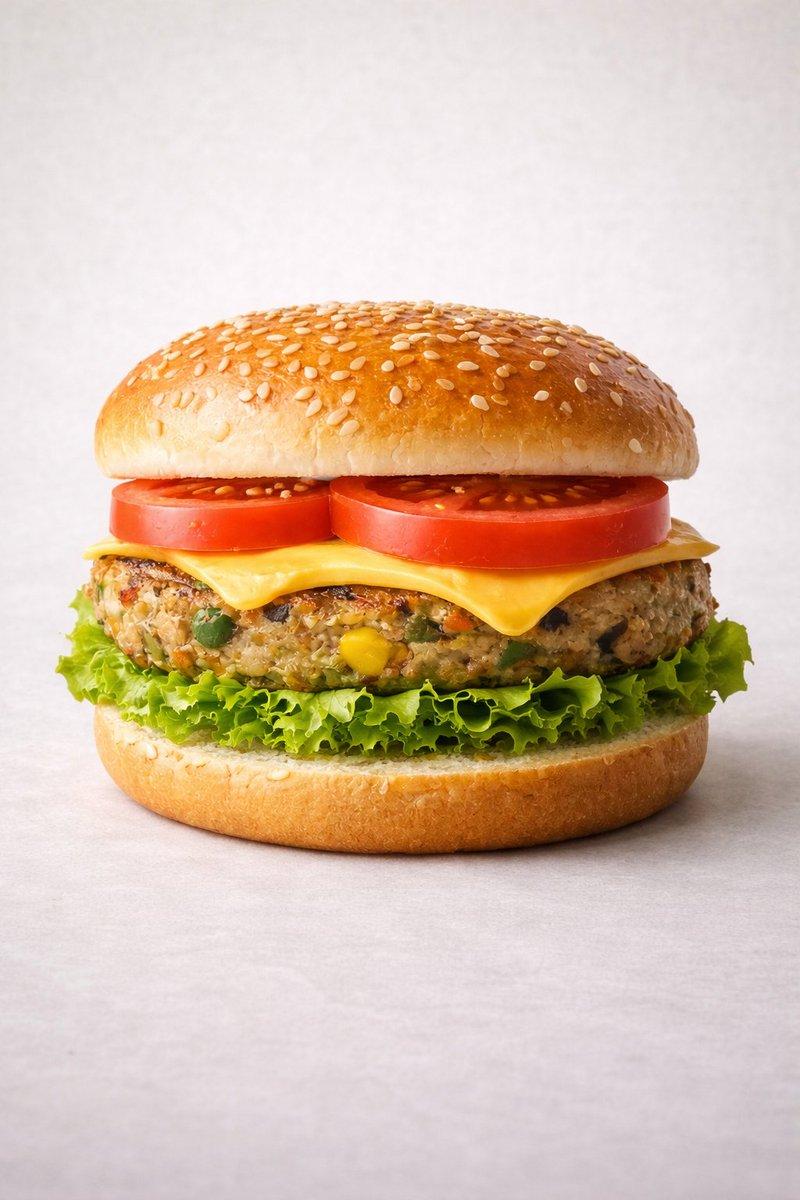
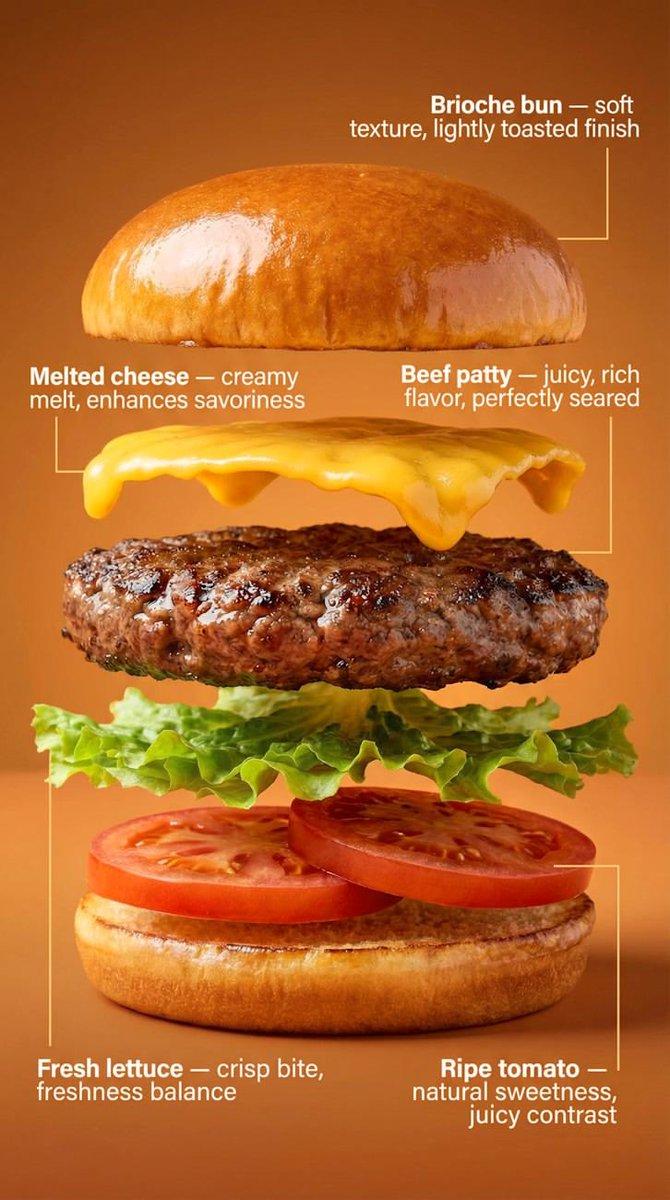
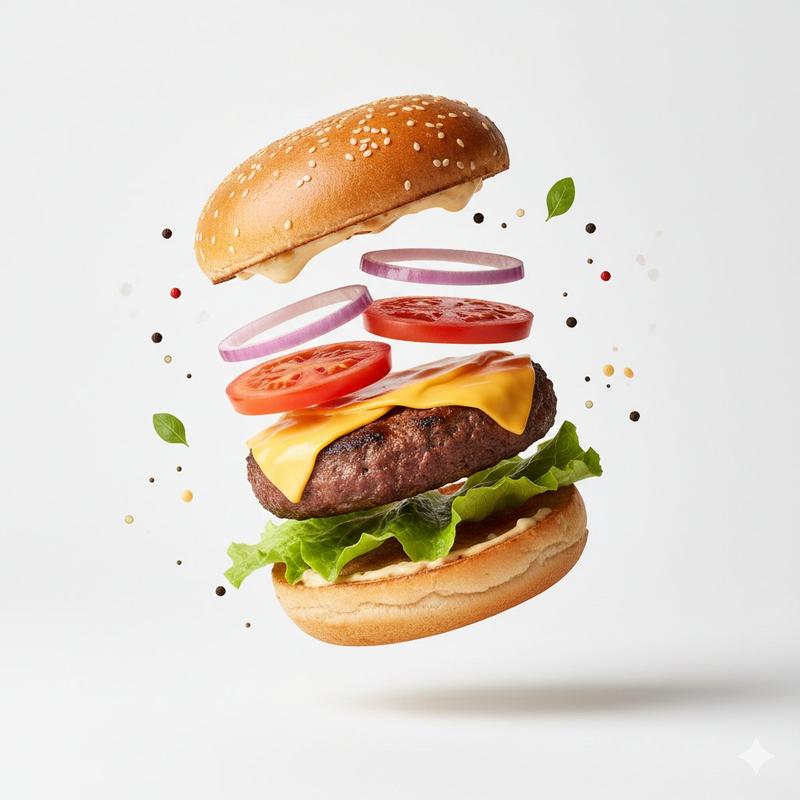
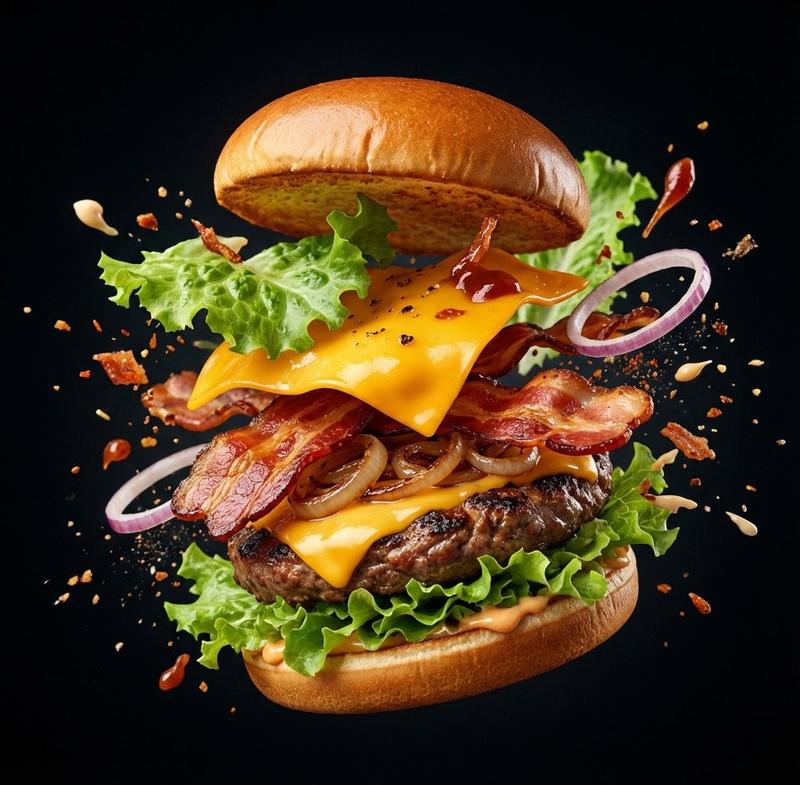
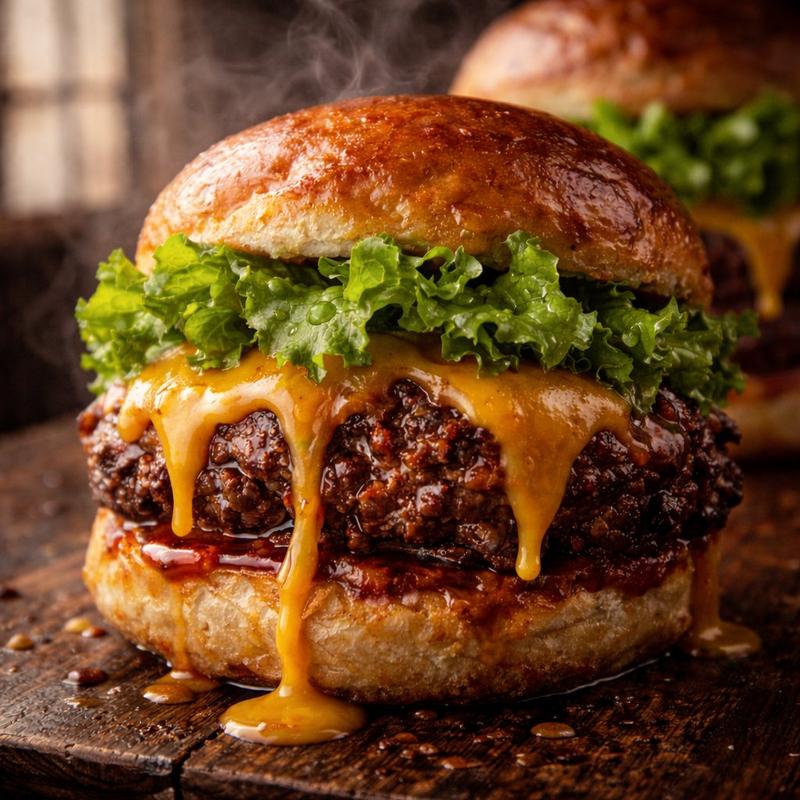
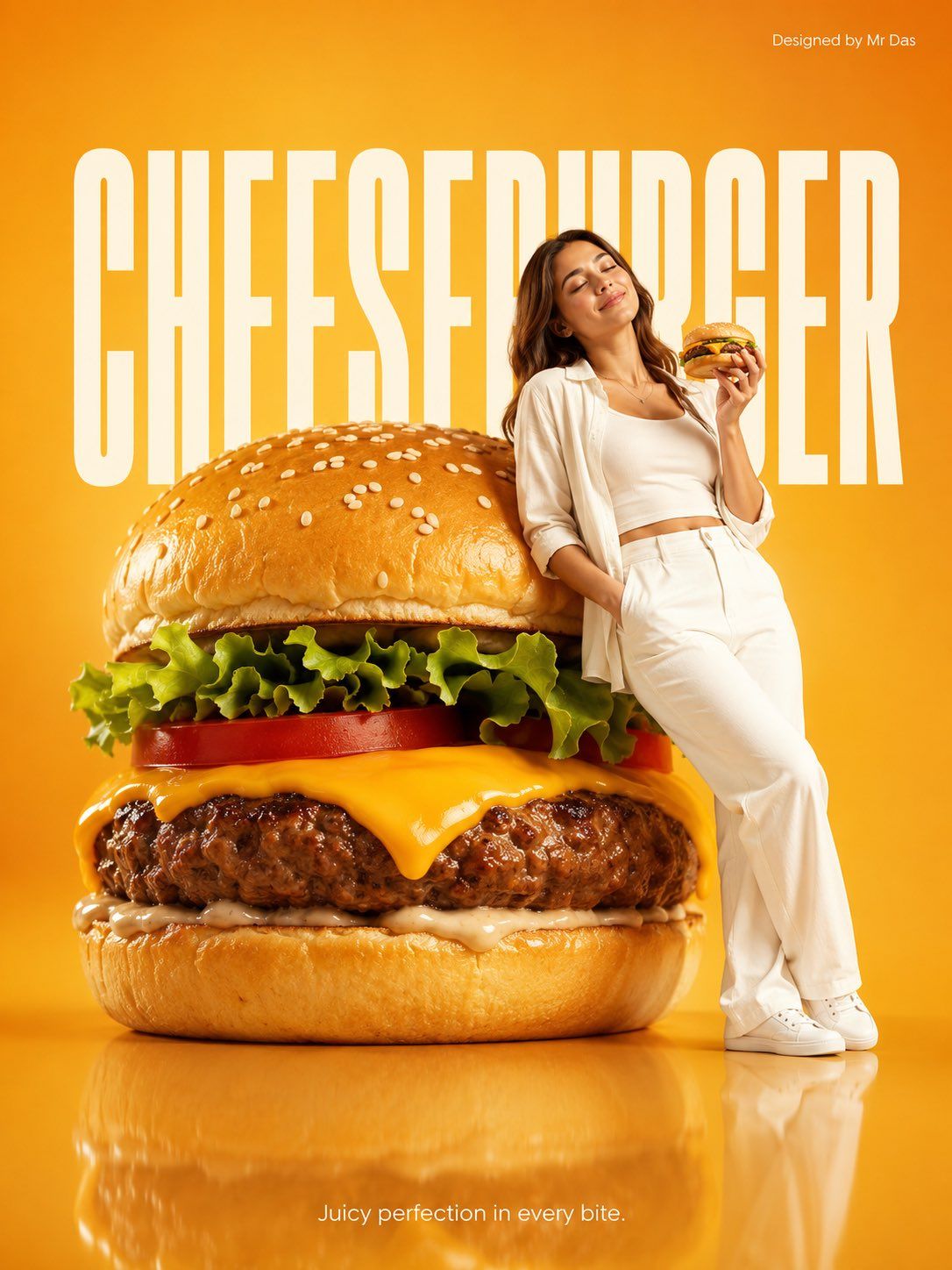
Minimalist commercial ad featuring oversized premium cheeseburger with perfectly melted cheese, juicy beef patty, fresh lettuce, tomato, and sesame bun, ultra-clean design. A young woman in all-white outfit leans casually against the giant cheeseburger, relaxed confident pose, eyes closed, also holding a regular-sized cheeseburger in her hand. Soft gradient vibrant warm {argument name="background color" default="golden-orange"} background with large bold white “{argument name="headline" default="CHEESEBURGER"}” text behind. Glossy reflective floor, soft studio lighting, modern high-end food/product photography. Bottom center tagline in small white font: “{argument name="tagline" default="Juicy perfection in every bite."}”
Category
Posters & Typography
Model
GPT Image 2
Creator
Mr Das
Views0
Source ID
27660
Published
Jul 4, 2026

Guide

About "极简主义巨型芝士汉堡广告创意"

What is this prompt for?

"极简主义巨型芝士汉堡广告创意" AI image prompt for GPT Image 2 (Posters & Typography). 一个简洁、现代的商业广告提示词,以超现实的巨型芝士汉堡为核心,采用高端美食摄影灯光和极简主义设计。 Copy it on Picva and recreate the lo…

The full copyable prompt and example visuals above are ready for AI image generation or one-click recreate in Picva.

How to use this prompt

  1. Step 1

    Open the prompt detail

    Review the example visuals, category, and full prompt text for "极简主义巨型芝士汉堡广告创意".

  2. Step 2

    Copy the prompt

    Copy the prompt body from this page, or load it directly in Studio.

  3. Step 3

    Pick a model (GPT Image 2)

    Prefer GPT Image 2. If you switch models, keep subject and composition and tweak style terms.

  4. Step 4

    Generate and export

    Recreate the look in Picva, or export into your workflow for editing and publishing.

FAQ

What is the "极简主义巨型芝士汉堡广告创意" prompt?
It is an AI image-generation prompt for GPT Image 2 in the Posters & Typography category. This page includes the full prompt text, example visuals, and a one-click recreate path in Picva.
How do I use this prompt to generate an image?
Copy the prompt from this page, or use Generate / Studio. Paste it into a compatible image model, or recreate the look in Picva with optional reference images.
Which model is this prompt for?
This page lists GPT Image 2. Most descriptive prompts also transfer to nearby image models such as GPT Image, Flux, or Midjourney with light style tweaks.
Can I use the result commercially?
You can usually copy the prompt for creation, but commercial use of the final image depends on the model terms, reference-image rights, and the generated content. Follow the source author and platform rules.