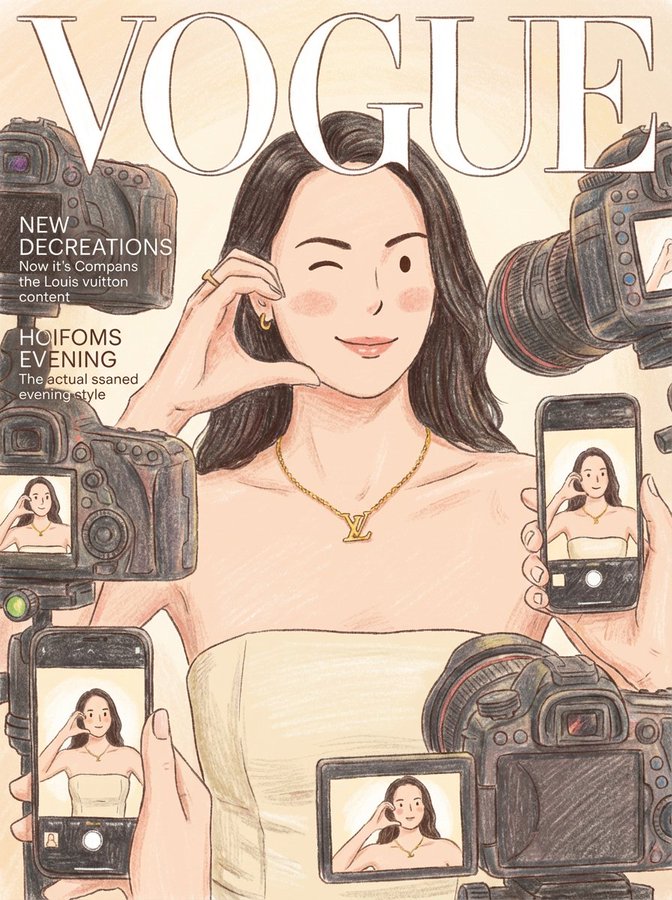
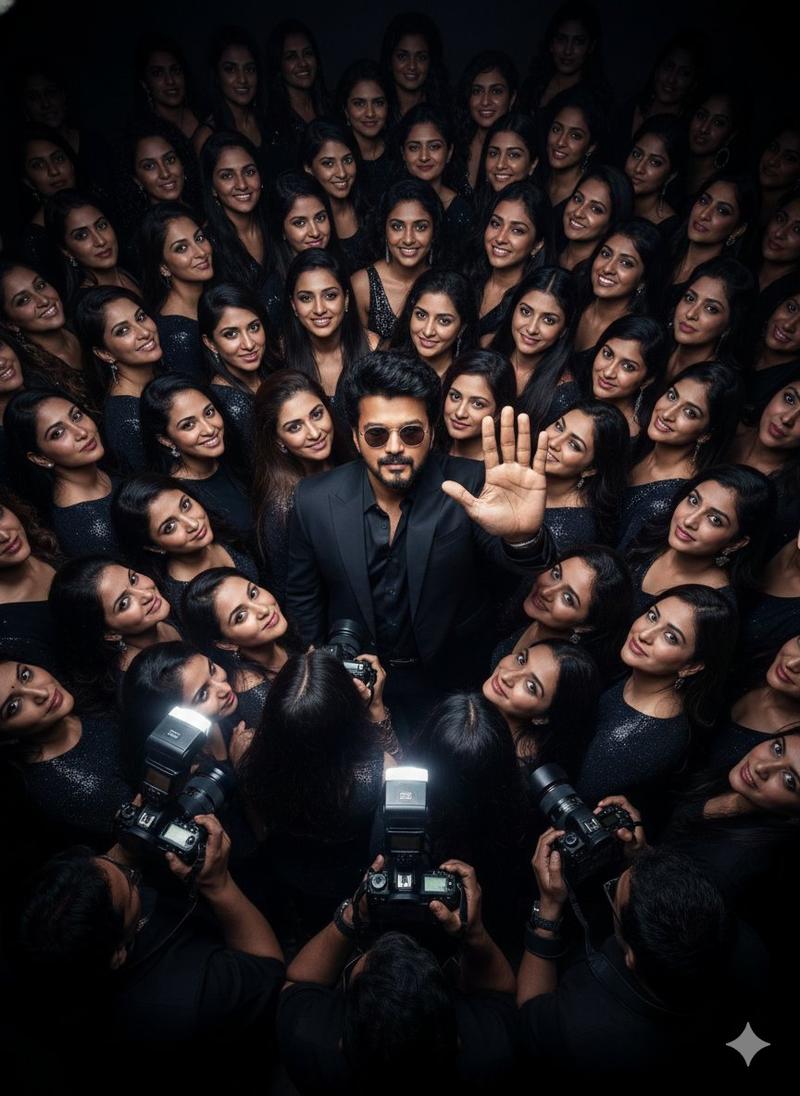
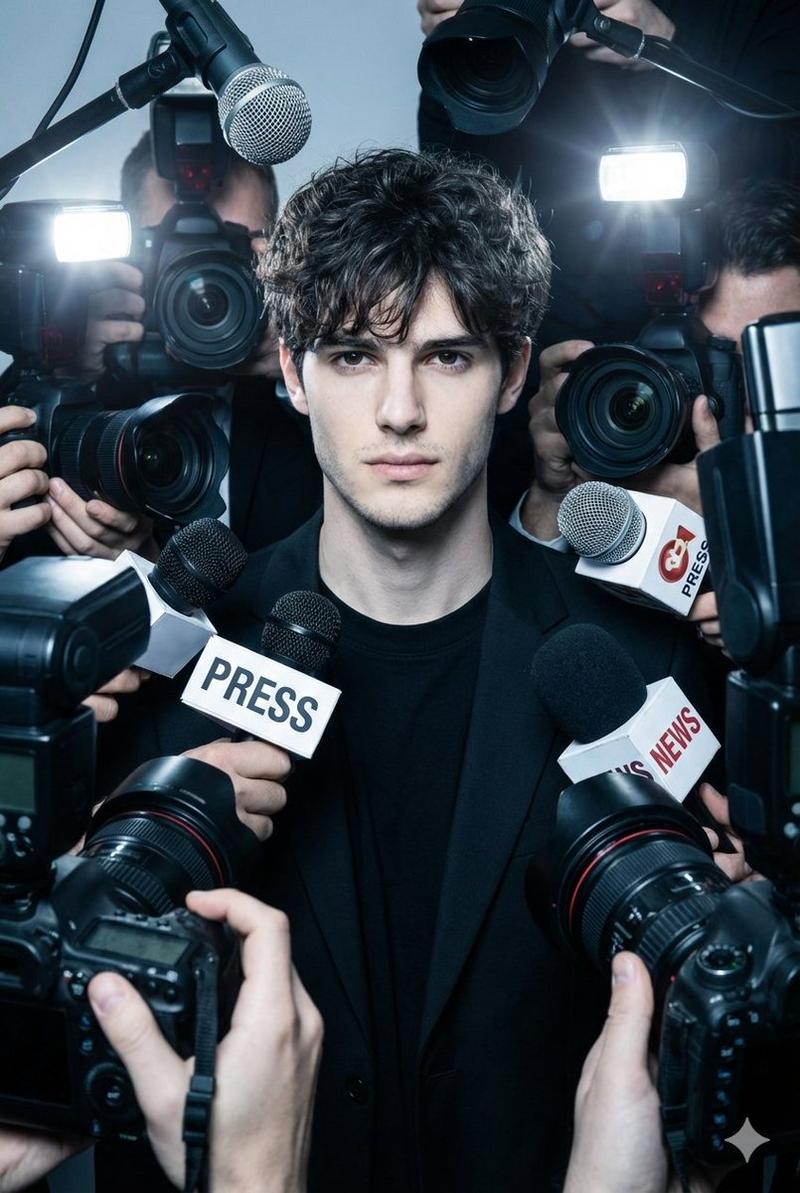
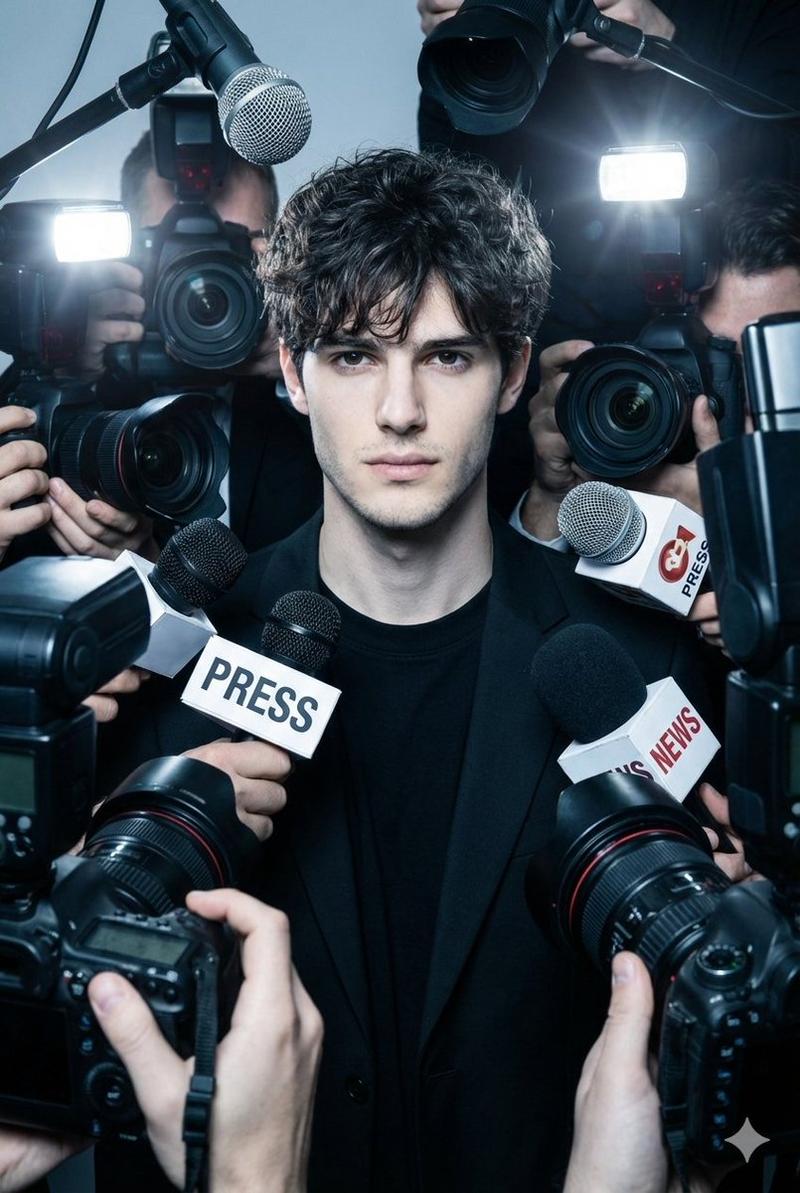
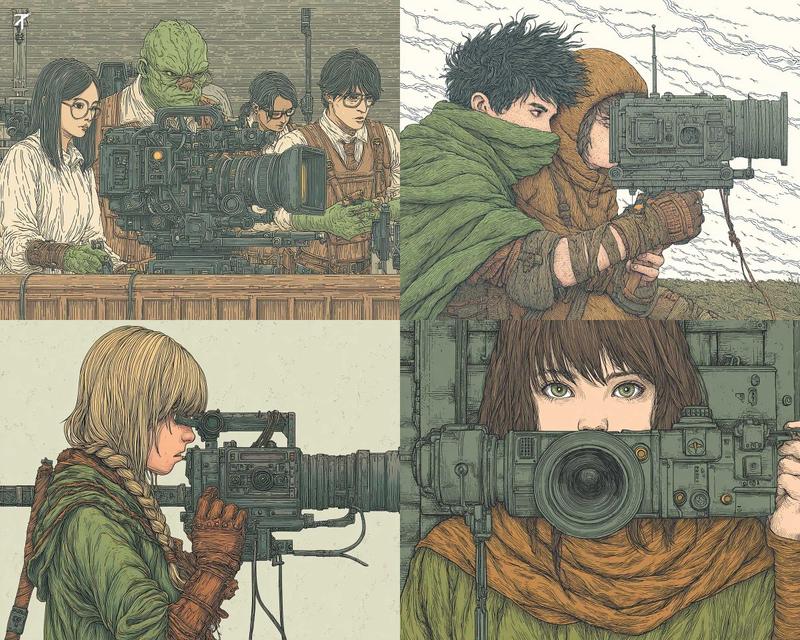
动漫风格狗仔队新闻发布会
Prompt
Goal: Create a packed editorial anime illustration of a paparazzi press scrum, as if the viewer is the subject being swarmed by reporters and photographers.

Canvas: Tall vertical 2:3 composition, edge-to-edge crowd filling the entire frame, no empty background. Use a crisp modern Japanese manga/anime rendering style with detailed ink outlines, saturated cobalt blues, bright white flash reflections, and high-contrast cel shading.

Main subject layout: Show exactly {argument name="number of journalists" default="24"} visible journalists and photographers tightly stacked in rows from top to bottom, mostly wearing blue shirts, blue jackets, press lanyards, caps, and headphones. Use diverse faces: men and women, varied skin tones, different hair colors including black, brown, blond, red, and gray. Most faces are partially hidden behind cameras, hands, phones, microphones, and flash units.

Equipment count and placement: Include exactly {argument name="number of cameras" default="29"} visible professional cameras aimed directly toward the viewer, dominated by large black DSLR and broadcast lenses with glowing blue glass. Include exactly 5 visible microphones: 2 large fuzzy gray boom mics entering from the left and right edges, 1 bright orange handheld mic in the lower-left center, 1 red handheld mic near the lower center-right, and 1 dark navy handheld mic beside it. Include exactly 3 smartphones: one turquoise phone at the left edge, one blue phone held vertically near the center, and one dark phone at the right edge. Include many rectangular flash units, but keep them attached to the counted cameras.

Composition details: The largest lens is a rectangular broadcast camera in the bottom center foreground, pointed straight at the viewer and partially covering a female reporter wearing black headphones. Surround it with overlapping hands, wrists, lanyards, camera straps, and flash reflections. Make the lens circles and blue highlights the strongest visual rhythm. Add intense foreshortening so cameras and microphones feel very close to the viewer.

Color and lighting: Overall palette is {argument name="dominant color palette" default="electric blue, white, black, and skin tones"}. Use bright camera flashes, glossy lens reflections, and small white specular highlights. Keep the scene busy, energetic, slightly chaotic, but cleanly readable.

Text/signature: Add a small handwritten signature and date in the bottom-right corner reading {argument name="signature text" default="July 4, 2026 Oyagi"}. No other readable text, logos, watermarks, or speech bubbles.

Constraints: Do not show the person being photographed. Do not include a background environment. Avoid photorealism; keep it as polished detailed anime/manga line art with dense crowd composition and dramatic press-conference energy.- Category
- Brand & Logos
- Model
- GPT Image 2
- Creator
- おやぎ
- Source ID
- 27726
- Published
- Jul 4, 2026
Views4