15

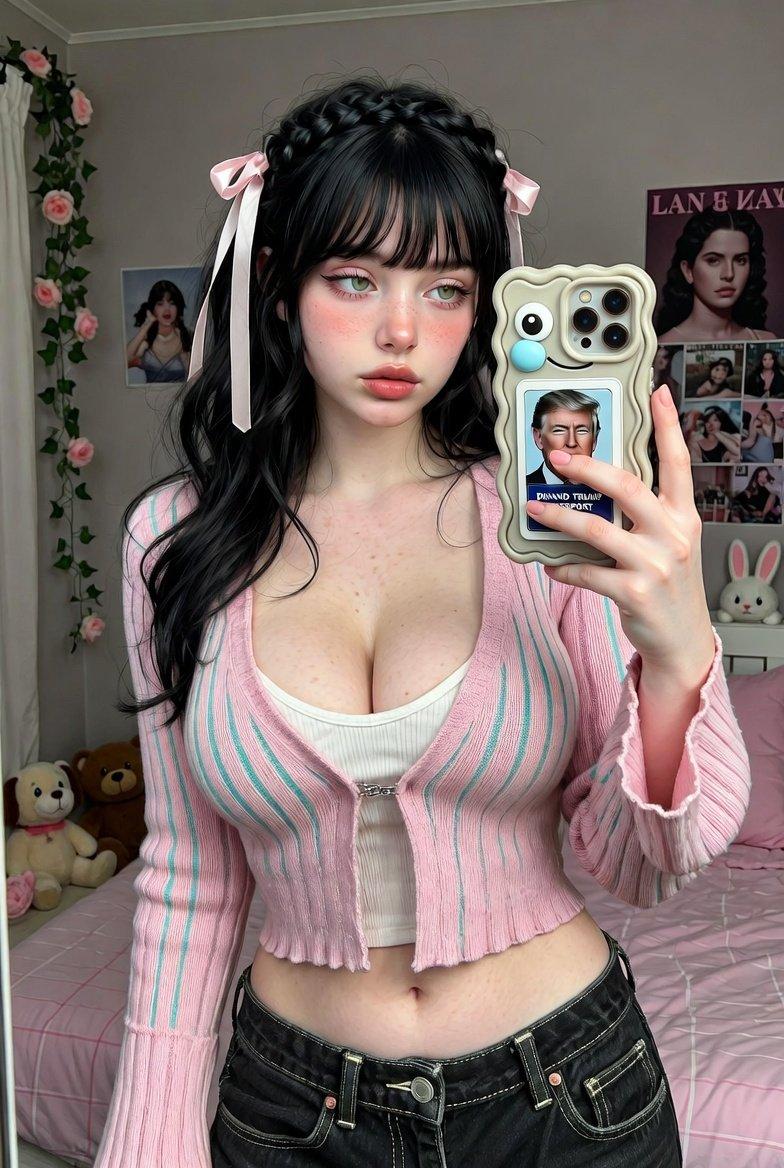
保持人物特征的 iPhone 人像摄影
Enlarge

Example images

保持人物特征的 iPhone 人像摄影

Prompt
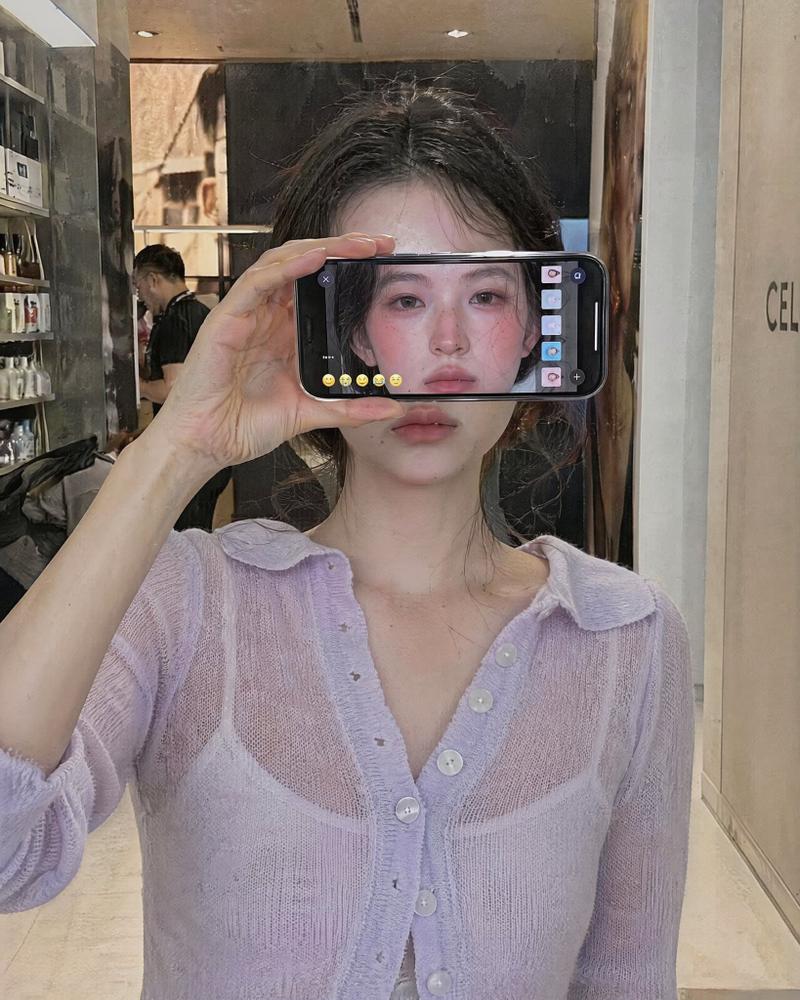
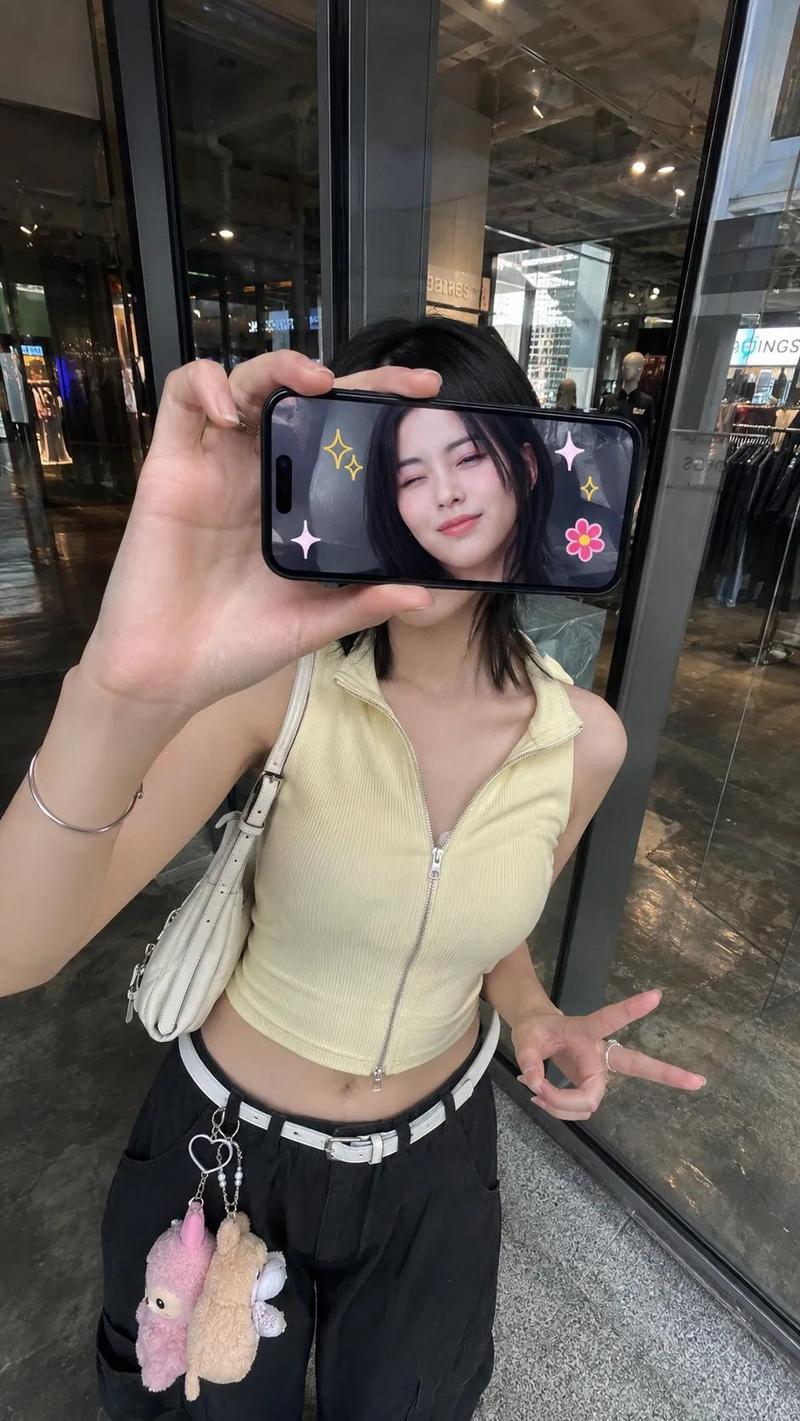
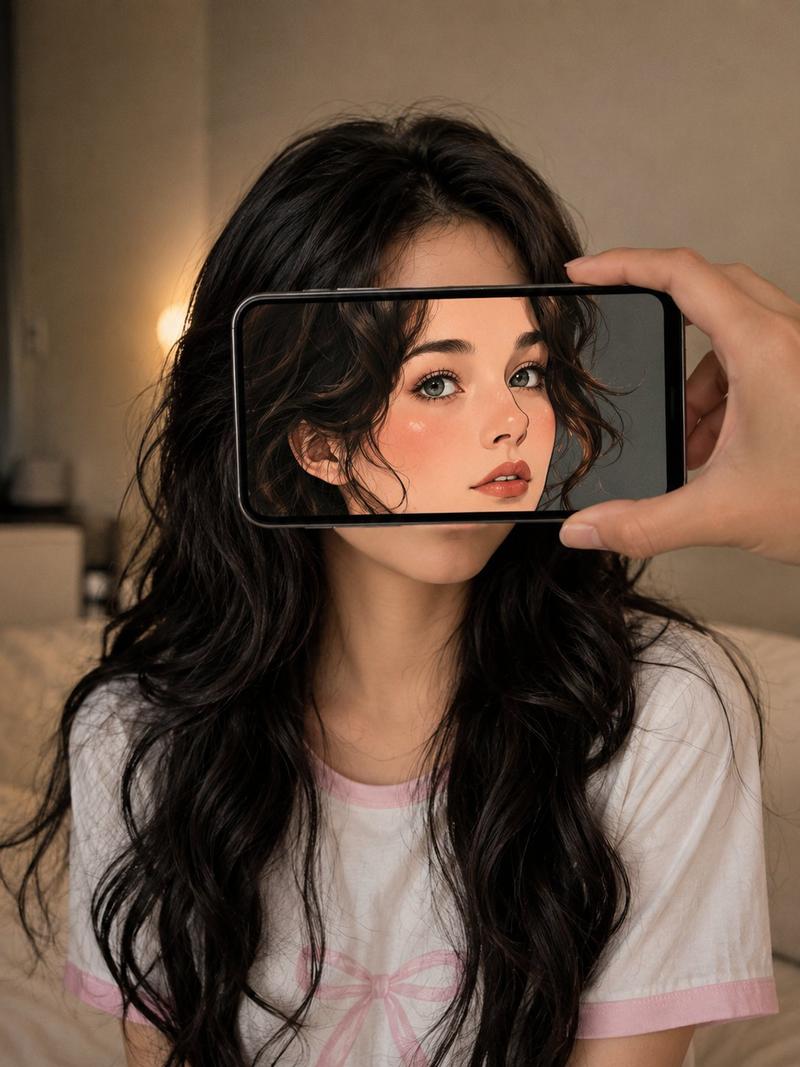
Ultra-realistic iPhone portrait with identity accurately preserved from the reference image. A {argument name="subject" default="woman"} stands inside a {argument name="location" default="modern store"} facing a glass display, captured from a slightly elevated front angle. She holds her phone horizontally, covering her eyes and upper face. The phone screen faces the camera, showing a {argument name="screen content" default="live view of her face with colorful social media pages, emojis (❤️😂🔥😍✨👍), and realistic UI elements"}. Natural indoor lighting, realistic reflections, shallow depth of field, authentic iPhone photo.
Category
UI & Interfaces
Model
GPT Image 2
Creator
WasifAI
Views0
Source ID
27773
Published
Jul 6, 2026

Guide

About "保持人物特征的 iPhone 人像摄影"

What is this prompt for?

"保持人物特征的 iPhone 人像摄影" AI image prompt for GPT Image 2 (UI & Interfaces). 一个用于生成超写实 iPhone 风格人像的提示词,在人物手持显示社交媒体 UI 元素的手机时,能够精准保留其面部特征。 Copy it on Picva and recr…

The full copyable prompt and example visuals above are ready for AI image generation or one-click recreate in Picva.

How to use this prompt

  1. Step 1

    Open the prompt detail

    Review the example visuals, category, and full prompt text for "保持人物特征的 iPhone 人像摄影".

  2. Step 2

    Copy the prompt

    Copy the prompt body from this page, or load it directly in Studio.

  3. Step 3

    Pick a model (GPT Image 2)

    Prefer GPT Image 2. If you switch models, keep subject and composition and tweak style terms.

  4. Step 4

    Generate and export

    Recreate the look in Picva, or export into your workflow for editing and publishing.

FAQ

What is the "保持人物特征的 iPhone 人像摄影" prompt?
It is an AI image-generation prompt for GPT Image 2 in the UI & Interfaces category. This page includes the full prompt text, example visuals, and a one-click recreate path in Picva.
How do I use this prompt to generate an image?
Copy the prompt from this page, or use Generate / Studio. Paste it into a compatible image model, or recreate the look in Picva with optional reference images.
Which model is this prompt for?
This page lists GPT Image 2. Most descriptive prompts also transfer to nearby image models such as GPT Image, Flux, or Midjourney with light style tweaks.
Can I use the result commercially?
You can usually copy the prompt for creation, but commercial use of the final image depends on the model terms, reference-image rights, and the generated content. Follow the source author and platform rules.