18

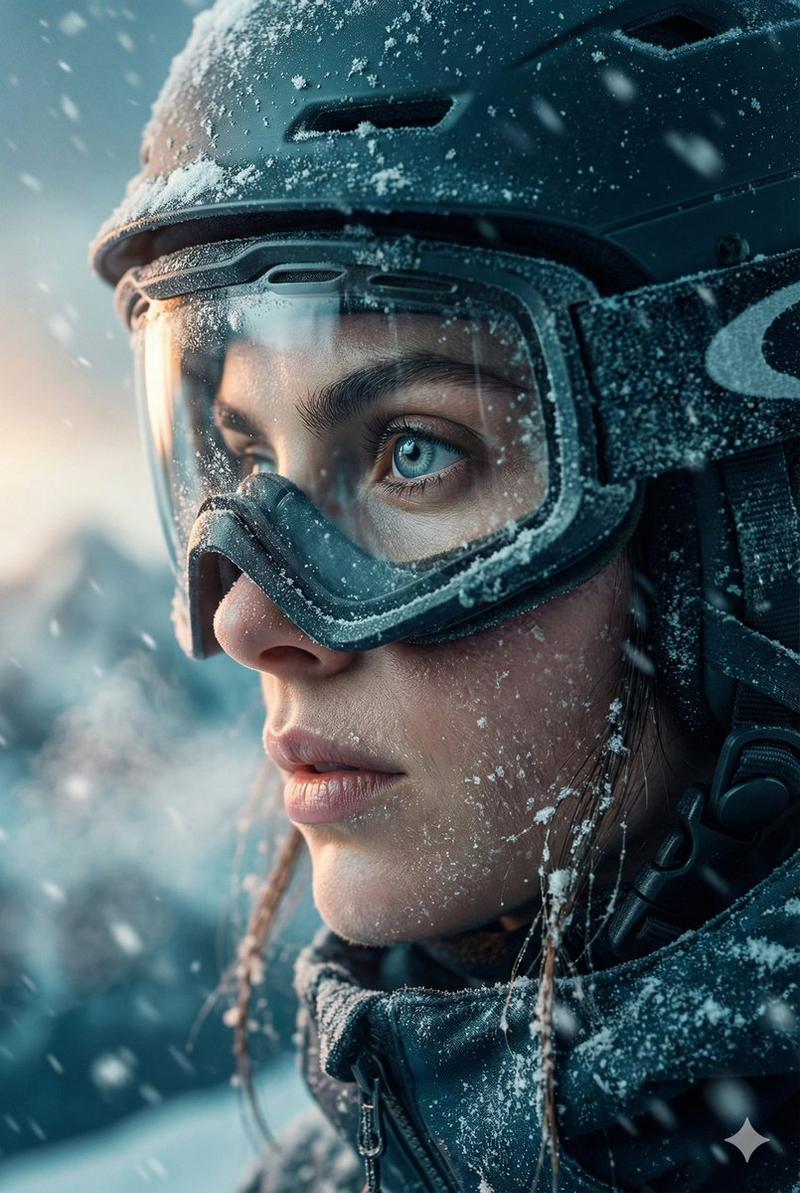
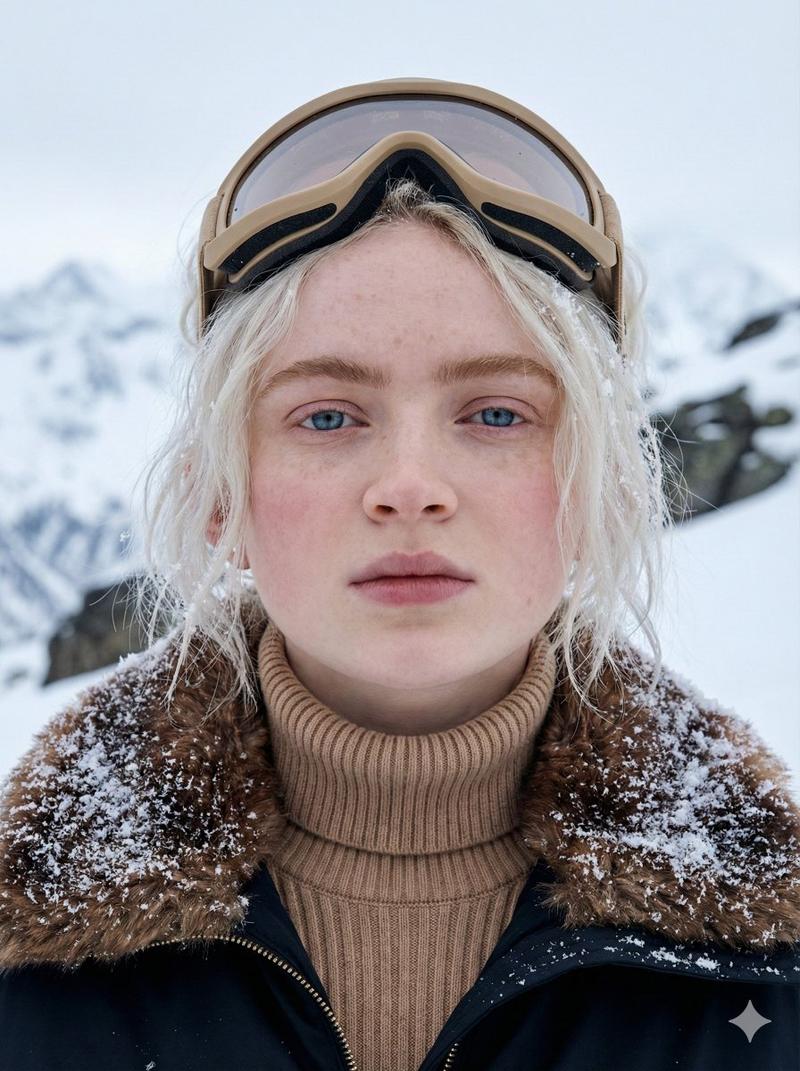
超写实冬季滑雪肖像
Enlarge

超写实冬季滑雪肖像

Prompt
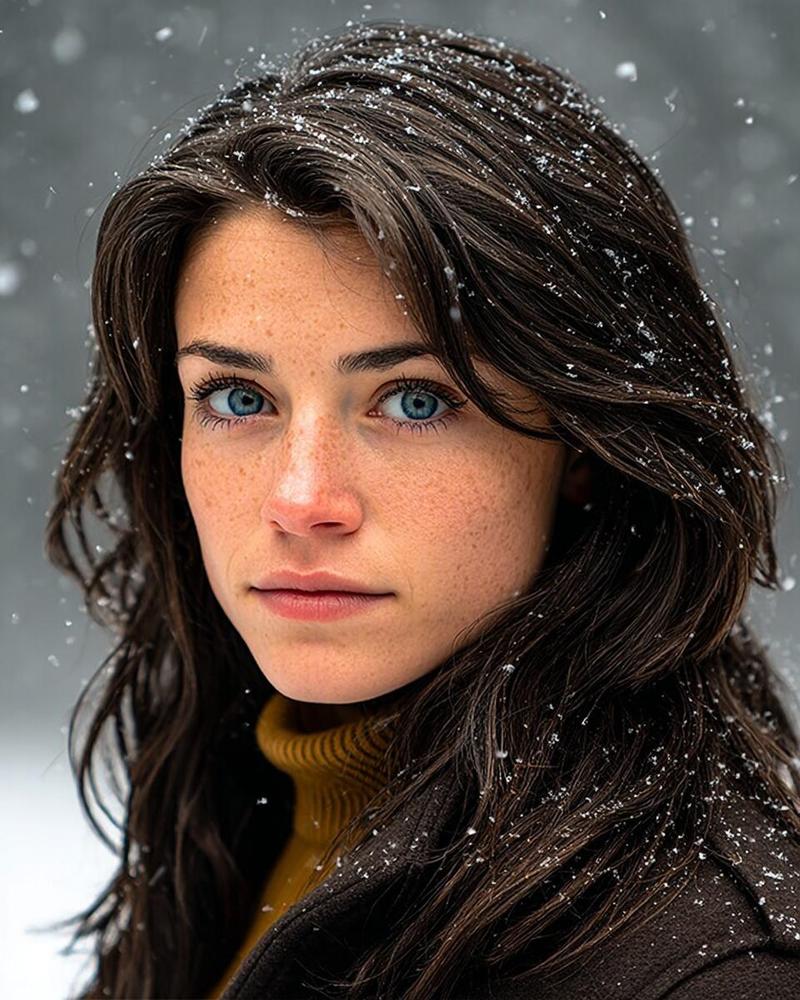
Using the uploaded photo as the only face reference, create an ultra-realistic cinematic winter portrait while preserving 100% of the person's facial identity, facial structure, proportions, skin texture, freckles, eye color, hairstyle, expression, and all unique features.

The subject is wearing a {argument name="outfit" default="premium modern ski jacket in white and red made from realistic waterproof fabric, with a knitted thermal balaclava underneath a ski helmet"}. The clothing is naturally covered with fresh snow.

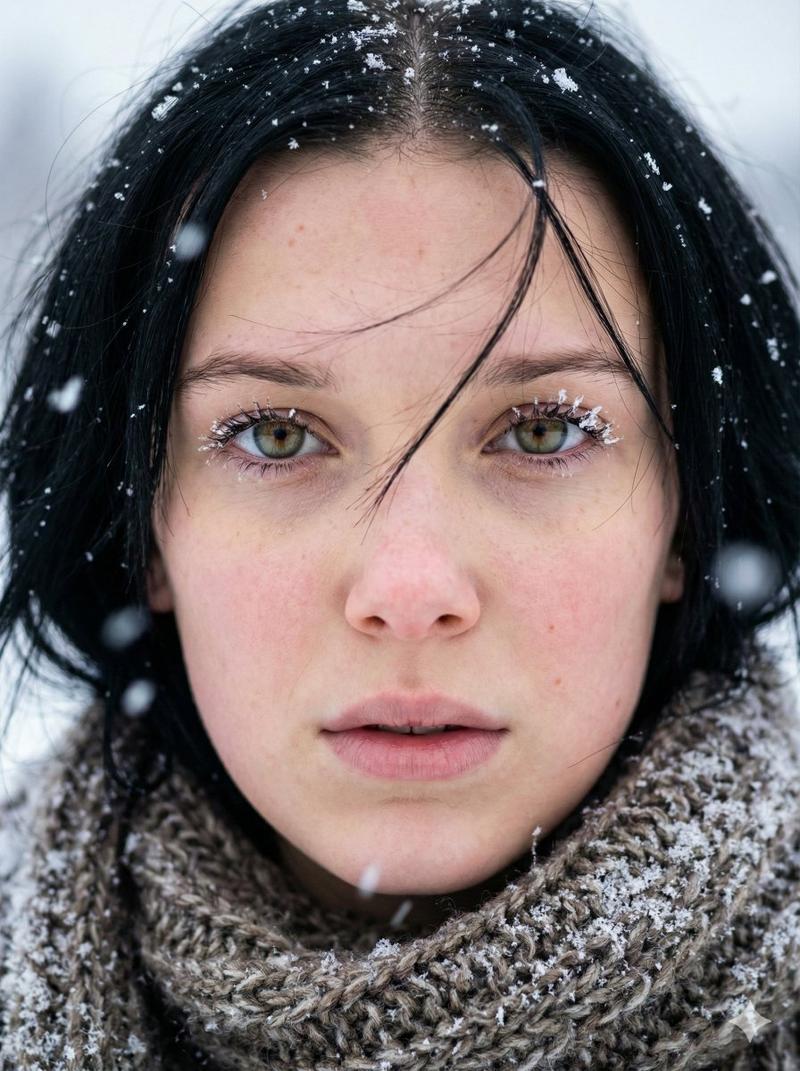
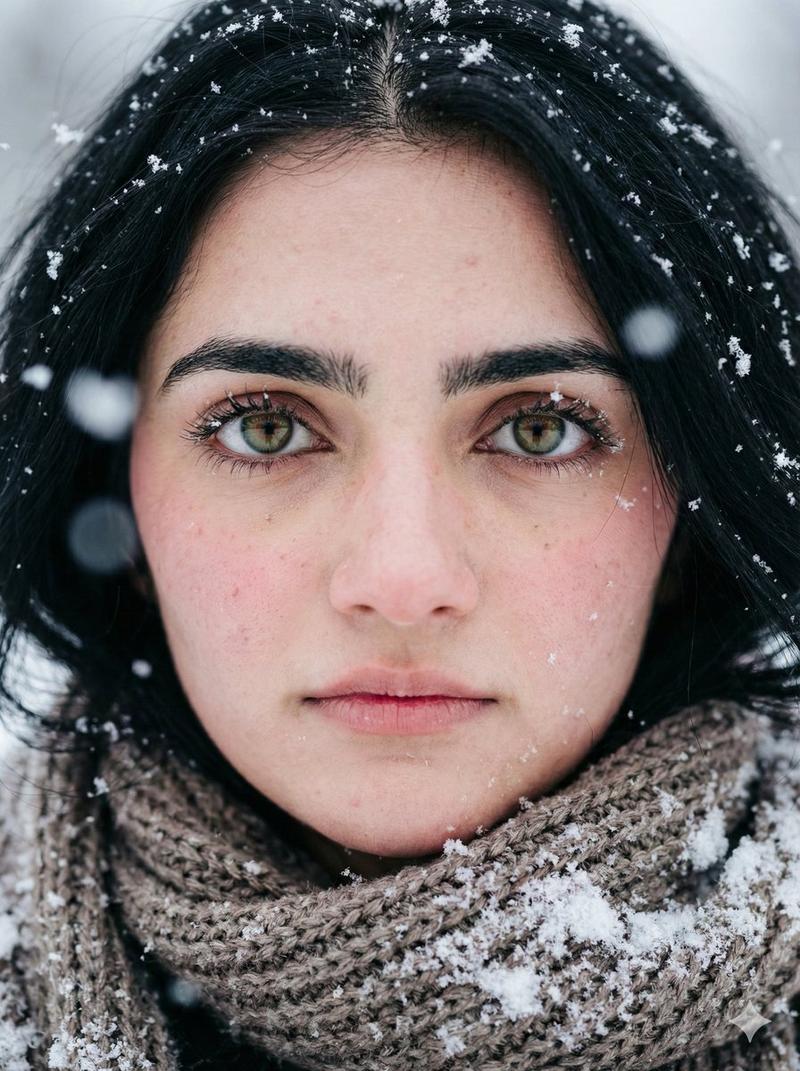
Capture an intimate close-up with {argument name="eye color" default="piercing icy blue eyes"} looking directly into the camera. Fresh snowflakes cling naturally to the eyelashes, eyebrows, hair, lips, and clothing. The skin shows visible pores, {argument name="skin detail" default="subtle redness from the cold, natural moisture, fine facial hairs, and realistic subsurface scattering"}.

Set the scene in a snowy alpine mountain landscape with soft winter daylight (5600K), cool blue tones, gentle rim lighting on the hair, a crisp frozen atmosphere, drifting snow, and a softly blurred background.

Shot on a full-frame camera with a 50mm lens at f/2.8, shallow depth of field, HDR, ultra-sharp focus on the eyes, subtle cinematic film grain, realistic snow crystals, premium outdoor adventure editorial, National Geographic-quality photography, 8K ultra-high resolution, masterpiece, photorealistic.
Category
Posters & Typography
Model
GPT Image 2
Views0
Source ID
27774
Published
Jul 6, 2026

Guide

About "超写实冬季滑雪肖像"

What is this prompt for?

"超写实冬季滑雪肖像" AI image prompt for GPT Image 2 (Posters & Typography). 一张超写实的电影级冬季滑雪者肖像,强调面部纹理、寒冷带来的皮肤细节以及高质量的户外摄影效果。 Copy it on Picva and recreate the look in on…

The full copyable prompt and example visuals above are ready for AI image generation or one-click recreate in Picva.

How to use this prompt

  1. Step 1

    Open the prompt detail

    Review the example visuals, category, and full prompt text for "超写实冬季滑雪肖像".

  2. Step 2

    Copy the prompt

    Copy the prompt body from this page, or load it directly in Studio.

  3. Step 3

    Pick a model (GPT Image 2)

    Prefer GPT Image 2. If you switch models, keep subject and composition and tweak style terms.

  4. Step 4

    Generate and export

    Recreate the look in Picva, or export into your workflow for editing and publishing.

FAQ

What is the "超写实冬季滑雪肖像" prompt?
It is an AI image-generation prompt for GPT Image 2 in the Posters & Typography category. This page includes the full prompt text, example visuals, and a one-click recreate path in Picva.
How do I use this prompt to generate an image?
Copy the prompt from this page, or use Generate / Studio. Paste it into a compatible image model, or recreate the look in Picva with optional reference images.
Which model is this prompt for?
This page lists GPT Image 2. Most descriptive prompts also transfer to nearby image models such as GPT Image, Flux, or Midjourney with light style tweaks.
Can I use the result commercially?
You can usually copy the prompt for creation, but commercial use of the final image depends on the model terms, reference-image rights, and the generated content. Follow the source author and platform rules.