18

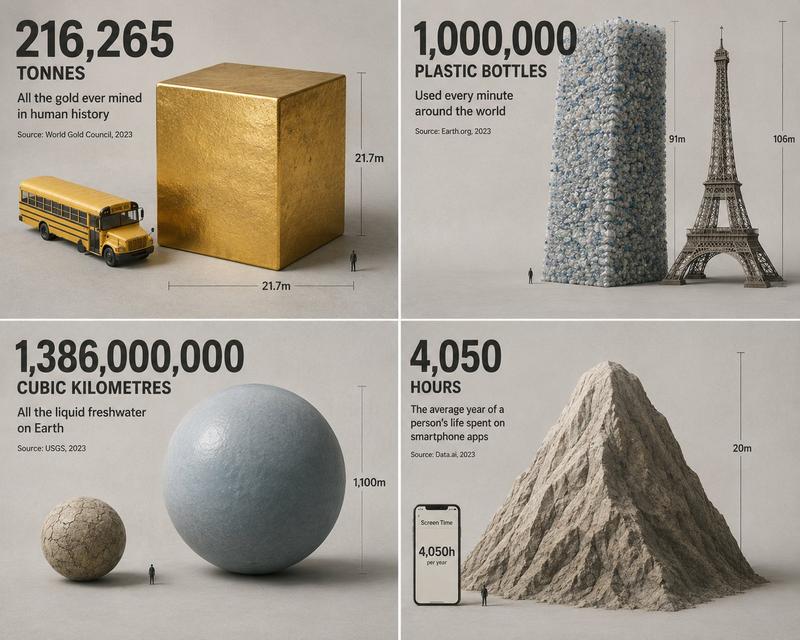
极简等距数据物理立方体
Enlarge

极简等距数据物理立方体

Prompt
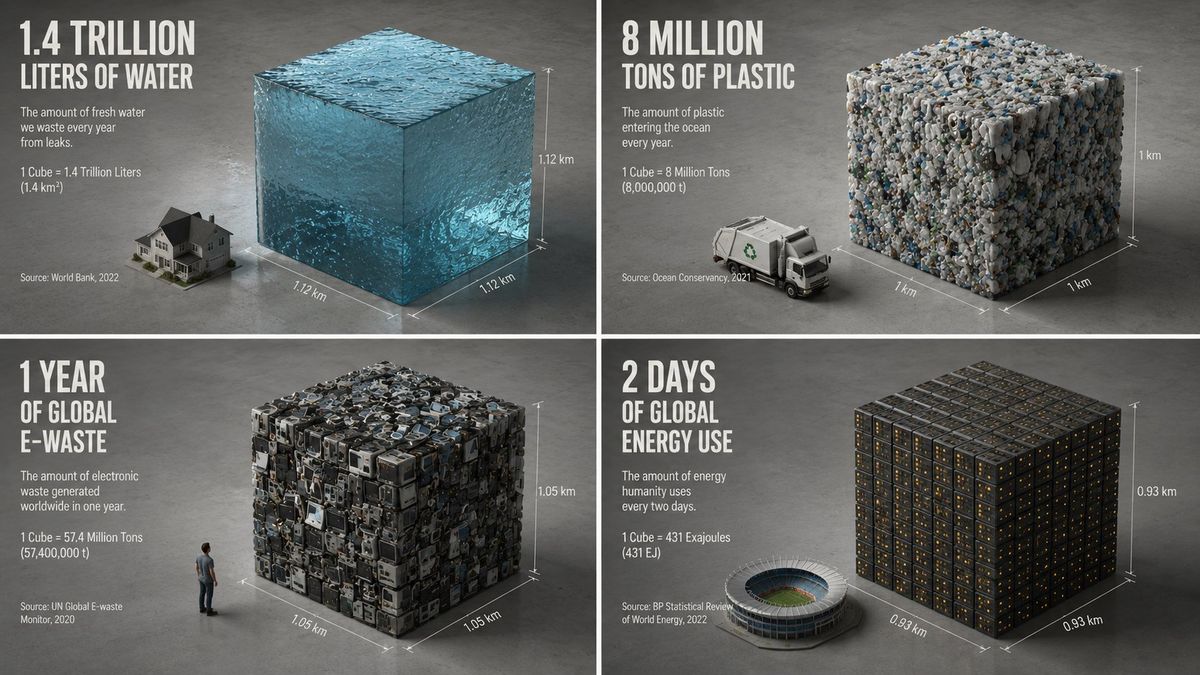
Create a minimalist isometric 3D render that compresses everything related to {argument name="topic" default="electricity consumption"} into one perfect cube. The AI should choose one statistic that can be represented as volume, mass, area, time, money, data, population, waste, emissions, or consumption. The cube should be made from the material implied by the statistic: {argument name="material" default="glowing data"}. It should sit beside one familiar comparison object: {argument name="comparison object" default="a person"}. Style: ultra-clean studio render, matte clay or physically accurate material, neutral concrete-grey background, soft ambient occlusion, sharp edges, generous negative space. Add subtle dimension lines showing height, width, and depth. Include one huge numeral floating above or printed on the floor. Caption should state what was compressed, the metric, timeframe, and source year. The spirit: make an impossible quantity feel measurable by turning it into one silent block.
Category
Illustration & Art
Model
GPT Image 2
Creator
Gadgetify
Views0
Source ID
27796
Published
Jul 6, 2026

Guide

About "极简等距数据物理立方体"

What is this prompt for?

"极简等距数据物理立方体" AI image prompt for GPT Image 2 (Illustration & Art). 生成一个极简的 3D 等距渲染图,将特定统计数据呈现为一个由相关材质构成的物理立方体,通过物理对比提供一种可视化抽象数据的独特方式。 Copy it on Picva and rec…

The full copyable prompt and example visuals above are ready for AI image generation or one-click recreate in Picva.

How to use this prompt

  1. Step 1

    Open the prompt detail

    Review the example visuals, category, and full prompt text for "极简等距数据物理立方体".

  2. Step 2

    Copy the prompt

    Copy the prompt body from this page, or load it directly in Studio.

  3. Step 3

    Pick a model (GPT Image 2)

    Prefer GPT Image 2. If you switch models, keep subject and composition and tweak style terms.

  4. Step 4

    Generate and export

    Recreate the look in Picva, or export into your workflow for editing and publishing.

FAQ

What is the "极简等距数据物理立方体" prompt?
It is an AI image-generation prompt for GPT Image 2 in the Illustration & Art category. This page includes the full prompt text, example visuals, and a one-click recreate path in Picva.
How do I use this prompt to generate an image?
Copy the prompt from this page, or use Generate / Studio. Paste it into a compatible image model, or recreate the look in Picva with optional reference images.
Which model is this prompt for?
This page lists GPT Image 2. Most descriptive prompts also transfer to nearby image models such as GPT Image, Flux, or Midjourney with light style tweaks.
Can I use the result commercially?
You can usually copy the prompt for creation, but commercial use of the final image depends on the model terms, reference-image rights, and the generated content. Follow the source author and platform rules.