15

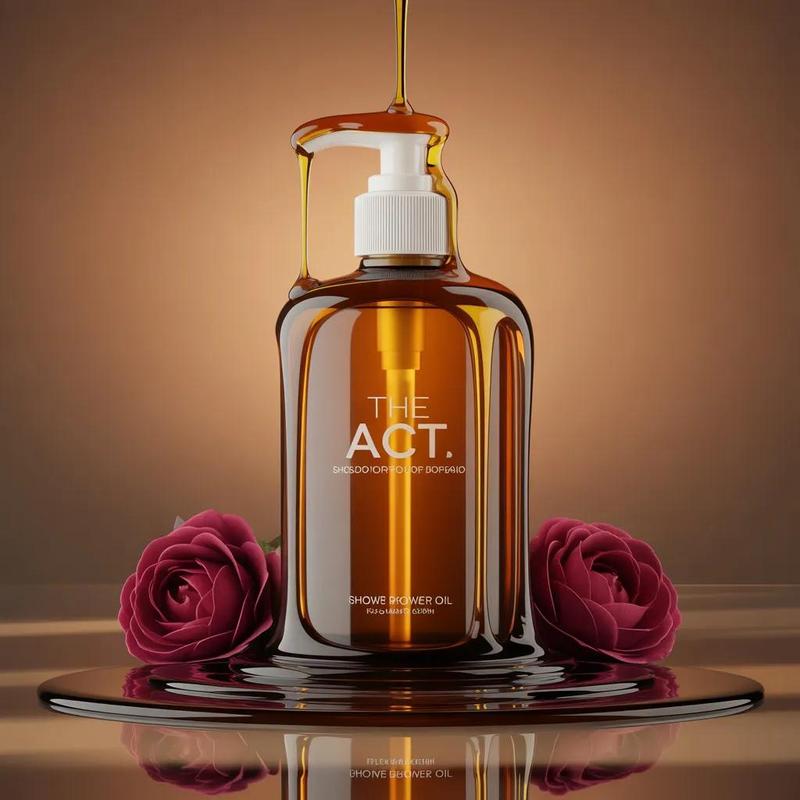
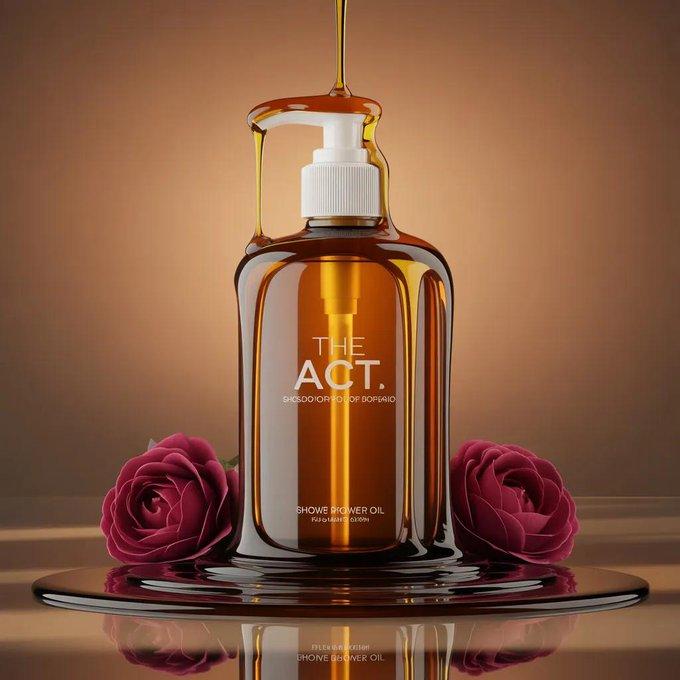
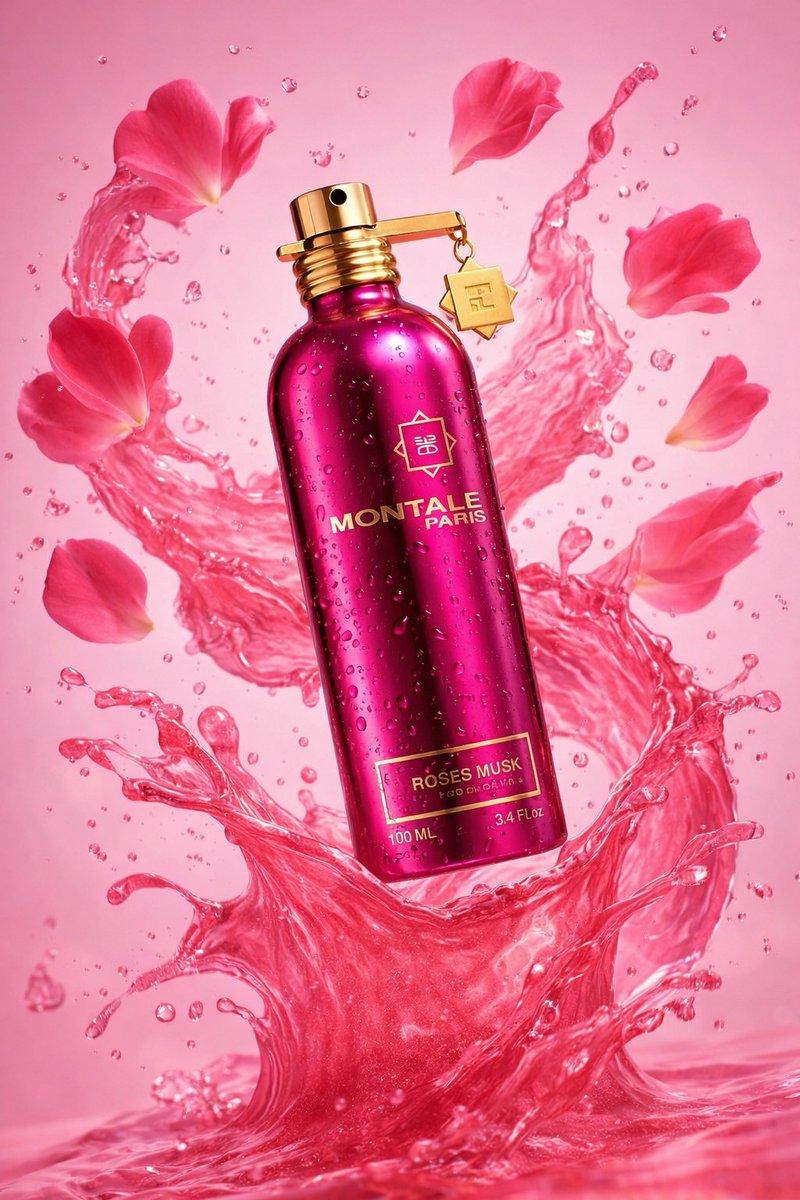
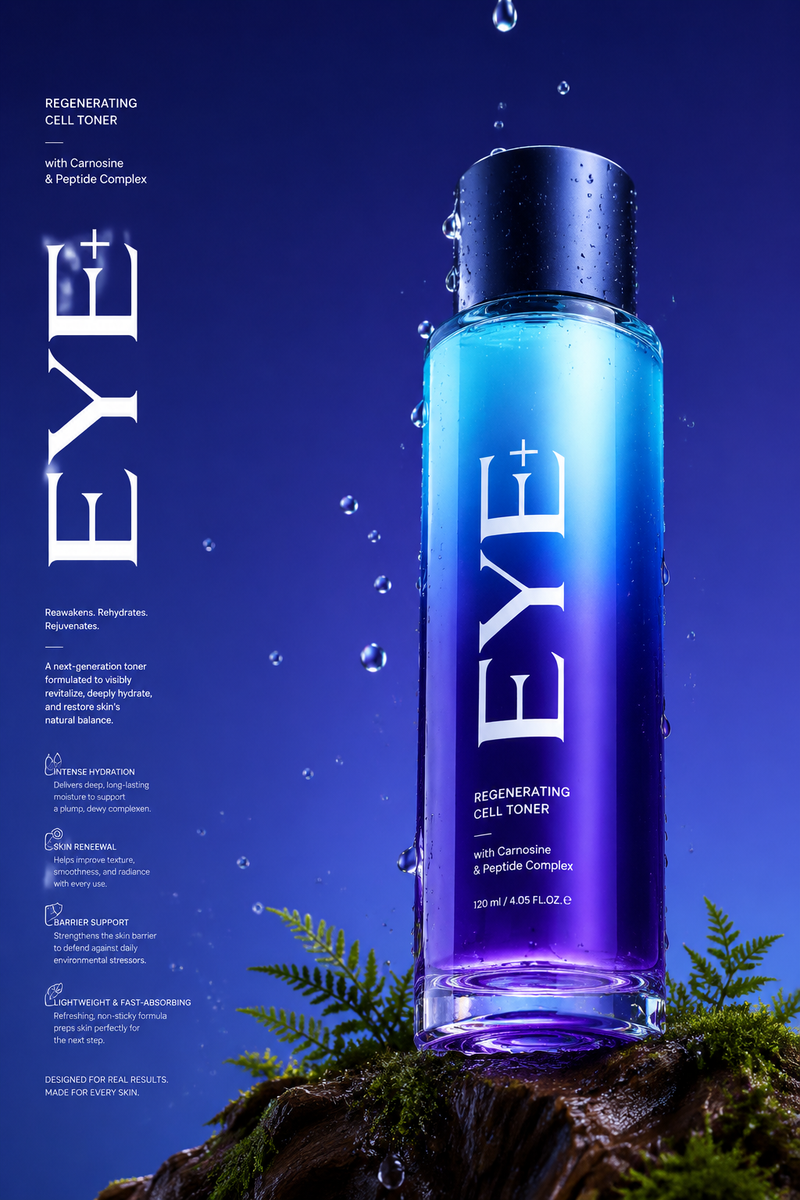
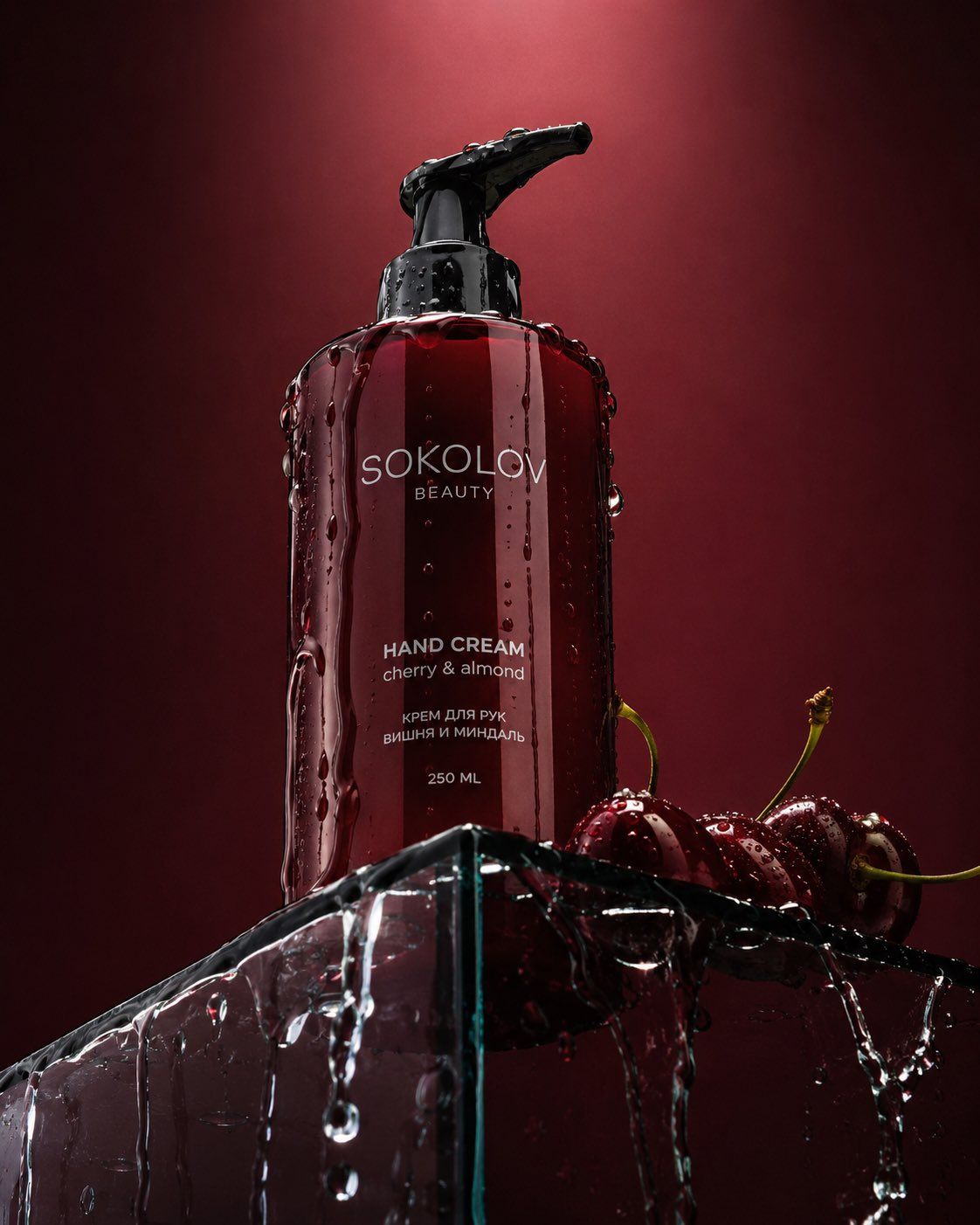
极具张力的低角度美妆产品摄影
Enlarge

Example images

极具张力的低角度美妆产品摄影

Prompt
Dramatic low-angle product photography of the {argument name="color" default="dark red"} {argument name="product" default="Sokolov Beauty hand cream"} bottle standing on the sharp edge of a transparent glass podium. The bottle is shot from a low perspective looking up. Clear water is elegantly dripping and flowing down the sides of the bottle and across the glass surface. Several juicy, glossy {argument name="fruit" default="dark red cherries"} are placed next to the bottle on the podium. Deep burgundy background with a soft light gradient fading toward the top. Dramatic cinematic lighting with strong highlights and deep shadows, creating a luxurious and sensual mood. Highly detailed water droplets and reflections, premium commercial beauty photography, sharp focus, 8K resolution, photorealistic.
Category
Charts & Infographics
Model
GPT Image 2
Creator
Snow
Views0
Source ID
27911
Published
Jul 7, 2026

Guide

About "极具张力的低角度美妆产品摄影"

What is this prompt for?

"极具张力的低角度美妆产品摄影" AI image prompt for GPT Image 2 (Charts & Infographics). 一个专业的摄影提示词,聚焦于在戏剧性光影下,伴有流动水珠和新鲜水果的美妆产品瓶身。 Copy it on Picva and recreate the look in o…

The full copyable prompt and example visuals above are ready for AI image generation or one-click recreate in Picva.

How to use this prompt

  1. Step 1

    Open the prompt detail

    Review the example visuals, category, and full prompt text for "极具张力的低角度美妆产品摄影".

  2. Step 2

    Copy the prompt

    Copy the prompt body from this page, or load it directly in Studio.

  3. Step 3

    Pick a model (GPT Image 2)

    Prefer GPT Image 2. If you switch models, keep subject and composition and tweak style terms.

  4. Step 4

    Generate and export

    Recreate the look in Picva, or export into your workflow for editing and publishing.

FAQ

What is the "极具张力的低角度美妆产品摄影" prompt?
It is an AI image-generation prompt for GPT Image 2 in the Charts & Infographics category. This page includes the full prompt text, example visuals, and a one-click recreate path in Picva.
How do I use this prompt to generate an image?
Copy the prompt from this page, or use Generate / Studio. Paste it into a compatible image model, or recreate the look in Picva with optional reference images.
Which model is this prompt for?
This page lists GPT Image 2. Most descriptive prompts also transfer to nearby image models such as GPT Image, Flux, or Midjourney with light style tweaks.
Can I use the result commercially?
You can usually copy the prompt for creation, but commercial use of the final image depends on the model terms, reference-image rights, and the generated content. Follow the source author and platform rules.