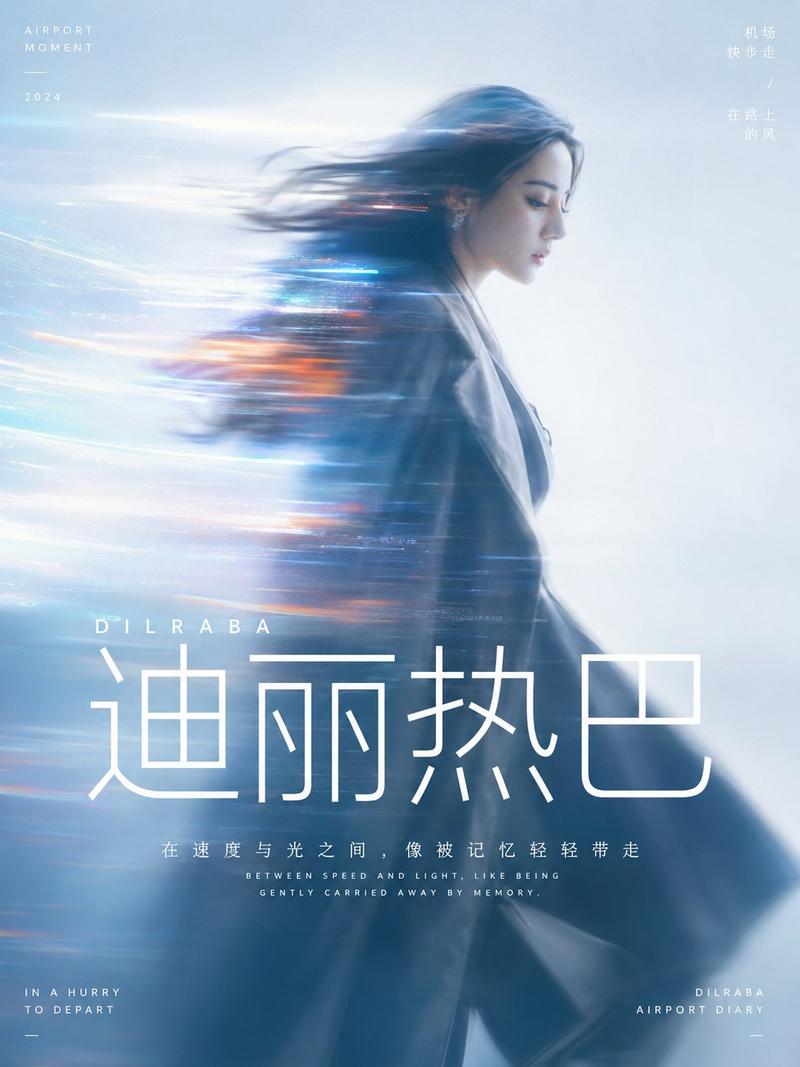
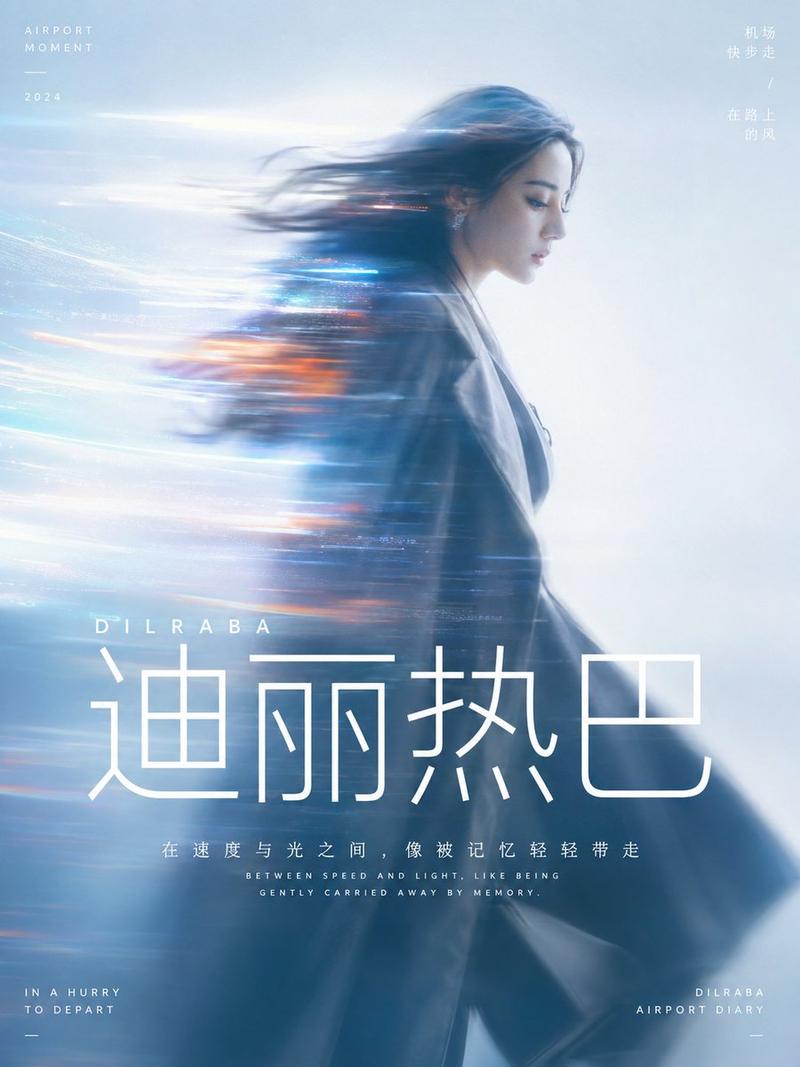
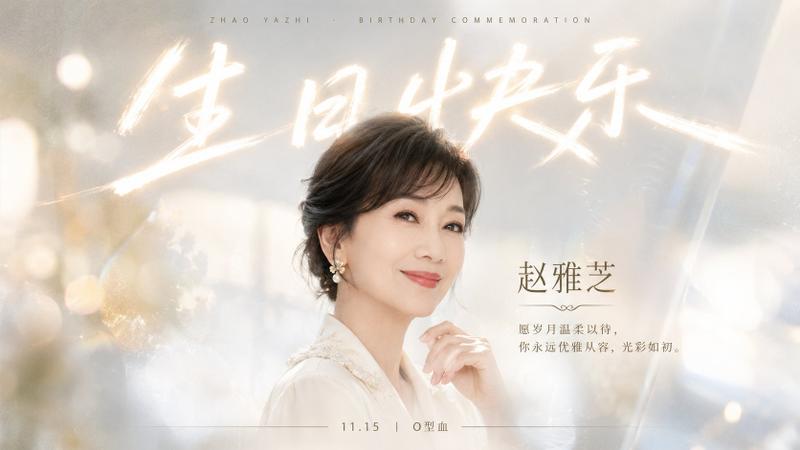
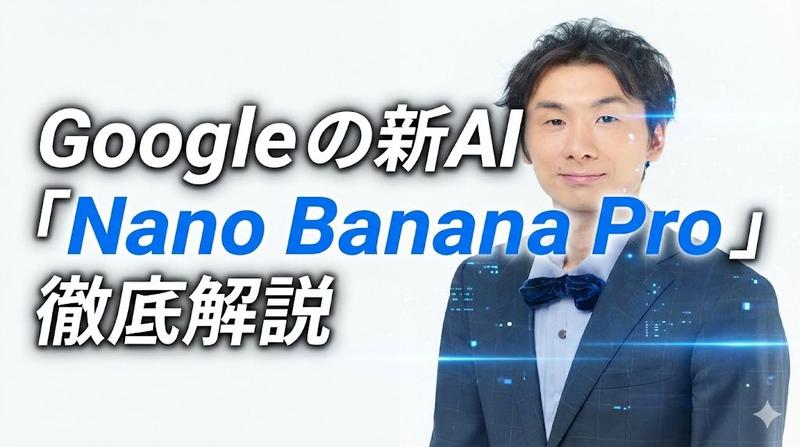
企业周年庆领导力海报
Prompt
Goal: Create a polished corporate anniversary leadership poster for an automobile company, combining an executive portrait, futuristic mobility imagery, and bilingual Chinese/English brand messaging.

Canvas: 16:9 horizontal poster, 1366×768 style composition, cool blue-white gradient background, premium business-event aesthetic, clean negative space, subtle atmospheric light beams and skyline haze.

Layout: Left side contains the main anniversary typography; right side contains a half-body executive portrait. A huge translucent numeral “10” fills the center background from mid-left to right, with a small “TH” near the upper right of the zero. The bottom fifth of the poster is a dark navy gradient information bar with a short Chinese paragraph on the left and two white automotive logos on the right separated by an “×”.

Subject details: Place a confident middle-aged East Asian male executive, {argument name="character name" default="张远见"}, on the right third of the poster. He wears a dark navy suit, white dress shirt, blue patterned tie, rimless or thin metal glasses, and a small lapel pin. He stands with arms crossed, looking slightly upward and to the left with a calm visionary expression. Lighting is soft, cinematic, and flattering, with crisp commercial portrait retouching.

Background and objects: Include exactly 1 sleek dark blue electric SUV driving on a luminous curved road near the lower left-center. Add a faint modern city skyline on the far left horizon. Add sweeping highway lines and motion trails across the lower half, suggesting future mobility and corporate growth. Use glossy reflections, soft lens flares, and airy white-blue gradients.

Text content: Include exactly 9 visible text groups: 1) top-left small text “2016-2026 | 十年同行 驭见未来”; 2) large headline “2016-2026”; 3) large Chinese headline “十年同行”; 4) smaller subtitle “某某汽车并购十周年纪念”; 5) tiny English subtitle “10TH ANNIVERSARY OF THE MERGER / A DECADE OF PARTNERSHIP, DRIVING THE FUTURE”; 6) right-side name block with a short red dash above or beside “张远见”, then “董事长 & CEO”; 7) right-side quote “十年同行,感谢伙伴与用户一路相伴,向新而行。”; 8) bottom-left Chinese paragraph beginning with “2016年,我们携手开启新征程;2026年,我们并肩驶向新起点。” followed by two more concise lines about ten years, partnership, users, innovation, service, and the future; 9) bottom-right two brand marks reading “某某汽车 MOUMOU AUTO × 某某汽车 MOUMOU AUTO”.

Typography: Use a modern geometric sans-serif font. Main numerals are bold deep blue, Chinese headline is large and authoritative, secondary copy is small and tightly tracked. Emphasize corporate trust, leadership, anniversary celebration, and premium automotive technology.

Constraints: Use exactly 1 executive portrait, exactly 1 car, exactly 1 huge translucent “10”, exactly 2 bottom brand logos, and exactly 9 text groups. Keep the design elegant, spacious, realistic, and suitable for an enterprise event or merger anniversary poster. Avoid clutter, cartoon style, exaggerated expressions, and random extra text.- Category
- Posters & Typography
- Model
- GPT Image 2
- Creator
- 小小东
- Source ID
- 27921
- Published
- Jul 7, 2026
Views0