19

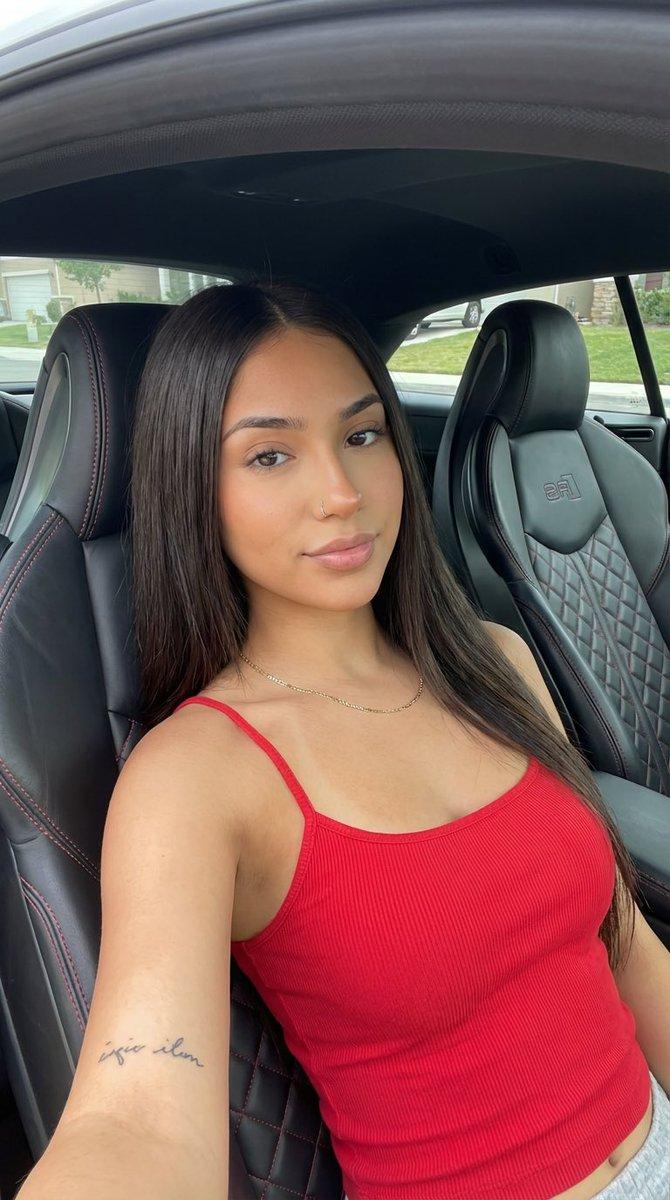
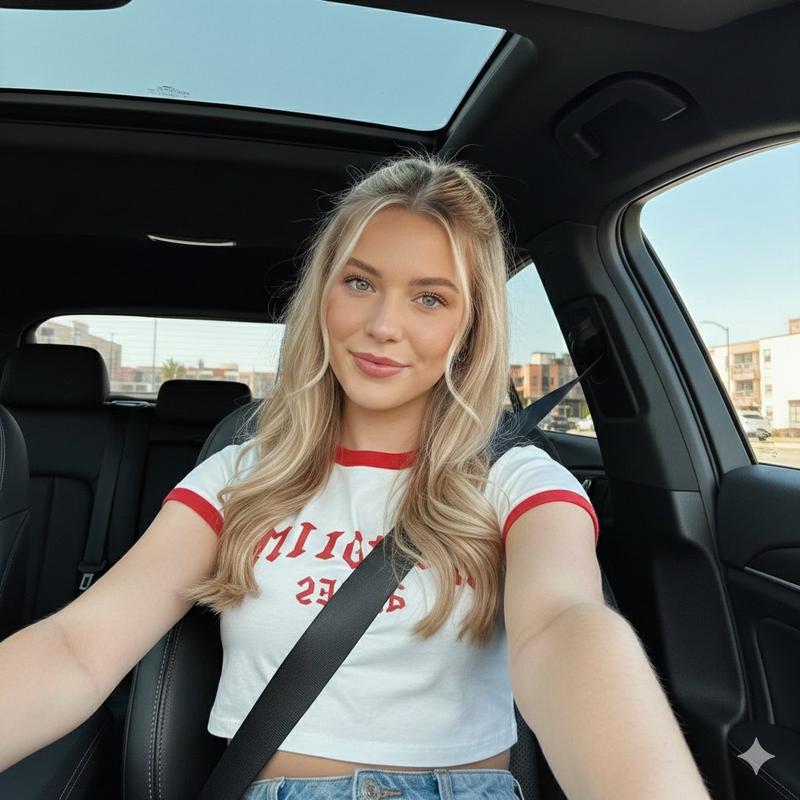
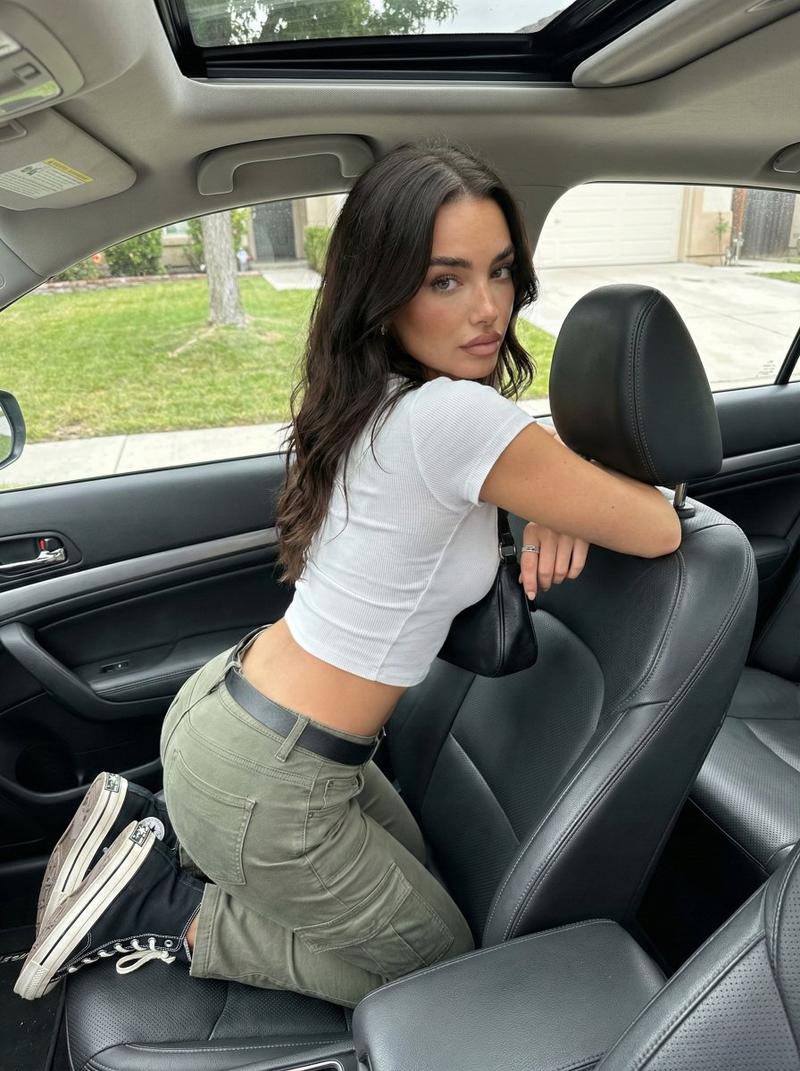
逼真的车内自拍
Enlarge

Example images

逼真的车内自拍

Prompt
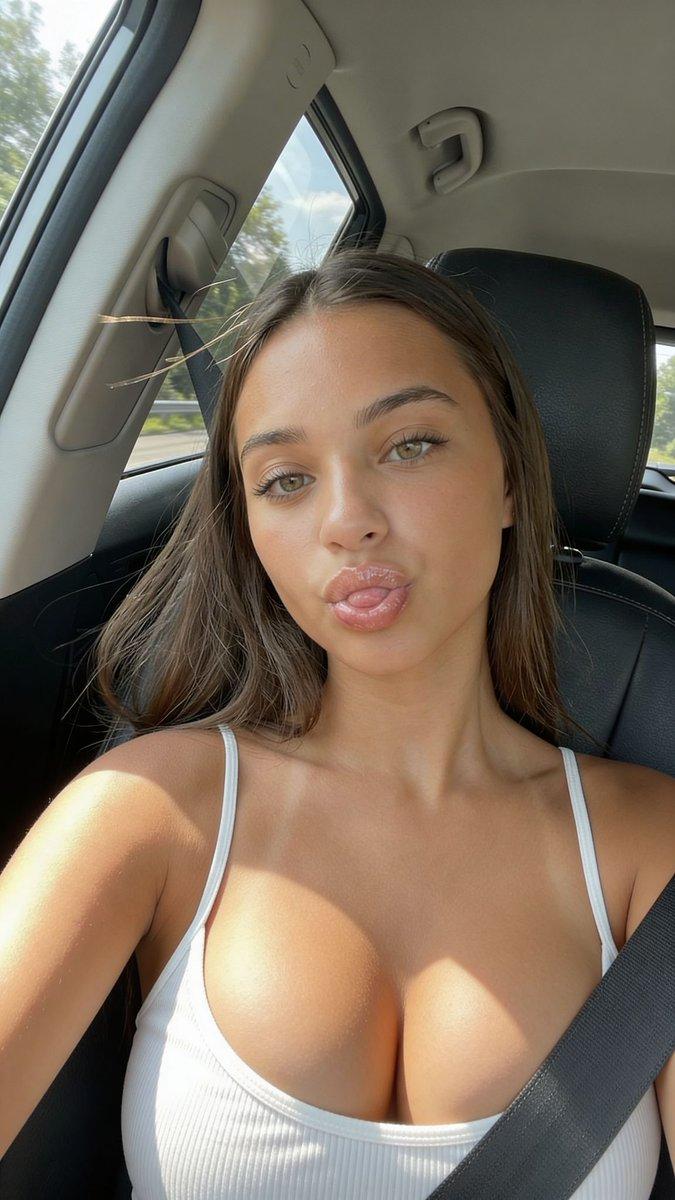
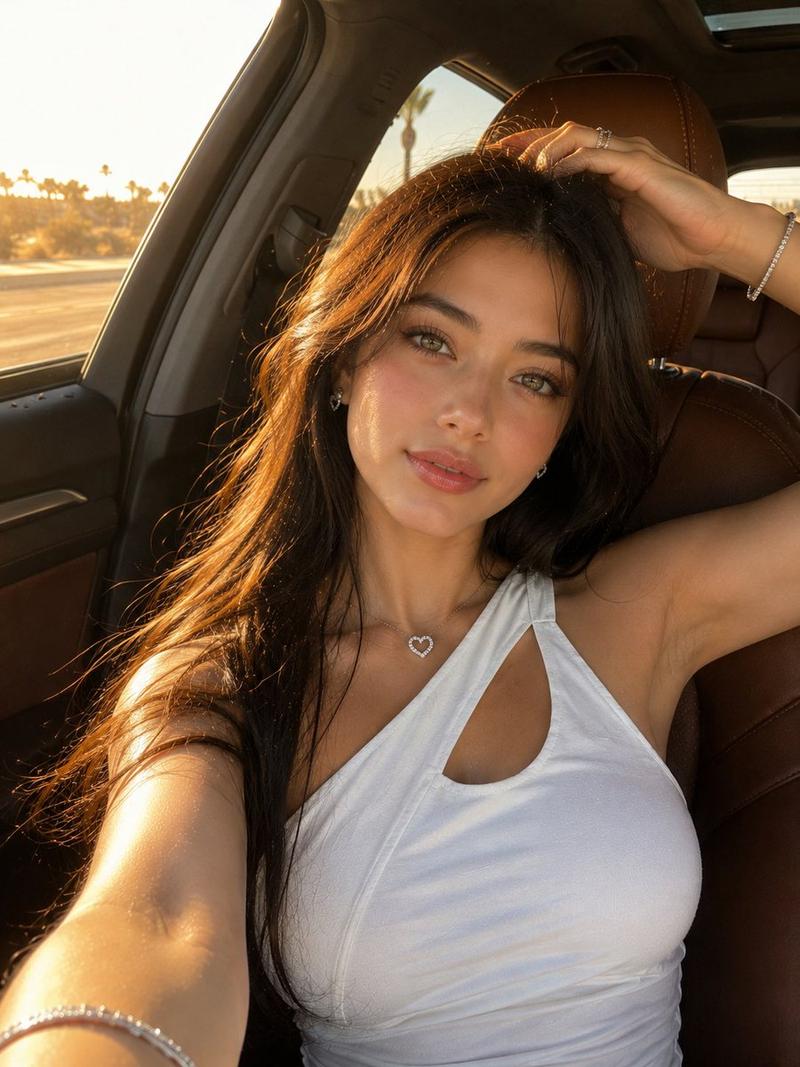
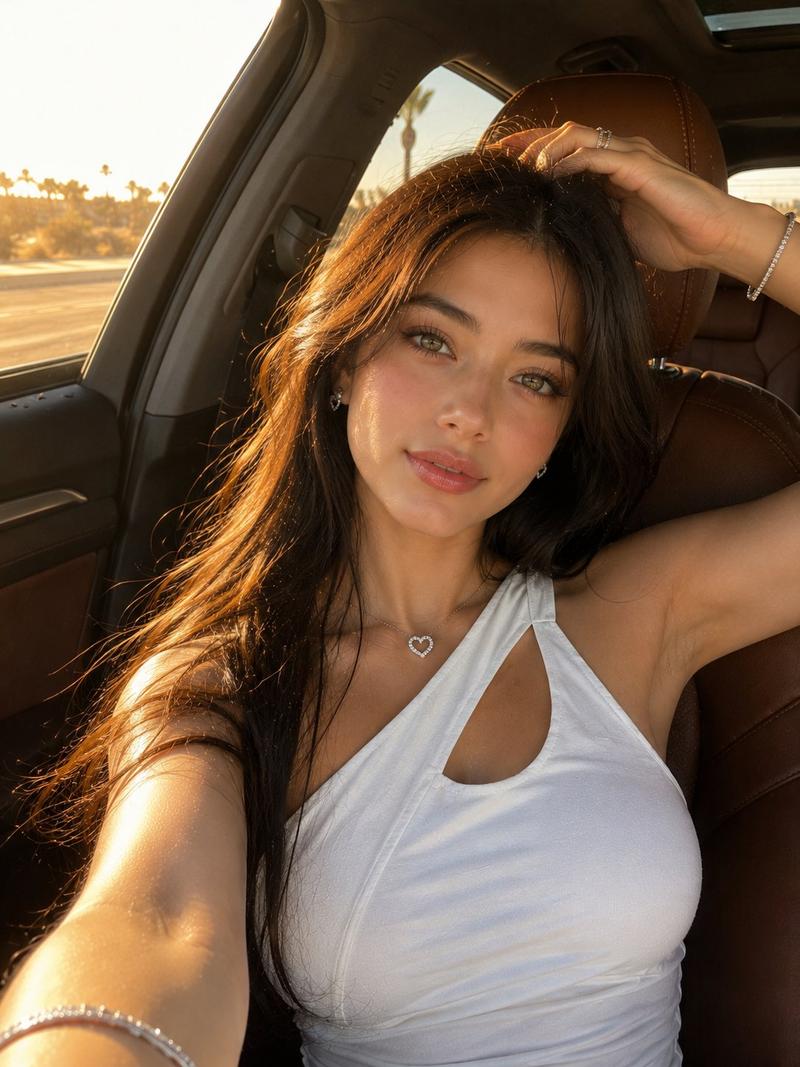
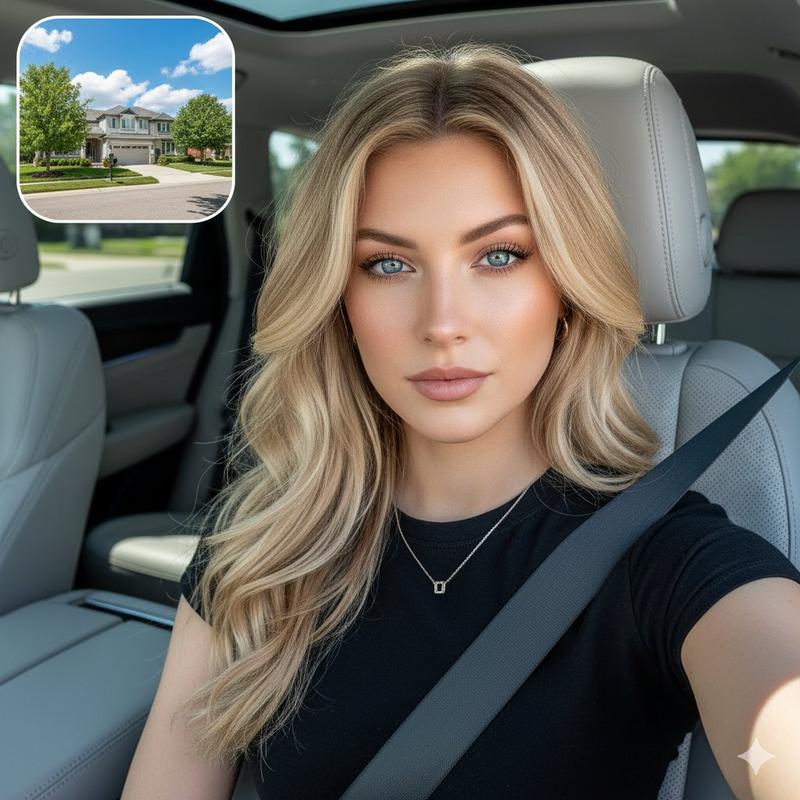
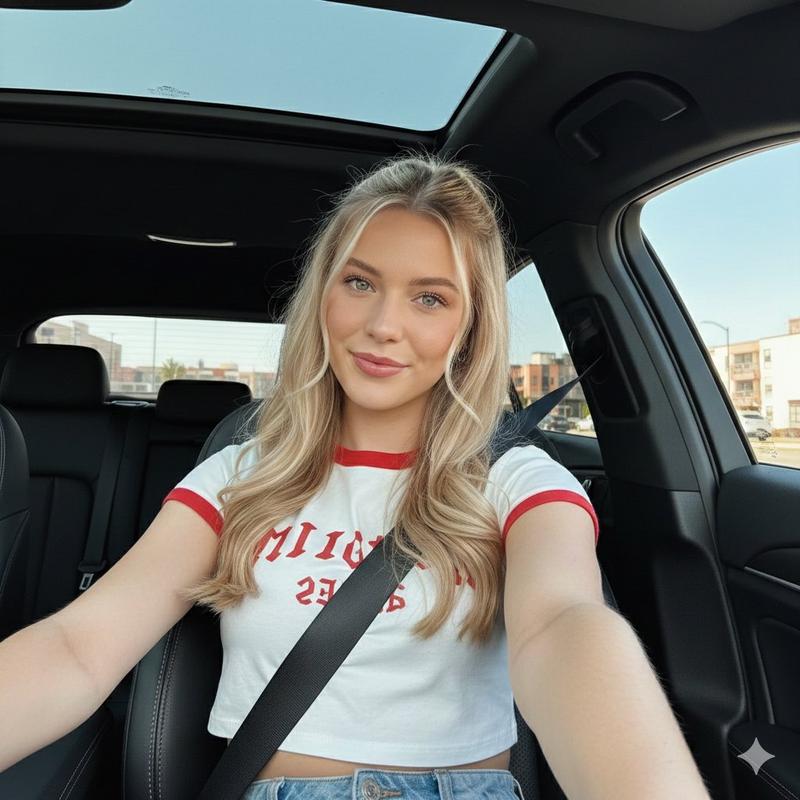
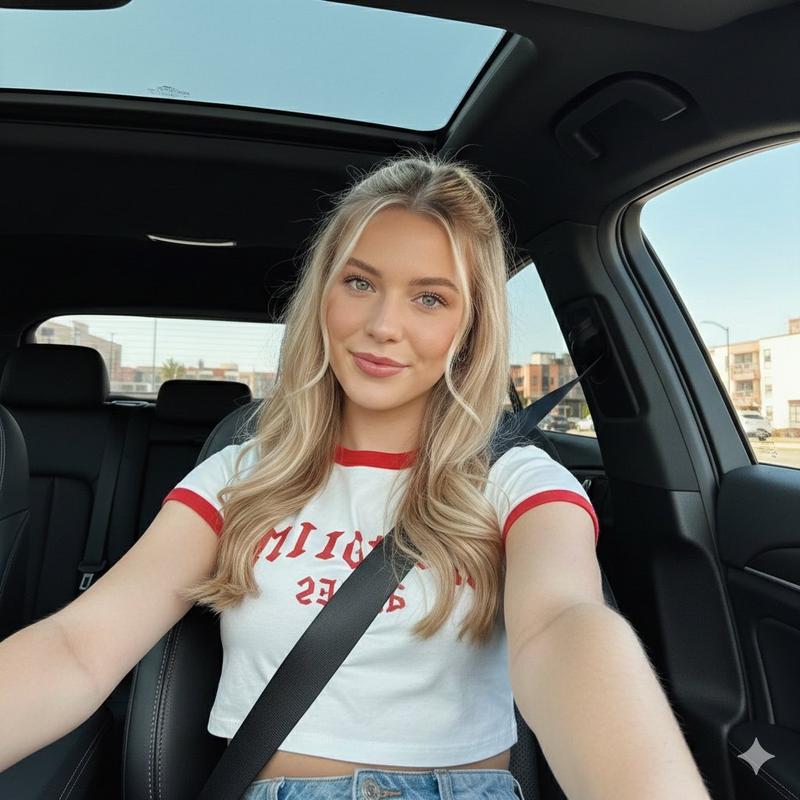
生成一张逼真的车内自拍视频首帧,横屏 16:9。画面看起来像是通过固定在副驾驶座前方或中控台附近的广角小相机拍摄的,带有轻微广角效果,呈现第一人称视角的车内特写,类似于社交媒体短视频的截图。
主角是一位气质清冷、安静且精致的成年女性,整体看起来就像日常车内自拍视频中的主角。她脸型小巧呈椭圆形,五官自然精致,鼻梁挺拔,唇形自然,表情平静淡然,带有一丝冷感但不过分夸张。她正对镜头或微微向前看,全脸清晰可见,没有低头或侧脸。她佩戴着细框透明或浅银色眼镜,{argument name="hairstyle" default="浅棕色长直发,带有轻薄空气刘海,自然垂落在肩头"}。身穿 {argument name="clothing" default="简约的灰色无袖针织裙或灰色无袖上衣搭配下装"},造型干净、日常、端庄且自然。
她坐在驾驶座上,安全带已扣好并固定:黑色安全带从肩部斜跨至腰侧,清晰可见,自然贴合身体,没有拉扯安全带或插入插扣的动作。一只手自然地放在方向盘附近或轻触方向盘,另一只手垂在座椅旁或腿侧,呈现出坐直后准备开车前的瞬间姿态。表情专注而平静,双眼可以看向镜头或微微看向前方道路。
车内环境包含 {argument name="interior" default="红棕色皮质座椅和红棕色车门内饰板"},方向盘在画面右前方形成鲜明的前景,仪表盘、车窗边缘和后排座椅清晰可见。窗外是绿植、树木以及白天城市道路上略显模糊的街景,但车辆看起来尚未启动,背景相对静止。自然阳光透过车窗洒入,呈现出真实的皮肤质感和自然的头发光泽。
整体风格:真实摄影,高质量手机或运动相机车内自拍视频首帧,清晰自然,带有轻微广角畸变,真实的汽车内部空间,社交媒体短视频质感,非影棚人像。
避免:低头、侧脸、扣安全带动作、拉扯安全带、字幕、文字、水印、多余人物、夸张姿势、刻意摆拍、缺少安全带、方向盘变形、手指畸形、眼镜变形、车内结构混乱、高速运动背景、夜景、动漫风格、CG 感、塑料感皮肤、过度美颜。
Category
UI & Interfaces
Model
GPT Image 2
Creator
John
Views7
Source ID
27997
Published
Jul 8, 2026

Guide

About "逼真的车内自拍"

What is this prompt for?

"逼真的车内自拍" AI image prompt for GPT Image 2 (UI & Interfaces). 生成一张逼真的社交媒体风格车内自拍,展示一位坐在驾驶座上的女性,采用广角视角。 Copy it on Picva and recreate the look in one click.

The full copyable prompt and example visuals above are ready for AI image generation or one-click recreate in Picva.

How to use this prompt

  1. Step 1

    Open the prompt detail

    Review the example visuals, category, and full prompt text for "逼真的车内自拍".

  2. Step 2

    Copy the prompt

    Copy the prompt body from this page, or load it directly in Studio.

  3. Step 3

    Pick a model (GPT Image 2)

    Prefer GPT Image 2. If you switch models, keep subject and composition and tweak style terms.

  4. Step 4

    Generate and export

    Recreate the look in Picva, or export into your workflow for editing and publishing.

FAQ

What is the "逼真的车内自拍" prompt?
It is an AI image-generation prompt for GPT Image 2 in the UI & Interfaces category. This page includes the full prompt text, example visuals, and a one-click recreate path in Picva.
How do I use this prompt to generate an image?
Copy the prompt from this page, or use Generate / Studio. Paste it into a compatible image model, or recreate the look in Picva with optional reference images.
Which model is this prompt for?
This page lists GPT Image 2. Most descriptive prompts also transfer to nearby image models such as GPT Image, Flux, or Midjourney with light style tweaks.
Can I use the result commercially?
You can usually copy the prompt for creation, but commercial use of the final image depends on the model terms, reference-image rights, and the generated content. Follow the source author and platform rules.