14

末世武侠对峙
Enlarge

Example images

末世武侠对峙

Prompt
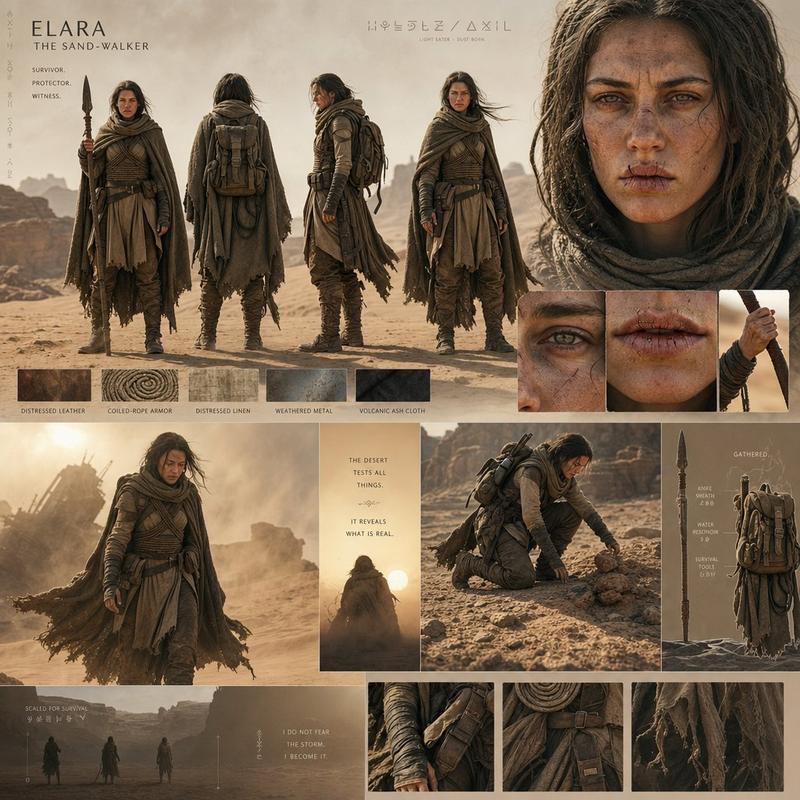
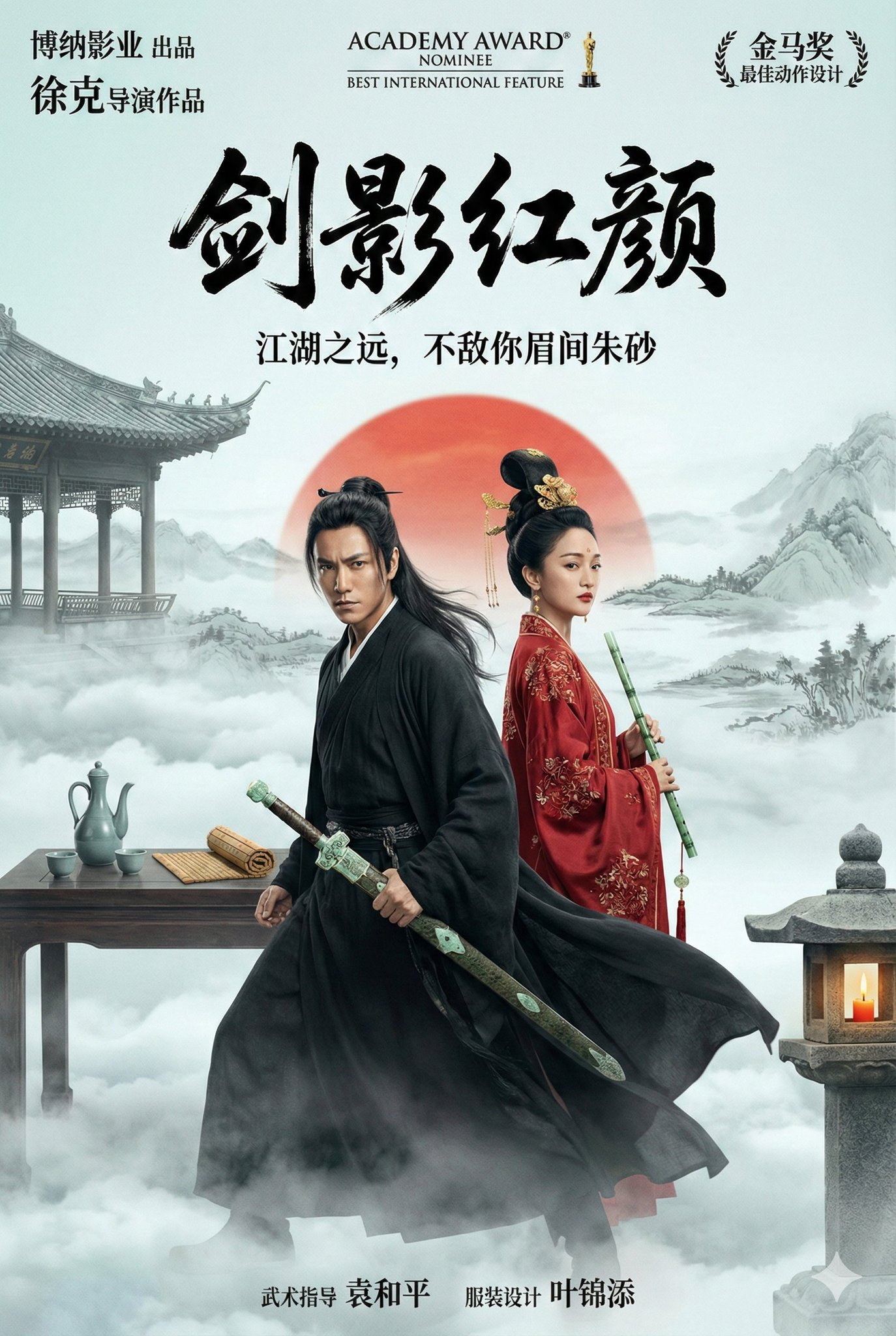
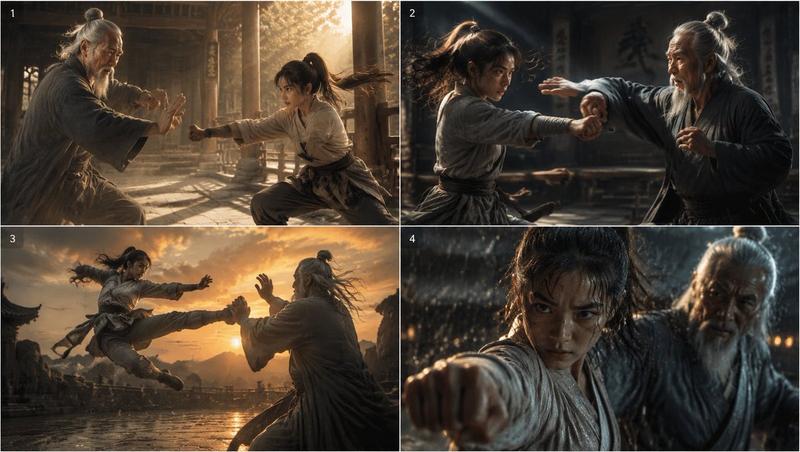
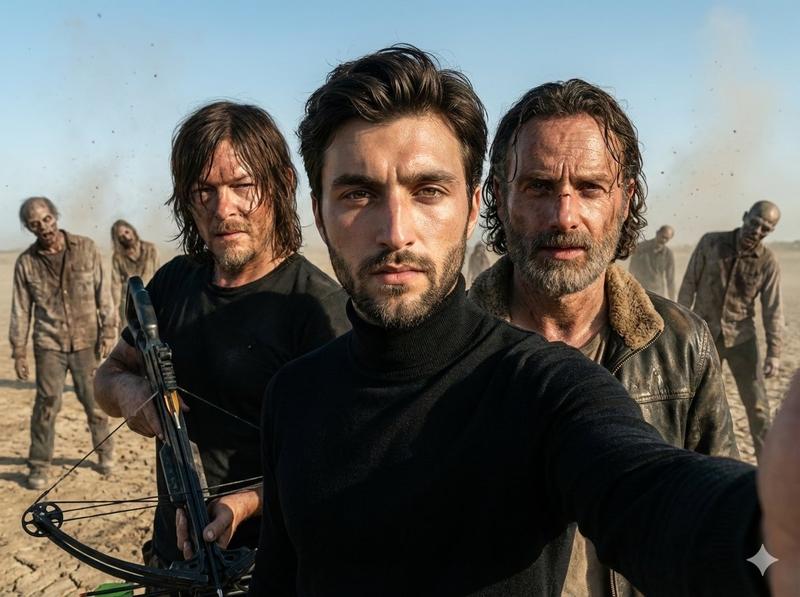
Create a cinematic photorealistic wide shot in a dusty desert mountain wasteland, blending ancient Chinese wuxia fantasy with a modern punk survivor character. Show exactly 4 young women standing in a dramatic lineup, all facing the camera with serious, defiant expressions: 1) left woman in a pale mint-green flowing hanfu robe with long black hair half tied in a top bun, holding a sheathed ornate sword diagonally at her waist; 2) center-front woman in a black layered martial-arts robe with messy high bun hair, gripping a short curved dagger forward in a threatening pose; 3) center-rear woman in a faded beige-green robe with long dark hair, aiming a tall wooden bow directly toward the viewer with an arrow drawn; 4) right woman with short {argument name="hair color" default="pink"} hair wearing a black tank top, ripped dark denim shorts, black headphones around her neck, one hand on her hip and the other holding a cigarette near her mouth. Set them in a sandy, windblown canyon with hazy mountains in the background, warm beige sunlight, airborne dust, faint smoke from the cigarette, and a partially visible old car wreck behind the modern woman on the right. Use a gritty movie still look, realistic skin and fabric texture, shallow depth of field, muted earth tones, high detail, natural lens perspective, 16:9 aspect ratio. The overall mood should feel like {argument name="mood" default="post-apocalyptic wuxia standoff"}, with no visible text, no watermark, and no extra people.
Category
Photography & Realism
Model
GPT Image 2
Creator
探路AI
Views0
Source ID
28037
Published
Jul 8, 2026

Guide

About "末世武侠对峙"

What is this prompt for?

"末世武侠对峙" AI image prompt for GPT Image 2 (Photography & Realism). 一幅电影级写实场景,四位女性融合了古代武侠战士与现代朋克幸存者,在尘土飞扬的沙漠中展开对峙。 Copy it on Picva and recreate the look in one…

The full copyable prompt and example visuals above are ready for AI image generation or one-click recreate in Picva.

How to use this prompt

  1. Step 1

    Open the prompt detail

    Review the example visuals, category, and full prompt text for "末世武侠对峙".

  2. Step 2

    Copy the prompt

    Copy the prompt body from this page, or load it directly in Studio.

  3. Step 3

    Pick a model (GPT Image 2)

    Prefer GPT Image 2. If you switch models, keep subject and composition and tweak style terms.

  4. Step 4

    Generate and export

    Recreate the look in Picva, or export into your workflow for editing and publishing.

FAQ

What is the "末世武侠对峙" prompt?
It is an AI image-generation prompt for GPT Image 2 in the Photography & Realism category. This page includes the full prompt text, example visuals, and a one-click recreate path in Picva.
How do I use this prompt to generate an image?
Copy the prompt from this page, or use Generate / Studio. Paste it into a compatible image model, or recreate the look in Picva with optional reference images.
Which model is this prompt for?
This page lists GPT Image 2. Most descriptive prompts also transfer to nearby image models such as GPT Image, Flux, or Midjourney with light style tweaks.
Can I use the result commercially?
You can usually copy the prompt for creation, but commercial use of the final image depends on the model terms, reference-image rights, and the generated content. Follow the source author and platform rules.