18

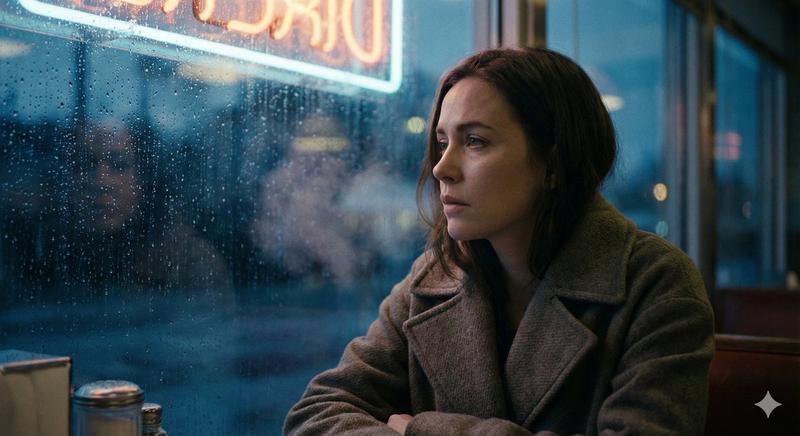
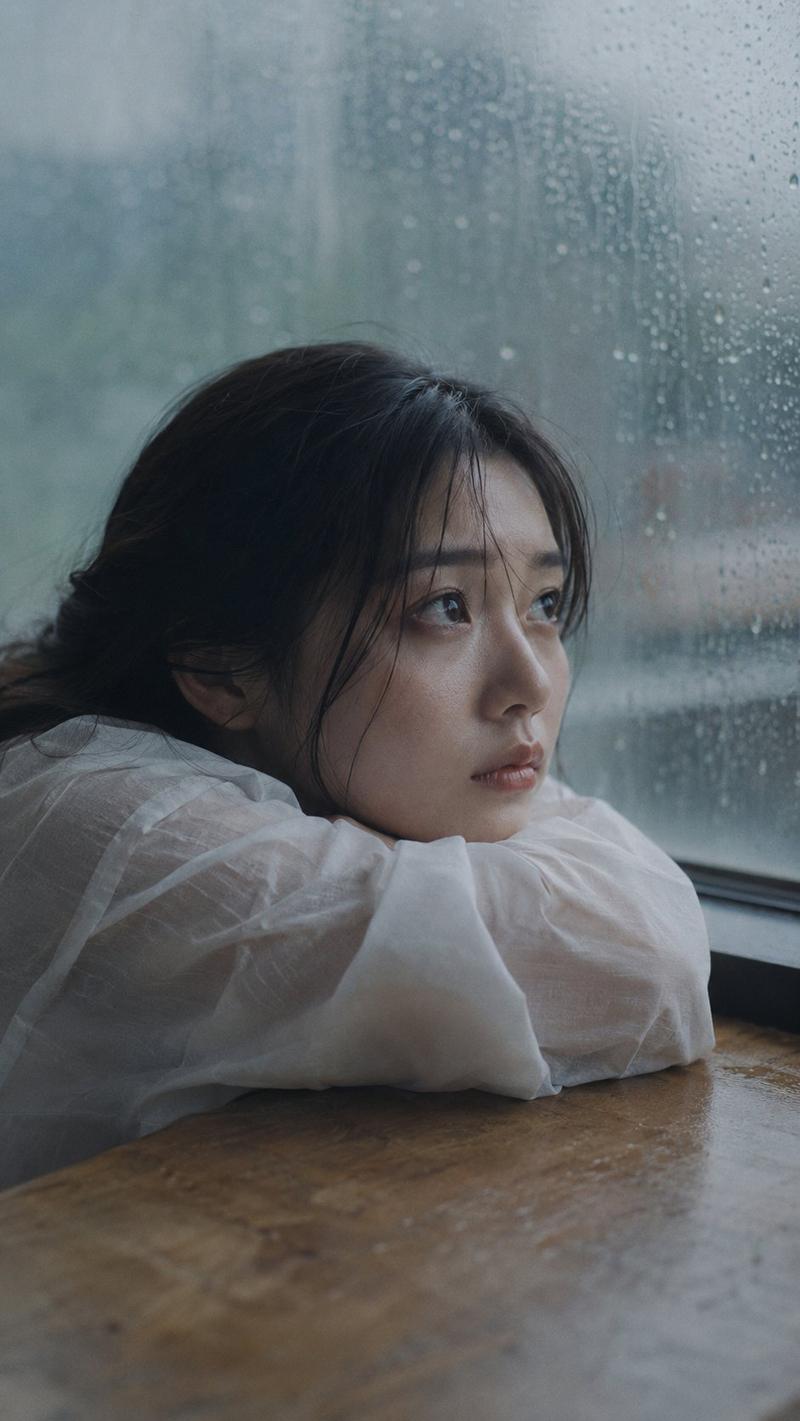
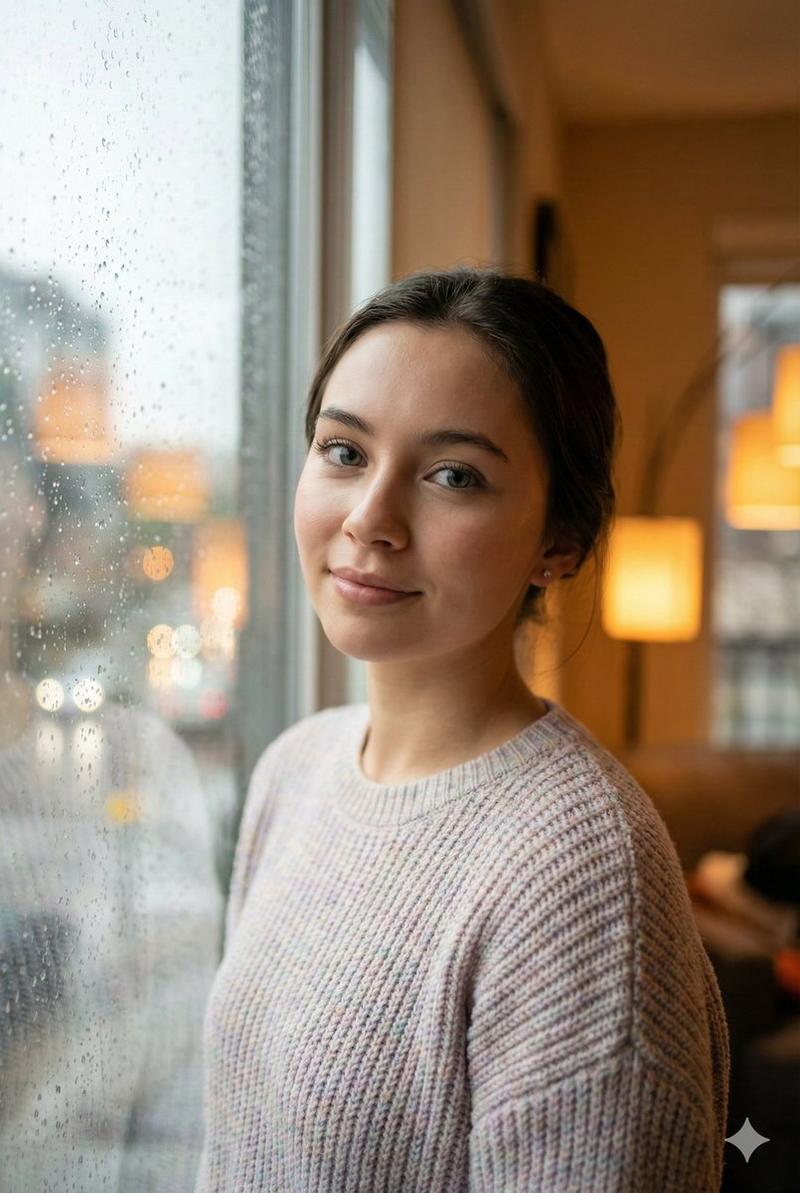
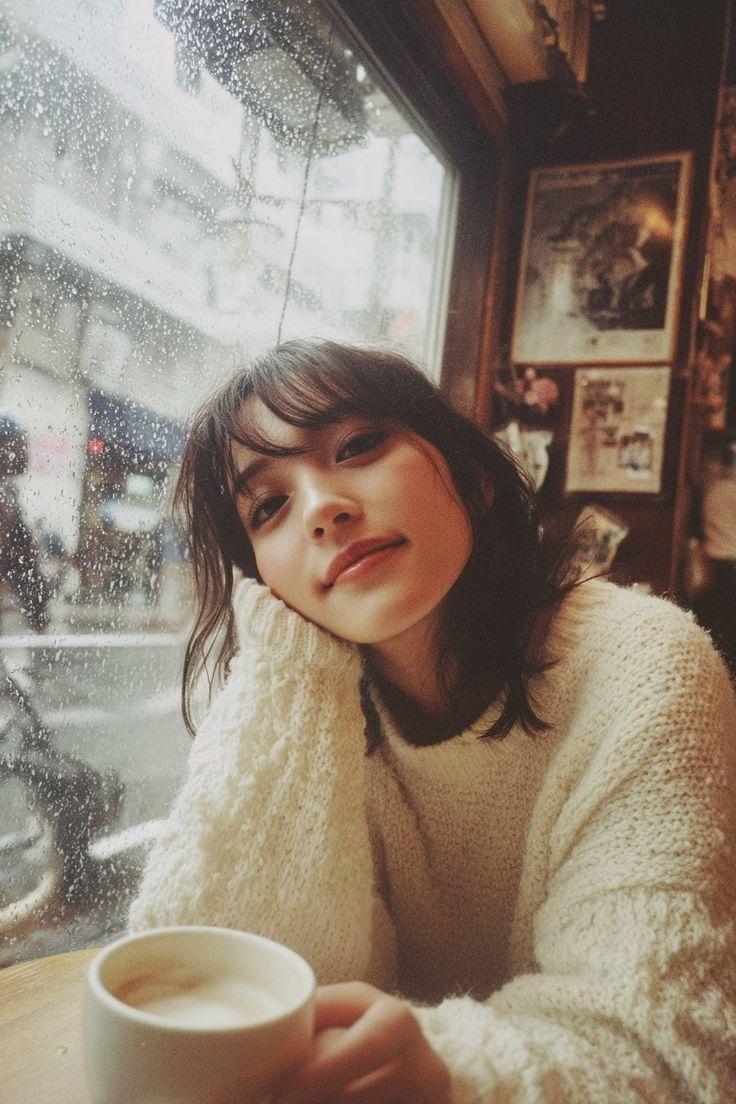
情绪化编辑风格室内肖像
Enlarge

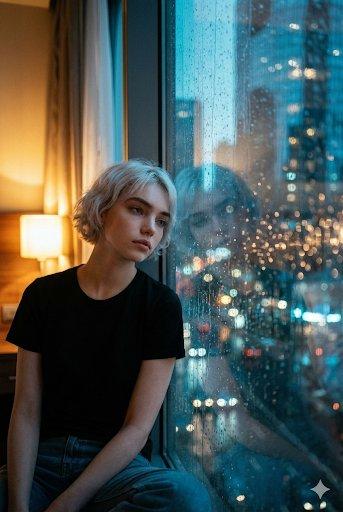
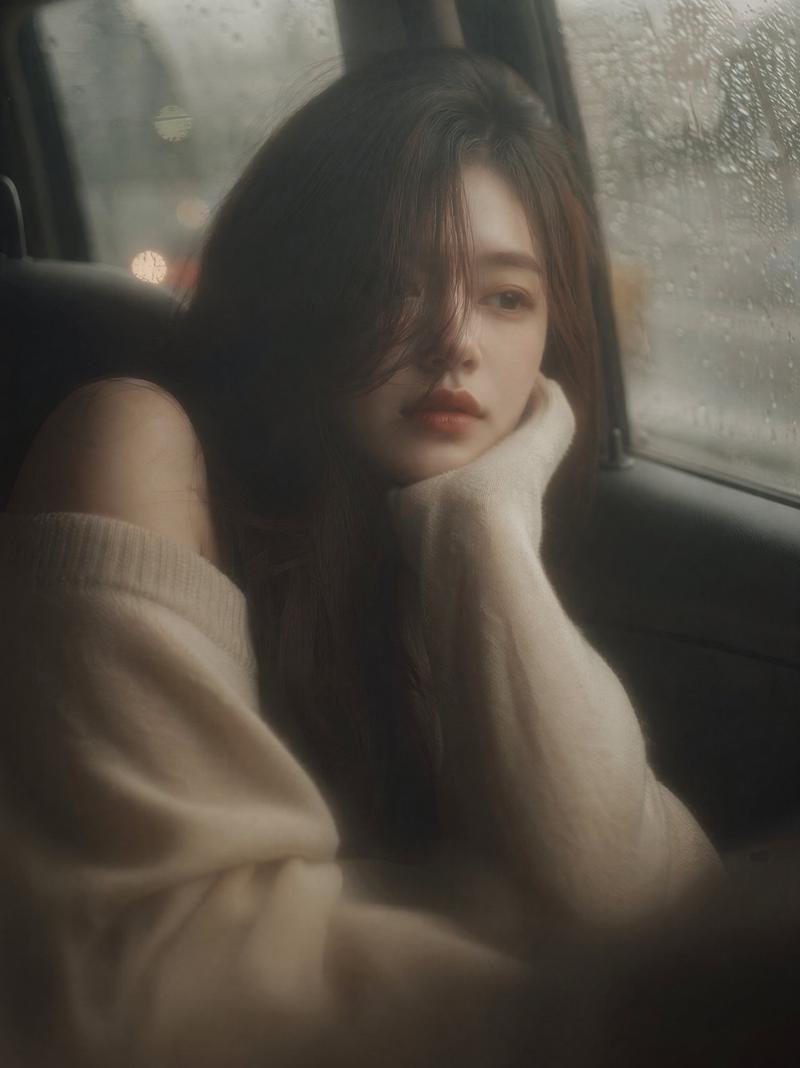
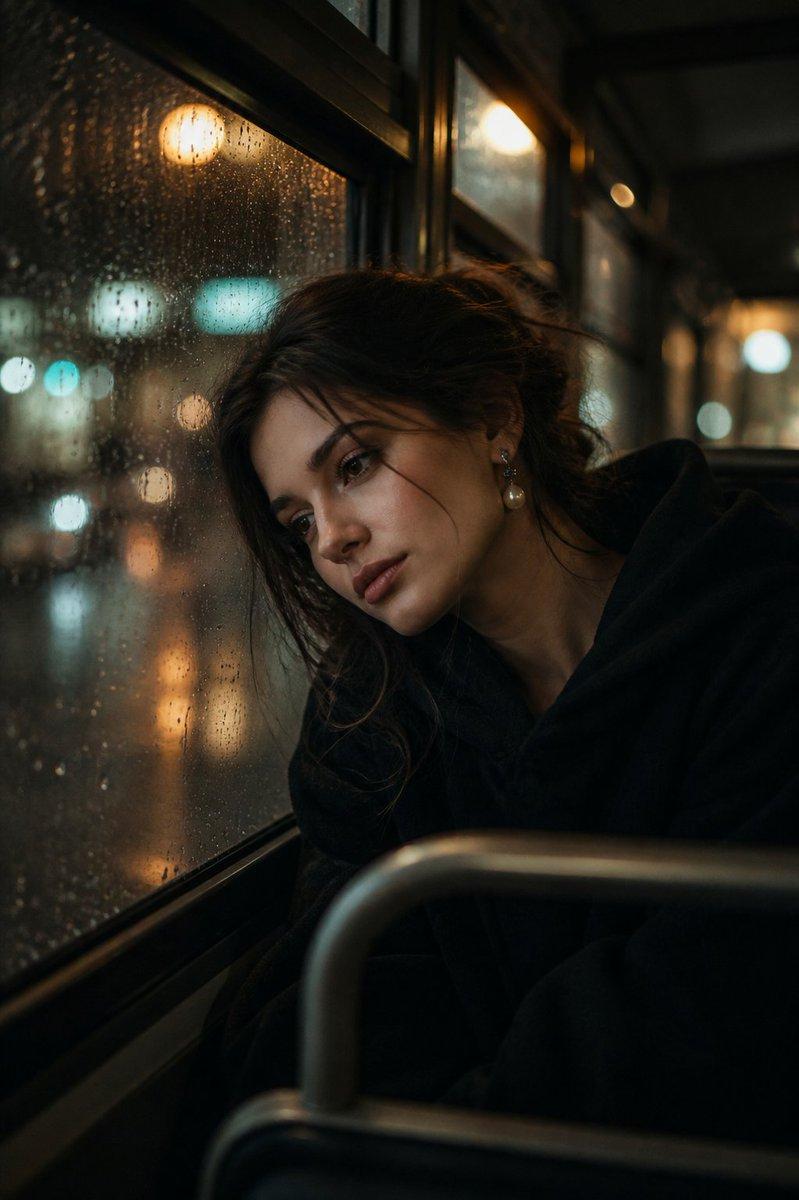
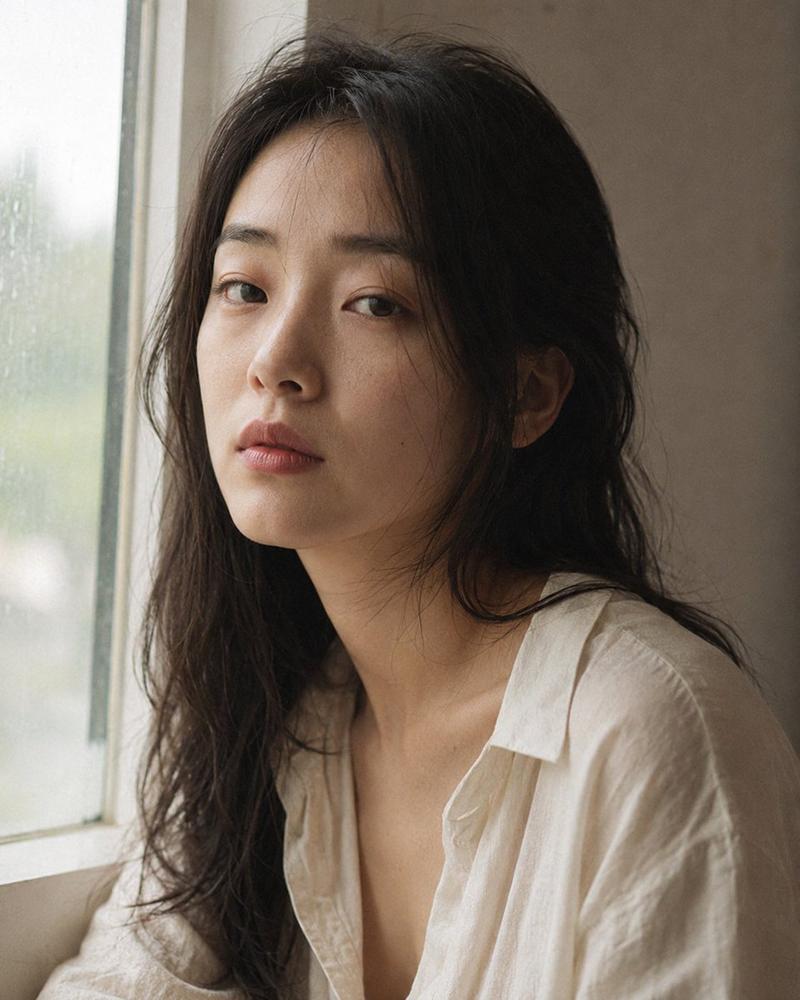
Example images

情绪化编辑风格室内肖像

Prompt
Portrait shot on 85mm f/1.4, three-quarter body editorial portrait of a {argument name="subject" default="Japanese woman in her late 20s"}, dark loosely pulled-back hair, quiet composed angular face, gaze directed toward rain-streaked window frame, no emotion visible. She wears a {argument name="outfit" default="dark charcoal oversized blazer"}, white inner visible at chest, one hand raised near face.

Upper body slightly pulled back to show more of the figure, seated at a {argument name="setting" default="dark wood table in dim moody interior"}, open book and ashtray in foreground as props, warm dim light in background, editorial composition.

Warm amber low-key interior light from background pendant lamp, subject's face lit partially by cool window light, two-source mood, chiaroscuro balance.

Photographic texture and quality: ISO 400 film grain in shadow areas, skin subsurface scattering subtle, photographic texture not CG render smoothness, subtle stray hairs from pulled-back style, warm-cool color contrast preserved.

Avoid: AI-smooth skin, bright lighting, overly stylized retouching.

--ar 3:4
Category
Architecture & Spaces
Model
GPT Image 2
Views1
Source ID
28099
Published
Jul 9, 2026

Guide

About "情绪化编辑风格室内肖像"

What is this prompt for?

"情绪化编辑风格室内肖像" AI image prompt for GPT Image 2 (Architecture & Spaces). 一张极具电影感的编辑风格肖像,拍摄了一位处于情绪化室内环境中的日本女性,运用了低调照明和雨水冲刷的窗户背景。 Copy it on Picva and recreate the…

The full copyable prompt and example visuals above are ready for AI image generation or one-click recreate in Picva.

How to use this prompt

  1. Step 1

    Open the prompt detail

    Review the example visuals, category, and full prompt text for "情绪化编辑风格室内肖像".

  2. Step 2

    Copy the prompt

    Copy the prompt body from this page, or load it directly in Studio.

  3. Step 3

    Pick a model (GPT Image 2)

    Prefer GPT Image 2. If you switch models, keep subject and composition and tweak style terms.

  4. Step 4

    Generate and export

    Recreate the look in Picva, or export into your workflow for editing and publishing.

FAQ

What is the "情绪化编辑风格室内肖像" prompt?
It is an AI image-generation prompt for GPT Image 2 in the Architecture & Spaces category. This page includes the full prompt text, example visuals, and a one-click recreate path in Picva.
How do I use this prompt to generate an image?
Copy the prompt from this page, or use Generate / Studio. Paste it into a compatible image model, or recreate the look in Picva with optional reference images.
Which model is this prompt for?
This page lists GPT Image 2. Most descriptive prompts also transfer to nearby image models such as GPT Image, Flux, or Midjourney with light style tweaks.
Can I use the result commercially?
You can usually copy the prompt for creation, but commercial use of the final image depends on the model terms, reference-image rights, and the generated content. Follow the source author and platform rules.