16

X 时间线突破数字艺术
Enlarge

X 时间线突破数字艺术

Prompt
{argument name="reference avatar" default="[角色描述]"} = [参考头像]
[输入项]
{argument name="aspect ratio" default="1:1"} = 1:1 / 4:5 / 9:16
{X user ID} = @your_account
{argument name="main text" default="BREAK THE TIMELINE"} = BREAK THE TIMELINE

[主要内容]
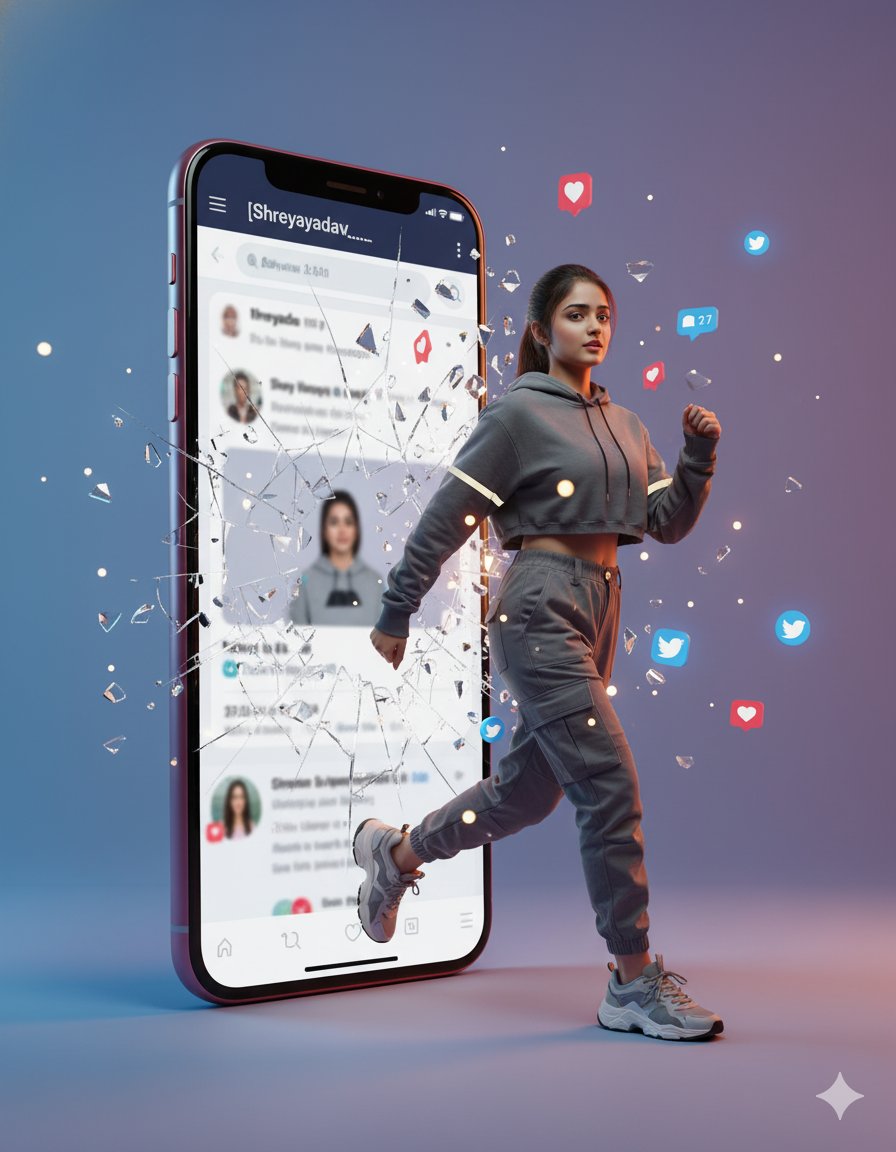
使用 {reference avatar} 作为同一角色。保持面部特征、发型、发色、体型、服装、颜色和氛围,不要将其变成另一个人。表情不应是微笑,而应是犀利、叛逆且坚定的神情,嘴角不上扬,双唇紧闭,眉头微皱。
具有 {aspect ratio} 的电影级数字艺术。背景是基于亮白色的 X (Twitter) 浅色模式时间线 UI。UI 屏幕本身铺满整个画布,而不是展示智能手机本身。不要显示智能手机的外框、黑色边框或设备边缘。
顶部是白色页眉、中央的黑色 X 标志以及双标签导航。背景中排列着推文卡片、圆形头像图标,以及回复、转发、点赞、浏览量和分享图标,呈现出精致且极简的 X 时间线。推文文字处理为浅灰色占位符线条,仅有 "{X user ID}" 在显眼的推文卡片或个人资料行中清晰显示。
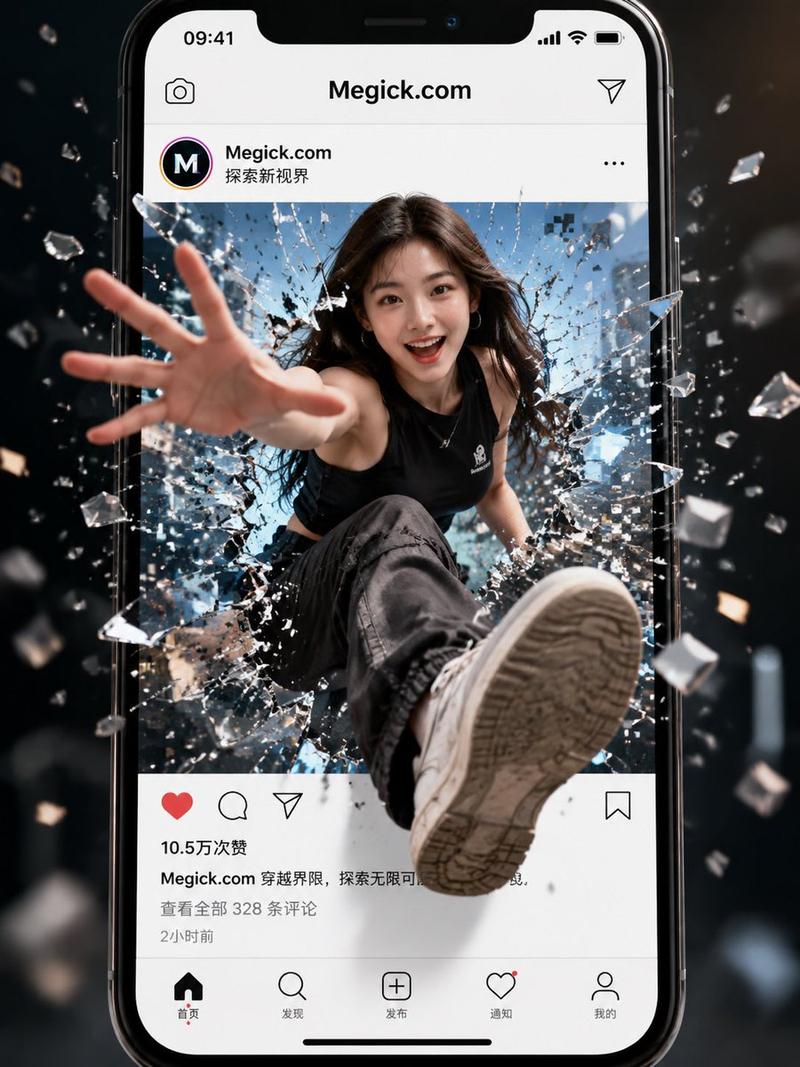
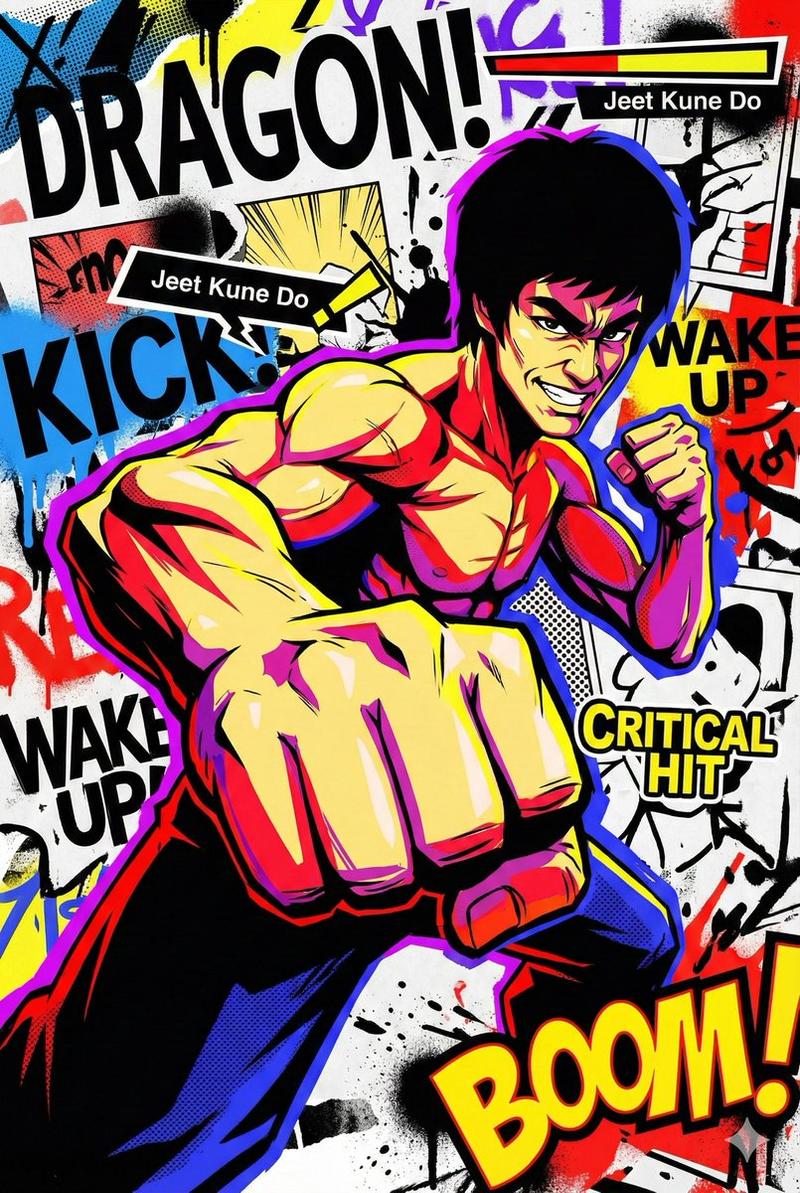
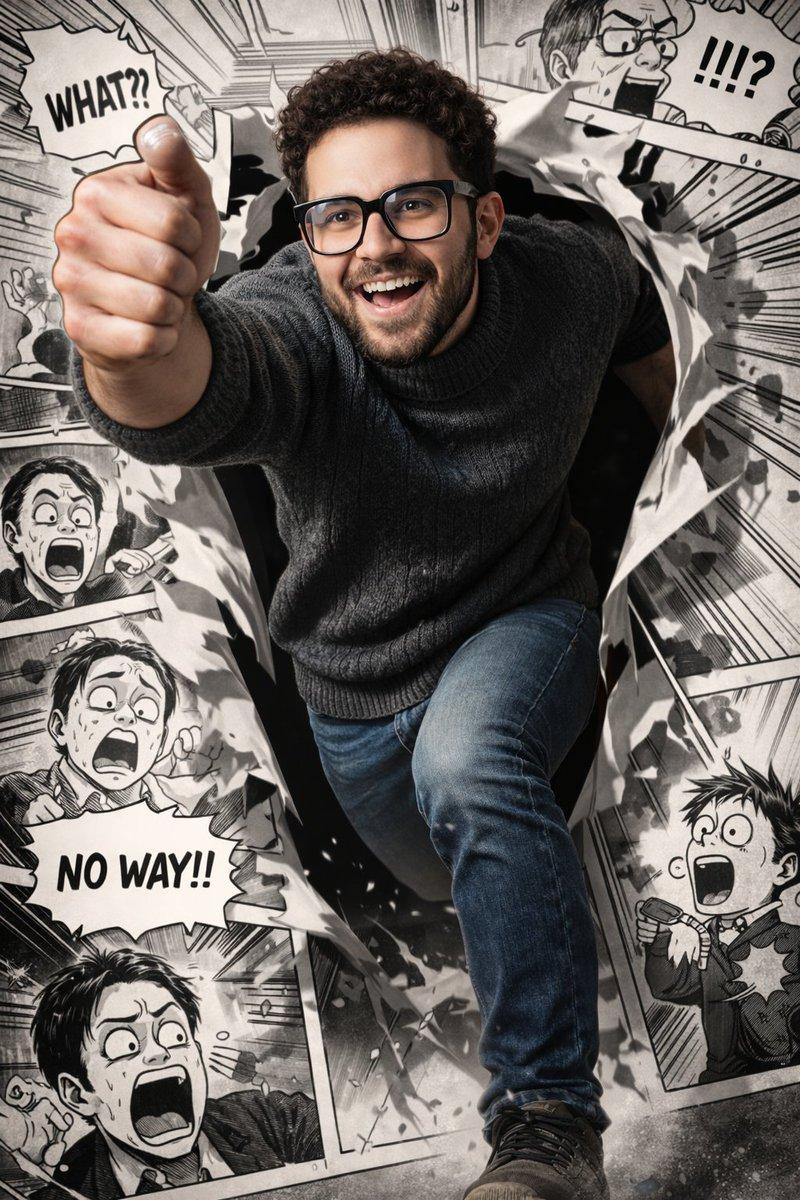
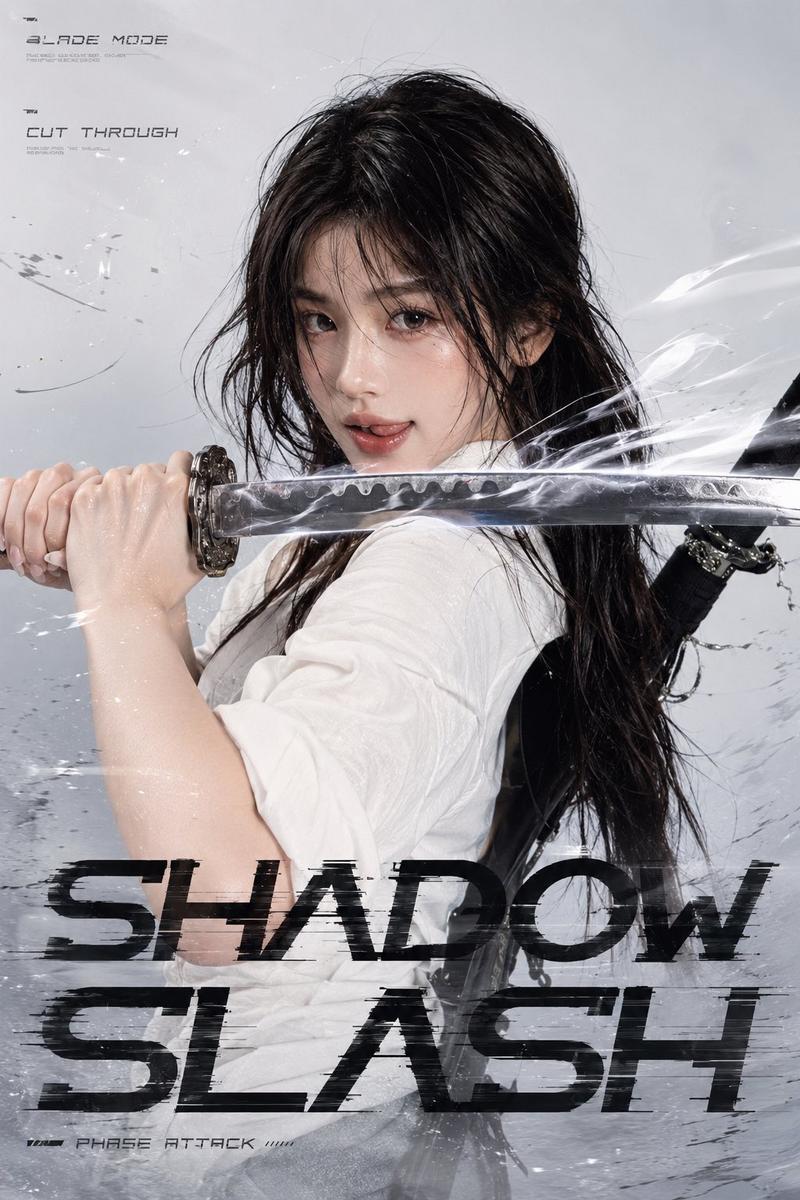
{reference avatar} 从内部物理性地击穿 X 时间线屏幕,冲破碎裂的透明屏幕和 UI 层并向前跃出。呈现动态的破坏姿势:一只拳头强力向镜头挥出,另一只手臂向后拉,上半身扭转。赋予拳头、肩膀、头发和服装强烈的动感,强调突破瞬间的张力和力量感。
时间线本身正在被摧毁。推文卡片被裂缝分割,每个 UI 图标随裂缝扭曲,白色 UI 面板作为薄层剥落并向纵深方向散开。透明玻璃碎片、白色 UI 碎片、细微的光裂纹和冲击波向镜头飞溅。但角色的脸部清晰可见。
将 "{main text}" 放置在屏幕前方中下部,并放大显示。将其设计为高端广告海报的主标题 Logo,而非仅仅是文字。采用粗体压缩无衬线字体(如 Druk、Bebas Neue、Anton 或 DIN Condensed)等垂直且强有力的广告字体风格。添加白色至银色的三维斜面、黑色内阴影、浅灰色投影、锐利边缘、玻璃裂纹、透明碎片、轮廓光以及轻微的冲击波畸变。文字拼写准确、清晰易读,且不会被 UI 或碎片遮挡。
整体采用明亮且干净的灯光。以白色、黑色、浅灰色和银色为基调,添加适度的蓝色或青色点缀。呈现具有高端电影广告视觉效果、细节锐利且构图富有深度的优质成品。在保持参考头像设计的同时,打造出具有立体感和力量感的高质量作品。

[禁止事项]
微笑、快乐表情、可爱的偶像风格、更换角色、多名角色、身体/手指崩坏、脸部遮挡、除 X 以外的 SNS UI、Instagram 风格、TikTok 风格、YouTube 风格、Facebook 风格、蓝色 Twitter 小鸟标志、智能手机机身、黑色边框、黑色框架、深色背景、廉价感的角色、圆润的角色、流行风格角色、无特效的角色、乱码、拼写错误、多余文字、指定 ID 以外的账户名、缺乏破坏感、无玻璃碎片、无 UI 破坏、扁平化、低质量、模糊、血迹、伤口、恐怖表情。
Category
Charts & Infographics
Model
GPT Image 2
Views0
Source ID
28127
Published
Jul 9, 2026

Guide

About "X 时间线突破数字艺术"

What is this prompt for?

"X 时间线突破数字艺术" AI image prompt for GPT Image 2 (Charts & Infographics). 一个用于创作数字艺术的动态提示词,描绘角色突破 X (Twitter) 用户界面的场景,包含屏幕碎裂和玻璃碎片等 UI 元素。 Copy it on Picva and rec…

The full copyable prompt and example visuals above are ready for AI image generation or one-click recreate in Picva.

How to use this prompt

  1. Step 1

    Open the prompt detail

    Review the example visuals, category, and full prompt text for "X 时间线突破数字艺术".

  2. Step 2

    Copy the prompt

    Copy the prompt body from this page, or load it directly in Studio.

  3. Step 3

    Pick a model (GPT Image 2)

    Prefer GPT Image 2. If you switch models, keep subject and composition and tweak style terms.

  4. Step 4

    Generate and export

    Recreate the look in Picva, or export into your workflow for editing and publishing.

FAQ

What is the "X 时间线突破数字艺术" prompt?
It is an AI image-generation prompt for GPT Image 2 in the Charts & Infographics category. This page includes the full prompt text, example visuals, and a one-click recreate path in Picva.
How do I use this prompt to generate an image?
Copy the prompt from this page, or use Generate / Studio. Paste it into a compatible image model, or recreate the look in Picva with optional reference images.
Which model is this prompt for?
This page lists GPT Image 2. Most descriptive prompts also transfer to nearby image models such as GPT Image, Flux, or Midjourney with light style tweaks.
Can I use the result commercially?
You can usually copy the prompt for creation, but commercial use of the final image depends on the model terms, reference-image rights, and the generated content. Follow the source author and platform rules.