15

写实风格水手服 Cosplay 人像
Enlarge

写实风格水手服 Cosplay 人像

Prompt
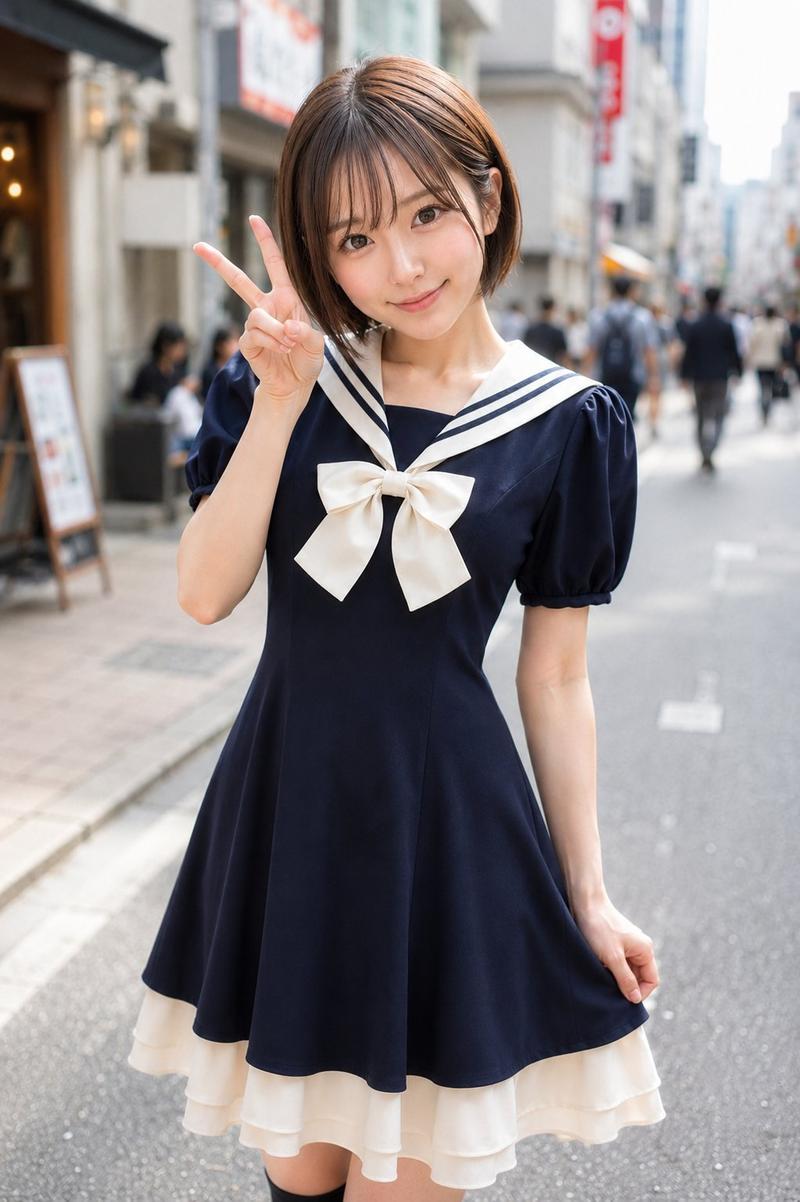
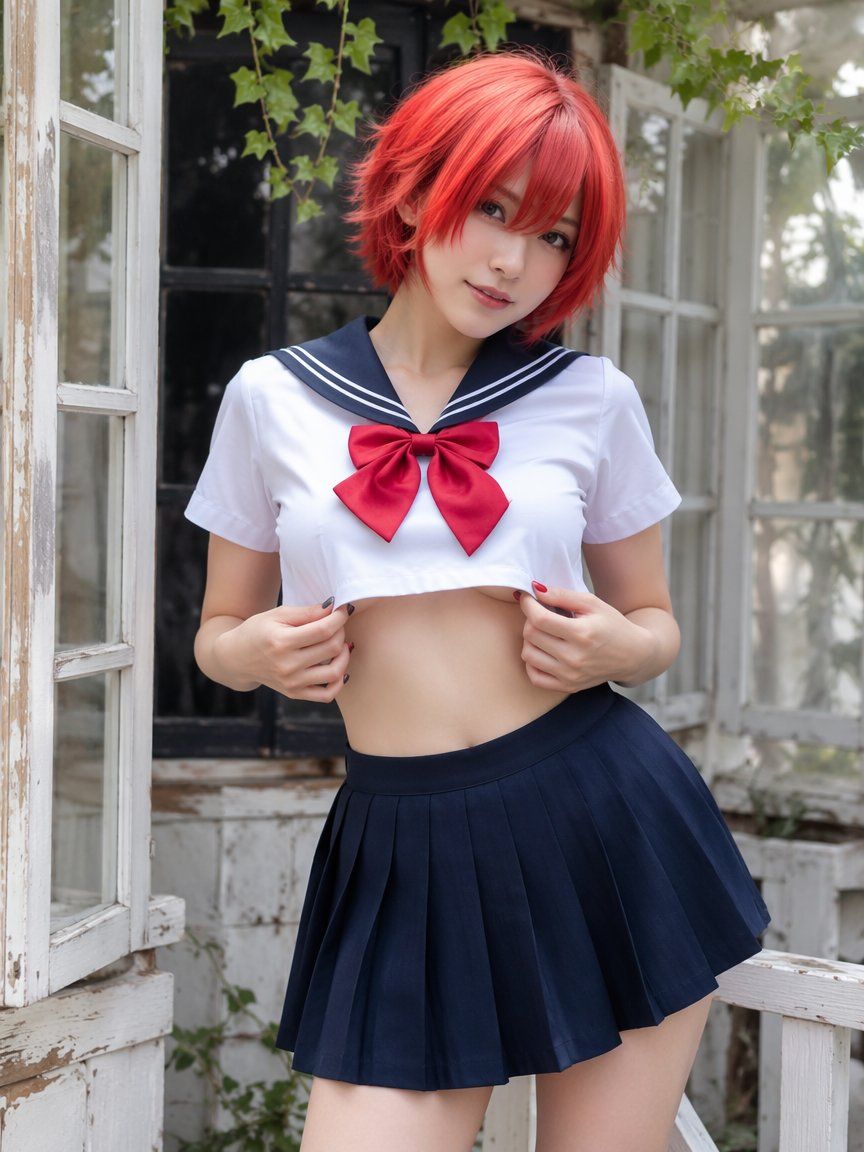
在柔和的自然光下,创作一张写实风格的竖版 Cosplay 时尚人像。场景中,一位年龄超过 {argument name="model age" default="21 岁"} 的成年女性站在斑驳的白色木质阳台或花园门廊上,旁边是一扇敞开的复古窗框。她位于画面中心,取景范围从大腿以上至头部,面向镜头,表情俏皮而沉稳。她头部微微倾斜,眼神柔和且直视镜头,画着精致的眼线,皮肤白皙透亮,带有淡淡的腮红,嘴唇呈现自然的粉色。

她留着充满活力的 {argument name="hair color" default="红橙色"} 短波波头,层次分明,刘海轻轻遮住一只眼睛。头发略显蓬松,营造出梦幻般的 Cosplay 效果。她的指甲交替涂着深炭黑色和亮红色,增添了一抹风格化的细节。

她身着成人水手领风格的 Cosplay 服装:一件白色短款短袖衬衫,配有海军蓝水手领、白色条纹滚边,胸前系着一个大大的红色蝴蝶结。配套的海军蓝百褶裙褶皱清晰,采用高腰设计。她的姿势是双手轻轻搭在衬衫下摆附近,俏皮地露出纤细的腰肢,同时保持服装的优雅感并突显角色特征。

背景设定在乡村小屋或温室的外墙,配有风化的白色木制窗框、浅色墙壁、敞开的玻璃窗,头顶上方垂挂着绿色常春藤。背景中,她身后是一扇深色的窗户或门,木质结构斑驳,玻璃上有柔和的倒影,隐约可见花园绿植。整体氛围应轻松、怀旧且带有一丝奇幻色彩。

光线应为柔和的漫射日光,明亮而温和,在她的红发、面部、白色衬衫、红色蝴蝶结、海军蓝裙褶、双手以及周围的窗框上营造出奶油般细腻的高光。使用浅景深效果,使模特保持清晰,同时背景的玻璃、常春藤和门廊细节呈现出柔和的虚化效果。

调色板:充满活力的红橙色头发、清爽的白色衬衫、海军蓝水手领和裙子、深红色蝴蝶结、白皙的肤色、风化的白色木材、柔和的绿色常春藤、柔和的灰色阴影以及自然日光。风格:写实 Cosplay 时尚摄影、复古花园阳台、成人水手服、红色短波波头、俏皮的短款服装姿势、柔和的自然光、浅景深、高细节、竖向比例、无文字、无水印、无 Logo、非卡通风格、无强闪光、无身体结构扭曲、无其他人、无杂乱、无露骨裸露、无未成年人风格化。
Category
Brand & Logos
Model
GPT Image 2
Views11
Source ID
28145
Published
Jul 8, 2026

Guide

About "写实风格水手服 Cosplay 人像"

What is this prompt for?

"写实风格水手服 Cosplay 人像" AI image prompt for GPT Image 2 (Brand & Logos). 一份用于生成高质量竖版 Cosplay 人像的综合提示词,聚焦于一位身着水手服、置身于复古花园阳台的角色。 Copy it on Picva and recreate the l…

The full copyable prompt and example visuals above are ready for AI image generation or one-click recreate in Picva.

How to use this prompt

  1. Step 1

    Open the prompt detail

    Review the example visuals, category, and full prompt text for "写实风格水手服 Cosplay 人像".

  2. Step 2

    Copy the prompt

    Copy the prompt body from this page, or load it directly in Studio.

  3. Step 3

    Pick a model (GPT Image 2)

    Prefer GPT Image 2. If you switch models, keep subject and composition and tweak style terms.

  4. Step 4

    Generate and export

    Recreate the look in Picva, or export into your workflow for editing and publishing.

FAQ

What is the "写实风格水手服 Cosplay 人像" prompt?
It is an AI image-generation prompt for GPT Image 2 in the Brand & Logos category. This page includes the full prompt text, example visuals, and a one-click recreate path in Picva.
How do I use this prompt to generate an image?
Copy the prompt from this page, or use Generate / Studio. Paste it into a compatible image model, or recreate the look in Picva with optional reference images.
Which model is this prompt for?
This page lists GPT Image 2. Most descriptive prompts also transfer to nearby image models such as GPT Image, Flux, or Midjourney with light style tweaks.
Can I use the result commercially?
You can usually copy the prompt for creation, but commercial use of the final image depends on the model terms, reference-image rights, and the generated content. Follow the source author and platform rules.