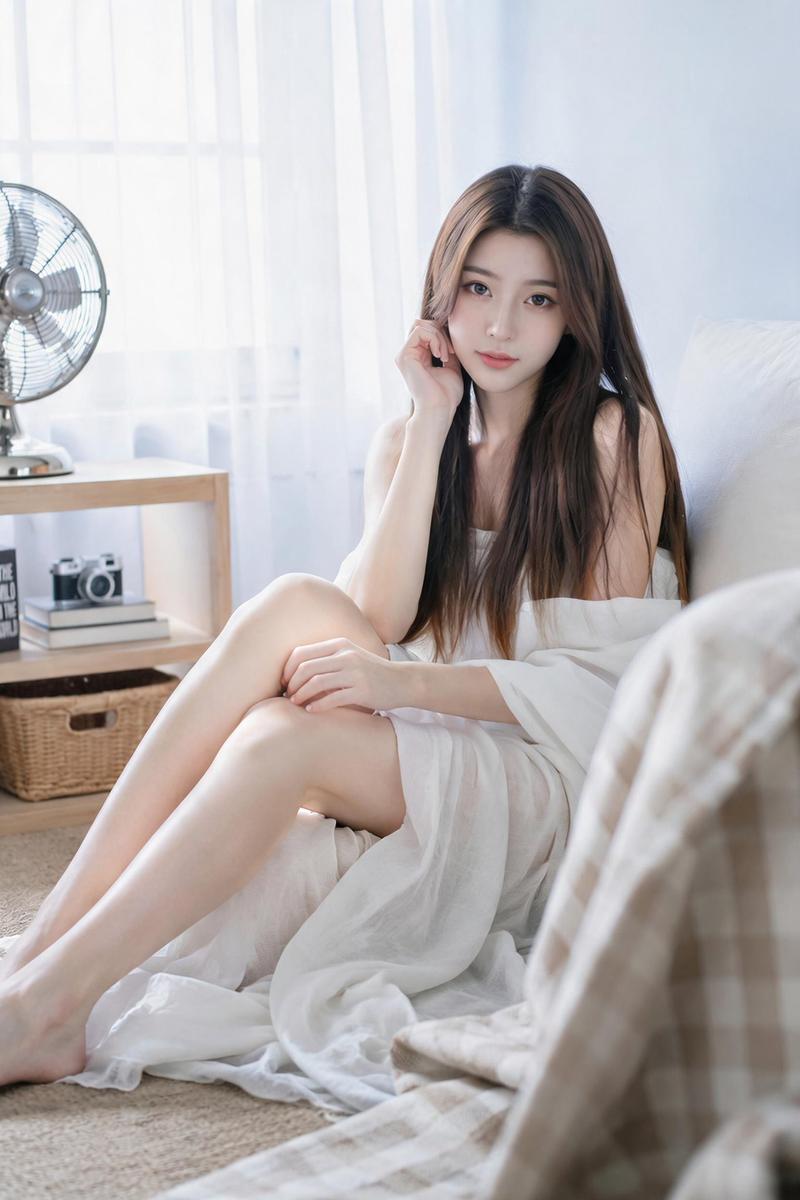
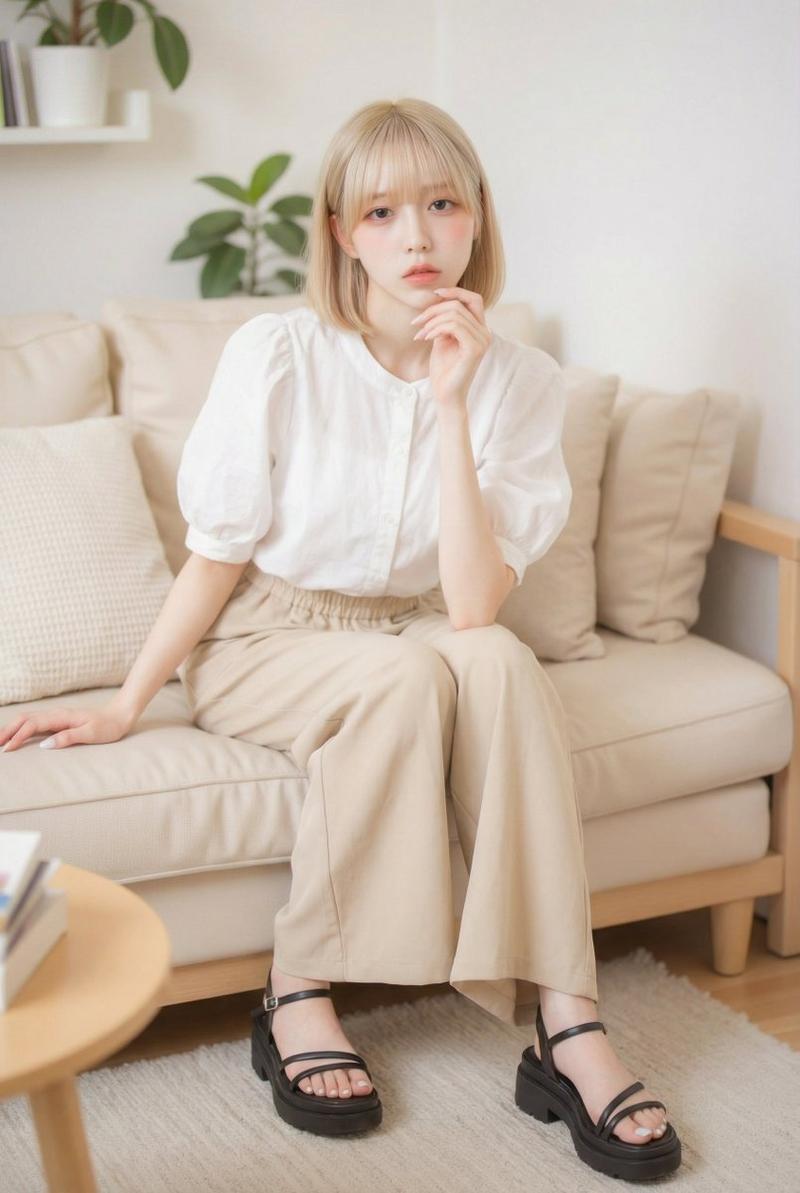
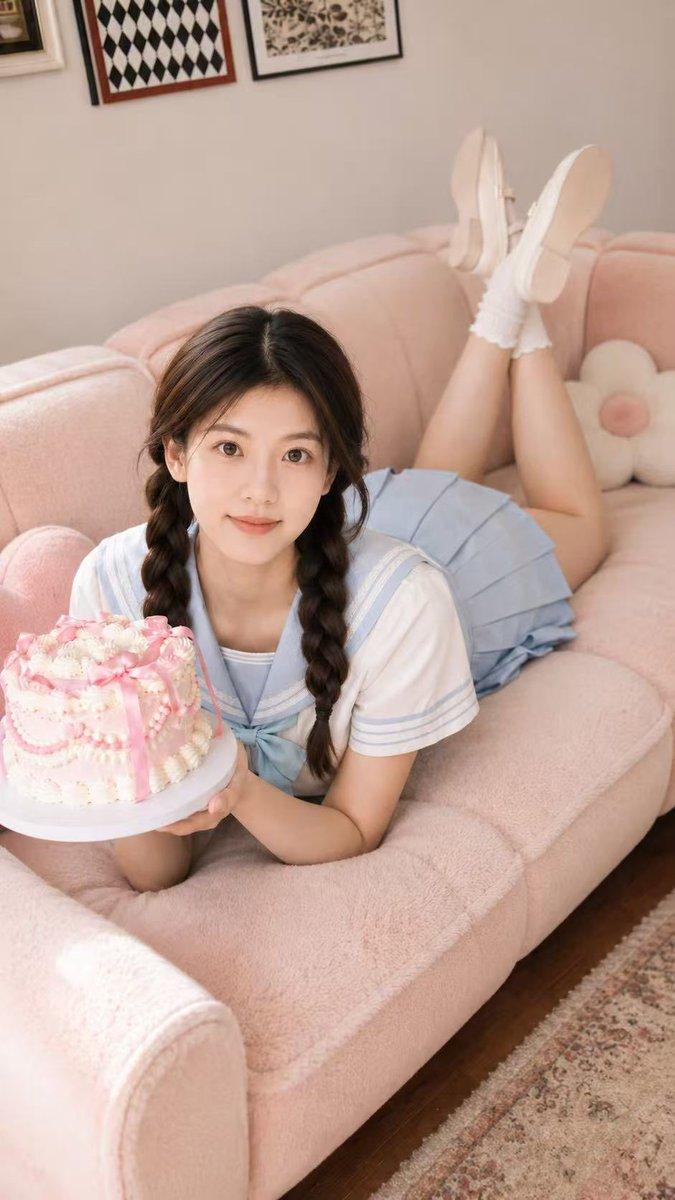
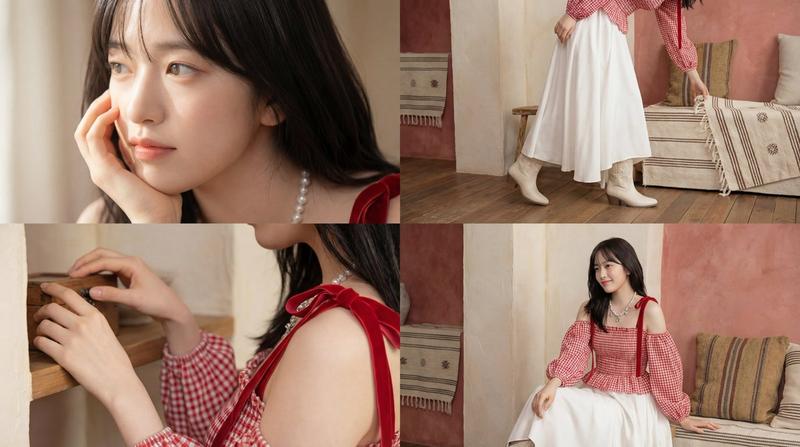
怀旧足球记忆海报
Prompt
Goal: Create a nostalgic vertical editorial poster that feels like a fictional summer memory, centered on {argument name="character description" default="a young adult Asian woman with a cool, natural, slightly aloof expression, shoulder-length black bob hair, delicate facial features, and soft eye contact"}.

Canvas: Vertical 2:3 portrait image, soft daylight indoor photography, airy beige-and-white palette, clean romantic magazine layout, high-resolution realistic style with subtle film grain and gentle overexposure.

Main subject: Exactly 1 person, seated on a beige sofa with legs crossed, looking calmly toward the camera. She wears {argument name="outfit" default="a fitted white short-sleeve sporty top with pale blue vertical zigzag panels and navy trim, a navy pleated tennis skirt with white accents, white mid-calf socks with two navy stripes, and white over-ear headphones resting around her neck"}. One hand lightly holds the headphones near her collarbone. Her posture is relaxed and intimate, like a quiet after-school memory.

Environment and objects: A minimal cozy living room with exactly 1 beige sofa, exactly 2 visible pillows on the sofa, exactly 1 colorful soccer ball on the floor touching her socked feet, exactly 1 wooden cabinet or shelf behind her on the right, exactly 1 vintage table fan on the cabinet, and exactly 1 tall cream pleated floor lamp behind her. Use warm natural light, cream walls, soft carpet, and uncluttered composition.

Text layout: Add exactly 3 main typography blocks in elegant white high-contrast serif type, mixed with small thin sans-serif captions. Use distressed horizontal glitch texture and translucent white overlays.
- Top left block: large title {argument name="top left title" default="CAN’T\nFORGET"}; below it, small caption: “Some memories\nnever really\nfade.” Add exactly 1 white glitch heart above or near this block.
- Middle right block: large title {argument name="middle right title" default="LINGERING\nMEMORY"}; below it, small caption: “Some feelings\ndon’t have\nan expiration date.” Add exactly 1 white glitch heart behind or beside the title.
- Bottom left block: large title {argument name="bottom left title" default="HEART\nGLITCH"}; below it, small caption: “It’s not a fault in the system—\nit’s just how my heart\nremembers you.” Add exactly 1 white glitch heart overlapping the title area.

Visual style: Soft romantic realism, nostalgic teen-summer atmosphere, pale beige background, white typography, subtle digital glitch scratches, dreamy editorial poster design, gentle shadows, natural skin texture, no harsh contrast.

Constraints: Keep exactly 1 woman, exactly 1 soccer ball, exactly 1 pair of headphones, exactly 3 text blocks, and exactly 3 glitch-heart graphics. Do not add extra people, logos, watermarks, or unreadable random text. Preserve the clean wistful mood and the balanced poster composition.- Category
- Posters & Typography
- Model
- GPT Image 2
- Creator
- serein |买美股上币安
- Source ID
- 28161
- Published
- Jul 9, 2026
Views2