17

电影感背光武士刀武士肖像
Enlarge

电影感背光武士刀武士肖像

Prompt
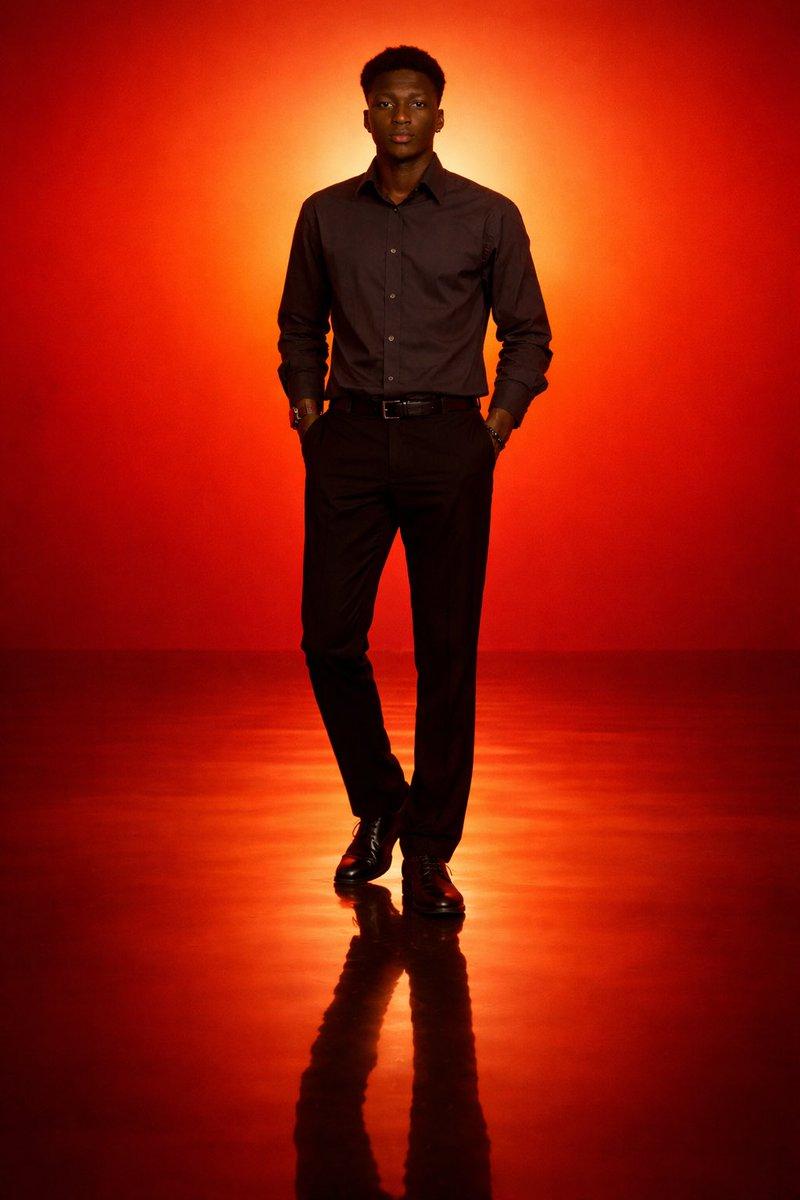
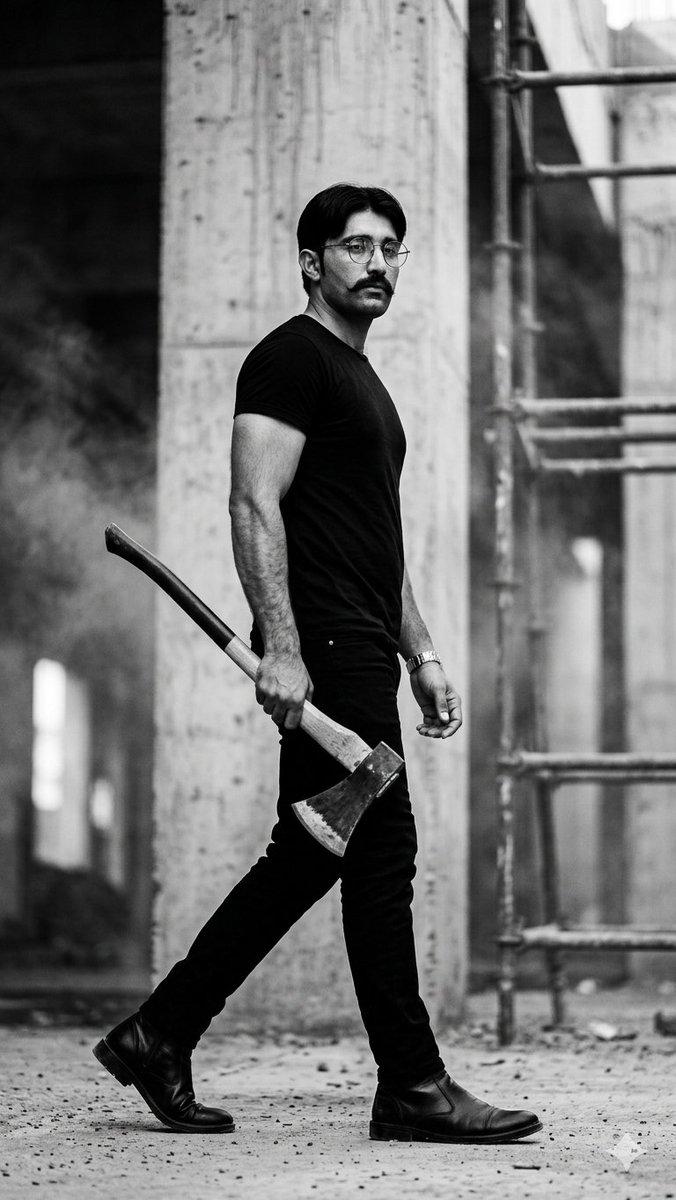
Full-body cinematic studio portrait of an {argument name="subject" default="athletic man"} From reference image standing with his back to the camera, looking over his shoulder with a sharp glance. He is holding a traditional Japanese {argument name="weapon" default="katana sword"} resting downward near his side. He is wearing a dark {argument name="clothing color" default="olive green"} sleeveless tank top, ultra-baggy cream-colored streetwear trousers, and dark sunglasses. The setting is a dark, minimalist concrete studio floor filled with subtle atmospheric haze and smoke. Directly behind him is a massive, bright white square softbox light panel, creating a powerful backlit silhouette effect with intense rim lighting that highlights the muscular definition of his arms and back. Cinematic composition, raw photography style, high contrast, dramatic chiaroscuro mood, sharp details, 85mm lens, f/2.8. --ar 4:5
Category
Photography & Realism
Model
GPT Image 2
Creator
Zar⭕on
Views0
Source ID
28217
Published
Jul 10, 2026

Guide

About "电影感背光武士刀武士肖像"

What is this prompt for?

"电影感背光武士刀武士肖像" AI image prompt for GPT Image 2 (Photography & Realism). 一张充满戏剧性的摄影棚肖像,展现了一位手持武士刀的健壮男子,利用强烈的轮廓光和极简主义混凝土背景,营造出高级街头时尚美感。 Copy it on Picva and recr…

The full copyable prompt and example visuals above are ready for AI image generation or one-click recreate in Picva.

How to use this prompt

  1. Step 1

    Open the prompt detail

    Review the example visuals, category, and full prompt text for "电影感背光武士刀武士肖像".

  2. Step 2

    Copy the prompt

    Copy the prompt body from this page, or load it directly in Studio.

  3. Step 3

    Pick a model (GPT Image 2)

    Prefer GPT Image 2. If you switch models, keep subject and composition and tweak style terms.

  4. Step 4

    Generate and export

    Recreate the look in Picva, or export into your workflow for editing and publishing.

FAQ

What is the "电影感背光武士刀武士肖像" prompt?
It is an AI image-generation prompt for GPT Image 2 in the Photography & Realism category. This page includes the full prompt text, example visuals, and a one-click recreate path in Picva.
How do I use this prompt to generate an image?
Copy the prompt from this page, or use Generate / Studio. Paste it into a compatible image model, or recreate the look in Picva with optional reference images.
Which model is this prompt for?
This page lists GPT Image 2. Most descriptive prompts also transfer to nearby image models such as GPT Image, Flux, or Midjourney with light style tweaks.
Can I use the result commercially?
You can usually copy the prompt for creation, but commercial use of the final image depends on the model terms, reference-image rights, and the generated content. Follow the source author and platform rules.