18

夜景酒店人像与牛仔元素
Enlarge

夜景酒店人像与牛仔元素

Prompt
主体:
{argument name="subject" default="夜景中散落的发丝"}

主体描述:
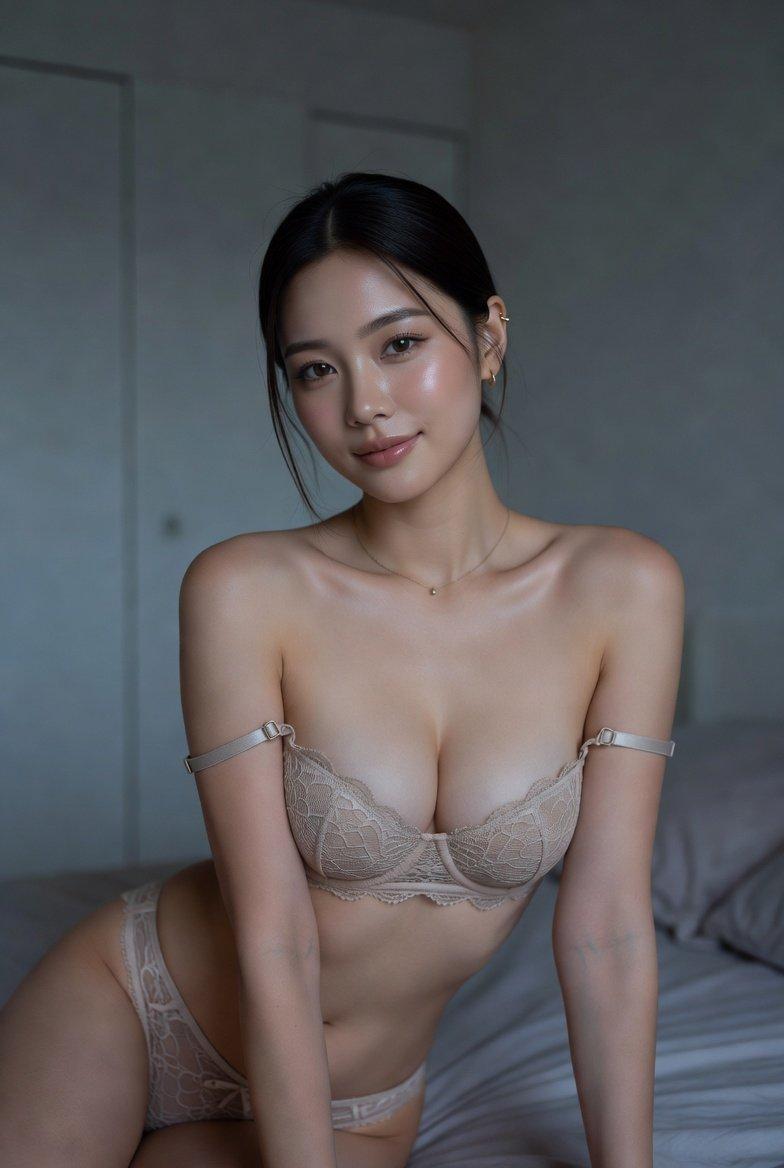
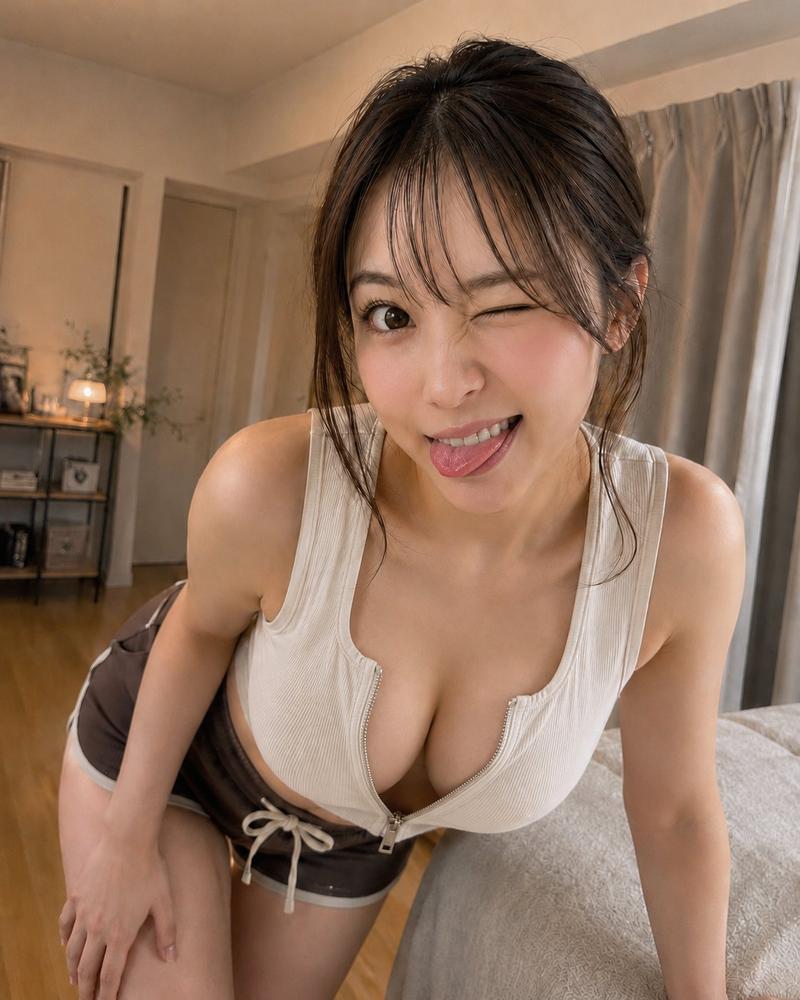
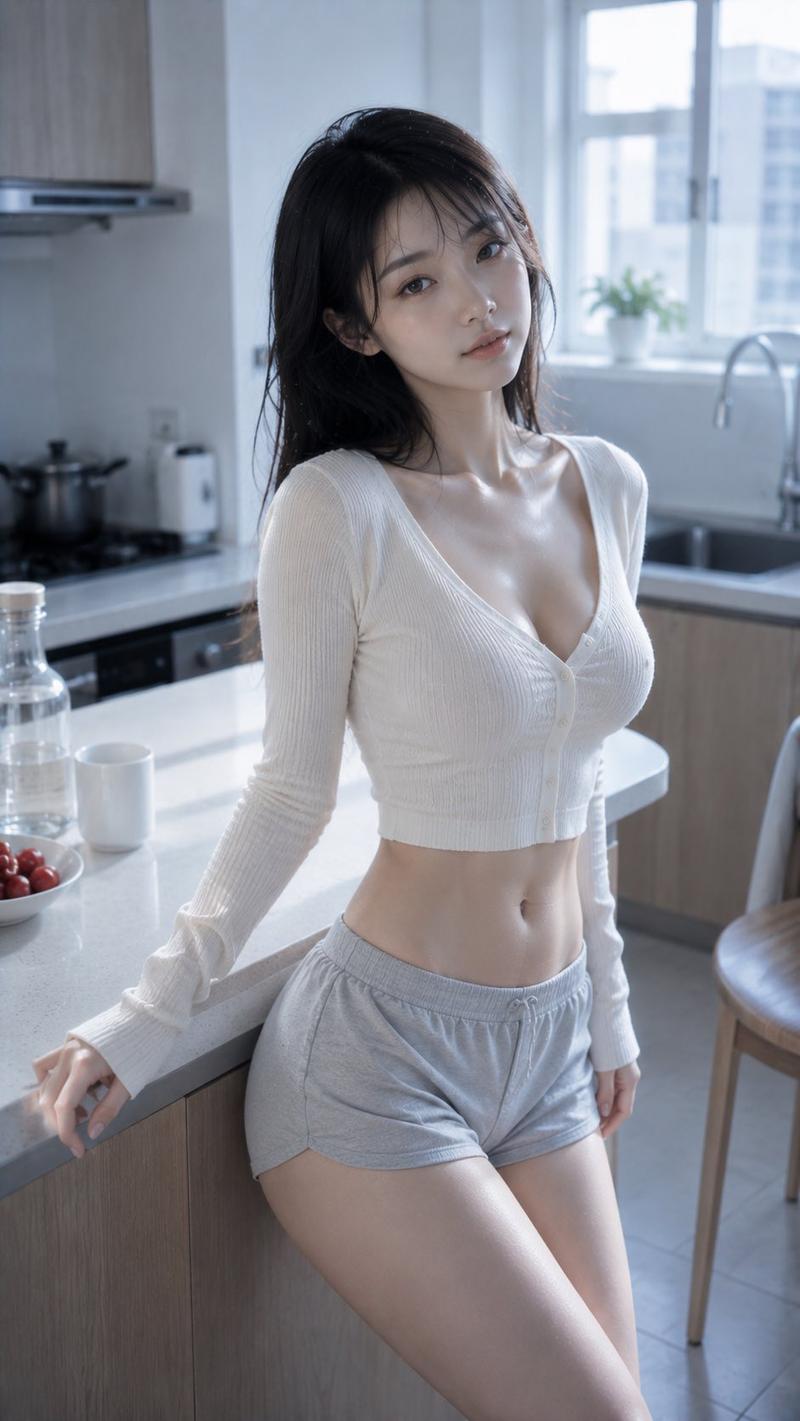
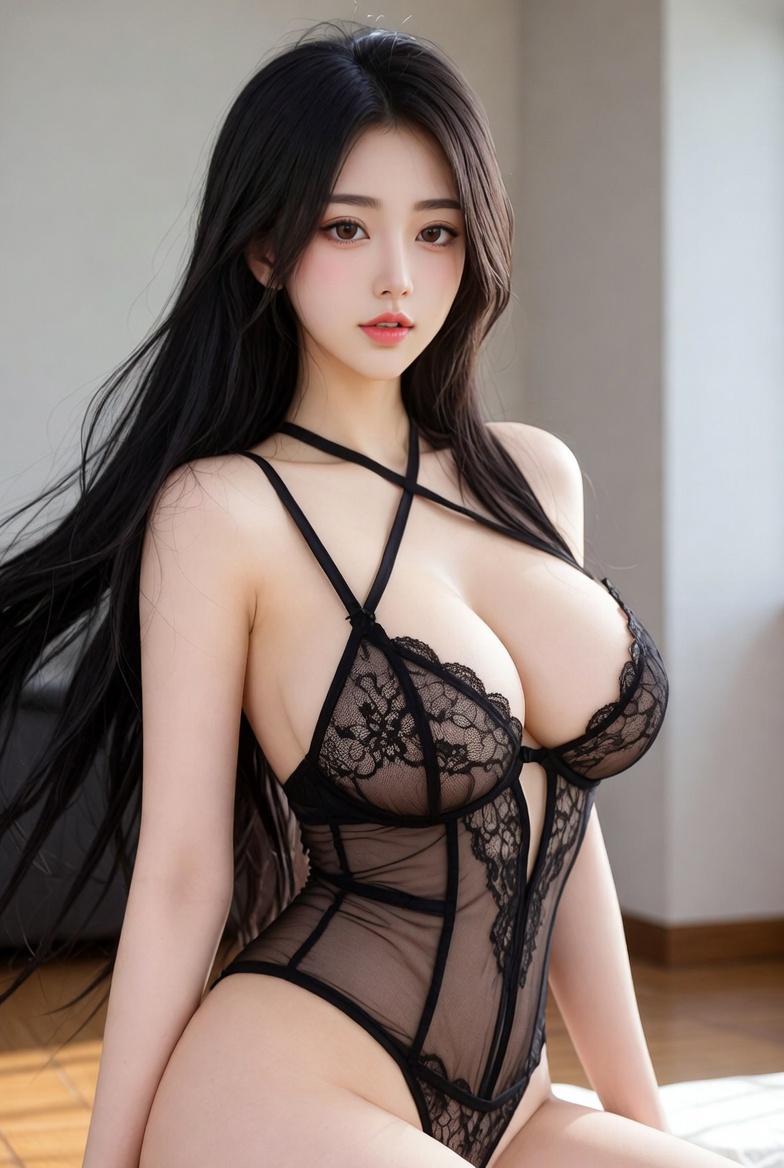
在夜晚的高层酒店房间内,一位 20 多岁的女性倚靠在窗边的木质柜台旁。人物位于画面中心偏右,取景范围从头顶至大腿中部。她左手撑在柜台上,姿态自然,臀部向画面右侧微微扭转。

人物与表情:
脸颊、鼻尖、肩膀和锁骨处的象牙米色肌肤带有细腻的光泽。淡玫瑰粉色腮红,粉棕色眼妆,纤长睫毛,自然的卧蚕,柔和的棕色眉毛,以及透明的粉米色嘴唇。闭上一只眼睛,嘴角微扬,睁开的那只眼睛直视镜头。中长发呈现明亮的奶茶灰棕色。细致刻画轻薄的空气刘海、脸颊两侧的层次感、内扣的发尾、细腻的挑染以及自然散落的发丝。

服装与姿势:
象牙色罗纹挂脖上衣。胸前采用系带结构,细绳交叉,边缘带有小荷叶边。下身穿着低腰短裤,采用不同色调的牛仔布层叠设计。不对称设计结合了斜向重叠的腰带、一侧的系带开口、金属扣眼、细链条以及毛边处理。人物左手平放在柜台上,右手轻轻触碰太阳穴附近的发丝。重心落在右腿上,左膝微屈放松。

背景与光影:
左后方的大窗户可以看到散落着淡蓝色灯光和红色航空障碍灯的城市夜景。室内装饰有深棕色窗帘、木质柜台、黑色灯罩、纤细的金属支架以及小白花。来自画面右侧的温暖间接照明与来自左后方夜景的冷色反射光,在皮肤和头发上营造出柔和的立体感。阴影投射在画面左下方,金属部件上有细小的反光。

构图与摄影:
3:4 竖构图。从胸部附近略低的角度拍摄,保持自然的视平线。人物占据约 75% 的画面,头顶留有少量空间,两侧留有足够空间以展示夜景和灯光。50mm 等效镜头,焦点清晰地对准面部和上半身,背景呈现平滑的虚化效果。不要过度夸张身体或四肢的轮廓。

质感与风格:
优雅的时尚人像。保留自然的毛孔和皮肤纹理,避免过度磨皮。精准刻画发丝、罗纹面料、牛仔纤维以及金属链条的反光。通过室内暖光与室外冷色夜景的对比,呈现出沉稳的光泽感和真实的摄影质感。

负面提示词:
不自然的面部、不自然的视线、不对称的眼睛、多余的手指、缺失的手指、肢体粘连、关节断裂、服装接触不良、漂浮的绳索或链条、错误的透视、与光源不一致的阴影、过度磨皮、塑料感皮肤、乱码文字、Logo、水印。
Category
Brand & Logos
Model
GPT Image 2
Views6
Source ID
28243
Published
Jul 10, 2026

Guide

About "夜景酒店人像与牛仔元素"

What is this prompt for?

"夜景酒店人像与牛仔元素" AI image prompt for GPT Image 2 (Brand & Logos). 这是一份用于高端时尚人像摄影的复杂提示词,描绘了一位身处酒店房间、俯瞰城市夜景的女性,包含对服装细节和光影对比的详细描述。 Copy it on Picva and recreate the…

The full copyable prompt and example visuals above are ready for AI image generation or one-click recreate in Picva.

How to use this prompt

  1. Step 1

    Open the prompt detail

    Review the example visuals, category, and full prompt text for "夜景酒店人像与牛仔元素".

  2. Step 2

    Copy the prompt

    Copy the prompt body from this page, or load it directly in Studio.

  3. Step 3

    Pick a model (GPT Image 2)

    Prefer GPT Image 2. If you switch models, keep subject and composition and tweak style terms.

  4. Step 4

    Generate and export

    Recreate the look in Picva, or export into your workflow for editing and publishing.

FAQ

What is the "夜景酒店人像与牛仔元素" prompt?
It is an AI image-generation prompt for GPT Image 2 in the Brand & Logos category. This page includes the full prompt text, example visuals, and a one-click recreate path in Picva.
How do I use this prompt to generate an image?
Copy the prompt from this page, or use Generate / Studio. Paste it into a compatible image model, or recreate the look in Picva with optional reference images.
Which model is this prompt for?
This page lists GPT Image 2. Most descriptive prompts also transfer to nearby image models such as GPT Image, Flux, or Midjourney with light style tweaks.
Can I use the result commercially?
You can usually copy the prompt for creation, but commercial use of the final image depends on the model terms, reference-image rights, and the generated content. Follow the source author and platform rules.