18

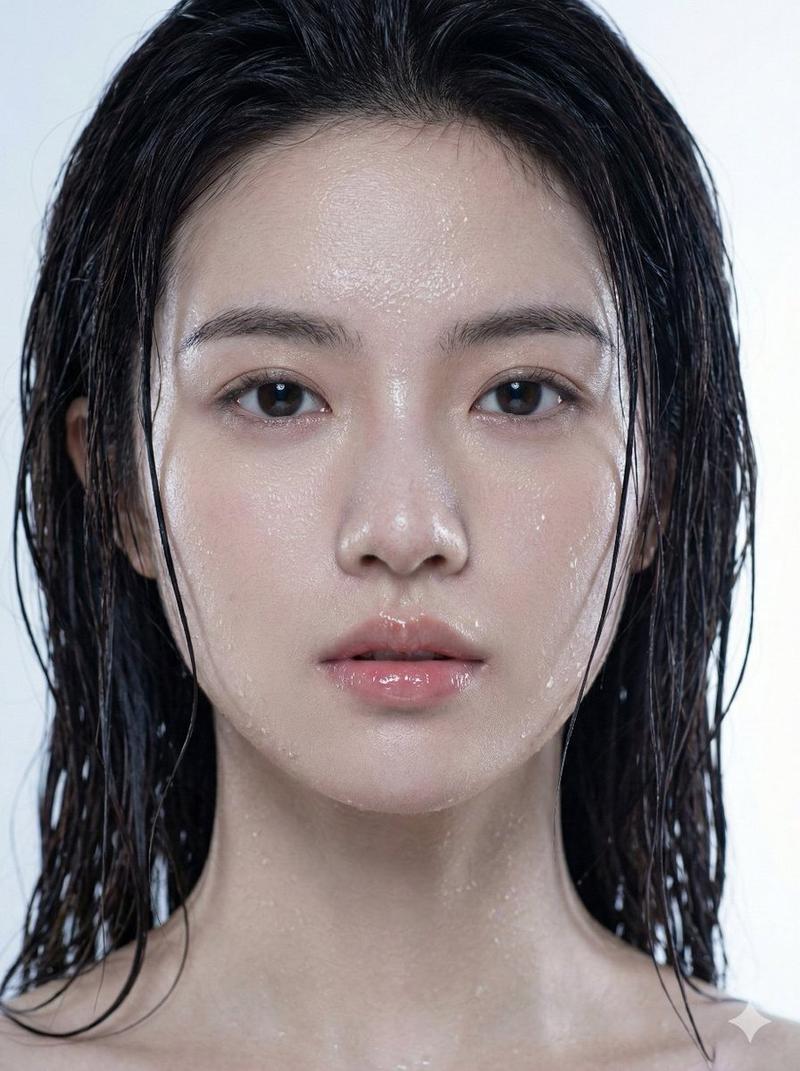
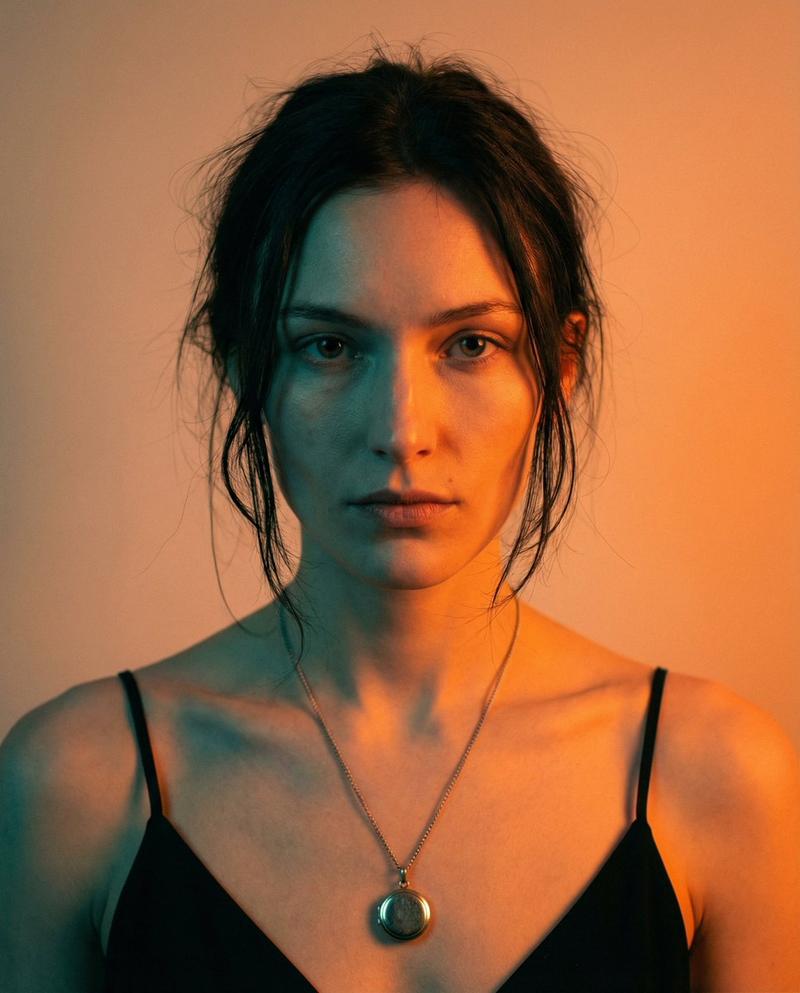
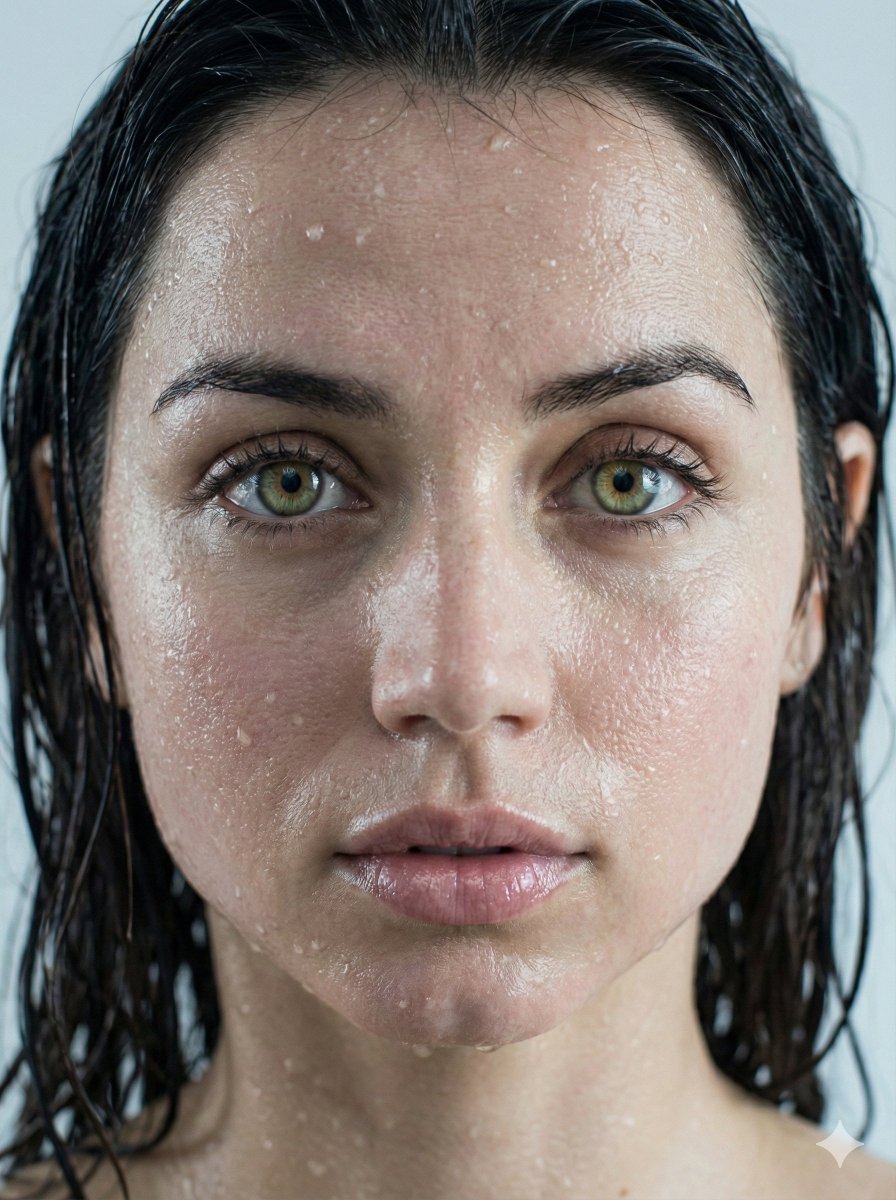
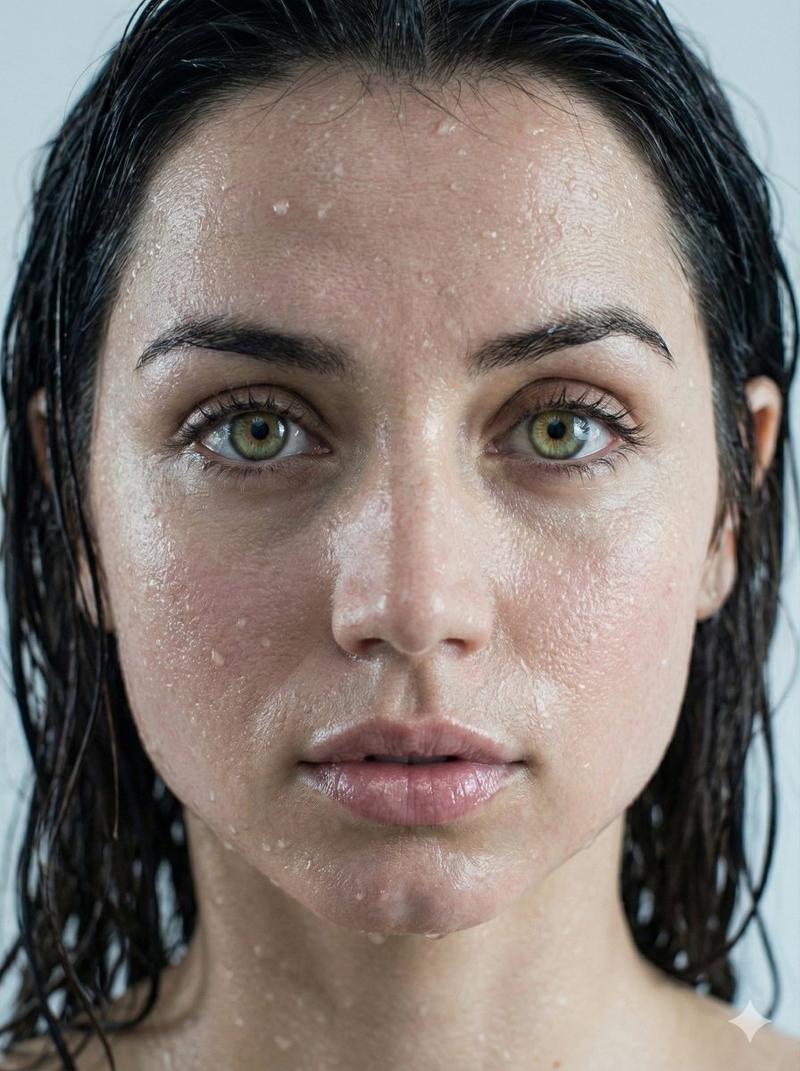
原始黑白胶片人像
Enlarge

Example images

原始黑白胶片人像

Prompt
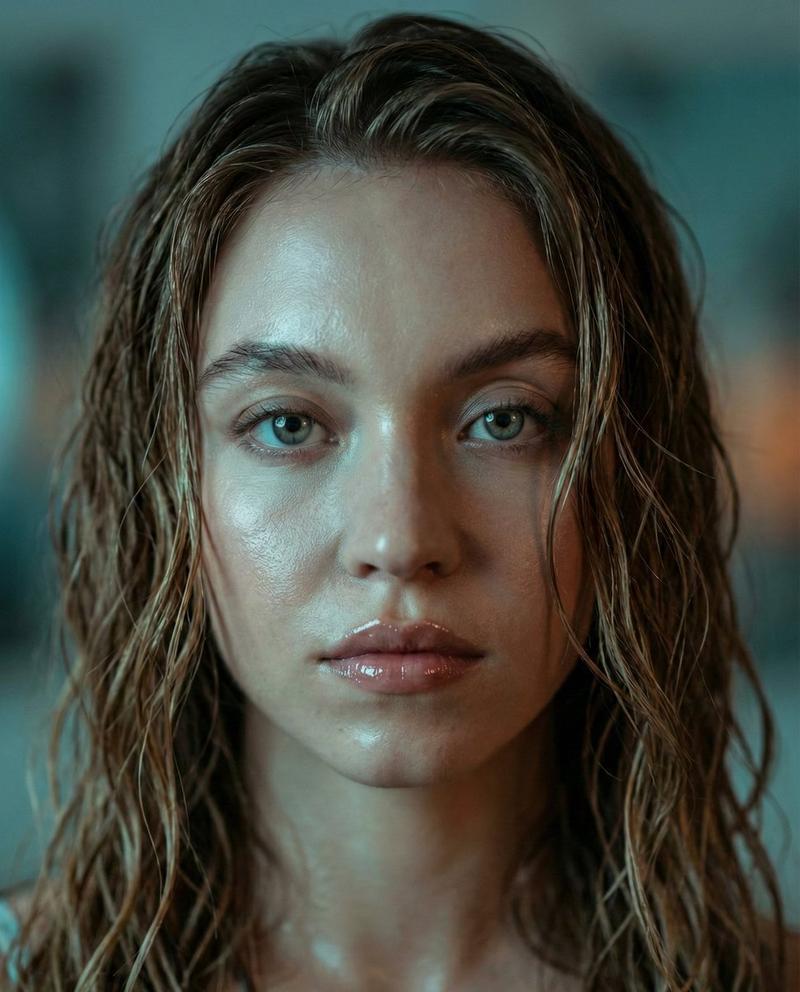
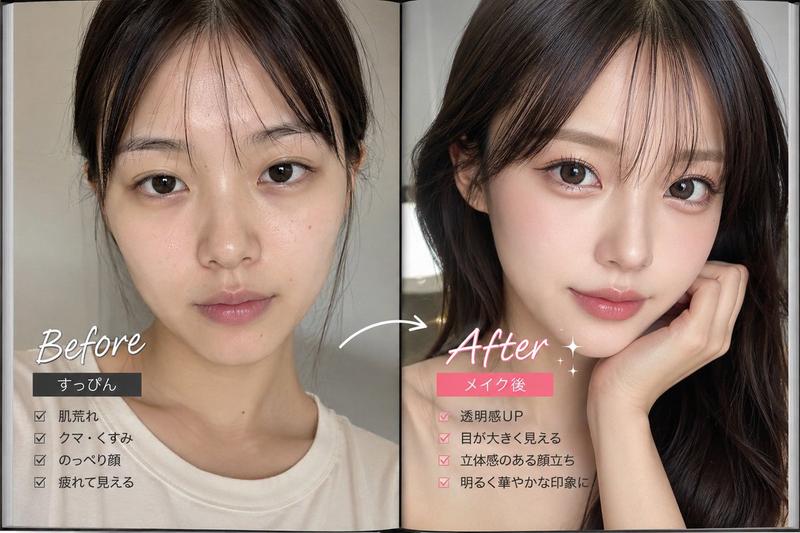
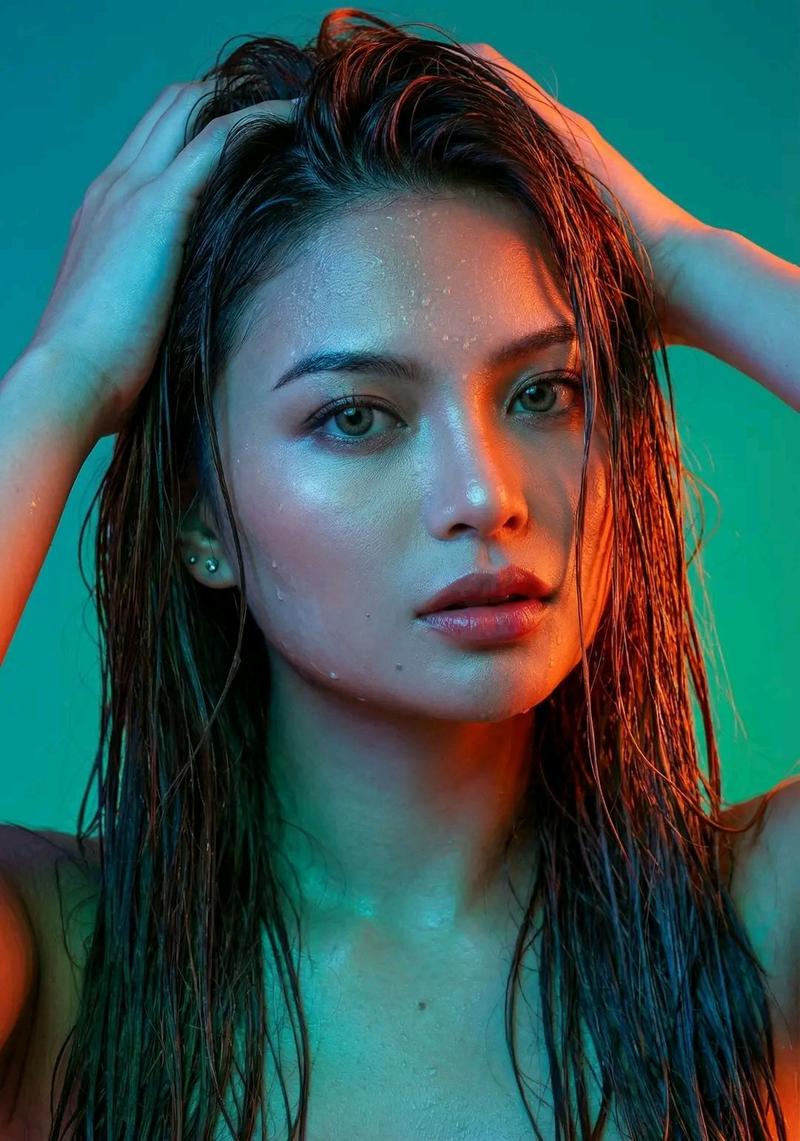
Portrait shot on 85mm f/1.4, close-up of a {argument name="subject" default="Japanese woman in her mid-20s"}, dark short-medium hair damp and unstyled, angular sensitive face, eyes red-rimmed as if {argument name="mood" default="recently crying but expression completely flat now"}, looking directly into lens with spent calmness. She wears a {argument name="clothing" default="simple white tank top"}.

Upper body portrait, black and white rendering, subject fills 70% of frame, plain wall behind, minimal setting, raw and direct composition.

Black and white, flat frontal diffused light, even exposure across face, no strong shadows, emphasizing skin texture and facial expression.

Photographic texture and quality: high-grain black and white film stock, ISO 1600 grain structure, visible skin texture, pores and under-eye shadow, faint moisture on lower lids, stray hairs and slight imperfection throughout, photographic texture not CG render smoothness.

Avoid: color, artificial retouching, soft-focus flattery.

--ar 4:5
Category
Photography & Realism
Model
GPT Image 2
Views0
Source ID
28254
Published
Jul 10, 2026

Guide

About "原始黑白胶片人像"

What is this prompt for?

"原始黑白胶片人像" AI image prompt for GPT Image 2 (Photography & Realism). 一款用于生成高颗粒感、黑白电影质感人像的提示词,专注于原始情感与真实的皮肤纹理,拒绝数字修图。 Copy it on Picva and recreate the look in o…

The full copyable prompt and example visuals above are ready for AI image generation or one-click recreate in Picva.

How to use this prompt

  1. Step 1

    Open the prompt detail

    Review the example visuals, category, and full prompt text for "原始黑白胶片人像".

  2. Step 2

    Copy the prompt

    Copy the prompt body from this page, or load it directly in Studio.

  3. Step 3

    Pick a model (GPT Image 2)

    Prefer GPT Image 2. If you switch models, keep subject and composition and tweak style terms.

  4. Step 4

    Generate and export

    Recreate the look in Picva, or export into your workflow for editing and publishing.

FAQ

What is the "原始黑白胶片人像" prompt?
It is an AI image-generation prompt for GPT Image 2 in the Photography & Realism category. This page includes the full prompt text, example visuals, and a one-click recreate path in Picva.
How do I use this prompt to generate an image?
Copy the prompt from this page, or use Generate / Studio. Paste it into a compatible image model, or recreate the look in Picva with optional reference images.
Which model is this prompt for?
This page lists GPT Image 2. Most descriptive prompts also transfer to nearby image models such as GPT Image, Flux, or Midjourney with light style tweaks.
Can I use the result commercially?
You can usually copy the prompt for creation, but commercial use of the final image depends on the model terms, reference-image rights, and the generated content. Follow the source author and platform rules.