17

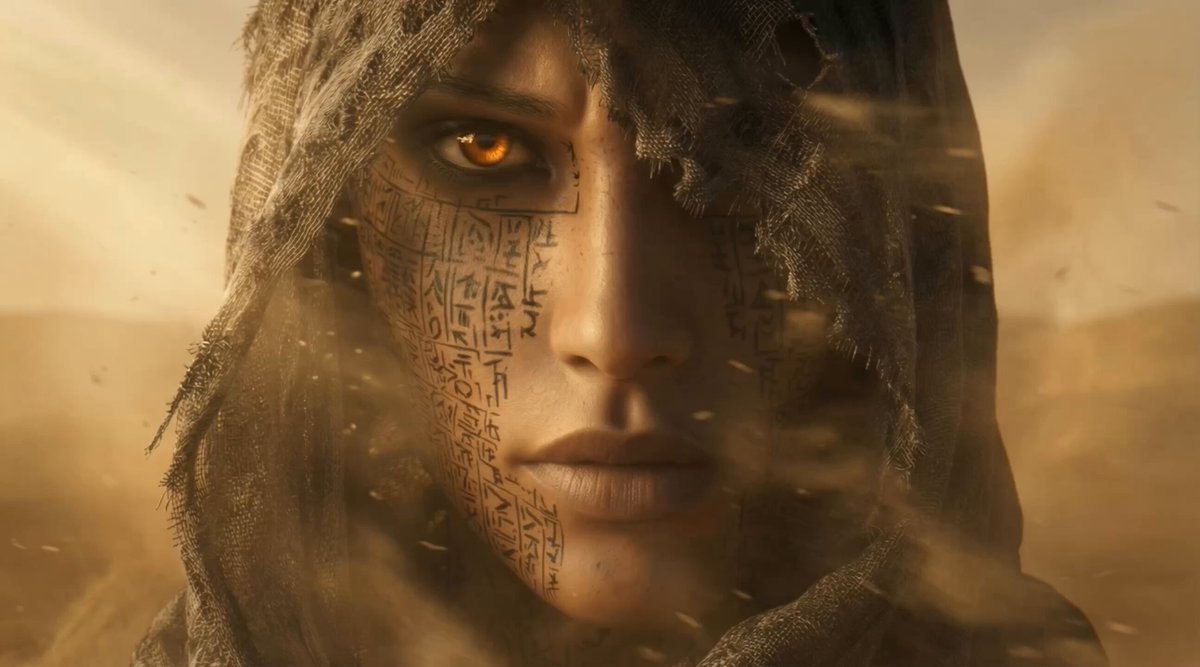
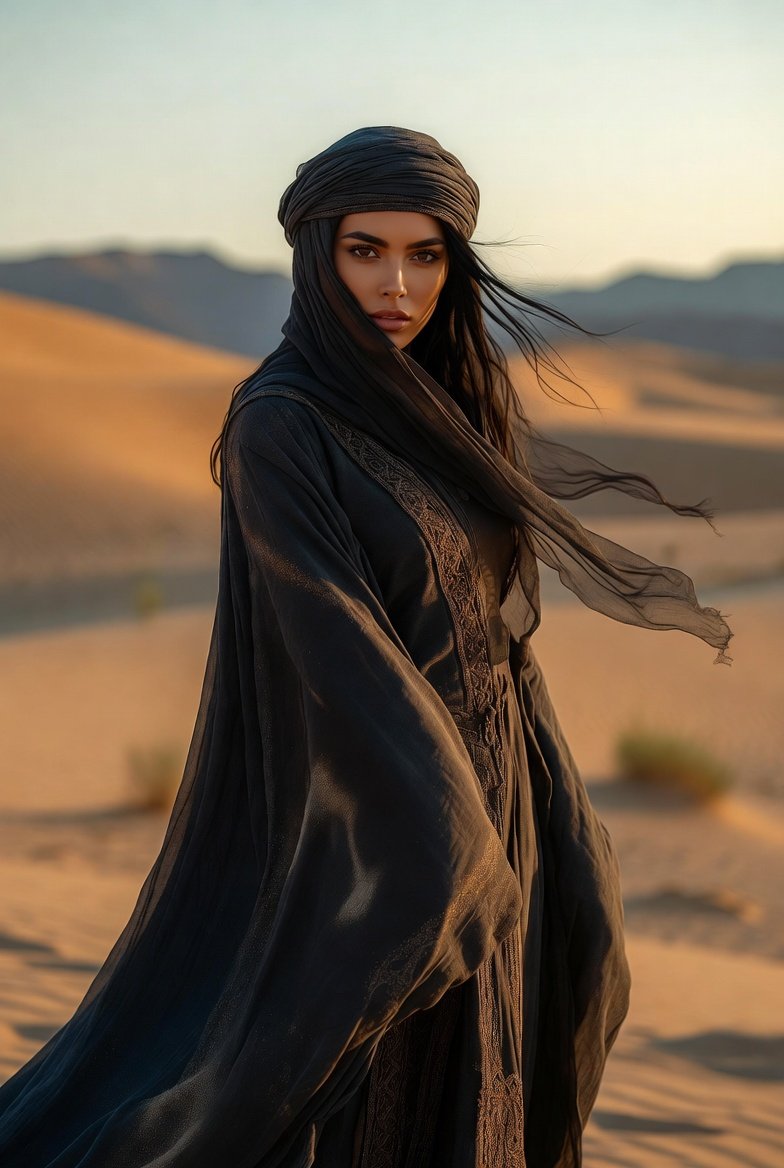
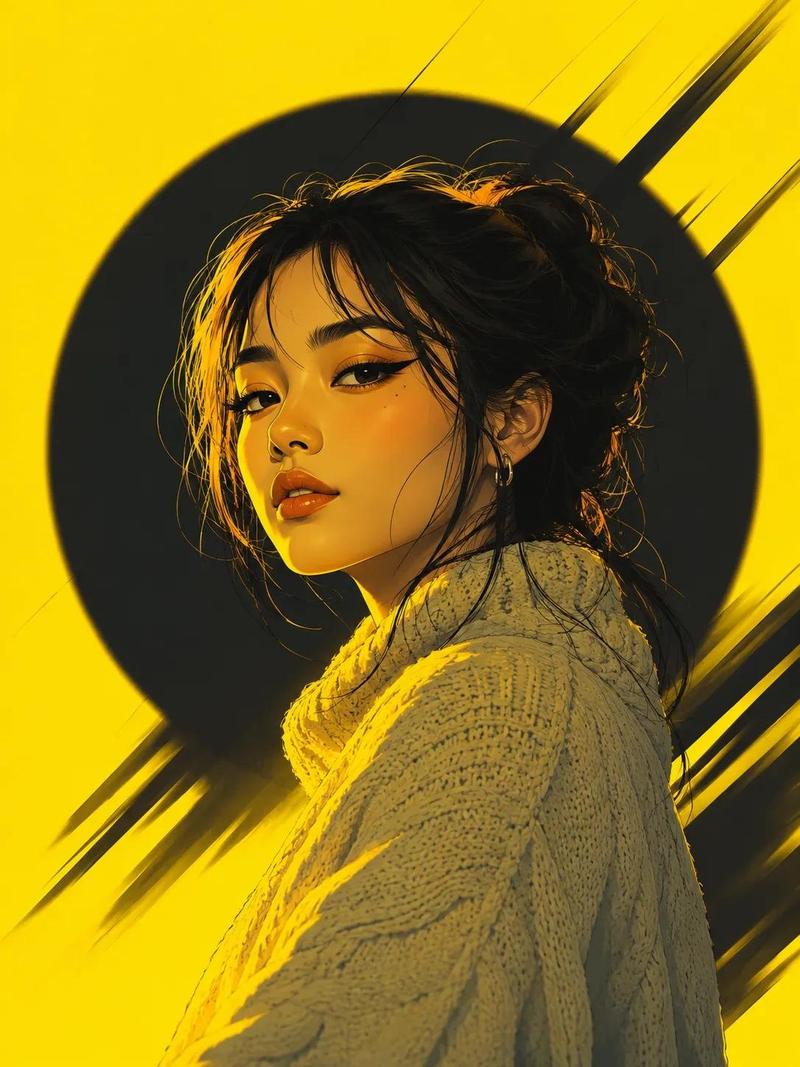
戴兜帽的沙漠流浪者肖像
Enlarge

戴兜帽的沙漠流浪者肖像

Prompt
Create a cinematic semi-realistic digital painting of a solitary young woman in a weathered hooded cloak, shown in close-up three-quarter profile from the shoulders up. She has {argument name="hair color" default="dark black"} loose, wind-tangled hair spilling from beneath the hood, pale olive skin, strong dark eyebrows, a delicate nose, slightly parted lips, and striking {argument name="eye color" default="clear blue-gray"} eyes looking off to the right with a quiet, determined expression. The cloak is {argument name="cloak color" default="charcoal brown"}, rough, dusty, frayed along the hood edge, with painterly folds wrapping around her shoulders; her muted worn tunic is barely visible underneath. Set her against a soft {argument name="background setting" default="dawn desert sky"} with warm peach light near the horizon and cool gray clouds above, using strong backlighting and rim light around the hood and hair. Style: high-detail fantasy concept art, realistic anime-inspired face, dramatic atmospheric lighting, visible brush texture, moody post-apocalyptic traveler aesthetic, shallow depth of field, vertical portrait crop, no text, no watermark, no extra characters.
Category
Photography & Realism
Model
GPT Image 2
Creator
Harf_Done
Views1
Source ID
28299
Published
Jul 10, 2026

Guide

About "戴兜帽的沙漠流浪者肖像"

What is this prompt for?

"戴兜帽的沙漠流浪者肖像" AI image prompt for GPT Image 2 (Photography & Realism). 一个电影感奇幻肖像提示词,用于生成一位在柔和晨光下显得神秘的兜帽少女。 Copy it on Picva and recreate the look in one click.

The full copyable prompt and example visuals above are ready for AI image generation or one-click recreate in Picva.

How to use this prompt

  1. Step 1

    Open the prompt detail

    Review the example visuals, category, and full prompt text for "戴兜帽的沙漠流浪者肖像".

  2. Step 2

    Copy the prompt

    Copy the prompt body from this page, or load it directly in Studio.

  3. Step 3

    Pick a model (GPT Image 2)

    Prefer GPT Image 2. If you switch models, keep subject and composition and tweak style terms.

  4. Step 4

    Generate and export

    Recreate the look in Picva, or export into your workflow for editing and publishing.

FAQ

What is the "戴兜帽的沙漠流浪者肖像" prompt?
It is an AI image-generation prompt for GPT Image 2 in the Photography & Realism category. This page includes the full prompt text, example visuals, and a one-click recreate path in Picva.
How do I use this prompt to generate an image?
Copy the prompt from this page, or use Generate / Studio. Paste it into a compatible image model, or recreate the look in Picva with optional reference images.
Which model is this prompt for?
This page lists GPT Image 2. Most descriptive prompts also transfer to nearby image models such as GPT Image, Flux, or Midjourney with light style tweaks.
Can I use the result commercially?
You can usually copy the prompt for creation, but commercial use of the final image depends on the model terms, reference-image rights, and the generated content. Follow the source author and platform rules.