18

海神波塞冬战士
Enlarge

海神波塞冬战士

Prompt
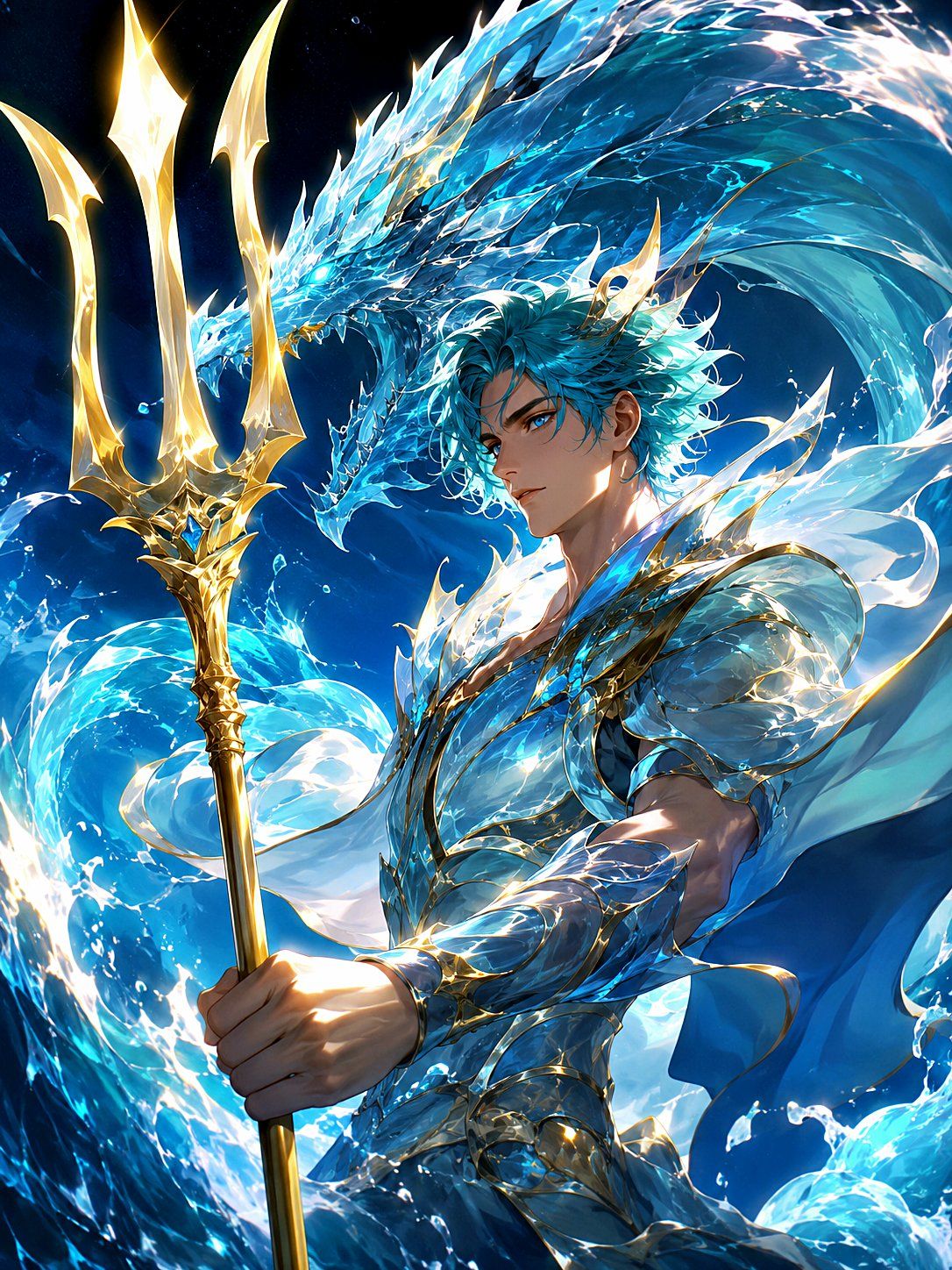
Create a dramatic vertical fantasy anime illustration of {argument name="deity character" default="Poseidon, god of the sea"} as a young, handsome sea god warrior standing in a storm of glowing ocean water. He has {argument name="hair color" default="vivid turquoise-blue"} windswept wavy hair, sharp blue eyes, a calm serious expression, and a small ornate gold crown or horn-like diadem. He wears luminous crystalline aqua armor with gold filigree trim, layered shoulder plates, bracers, and a flowing translucent white-and-blue cape that looks like sea foam. In his foreground hand he grips a tall polished golden trident with exactly three long spear prongs, each prong shaped like elegant flame-like blades and glowing with divine light. Behind him, a massive serpentine water dragon made of translucent blue waves coils across the upper background, with an angular dragon head, icy fins, and splashing crystalline scales. The composition is dynamic and heroic, low-angle three-quarter view, the trident rising vertically along the left side, the character centered slightly right, swirling waves forming a circular vortex around him. Use deep navy night-ocean background, cyan bioluminescent highlights, white foam splashes, gold rim lighting, sparkling water droplets, high contrast, ultra-detailed digital painting, polished gacha-game key visual style, cinematic lighting, sharp linework, radiant magical effects, no text, no logo, no watermark.
Category
Brand & Logos
Model
GPT Image 2
Views11
Source ID
28302
Published
Jul 10, 2026

Guide

About "海神波塞冬战士"

What is this prompt for?

"海神波塞冬战士" AI image prompt for GPT Image 2 (Brand & Logos). 一张电影感奇幻动漫主视觉图,描绘了波塞冬手持金色三叉戟,置身于翻涌的波浪与发光水龙之中。 Copy it on Picva and recreate the look in one click.

The full copyable prompt and example visuals above are ready for AI image generation or one-click recreate in Picva.

How to use this prompt

  1. Step 1

    Open the prompt detail

    Review the example visuals, category, and full prompt text for "海神波塞冬战士".

  2. Step 2

    Copy the prompt

    Copy the prompt body from this page, or load it directly in Studio.

  3. Step 3

    Pick a model (GPT Image 2)

    Prefer GPT Image 2. If you switch models, keep subject and composition and tweak style terms.

  4. Step 4

    Generate and export

    Recreate the look in Picva, or export into your workflow for editing and publishing.

FAQ

What is the "海神波塞冬战士" prompt?
It is an AI image-generation prompt for GPT Image 2 in the Brand & Logos category. This page includes the full prompt text, example visuals, and a one-click recreate path in Picva.
How do I use this prompt to generate an image?
Copy the prompt from this page, or use Generate / Studio. Paste it into a compatible image model, or recreate the look in Picva with optional reference images.
Which model is this prompt for?
This page lists GPT Image 2. Most descriptive prompts also transfer to nearby image models such as GPT Image, Flux, or Midjourney with light style tweaks.
Can I use the result commercially?
You can usually copy the prompt for creation, but commercial use of the final image depends on the model terms, reference-image rights, and the generated content. Follow the source author and platform rules.