18

宝莱坞风格雪山高山人像
Enlarge

宝莱坞风格雪山高山人像

Prompt
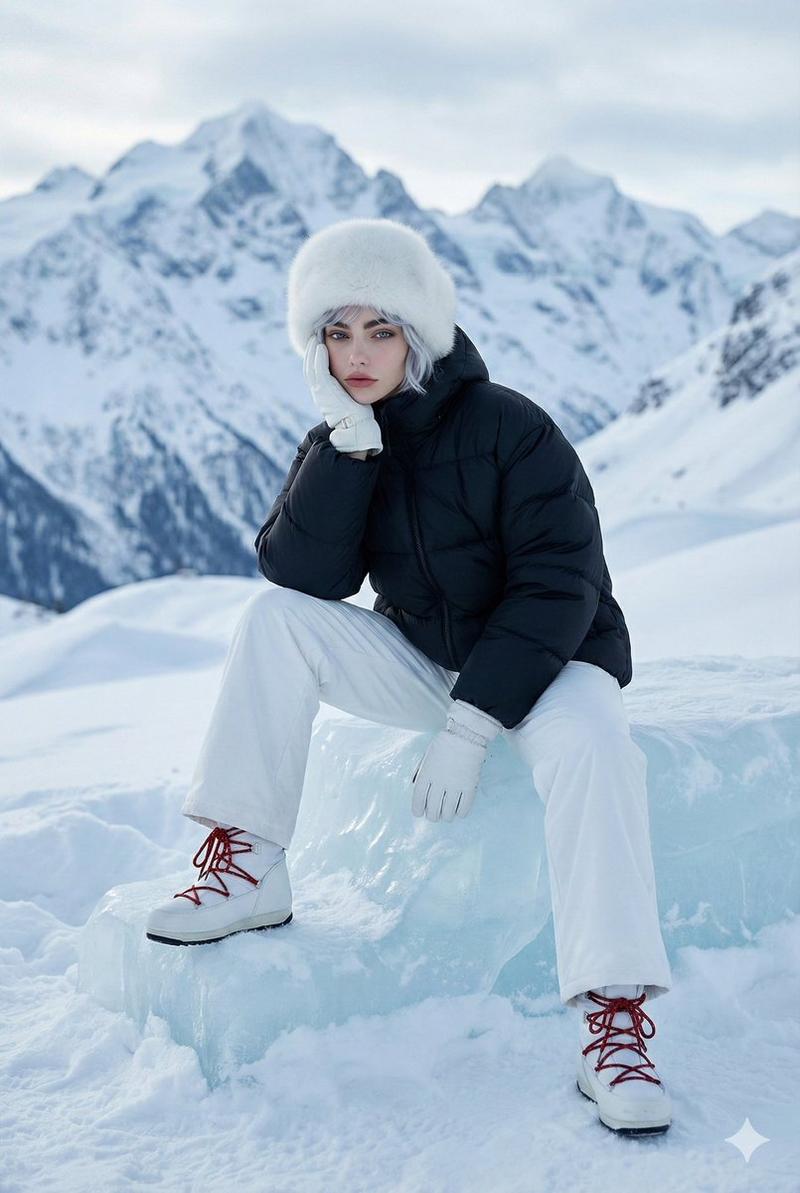
A cinematic, photorealistic three-quarter body portrait captured at eye level, with the {argument name="subject" default="beautiful woman"} filling most of the vertical frame and cropped below the knees. Use the attached reference photo for facial identity and preserve facial structure and proportions. Subject stands gracefully in a {argument name="location" default="snowy alpine landscape"}, facing the camera with a soft natural smile and a tiny black bindi. She is wearing a {argument name="clothing" default="bright pink chiffon with closely arranged pleats across the waist, paired with a bold red sleeveless blouse"}. The saree pallu flows gracefully in the cold mountain wind, adding dynamic motion to the frame. Her natural colour long hair moves naturally with the breeze, with a few fine strands blowing across her face, while she lifts one hand gracefully to brush the hair aside in a natural Bollywood-style cinematic gesture. Snow-covered ground surrounds her, with recognizable blue-gray snow-clad mountain peaks partly veiled by low mist and clouds in the background. Use bright, cool, diffused alpine daylight with soft even light on her face, clean white snow, and a fresh blue-white atmosphere. Keep her face, saree pleats, and wind-blown pallu crisp and detailed, while the distant mountains remain softly atmospheric but clearly visible, without heavy portrait bokeh. Aspect ratio 4:5.
Category
Brand & Logos
Model
GPT Image 2
Views7
Source ID
28346
Published
Jul 11, 2026

Guide

About "宝莱坞风格雪山高山人像"

What is this prompt for?

"宝莱坞风格雪山高山人像" AI image prompt for GPT Image 2 (Brand & Logos). 一个详细的电影感提示词,用于生成一位身着纱丽的女性在雪山背景下的宝莱坞风格人像,强调自然动态与漫射光效果。 Copy it on Picva and recreate the look in…

The full copyable prompt and example visuals above are ready for AI image generation or one-click recreate in Picva.

How to use this prompt

  1. Step 1

    Open the prompt detail

    Review the example visuals, category, and full prompt text for "宝莱坞风格雪山高山人像".

  2. Step 2

    Copy the prompt

    Copy the prompt body from this page, or load it directly in Studio.

  3. Step 3

    Pick a model (GPT Image 2)

    Prefer GPT Image 2. If you switch models, keep subject and composition and tweak style terms.

  4. Step 4

    Generate and export

    Recreate the look in Picva, or export into your workflow for editing and publishing.

FAQ

What is the "宝莱坞风格雪山高山人像" prompt?
It is an AI image-generation prompt for GPT Image 2 in the Brand & Logos category. This page includes the full prompt text, example visuals, and a one-click recreate path in Picva.
How do I use this prompt to generate an image?
Copy the prompt from this page, or use Generate / Studio. Paste it into a compatible image model, or recreate the look in Picva with optional reference images.
Which model is this prompt for?
This page lists GPT Image 2. Most descriptive prompts also transfer to nearby image models such as GPT Image, Flux, or Midjourney with light style tweaks.
Can I use the result commercially?
You can usually copy the prompt for creation, but commercial use of the final image depends on the model terms, reference-image rights, and the generated content. Follow the source author and platform rules.