16

3D 拉花杂志教程排版
Enlarge

3D 拉花杂志教程排版

Prompt
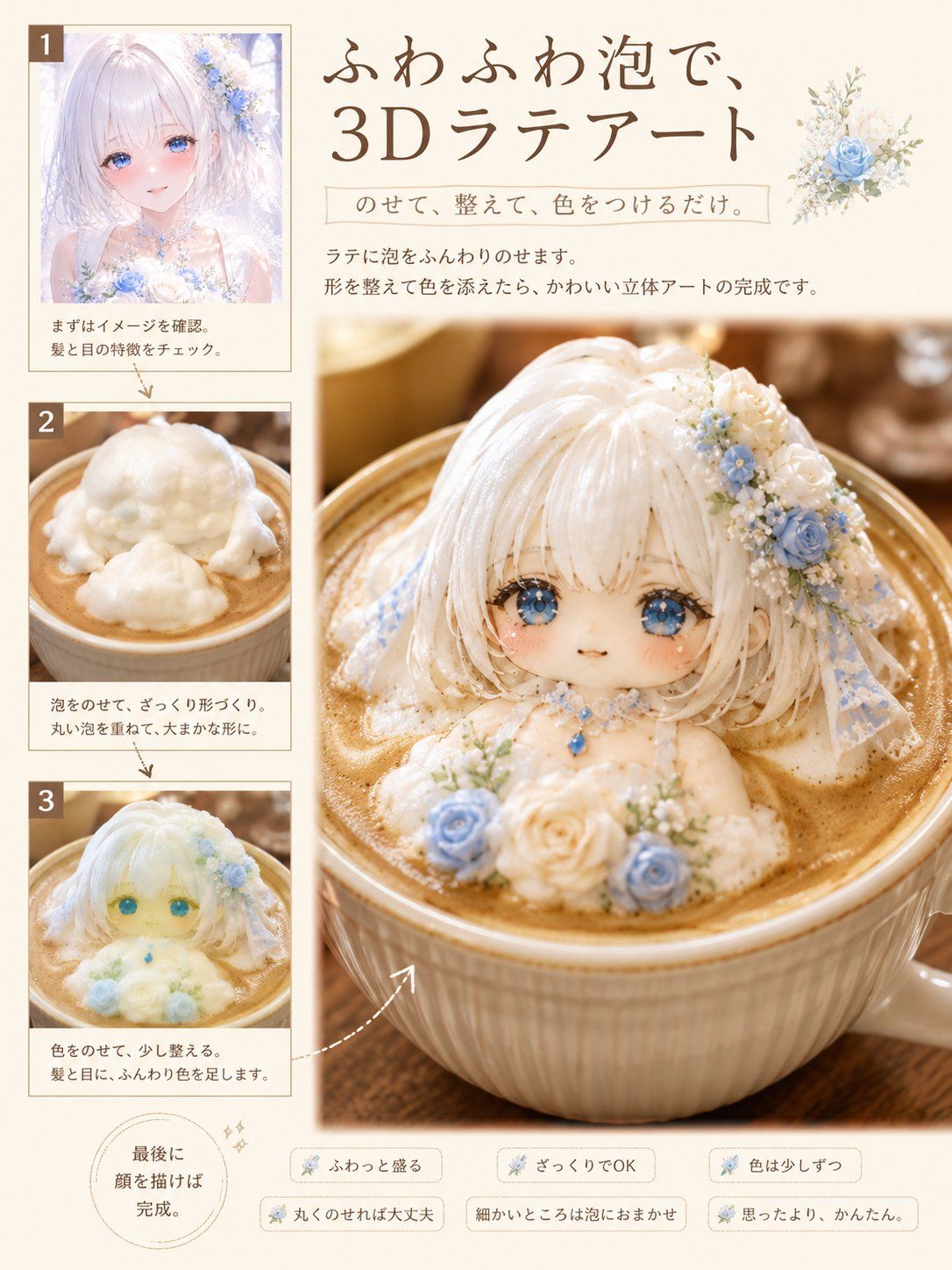
基于所附角色,生成一个以“如何制作 3D 拉花”为题、具有高品质日本咖啡/烹饪杂志风格的专题页面。
[格式]
- 3:4 垂直方向,单页。
- 无跨页或中缝。
- 极简页边距。
- 象牙白、奶白和浅棕色调。
- 优雅且易读的编辑设计。
- 文字量少,以图像为核心。
[图像构成 - 关键]
仅使用以下四张图来排版页面:
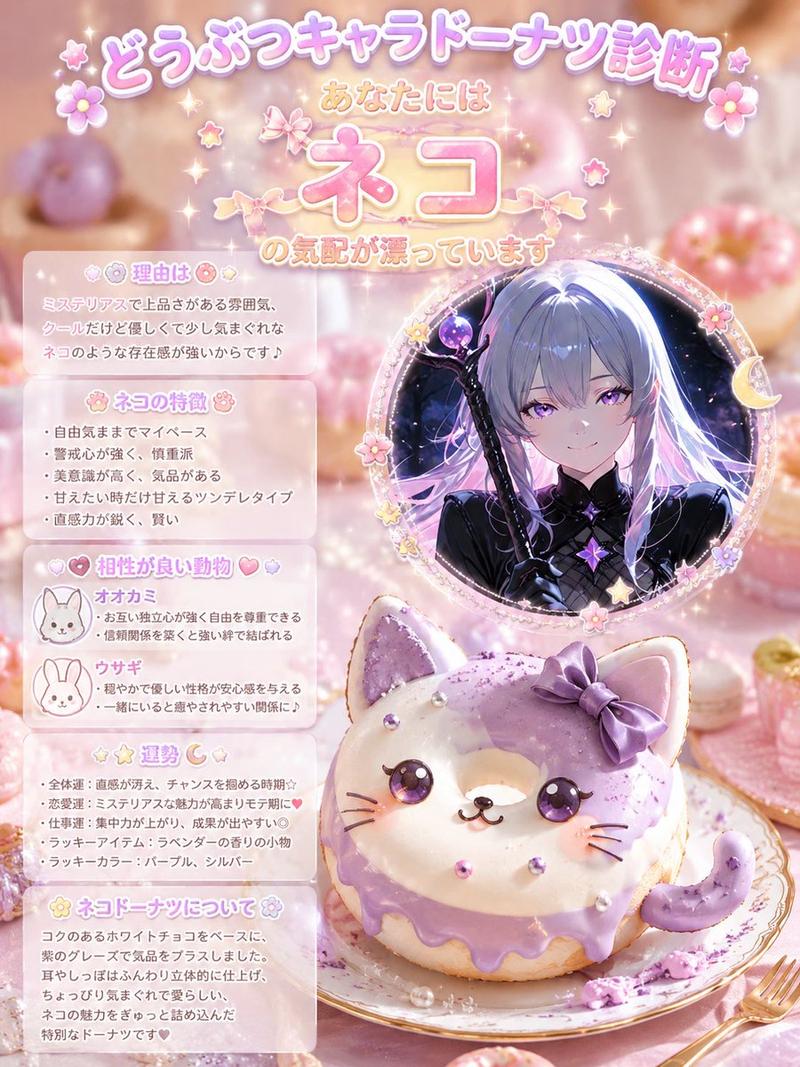
1. 所附角色的小尺寸参考图。
2. 展示塑形过程中白色奶泡的小图。
3. 展示粗略上色过程的小图。
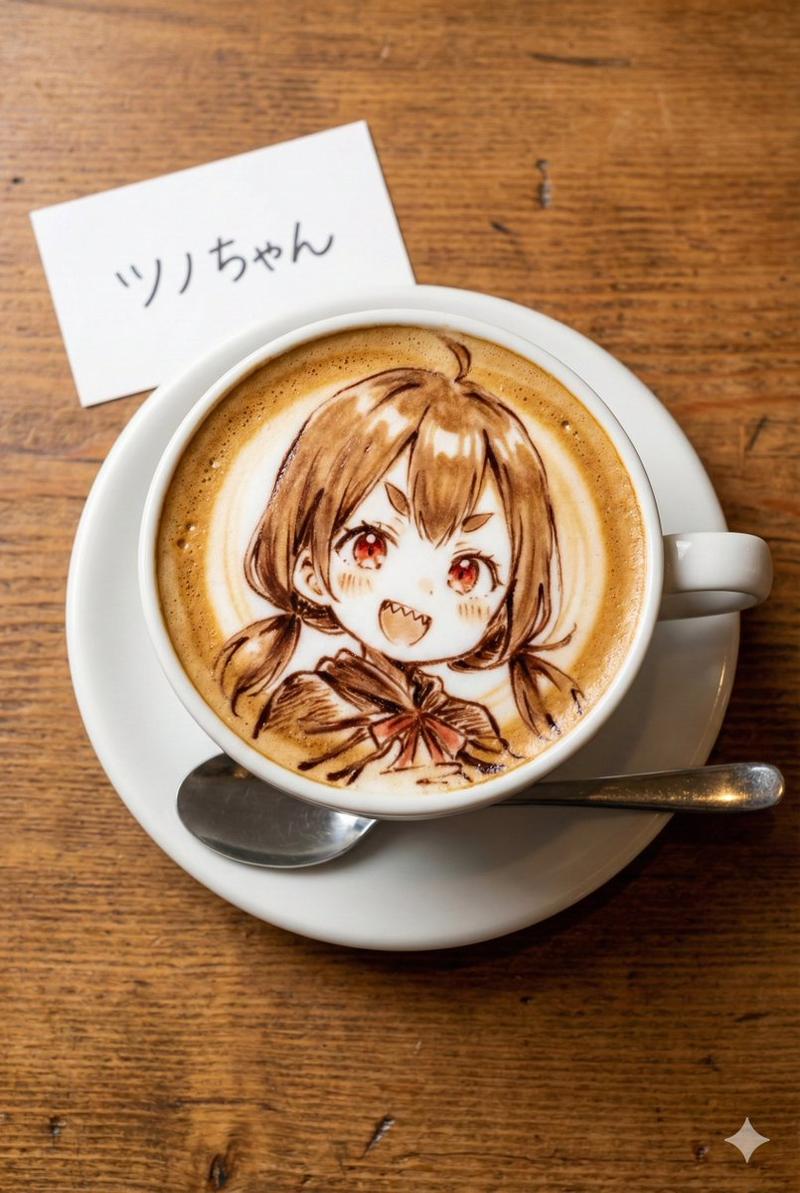
4. 一张大型最终成品图。
页面上只能有一张展示 3D 拉花成品的图片。
[角色]
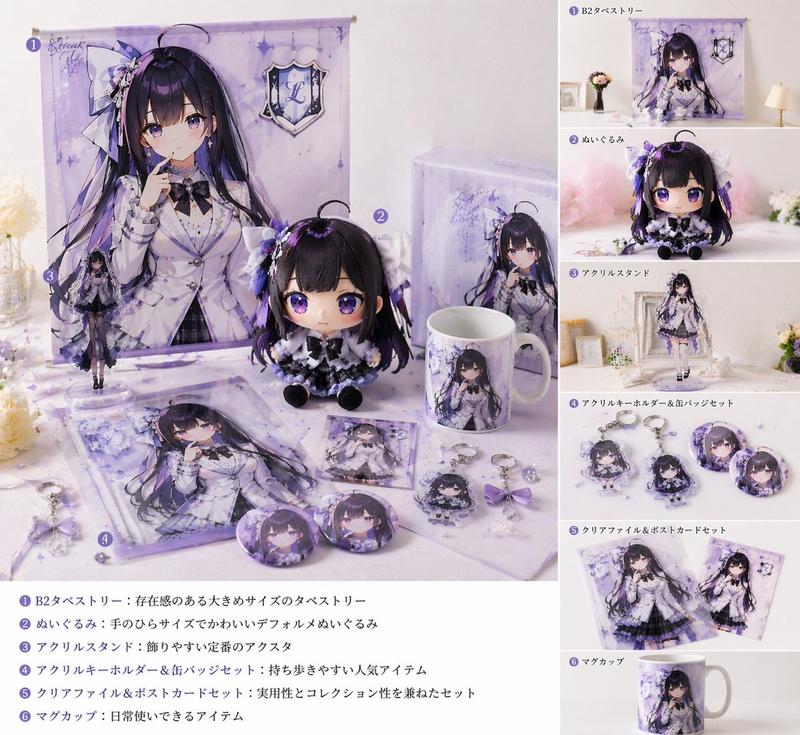
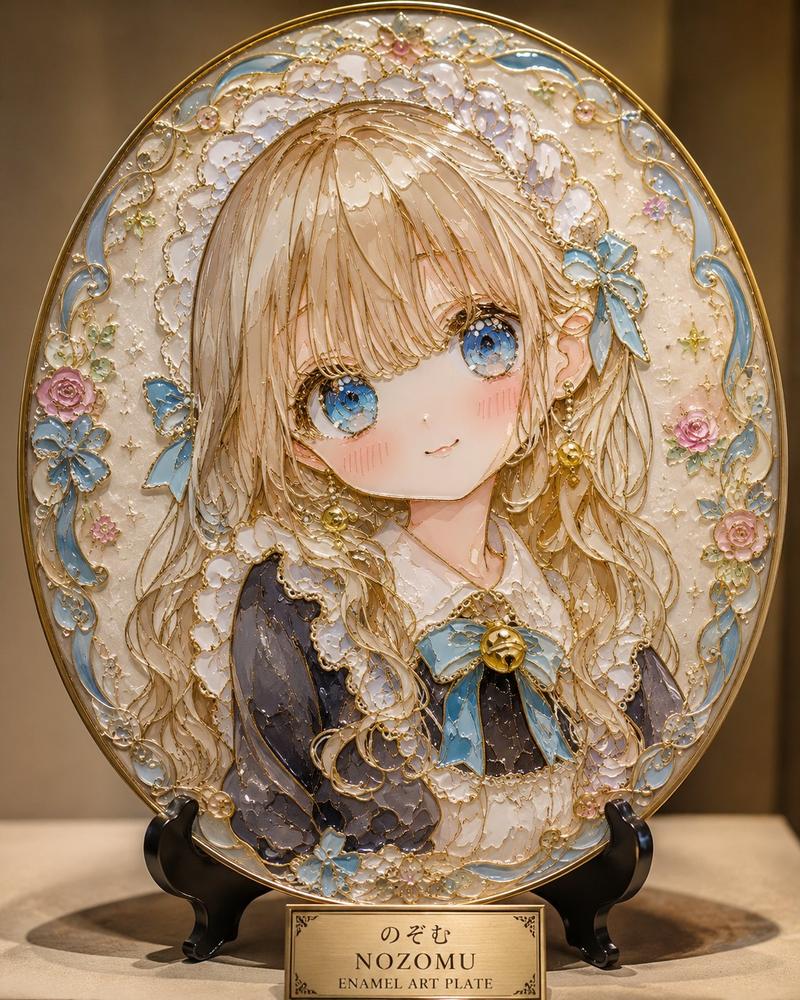
优先考虑所附图片。保持面部、眼睛、发型、发色、表情、装饰和标志性颜色,确保角色具有极高的辨识度。将其表现为由奶泡制成的可爱 Q 版 3D 拉花,而非真人、手办或玩偶。
[标题]
生成简短的标题,例如:“{argument name="title" default="蓬松奶泡 3D 拉花"}”
[副标题]
使用简短的短语,例如:“{argument name="tip" default="蓬松地舀起"}”、“粗糙也没关系”、“一点点添加颜色”。
[拉花风格]
细腻的白色奶泡塑造成可爱的 Q 版角色。柔软圆润的奶泡,带有轻微的手工痕迹。眼睛和嘴巴用可可粉或巧克力酱绘制。逼真的拿铁质感,精致的高品质插画,温暖的自然光。
Category
Charts & Infographics
Model
GPT Image 2
Views3
Source ID
28384
Published
Jul 11, 2026

Guide

About "3D 拉花杂志教程排版"

What is this prompt for?

"3D 拉花杂志教程排版" AI image prompt for GPT Image 2 (Charts & Infographics). 一个精妙的提示词,用于根据参考角色生成杂志风格的 3D 拉花教程页面。包含针对分步过程图和大型最终“主视觉”图的详细排版说明,呈现编辑设计感。 Copy it on Picva…

The full copyable prompt and example visuals above are ready for AI image generation or one-click recreate in Picva.

How to use this prompt

  1. Step 1

    Open the prompt detail

    Review the example visuals, category, and full prompt text for "3D 拉花杂志教程排版".

  2. Step 2

    Copy the prompt

    Copy the prompt body from this page, or load it directly in Studio.

  3. Step 3

    Pick a model (GPT Image 2)

    Prefer GPT Image 2. If you switch models, keep subject and composition and tweak style terms.

  4. Step 4

    Generate and export

    Recreate the look in Picva, or export into your workflow for editing and publishing.

FAQ

What is the "3D 拉花杂志教程排版" prompt?
It is an AI image-generation prompt for GPT Image 2 in the Charts & Infographics category. This page includes the full prompt text, example visuals, and a one-click recreate path in Picva.
How do I use this prompt to generate an image?
Copy the prompt from this page, or use Generate / Studio. Paste it into a compatible image model, or recreate the look in Picva with optional reference images.
Which model is this prompt for?
This page lists GPT Image 2. Most descriptive prompts also transfer to nearby image models such as GPT Image, Flux, or Midjourney with light style tweaks.
Can I use the result commercially?
You can usually copy the prompt for creation, but commercial use of the final image depends on the model terms, reference-image rights, and the generated content. Follow the source author and platform rules.