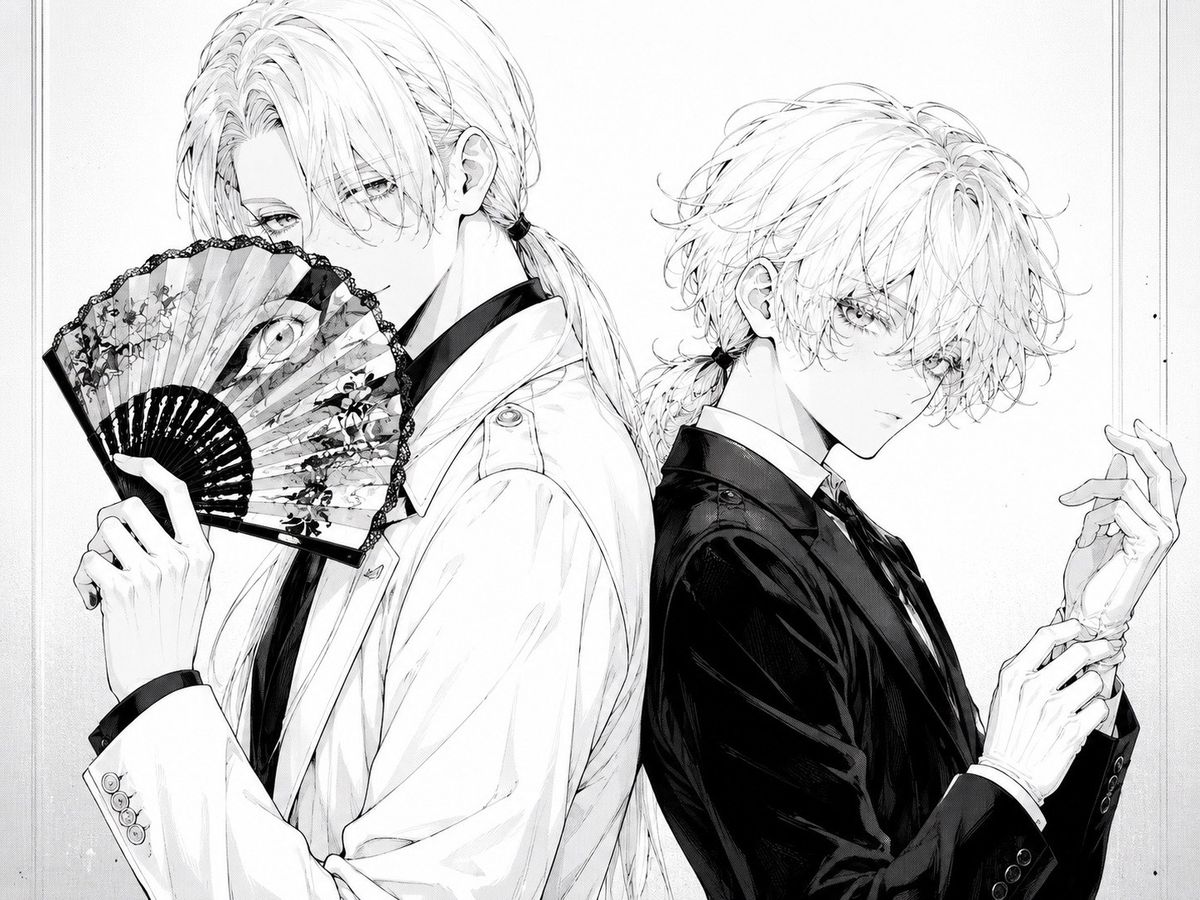
单色哥特双人肖像
Prompt
Create a monochrome manga-style illustration of two elegant androgynous young men standing back-to-back in a refined fashion portrait. The left figure is taller, shown from mid-thigh up in a white suit jacket over a dark shirt and tie, with long pale hair tied in a low ponytail and loose bangs covering one eye; he holds an open ornate folding fan in front of his mouth and nose, the fan decorated with floral patterns, lace-like black edging, and a single large eye motif near the center. The right figure is slightly shorter, wearing a glossy black suit jacket with a white shirt and dark tie, with tousled pale wavy hair tied into a small low ponytail; he turns his face toward the viewer with delicate lashes and a calm, mysterious expression while adjusting or holding one wrist with slim elegant hands. Use fine black-and-white ink linework, soft grayscale shading, intricate hair strands, delicate facial features, high-fashion gothic elegance, subtle paper texture, and a clean off-white background with a thin double-line rectangular border near the edges. Keep the composition tightly framed, centered, balanced, and text-free, with exactly two characters and one visible folding fan. Allow the figures’ pale hair to remain mostly white with fine graphite shading. Character mood: poised, secretive, beautiful, slightly melancholic. Optional customization: make the left figure’s suit {argument name="left suit color" default="white"}, the right figure’s suit {argument name="right suit color" default="black"}, the characters’ hair {argument name="hair color" default="pale platinum blonde"}, and the fan motif {argument name="fan motif" default="floral pattern with a single large eye"}.- Category
- Photography & Realism
- Model
- GPT Image 2
- Creator
- 🐹🐹
- Source ID
- 28414
- Published
- Jul 11, 2026
Views9