迷幻吉祥物街头风肖像
Prompt
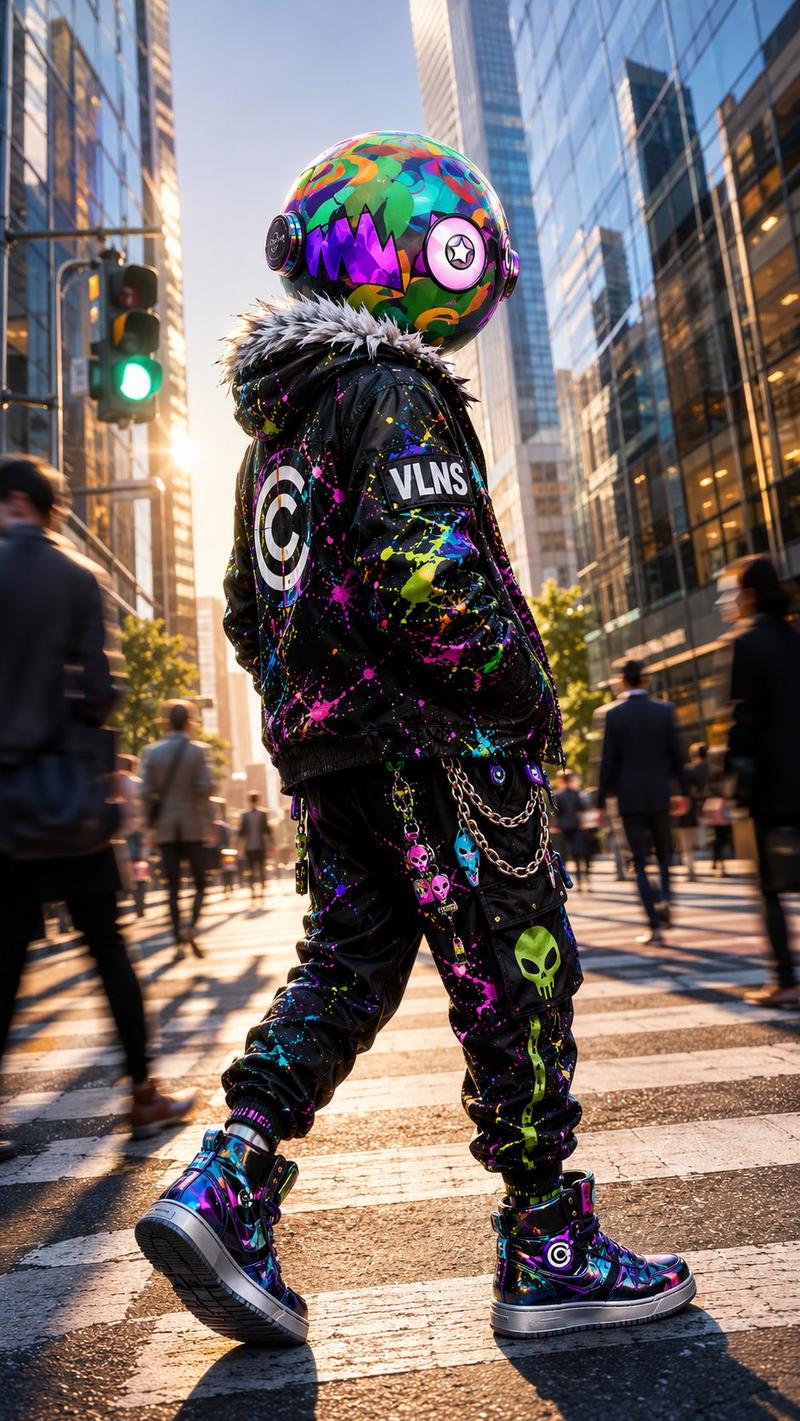
Create a vertical cinematic street-fashion portrait of {argument name="character name" default="VLNS mascot"}, a full-body humanoid character standing on a sunny sidewalk outside a cute dessert shop. The character has one oversized glossy spherical helmet head covered in bright psychedelic graffiti colors, with one jagged purple triangular visor/mouth shape, two circular side headphone-like ear modules, and one glowing teal light spot on the face. The body wears a black cyberpunk streetwear outfit: one shiny black leather jacket with gray spiky faux-fur shoulders, one black hoodie, one pair of baggy black cargo pants, two black gloves, and two iridescent high-top sneakers with purple laces and a visible “C” emblem on each tongue. Add neon paint splatters in pink, yellow, green, and purple across the jacket and pants, multiple small alien/skull patches, a visible “VLNS” text patch on the sleeve and another on the cargo pocket, and one dangling chain with one white skull charm on the right side. The character holds exactly one transparent purple dessert pouch containing soft-serve ice cream with both hands at chest height. Background: charming storefront with large glass windows, warm bakery lights and pastries inside, purple-and-white striped awning, pastel balloons and lanterns, potted flowers, leafy trees, blue sky, and soft afternoon sunlight. Use a low-angle 35mm fashion editorial look, shallow depth of field, realistic materials, vibrant color grading, crisp subject focus, natural candid pose, and a magical everyday cinematic atmosphere. Prioritize consistent character identity and full-body visibility; no extra characters, no cropped feet, no watermark.- Category
- Brand & Logos
- Model
- GPT Image 2
- Source ID
- 28442
- Published
- Jul 11, 2026
Views3