18

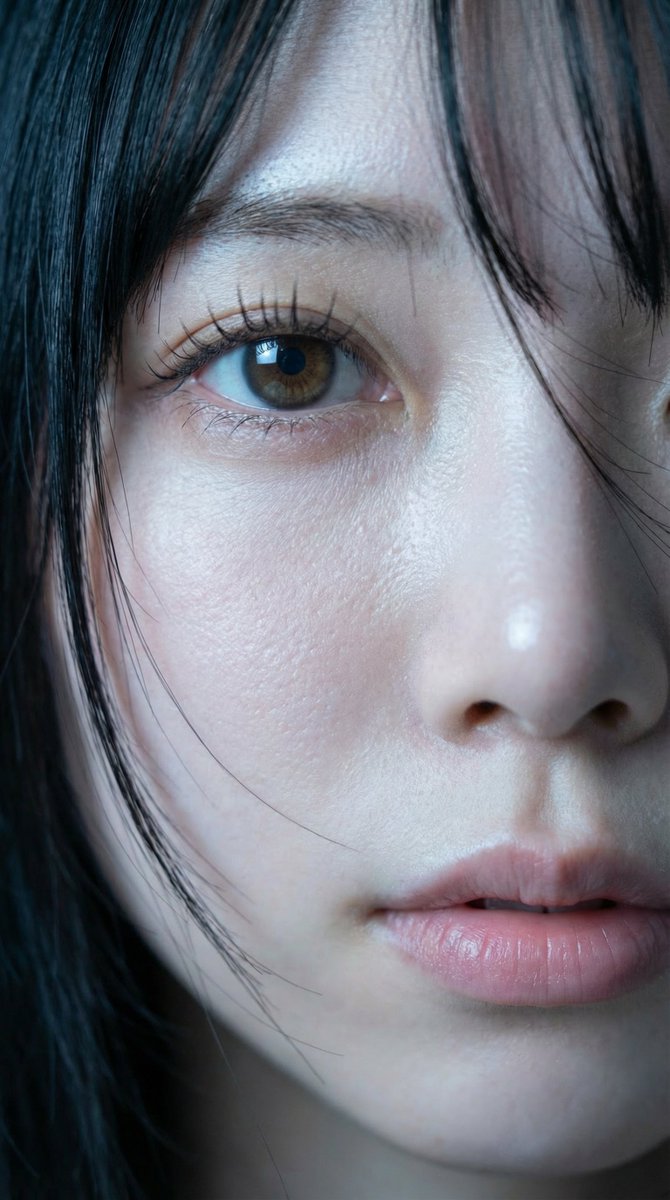
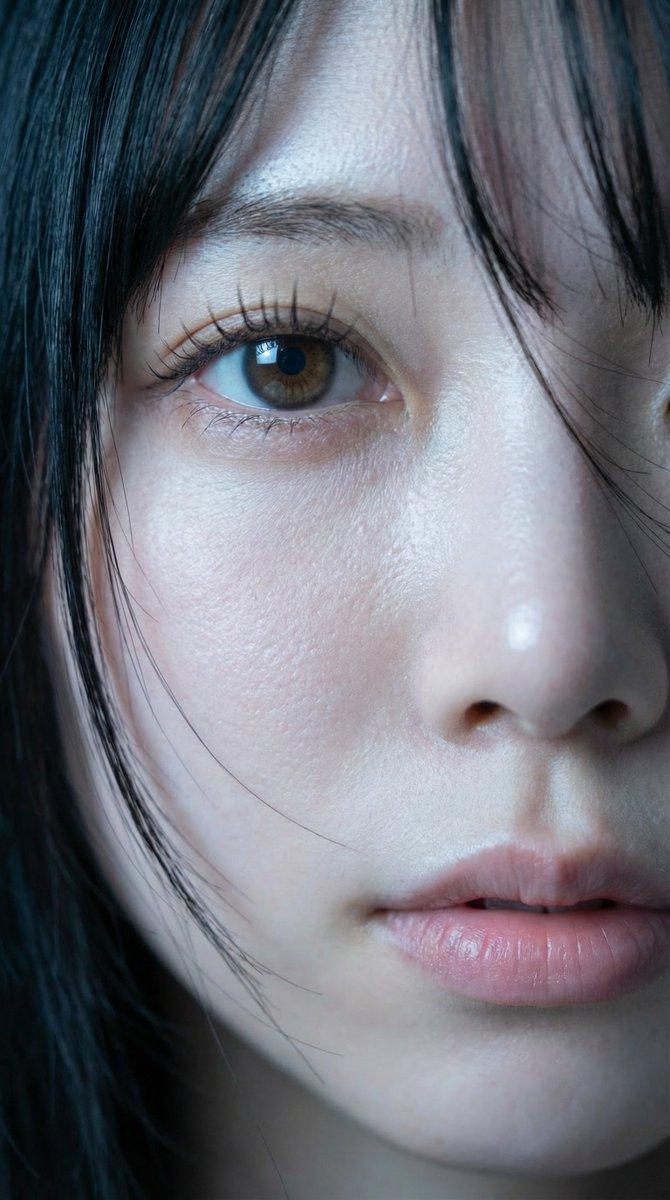
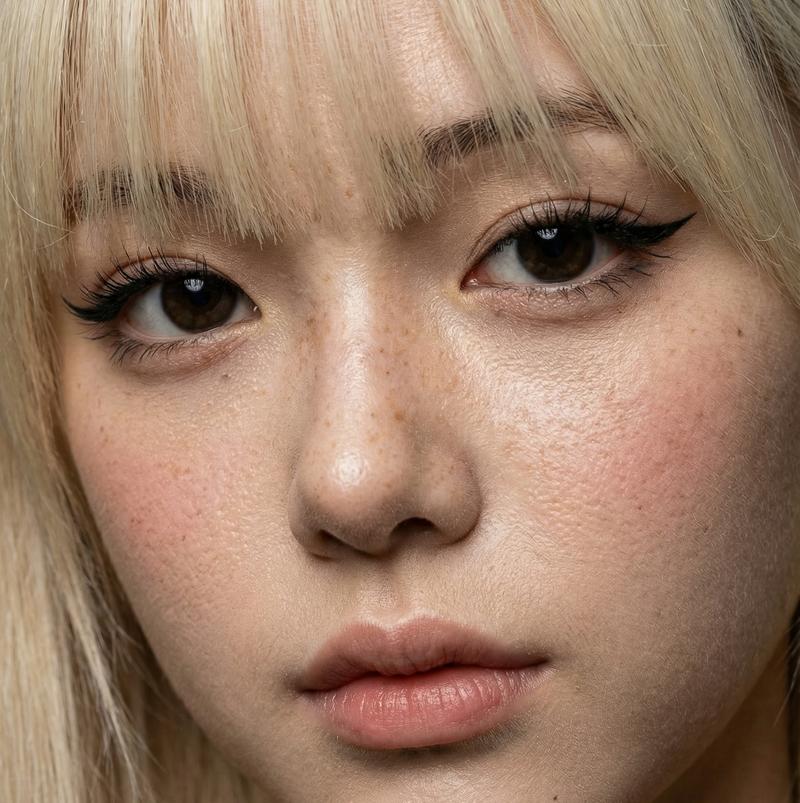
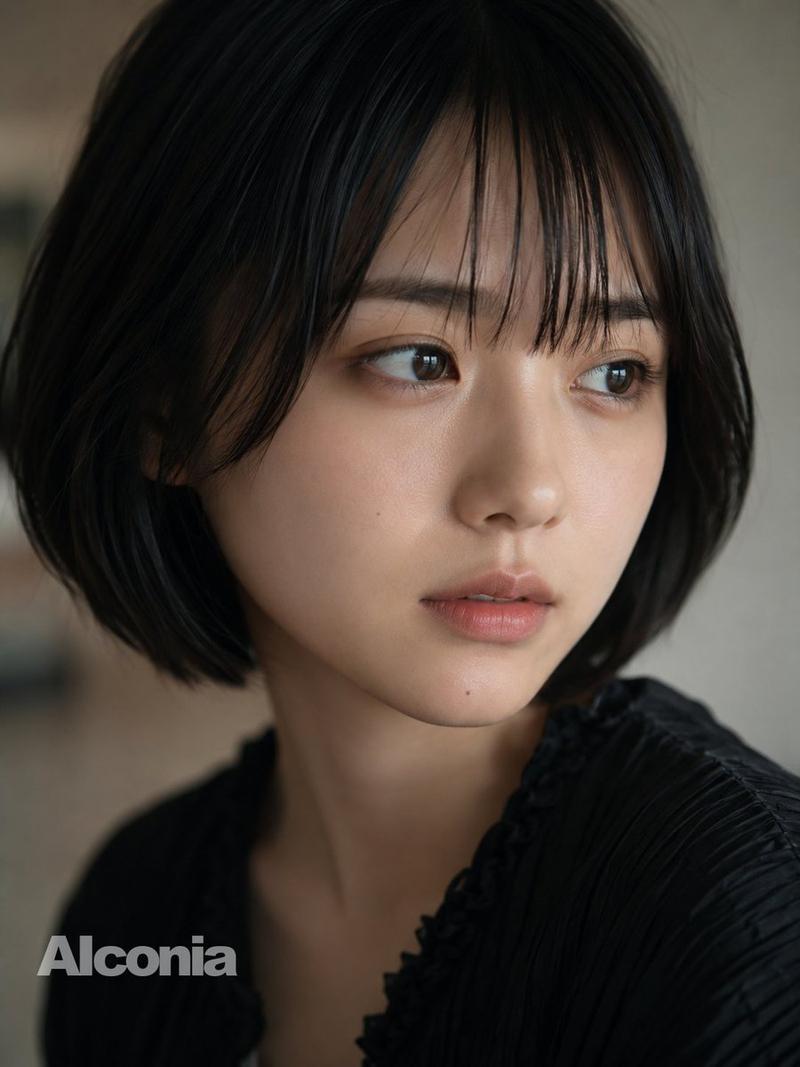
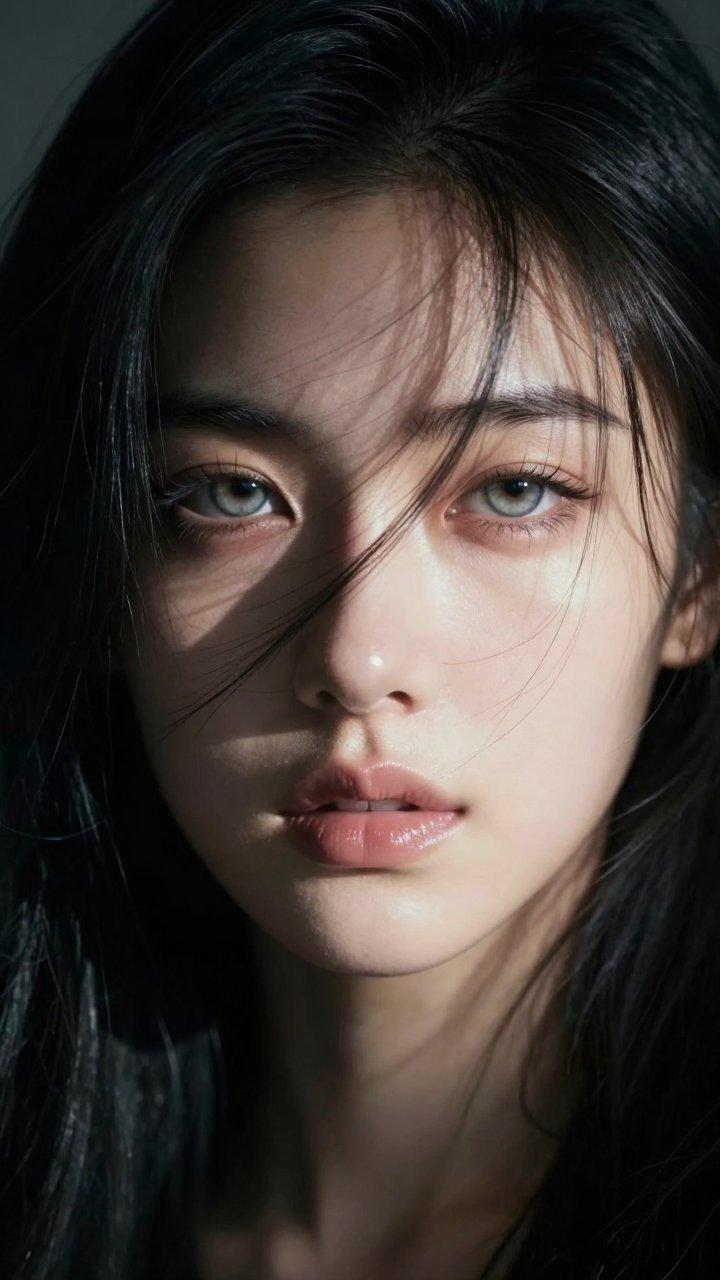
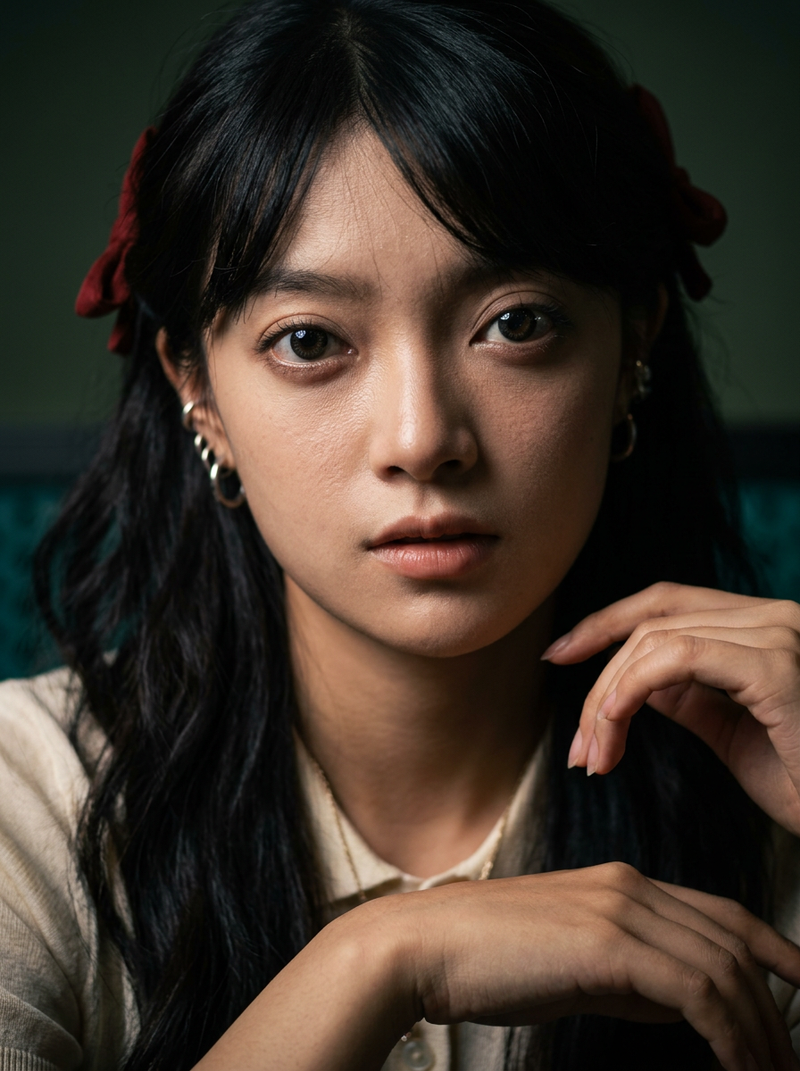
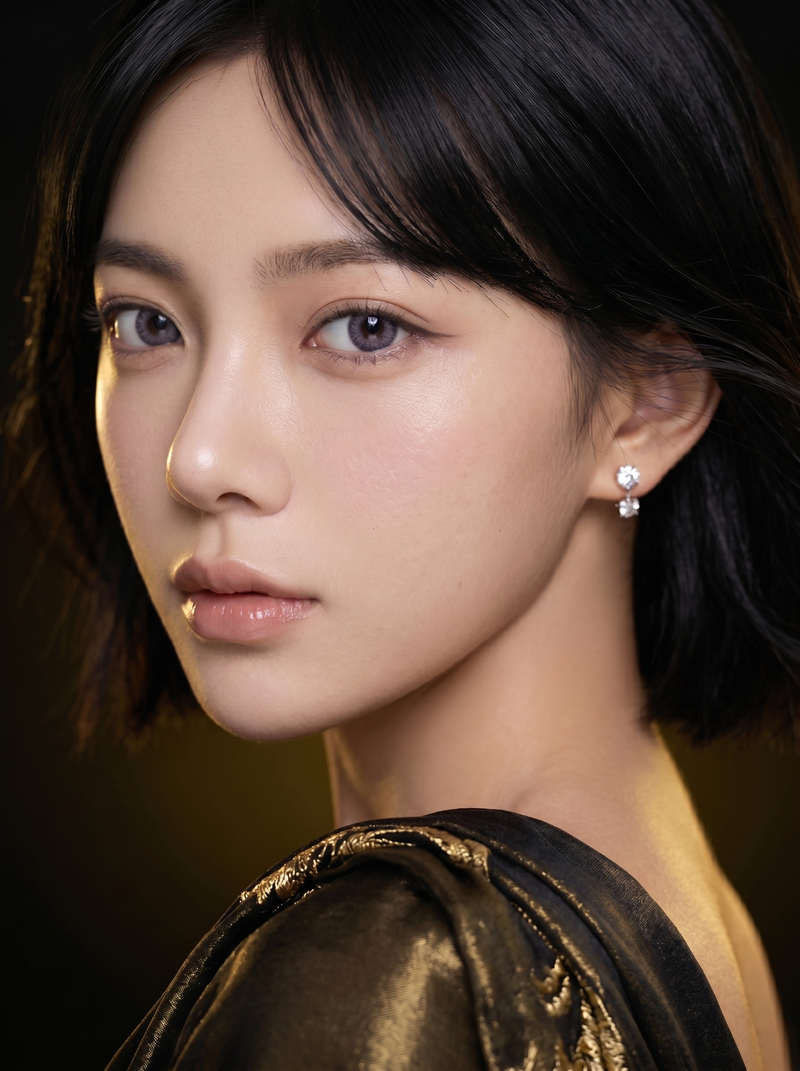
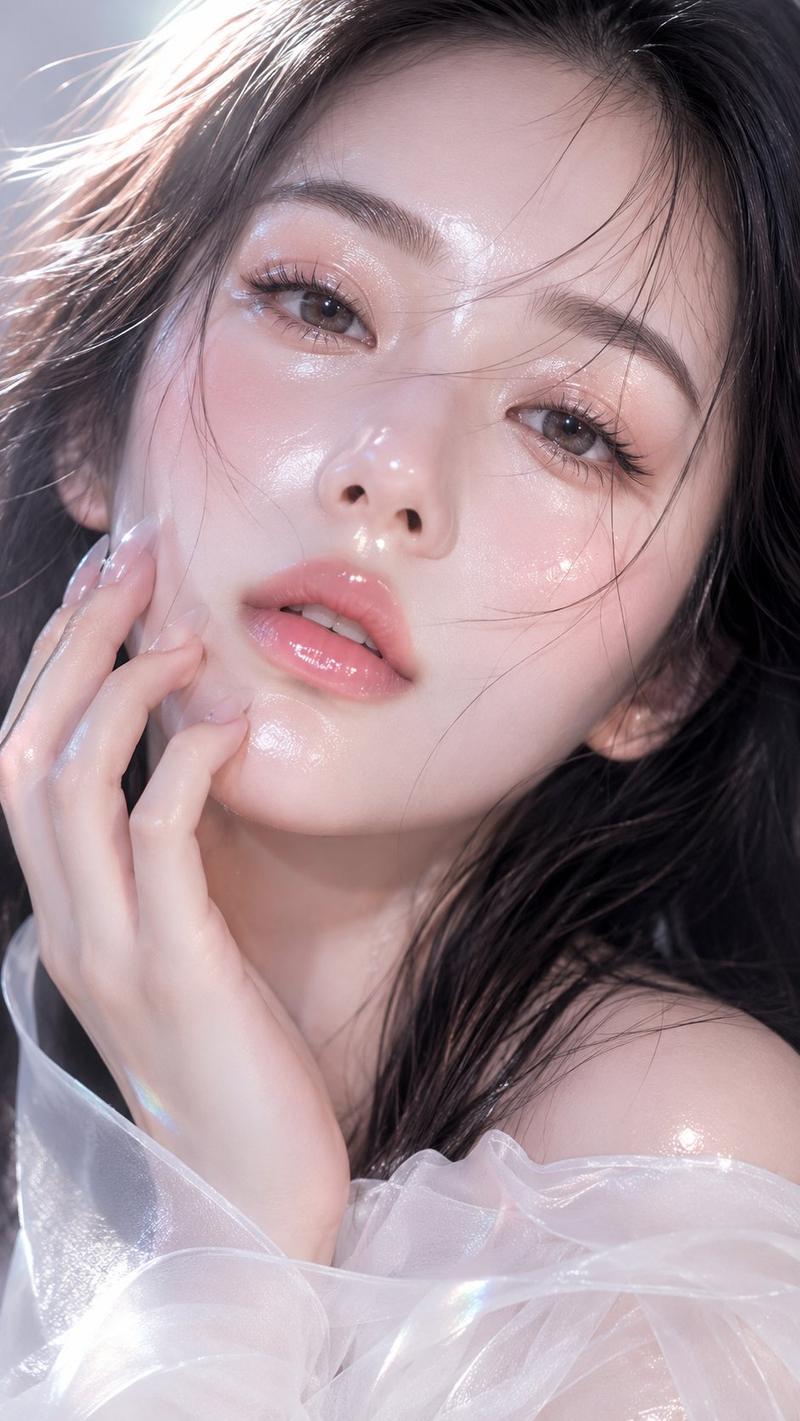
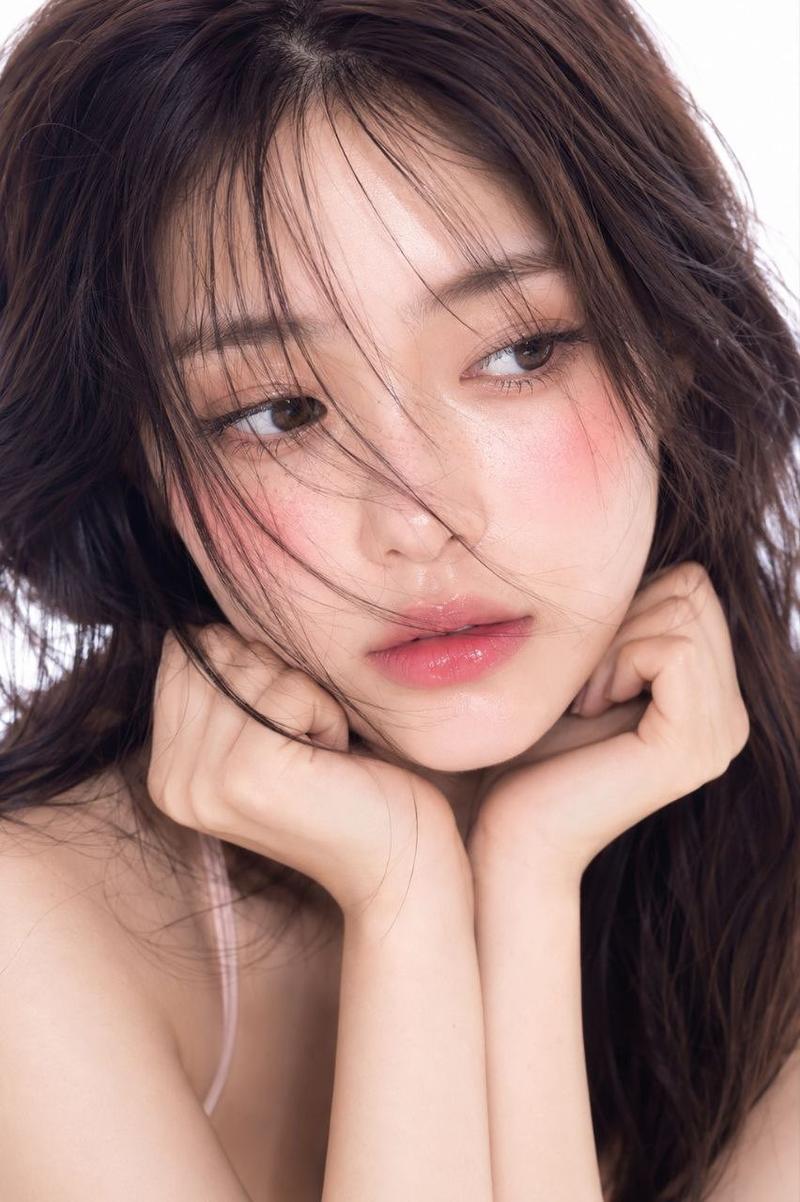
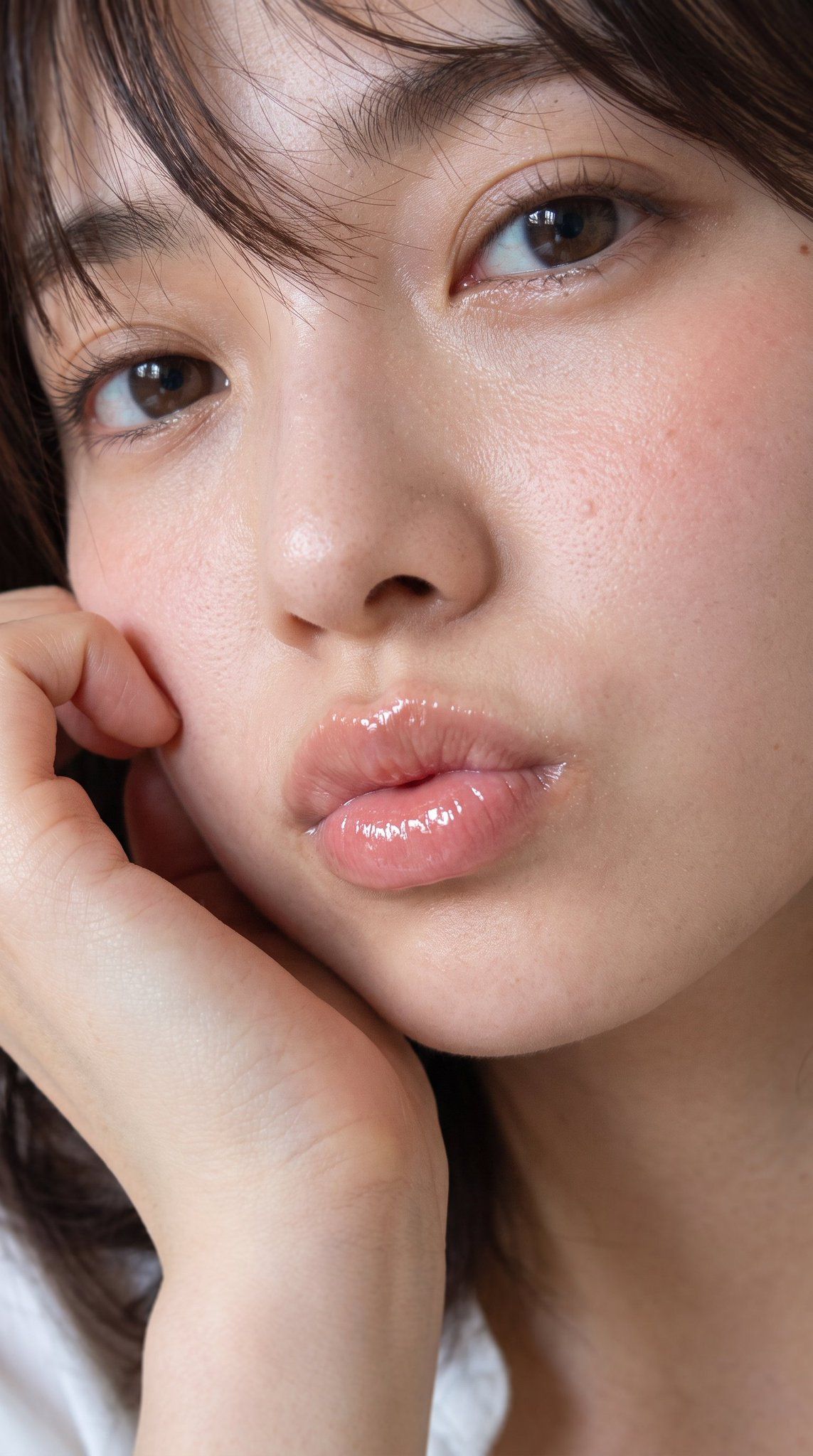
水润双唇美妆特写
Enlarge

Example images

水润双唇美妆特写

Prompt
Create an ultra-realistic vertical beauty close-up portrait of a {argument name="subject" default="young East Asian woman"} with {argument name="hair style" default="short dark brown hair with wispy bangs falling across her forehead"}. Frame tightly from forehead to upper chest in a 9:16 crop, with the face filling almost the entire image and slightly tilted toward the viewer. Show exactly 2 visible brown eyes with moist catchlights, 2 natural eyebrows, 1 softly raised hand resting against the left cheek, and 1 pair of plump lips puckered in a gentle kiss expression. Emphasize highly realistic skin texture: visible pores, tiny bumps, subtle freckles and moles, natural redness on the cheeks, dewy highlights on the nose and under-eye area, and soft peach-pink blush. Make the lips the focal point: {argument name="lip finish" default="very glossy translucent pink lips with strong wet specular highlights, plump and jelly-like"}. Use natural soft window lighting, shallow depth of field, intimate editorial beauty photography, realistic eyelashes, minimal makeup, warm skin tones, no jewelry, no text, no watermark, no heavy retouching. Background should be dark and blurred, with a small hint of a white top near the bottom edge. Camera style: macro portrait lens, extremely detailed, photorealistic, high-resolution skin and lip texture.
Category
Posters & Typography
Model
GPT Image 2
Views3
Source ID
28635
Published
Jul 13, 2026

Guide

About "水润双唇美妆特写"

What is this prompt for?

"水润双唇美妆特写" AI image prompt for GPT Image 2 (Posters & Typography). 一张照片级写实的美妆微距肖像,强调水润的皮肤质感和极具光泽感的丰盈双唇。 Copy it on Picva and recreate the look in one click.

The full copyable prompt and example visuals above are ready for AI image generation or one-click recreate in Picva.

How to use this prompt

  1. Step 1

    Open the prompt detail

    Review the example visuals, category, and full prompt text for "水润双唇美妆特写".

  2. Step 2

    Copy the prompt

    Copy the prompt body from this page, or load it directly in Studio.

  3. Step 3

    Pick a model (GPT Image 2)

    Prefer GPT Image 2. If you switch models, keep subject and composition and tweak style terms.

  4. Step 4

    Generate and export

    Recreate the look in Picva, or export into your workflow for editing and publishing.

FAQ

What is the "水润双唇美妆特写" prompt?
It is an AI image-generation prompt for GPT Image 2 in the Posters & Typography category. This page includes the full prompt text, example visuals, and a one-click recreate path in Picva.
How do I use this prompt to generate an image?
Copy the prompt from this page, or use Generate / Studio. Paste it into a compatible image model, or recreate the look in Picva with optional reference images.
Which model is this prompt for?
This page lists GPT Image 2. Most descriptive prompts also transfer to nearby image models such as GPT Image, Flux, or Midjourney with light style tweaks.
Can I use the result commercially?
You can usually copy the prompt for creation, but commercial use of the final image depends on the model terms, reference-image rights, and the generated content. Follow the source author and platform rules.