19

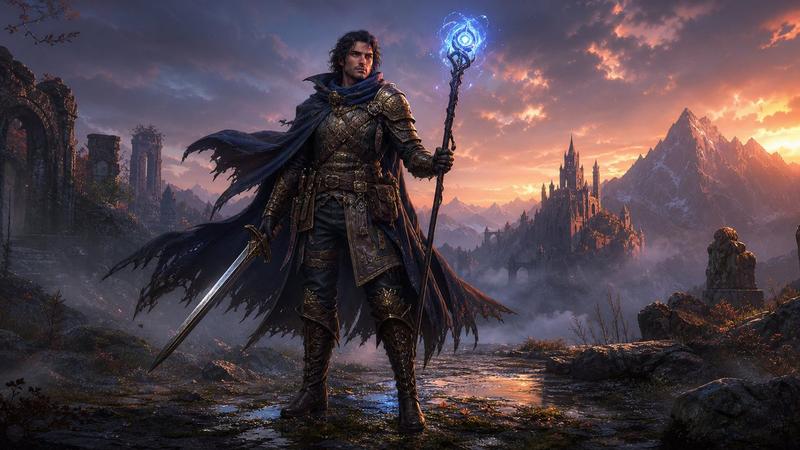
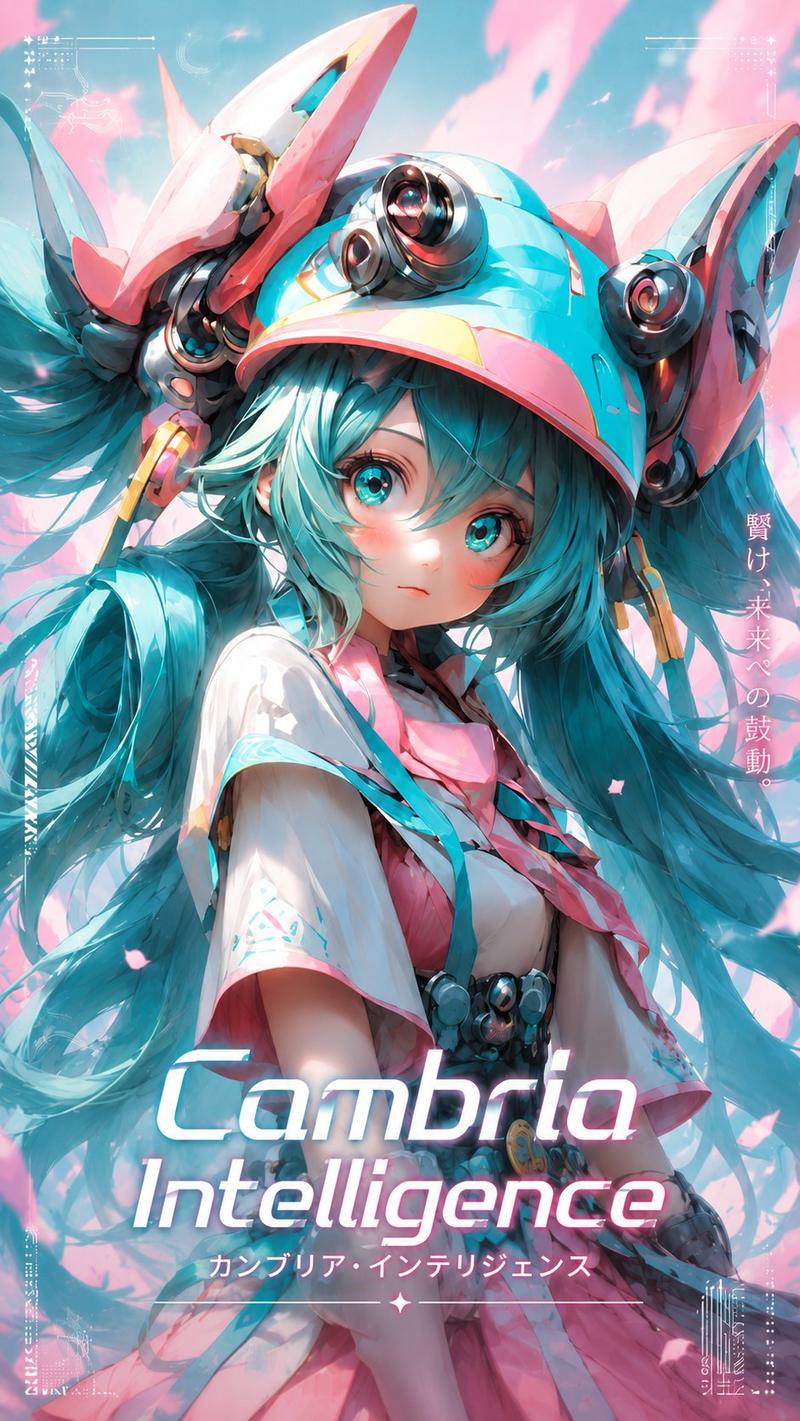
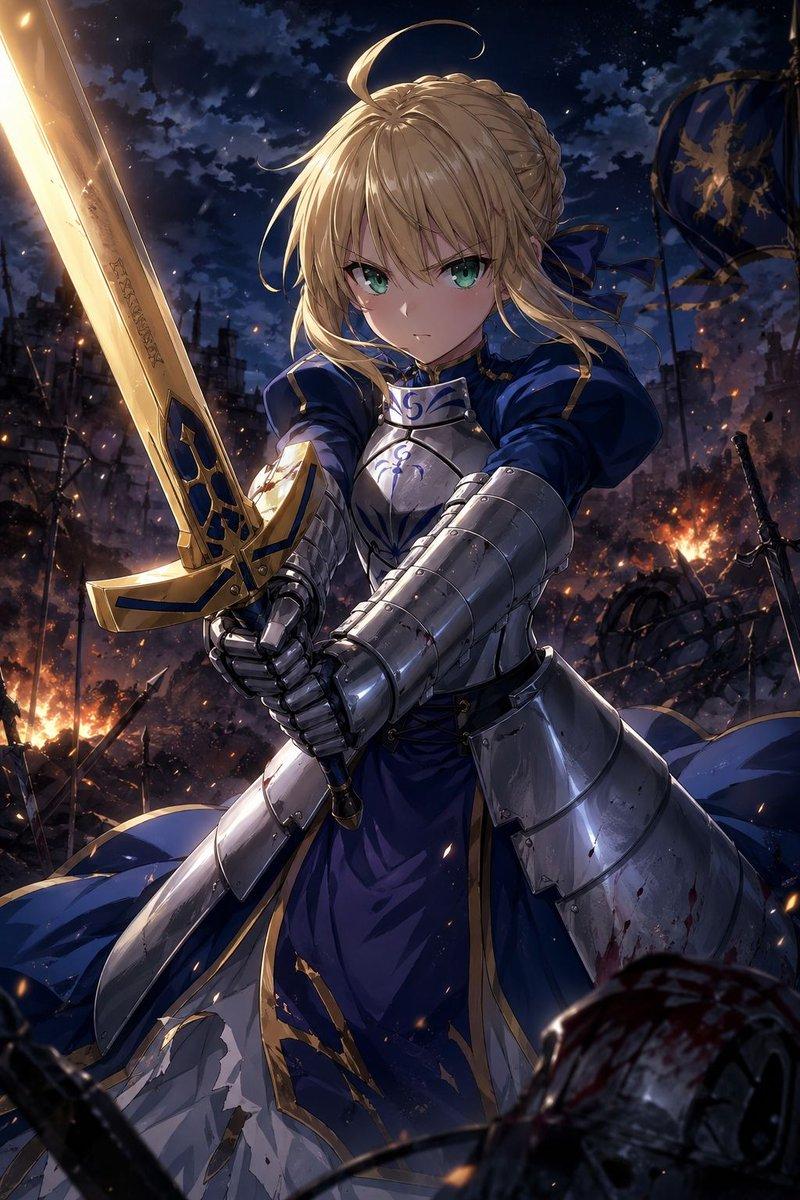
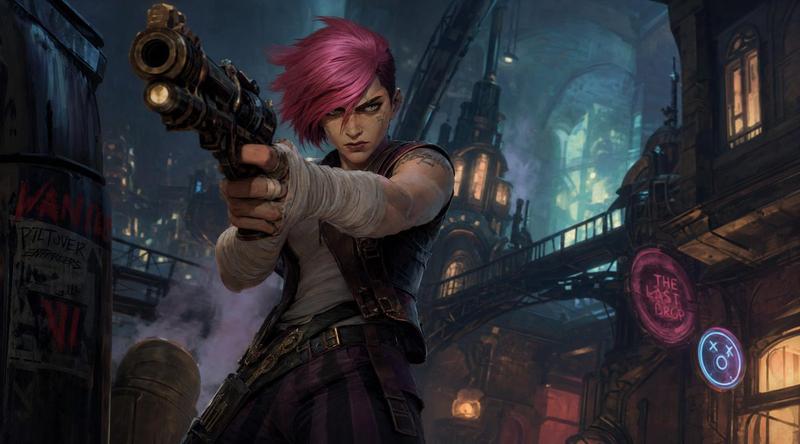
游戏宣传图数字插画
Enlarge

Example images

游戏宣传图数字插画

Prompt
Using 100% likeness of (reference) objects, transformed into a dynamic, semi-realistic digital illustration style with a {argument name="style" default="cinematic concept art aesthetic"}, combining sharp anime-inspired rendering and high-end game splash art. Strong, angular brushstrokes with confident hand-painted strokes, clean yet expressive line accents, and artistic layered shading. High-contrast lighting with bright {argument name="highlight color" default="warm highlights"} and deep neutral shadows, creating dramatic depth and intensity. The color palette is dominated by warm ivory, soft beige, sand, light gray, charcoal, and bright orange as the main accents, with subtle black details. Smooth gradient transitions mixed with sharp edge highlights, realistic material rendering for metal, fabric, and hard surfaces. Energetic composition, highly detailed textures, bold and smooth silhouettes. No text, no logo, no watermark. AR {argument name="aspect ratio" default="9:16"}
Category
Brand & Logos
Model
GPT Image 2
Creator
zayan
Views4
Source ID
28679
Published
Jul 14, 2026

Guide

About "游戏宣传图数字插画"

What is this prompt for?

"游戏宣传图数字插画" AI image prompt for GPT Image 2 (Brand & Logos). 一个将参考对象转化为具有动漫风格渲染和高对比度光影的动态游戏风格插画的提示词。 Copy it on Picva and recreate the look in one click.

The full copyable prompt and example visuals above are ready for AI image generation or one-click recreate in Picva.

How to use this prompt

  1. Step 1

    Open the prompt detail

    Review the example visuals, category, and full prompt text for "游戏宣传图数字插画".

  2. Step 2

    Copy the prompt

    Copy the prompt body from this page, or load it directly in Studio.

  3. Step 3

    Pick a model (GPT Image 2)

    Prefer GPT Image 2. If you switch models, keep subject and composition and tweak style terms.

  4. Step 4

    Generate and export

    Recreate the look in Picva, or export into your workflow for editing and publishing.

FAQ

What is the "游戏宣传图数字插画" prompt?
It is an AI image-generation prompt for GPT Image 2 in the Brand & Logos category. This page includes the full prompt text, example visuals, and a one-click recreate path in Picva.
How do I use this prompt to generate an image?
Copy the prompt from this page, or use Generate / Studio. Paste it into a compatible image model, or recreate the look in Picva with optional reference images.
Which model is this prompt for?
This page lists GPT Image 2. Most descriptive prompts also transfer to nearby image models such as GPT Image, Flux, or Midjourney with light style tweaks.
Can I use the result commercially?
You can usually copy the prompt for creation, but commercial use of the final image depends on the model terms, reference-image rights, and the generated content. Follow the source author and platform rules.