16

超现实时代广场自拍
Enlarge

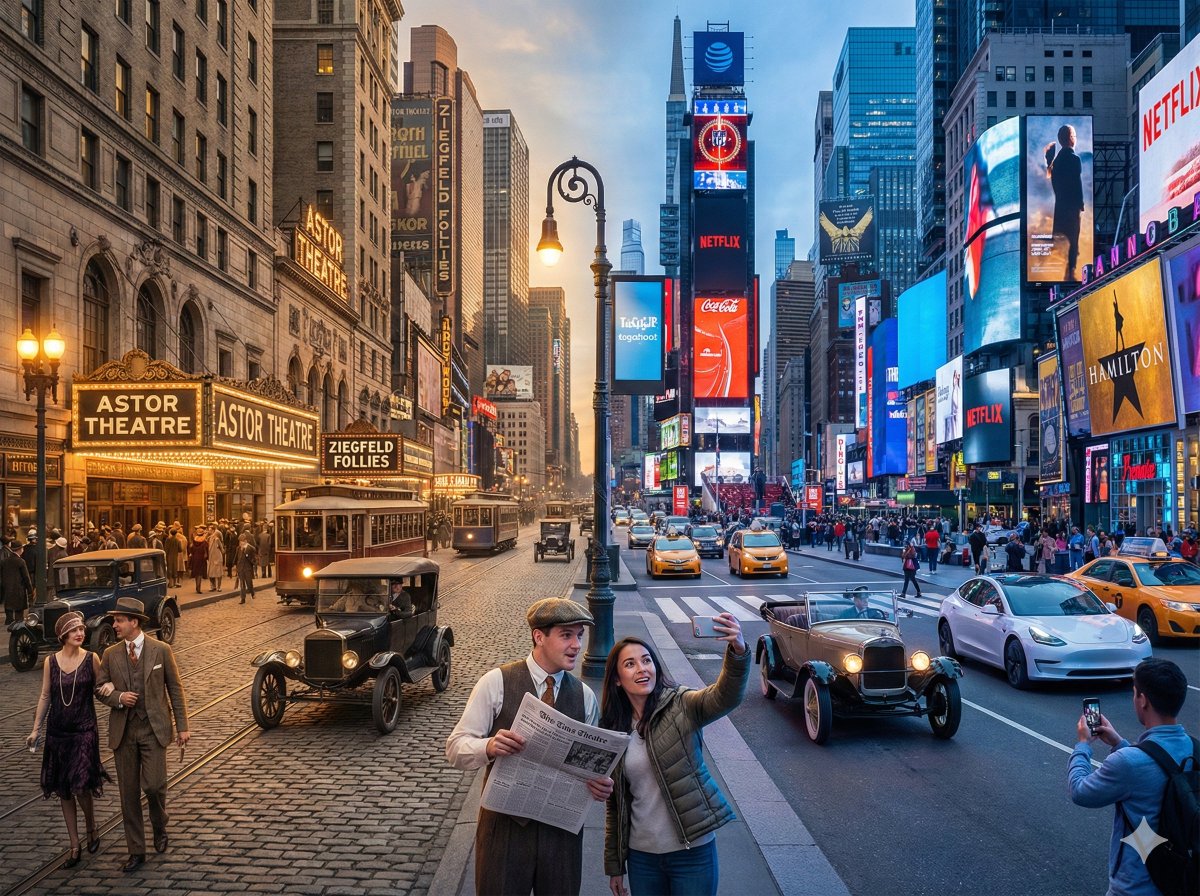
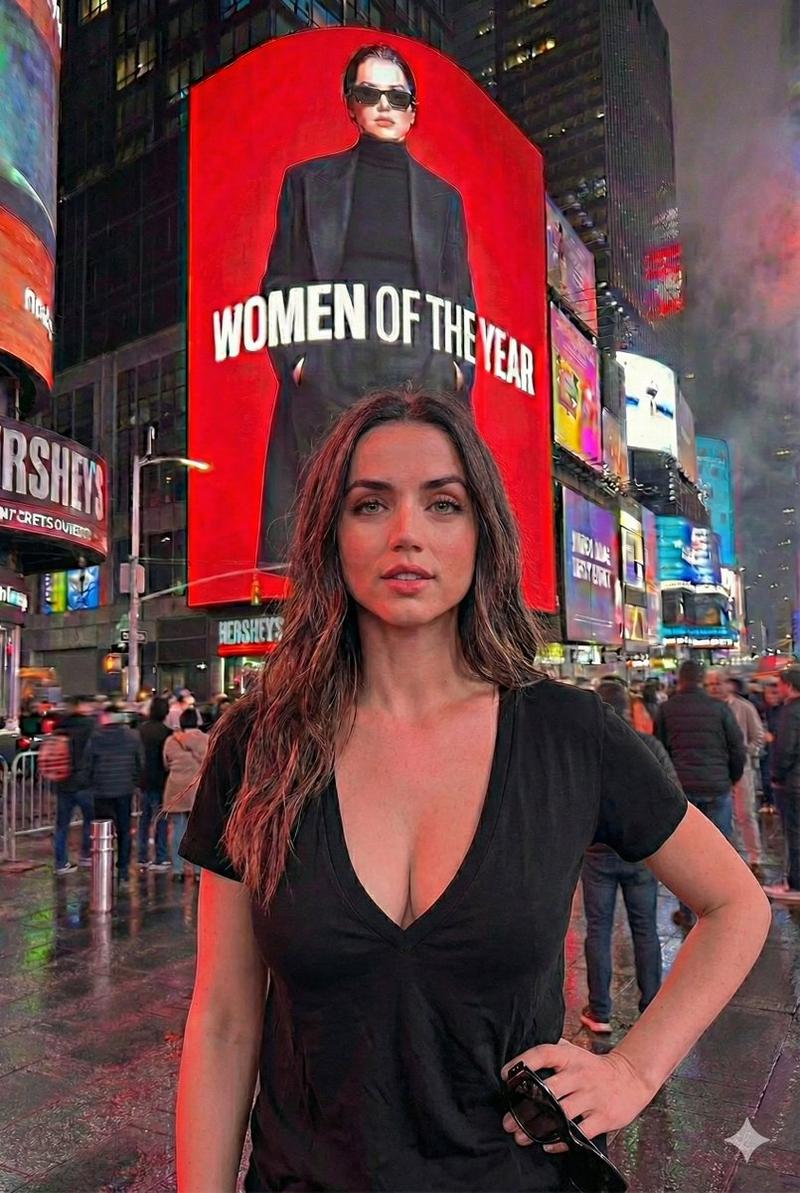
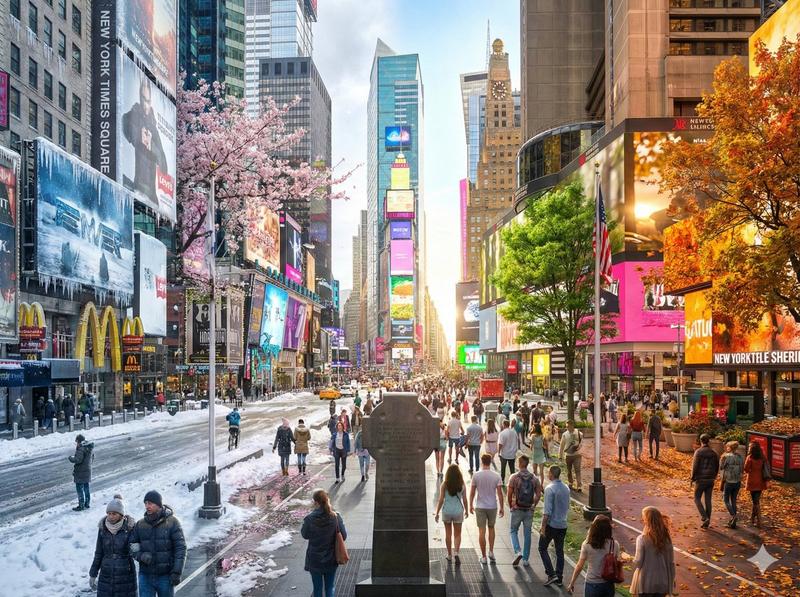
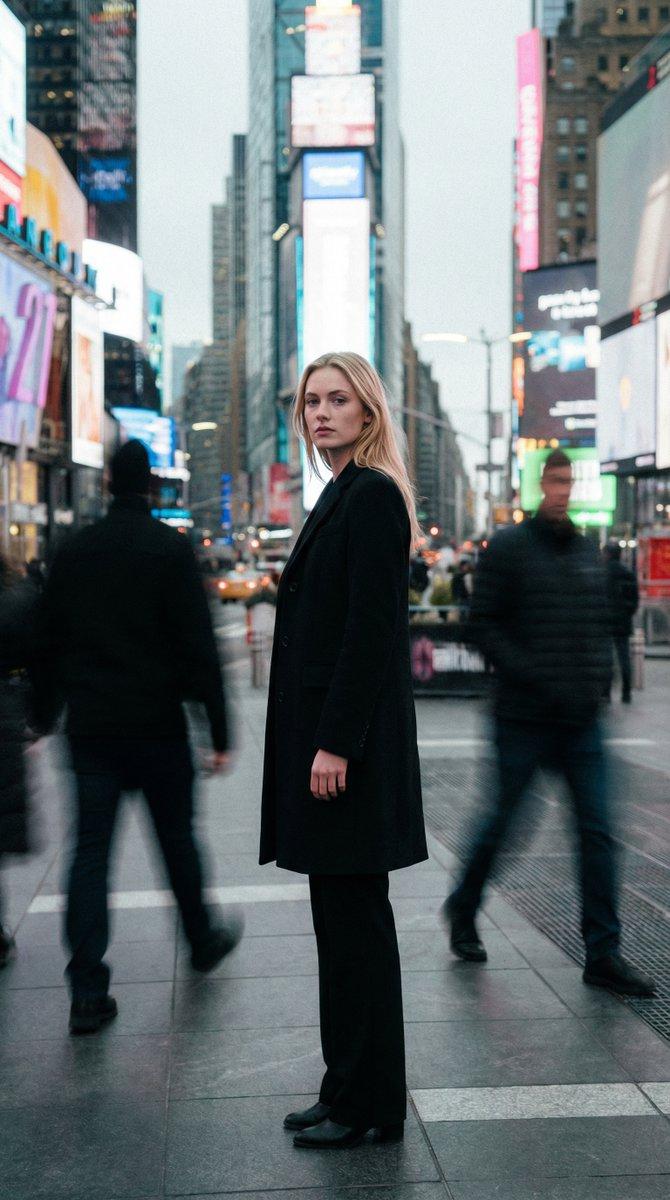
Example images

超现实时代广场自拍

Prompt
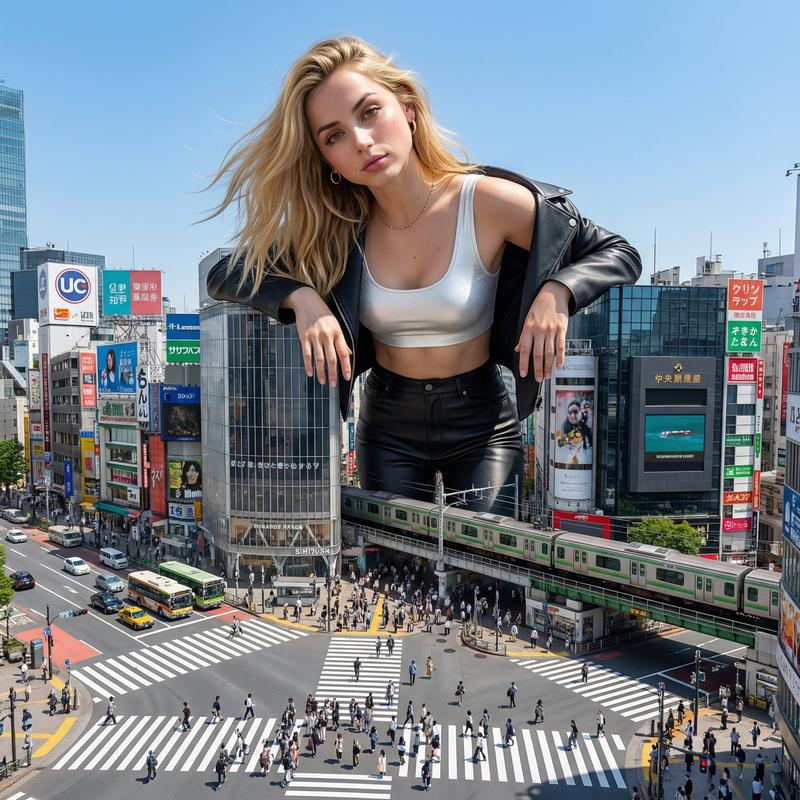
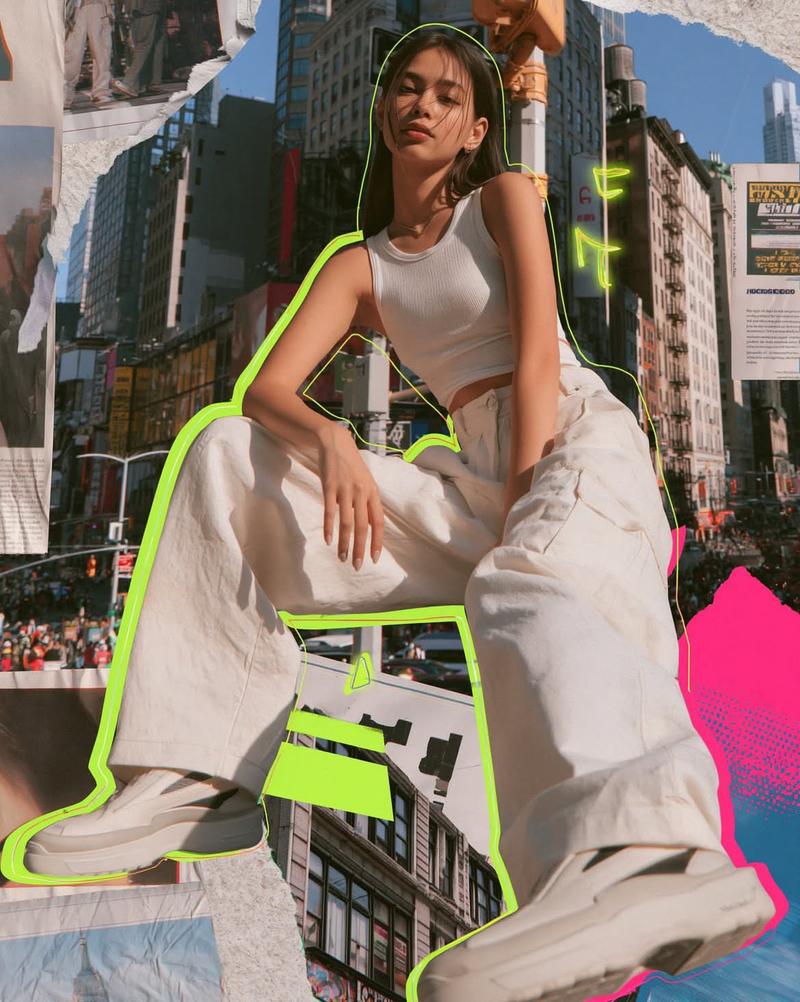
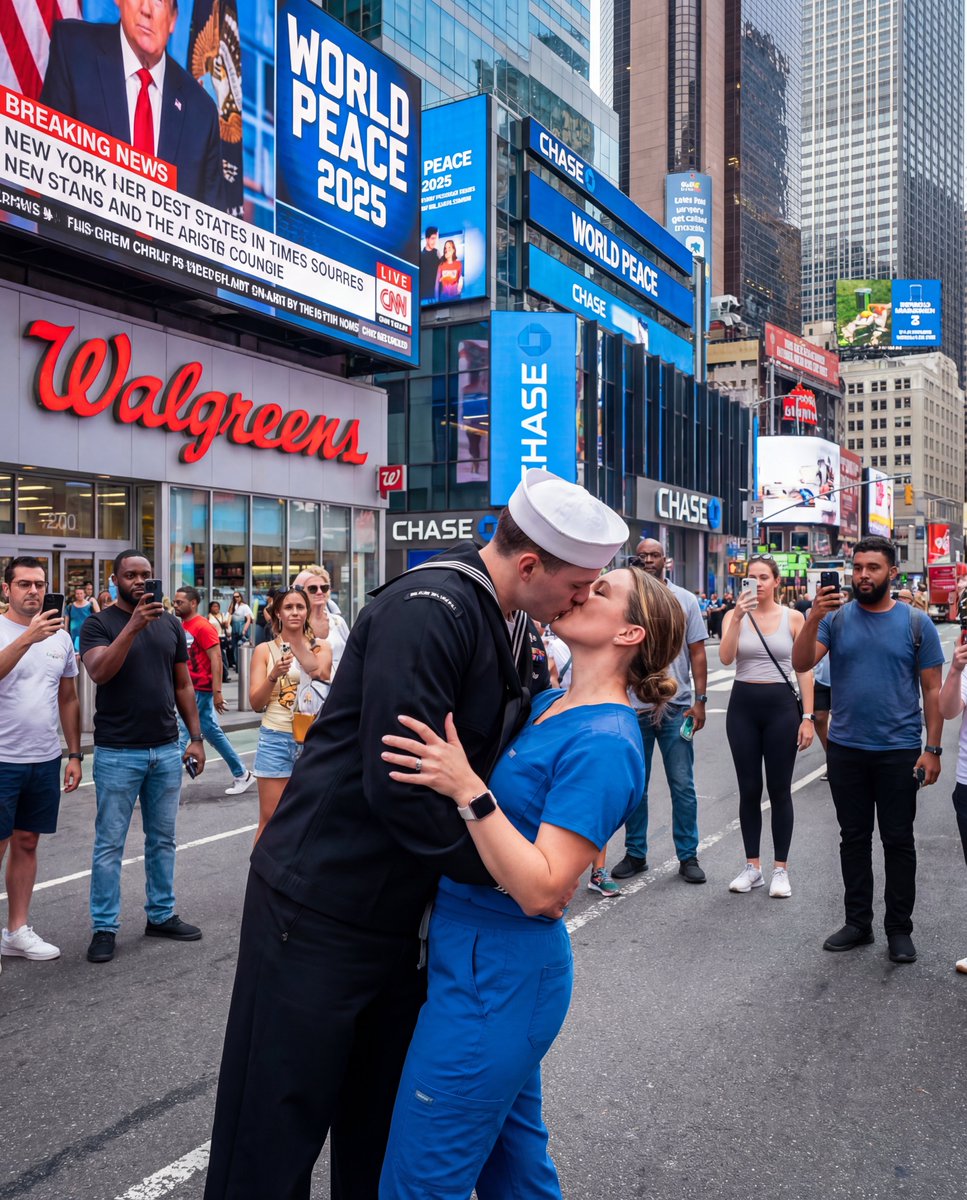
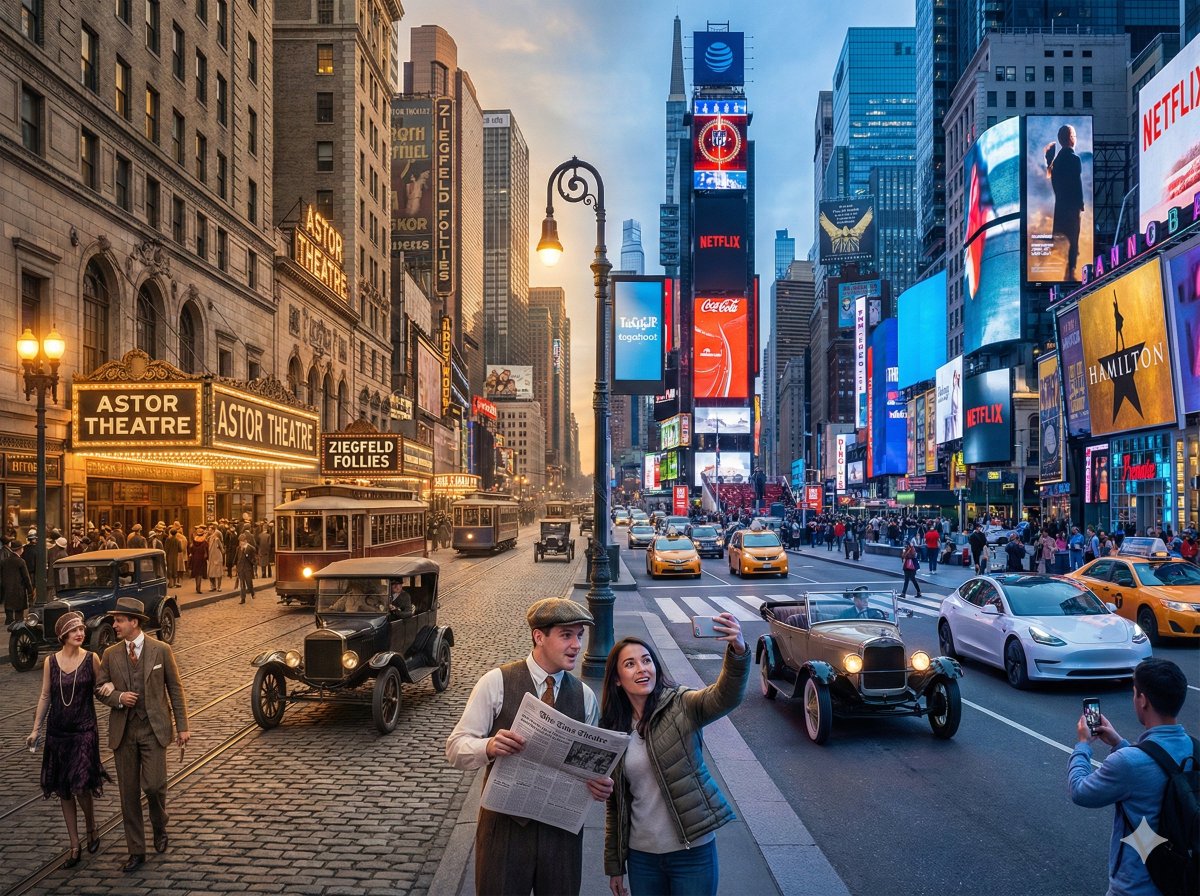
Use the uploaded reference image only to preserve the person’s identity. Preserve the face, facial proportions, jawline, lips, eyes, eyebrows, hairstyle, natural hair color, skin tone, body proportions and overall appearance with 100% accuracy. Do not alter any facial features. Ultra-photorealistic iPhone 17 Pro selfie in the middle of {argument name="location" default="Times Square, New York"}, shot from a low-angle, wide 24mm front camera. The woman is holding the phone at arm’s length, looking directly into the camera with a relaxed confident expression, making a peace sign with her right hand. Wind naturally blows her hair. She is wearing a {argument name="jacket style" default="bright red Adidas Firebird track jacket"} with three white stripes over a plain white T-shirt. Directly behind her, an enormous New York subway train is suspended high above the street, completely trapped in {argument name="surreal element" default="gigantic white spider webs"} stretched between the surrounding skyscrapers. The webs are ultra-realistic, thin, translucent, and shimmer in the daylight. Crowds of tourists below are looking up, taking photos with their phones. Famous Times Square LED billboards surround the scene, yellow taxis, Manhattan skyscrapers, dramatic perspective emphasizing the massive train overhead.
Category
Posters & Typography
Model
GPT Image 2
Creator
Sairah
Views2
Source ID
28692
Published
Jul 14, 2026

Guide

About "超现实时代广场自拍"

What is this prompt for?

"超现实时代广场自拍" AI image prompt for GPT Image 2 (Posters & Typography). 一个照片级真实的旅行自拍提示词,包含超现实元素:一列地铁被困在时代广场上空的巨大蜘蛛网中,同时保留人物的身份特征。 Copy it on Picva and recreate the…

The full copyable prompt and example visuals above are ready for AI image generation or one-click recreate in Picva.

How to use this prompt

  1. Step 1

    Open the prompt detail

    Review the example visuals, category, and full prompt text for "超现实时代广场自拍".

  2. Step 2

    Copy the prompt

    Copy the prompt body from this page, or load it directly in Studio.

  3. Step 3

    Pick a model (GPT Image 2)

    Prefer GPT Image 2. If you switch models, keep subject and composition and tweak style terms.

  4. Step 4

    Generate and export

    Recreate the look in Picva, or export into your workflow for editing and publishing.

FAQ

What is the "超现实时代广场自拍" prompt?
It is an AI image-generation prompt for GPT Image 2 in the Posters & Typography category. This page includes the full prompt text, example visuals, and a one-click recreate path in Picva.
How do I use this prompt to generate an image?
Copy the prompt from this page, or use Generate / Studio. Paste it into a compatible image model, or recreate the look in Picva with optional reference images.
Which model is this prompt for?
This page lists GPT Image 2. Most descriptive prompts also transfer to nearby image models such as GPT Image, Flux, or Midjourney with light style tweaks.
Can I use the result commercially?
You can usually copy the prompt for creation, but commercial use of the final image depends on the model terms, reference-image rights, and the generated content. Follow the source author and platform rules.