16

鱼眼镜头下的夏日甜点视角
Enlarge

鱼眼镜头下的夏日甜点视角

Prompt
主体:
{argument name="subject" default="冰块里的夏天"}

主要对象:
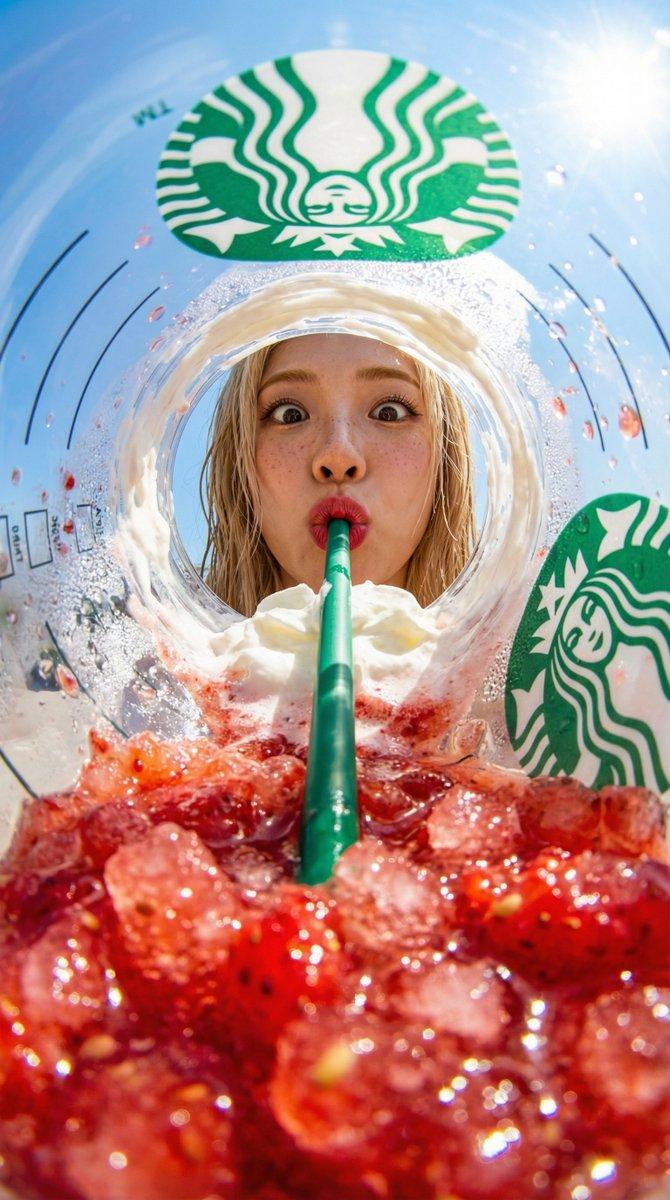
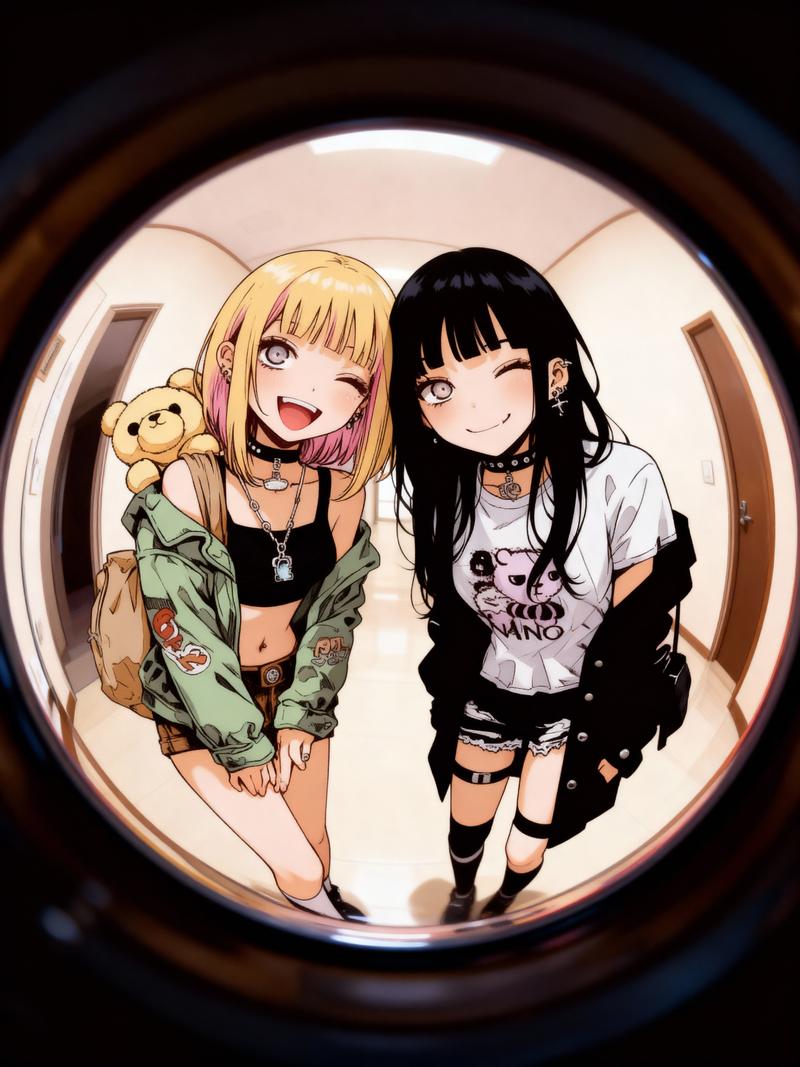
一张 2:3 的竖构图写实照片。采用超广角鱼眼构图,仿佛从一个大型透明塑料杯内部向上仰视。红色的草莓果肉和碎冰在画面下半部分显得格外巨大,一根粗大的绿色吸管从中心向远处延伸。透过杯口圆润且扭曲的视角,一位女性的面部居中呈现。

人物/表情:
一位自然写实的 {argument name="young woman" default="年轻女性"}。深棕色近乎黑色的头发扎成高丸子头,留着薄刘海,脸颊周围的碎发在阳光下呈现出纤细的光泽。透明的自然妆容,淡粉色的脸颊,以及水润的嘴唇。双眼圆睁直视镜头,双唇微圆含着吸管。表情可爱纯真,带着一丝惊讶。

服装/姿势:
一件白色蕾丝衬衫。领口和肩部有精致的褶边,质感轻盈,充满夏日气息。人物将脸靠近杯子的另一侧,双肩仅在底部隐约可见。吸管自然地触碰着人物的嘴唇,从背景向前景的红色冰块形成了强烈的纵深感。

背景/光影:
{argument name="background" default="晴朗夏日的老式商业街"}。可以看到木质风格的店面、刨冰店的门帘、草莓图案的招牌、白色小旗帜以及行道树。所有文字均处理为模糊、不可读的装饰。强烈的阳光从左上方射入,在透明杯子的水珠、杯缘、冰块和红色果肉上形成了细腻的反射和高光。阴影投射在右下方,杯子内侧留下一圈白色的奶油残余。

构图/摄影:
极低的角度,仿佛相机被放置在杯底附近,就在红色冰块的上方。鱼眼镜头使杯子的圆形边缘产生显著弯曲,周围的商业街也略微变形。画面底部 45% 为红色冰块和果肉的前景虚化,中心是吸管和女性的面部,顶部是蓝天和杯子的透明边缘。焦点对准女性的眼睛和嘴唇,前景的冰块呈现出闪烁的浅景深虚化效果。

质感/风格:
如同使用专业相机拍摄的夏日广告照片。高清呈现透明塑料的折射感、水珠、冰块的冷冽感以及草莓果肉的新鲜感。蓝天、红冰、绿吸管和白衬衫的色彩对比鲜明。保留自然的皮肤纹理,不做过度的美颜修饰。一张明亮、流行且略带幽默的日系夏日甜点照片。
Category
Posters & Typography
Model
GPT Image 2
Creator
lovimg_com
Views7
Source ID
28717
Published
Jul 14, 2026

Guide

About "鱼眼镜头下的夏日甜点视角"

What is this prompt for?

"鱼眼镜头下的夏日甜点视角" AI image prompt for GPT Image 2 (Posters & Typography). 一个独特的鱼眼视角提示词,描绘了一位年轻女性啜饮草莓冰饮的画面,营造出一种流行且略带幽默的日系夏日氛围。 Copy it on Picva and recreate the l…

The full copyable prompt and example visuals above are ready for AI image generation or one-click recreate in Picva.

How to use this prompt

  1. Step 1

    Open the prompt detail

    Review the example visuals, category, and full prompt text for "鱼眼镜头下的夏日甜点视角".

  2. Step 2

    Copy the prompt

    Copy the prompt body from this page, or load it directly in Studio.

  3. Step 3

    Pick a model (GPT Image 2)

    Prefer GPT Image 2. If you switch models, keep subject and composition and tweak style terms.

  4. Step 4

    Generate and export

    Recreate the look in Picva, or export into your workflow for editing and publishing.

FAQ

What is the "鱼眼镜头下的夏日甜点视角" prompt?
It is an AI image-generation prompt for GPT Image 2 in the Posters & Typography category. This page includes the full prompt text, example visuals, and a one-click recreate path in Picva.
How do I use this prompt to generate an image?
Copy the prompt from this page, or use Generate / Studio. Paste it into a compatible image model, or recreate the look in Picva with optional reference images.
Which model is this prompt for?
This page lists GPT Image 2. Most descriptive prompts also transfer to nearby image models such as GPT Image, Flux, or Midjourney with light style tweaks.
Can I use the result commercially?
You can usually copy the prompt for creation, but commercial use of the final image depends on the model terms, reference-image rights, and the generated content. Follow the source author and platform rules.