19

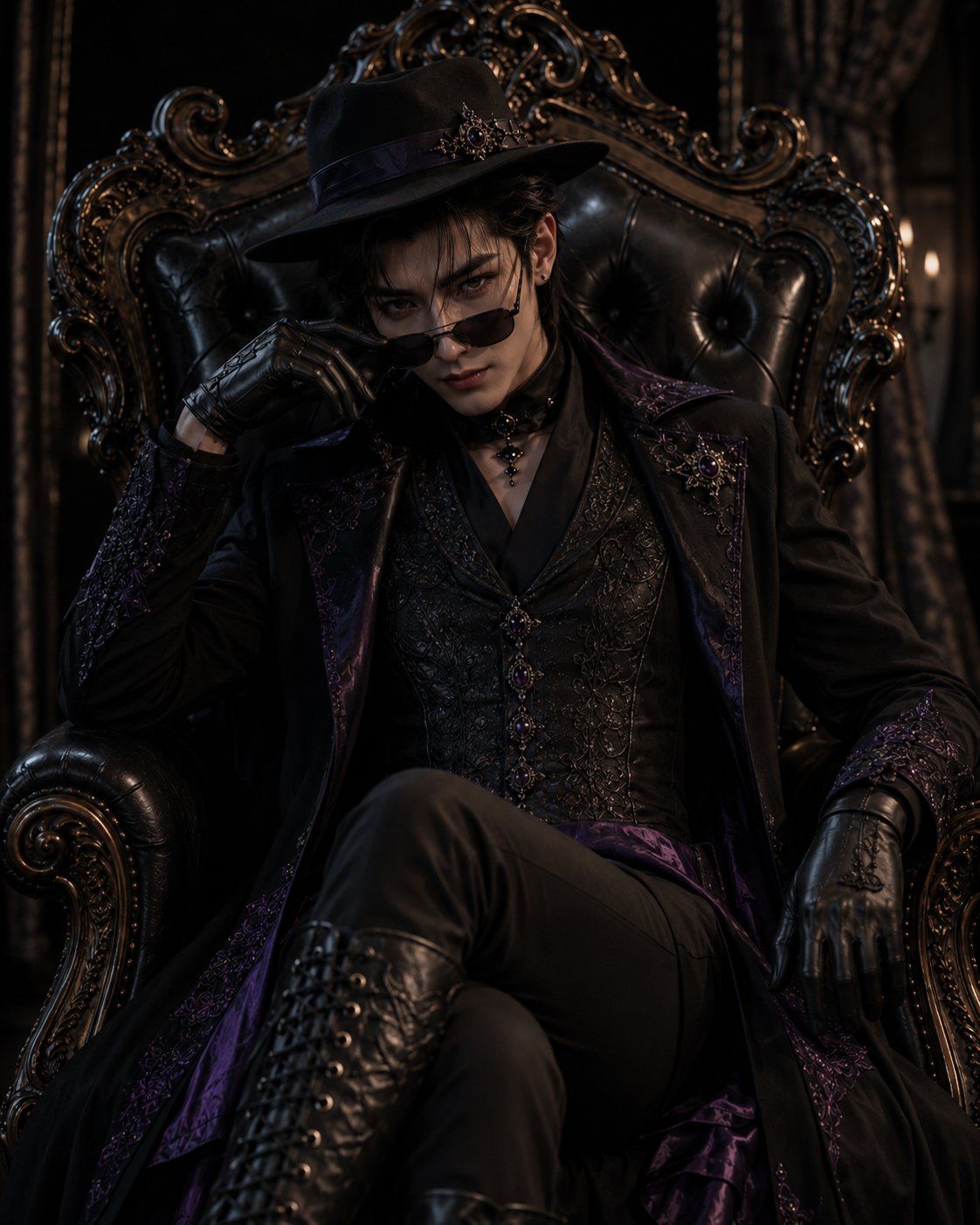
哥特王座服装变身
Enlarge

Example images

哥特王座服装变身

Prompt
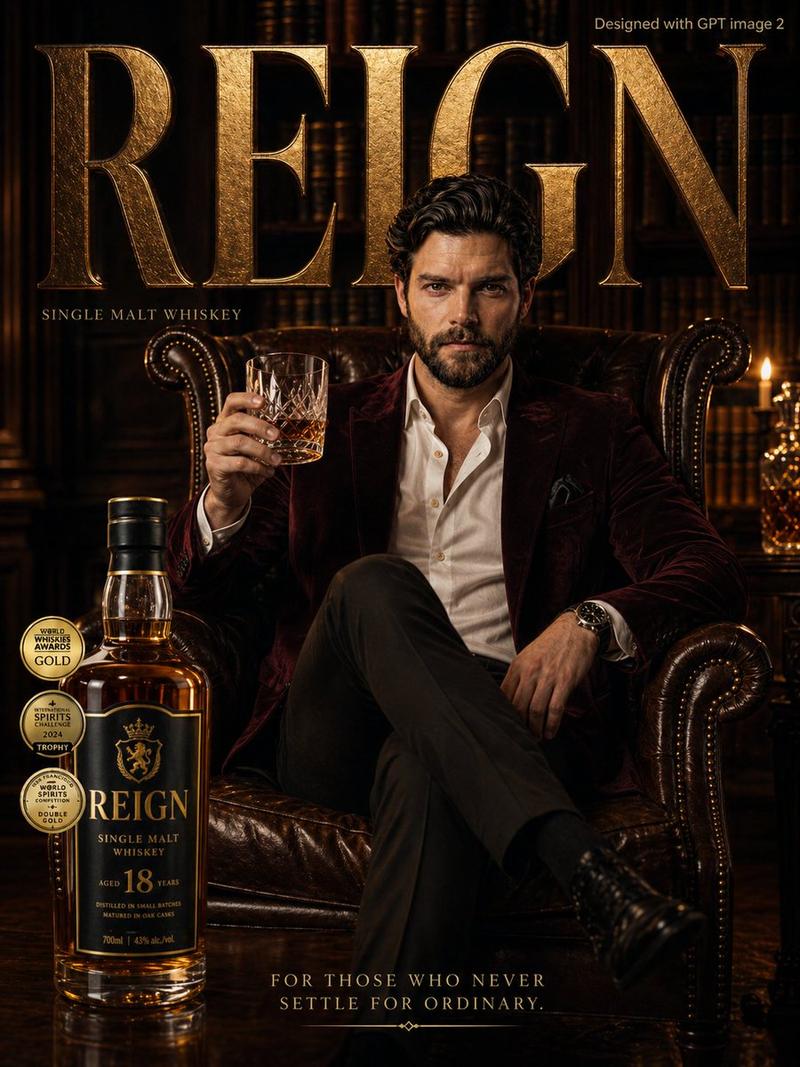
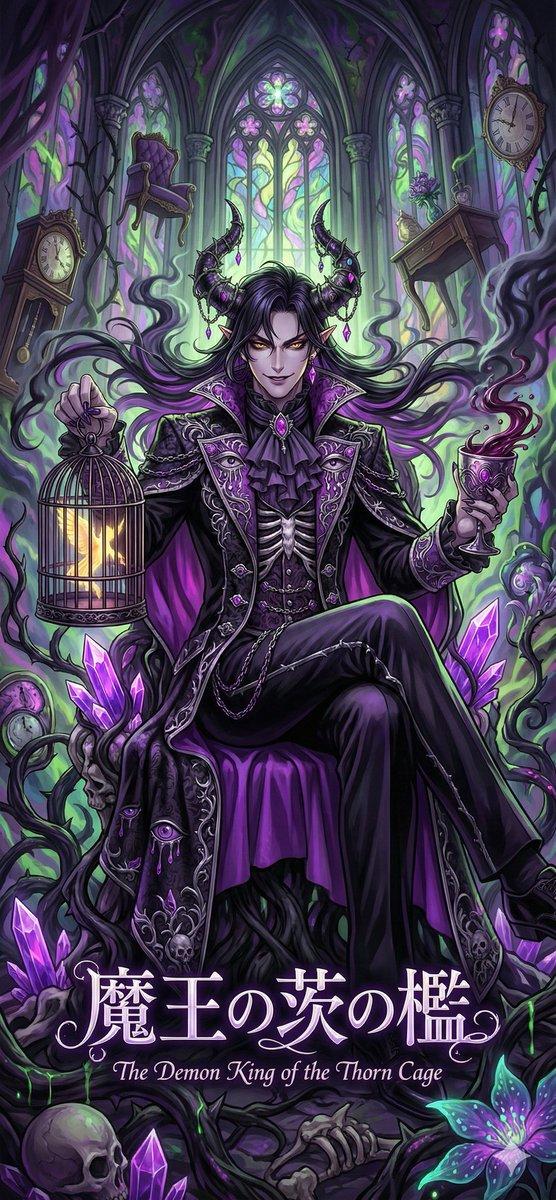
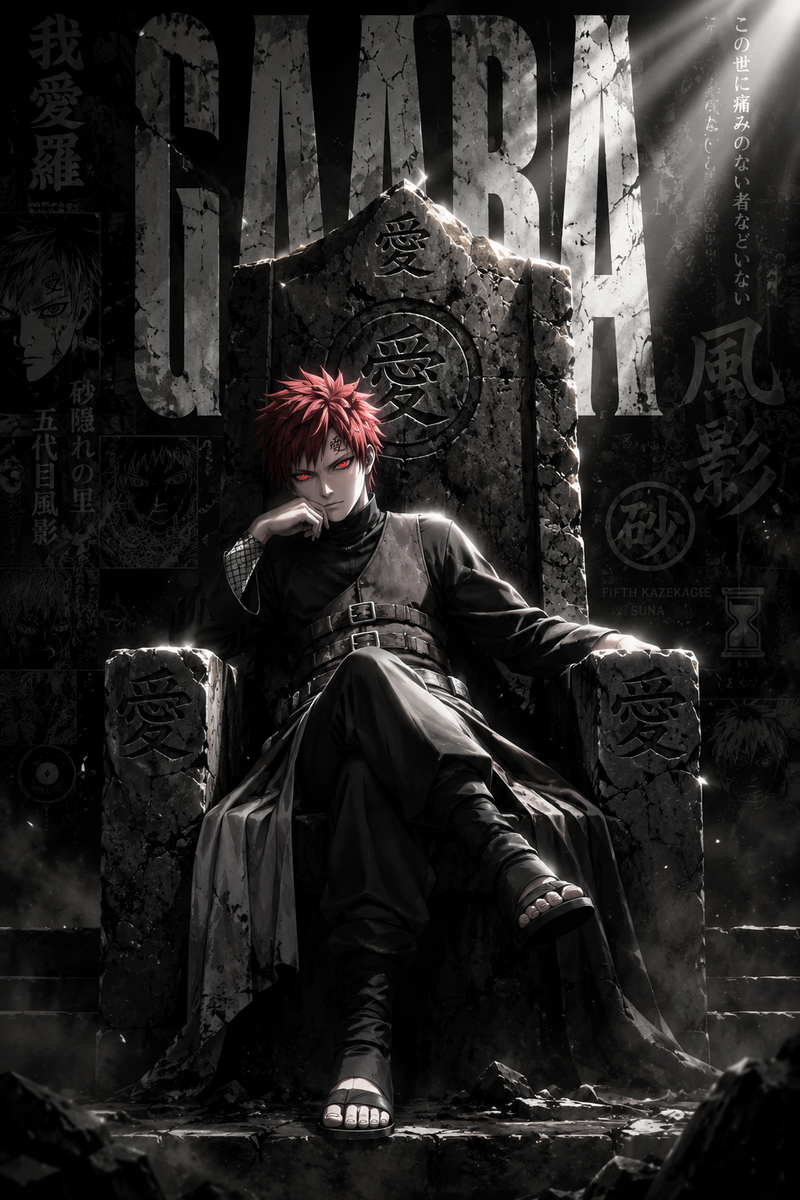
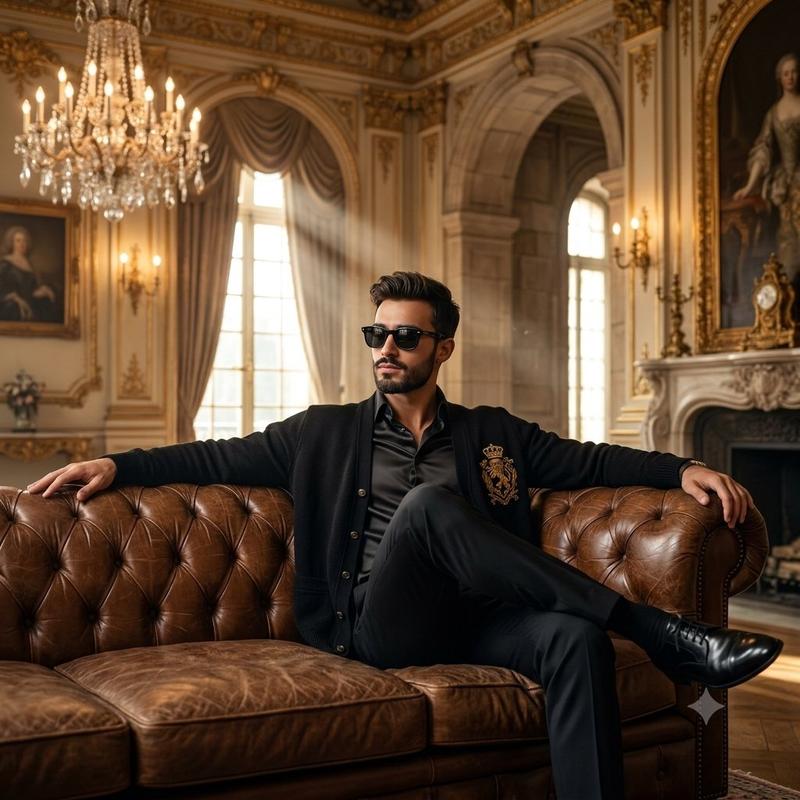
Using REFERENCE_0 as the outfit and accessory reference, create a cinematic dark-gothic portrait of {argument name="character gender" default="a young man"} wearing the same black-and-deep-purple aristocratic gothic clothing: the decorated hat, long embroidered coat, ornate vest, choker, gloves, fitted pants, and tall lace-up boots. Transform the reference-sheet presentation into a dramatic seated scene: the character sits on an oversized ornate black leather throne, legs crossed, leaning back with a confident intimidating aura, one gloved hand lowering small black sunglasses to look directly at the viewer. Keep the outfit’s purple jewel accents, lace, embroidery, chains, and metal ornamentation faithful to the reference, but adapt the fit naturally to the new character.

Scene and mood: place the character in {argument name="setting" default="a dim Victorian gothic room"} with dark curtains, carved gilded wood details, and very low warm candlelike side lighting. Use high-contrast cinematic lighting, deep shadows, realistic textures, glossy black leather, subtle purple highlights, and a powerful elegant villain-like atmosphere.

Composition: vertical portrait, waist-to-boots visible, throne filling the background, centered character, dramatic close perspective. No reference-sheet labels, no Japanese text, no design-document layout, no extra characters.
Category
Posters & Typography
Model
GPT Image 2
Views6
Source ID
28765
Published
Jul 14, 2026

Guide

About "哥特王座服装变身"

What is this prompt for?

"哥特王座服装变身" AI image prompt for GPT Image 2 (Posters & Typography). 将哥特式服装参考图转化为具有暗黑贵族王座室氛围的电影感人物坐姿肖像。 Copy it on Picva and recreate the look in one click.

The full copyable prompt and example visuals above are ready for AI image generation or one-click recreate in Picva.

How to use this prompt

  1. Step 1

    Open the prompt detail

    Review the example visuals, category, and full prompt text for "哥特王座服装变身".

  2. Step 2

    Copy the prompt

    Copy the prompt body from this page, or load it directly in Studio.

  3. Step 3

    Pick a model (GPT Image 2)

    Prefer GPT Image 2. If you switch models, keep subject and composition and tweak style terms.

  4. Step 4

    Generate and export

    Recreate the look in Picva, or export into your workflow for editing and publishing.

FAQ

What is the "哥特王座服装变身" prompt?
It is an AI image-generation prompt for GPT Image 2 in the Posters & Typography category. This page includes the full prompt text, example visuals, and a one-click recreate path in Picva.
How do I use this prompt to generate an image?
Copy the prompt from this page, or use Generate / Studio. Paste it into a compatible image model, or recreate the look in Picva with optional reference images.
Which model is this prompt for?
This page lists GPT Image 2. Most descriptive prompts also transfer to nearby image models such as GPT Image, Flux, or Midjourney with light style tweaks.
Can I use the result commercially?
You can usually copy the prompt for creation, but commercial use of the final image depends on the model terms, reference-image rights, and the generated content. Follow the source author and platform rules.