18

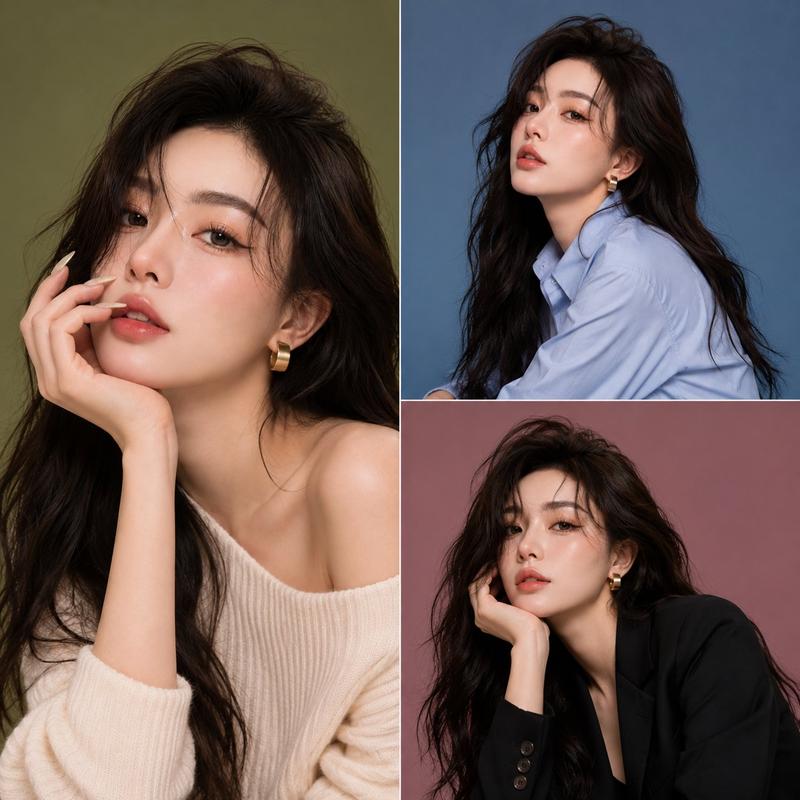
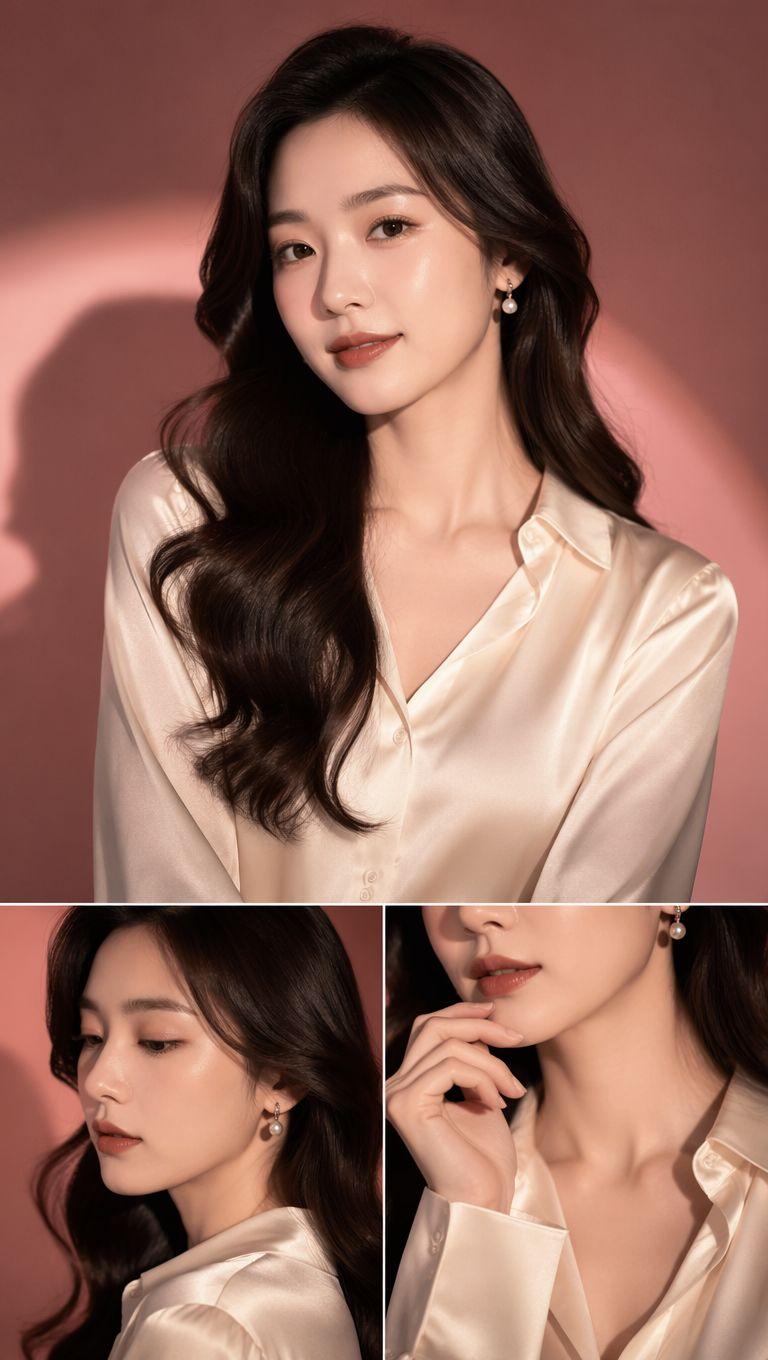
美妆广告选角联系表
Enlarge

美妆广告选角联系表

Prompt
High-end beauty casting contact sheet of a {argument name="subject" default="woman with a sleek dark ponytail and luminous brown eyes"}, arranged in a clean 2x2 grid of four distinct editorial frames against a {argument name="background" default="lavender-gray backdrop"}, wearing a {argument name="attire" default="structured ivory blouse and sculptural earrings"}. Frame 1: holding an oversized flower near her face. Frame 2: seated on the floor with her back against the wall and knees raised. Frame 3: lifting both hands into her hair while laughing naturally. Frame 4: turning abruptly as if caught by surprise, creating subtle motion blur in her hair. Premium beauty-campaign lighting, luxury magazine aesthetic, realistic skin detail, aspect ratio 4:5.
Category
Posters & Typography
Model
GPT Image 2
Creator
Virena
Views3
Source ID
28819
Published
Jul 15, 2026

Guide

About "美妆广告选角联系表"

What is this prompt for?

"美妆广告选角联系表" AI image prompt for GPT Image 2 (Posters & Typography). 生成一张专业的 2x2 美妆社论网格图,展示主体在高级影棚灯光下的四种不同姿态与表情。 Copy it on Picva and recreate the look in one c…

The full copyable prompt and example visuals above are ready for AI image generation or one-click recreate in Picva.

How to use this prompt

  1. Step 1

    Open the prompt detail

    Review the example visuals, category, and full prompt text for "美妆广告选角联系表".

  2. Step 2

    Copy the prompt

    Copy the prompt body from this page, or load it directly in Studio.

  3. Step 3

    Pick a model (GPT Image 2)

    Prefer GPT Image 2. If you switch models, keep subject and composition and tweak style terms.

  4. Step 4

    Generate and export

    Recreate the look in Picva, or export into your workflow for editing and publishing.

FAQ

What is the "美妆广告选角联系表" prompt?
It is an AI image-generation prompt for GPT Image 2 in the Posters & Typography category. This page includes the full prompt text, example visuals, and a one-click recreate path in Picva.
How do I use this prompt to generate an image?
Copy the prompt from this page, or use Generate / Studio. Paste it into a compatible image model, or recreate the look in Picva with optional reference images.
Which model is this prompt for?
This page lists GPT Image 2. Most descriptive prompts also transfer to nearby image models such as GPT Image, Flux, or Midjourney with light style tweaks.
Can I use the result commercially?
You can usually copy the prompt for creation, but commercial use of the final image depends on the model terms, reference-image rights, and the generated content. Follow the source author and platform rules.