19

2.5D Illustration Cleanup and Enhancement
Enlarge

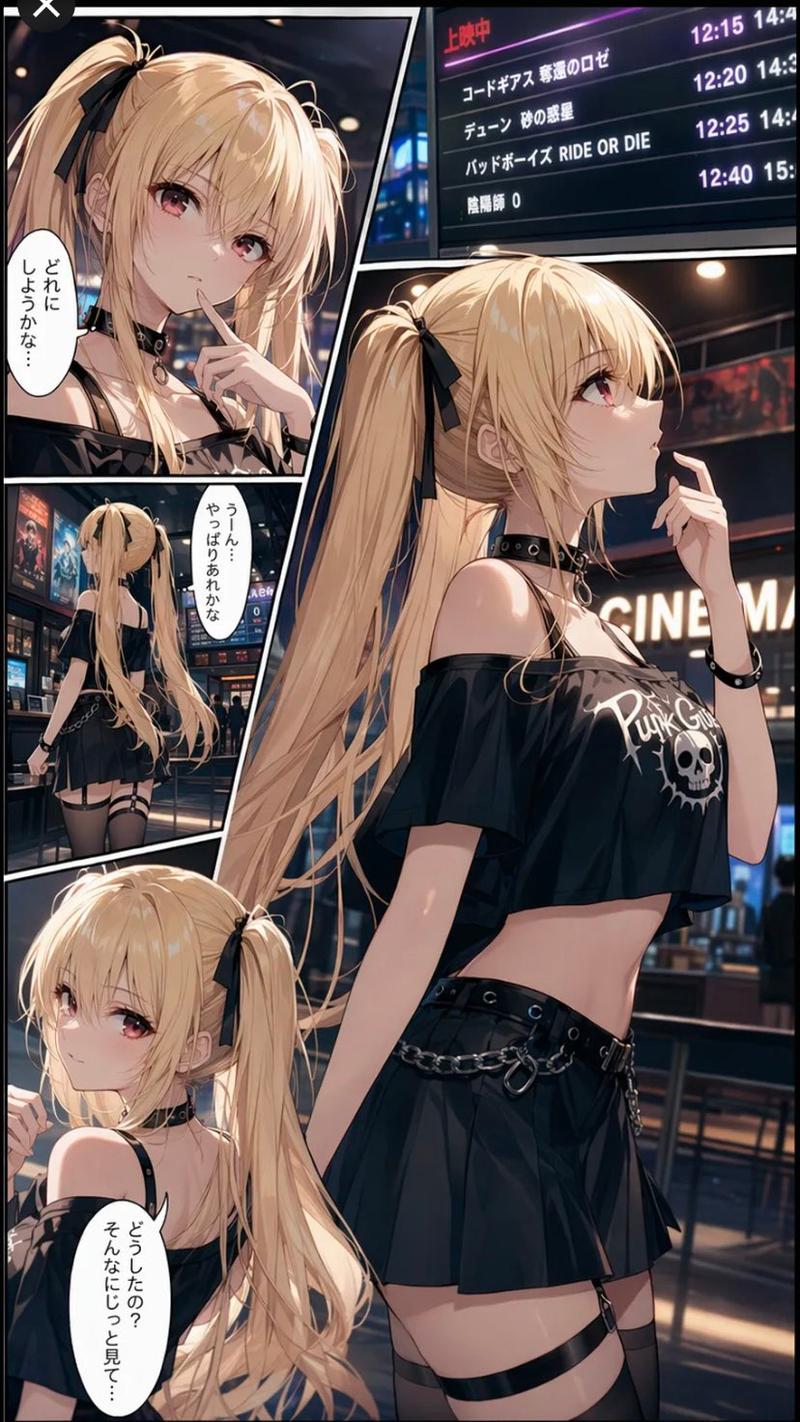
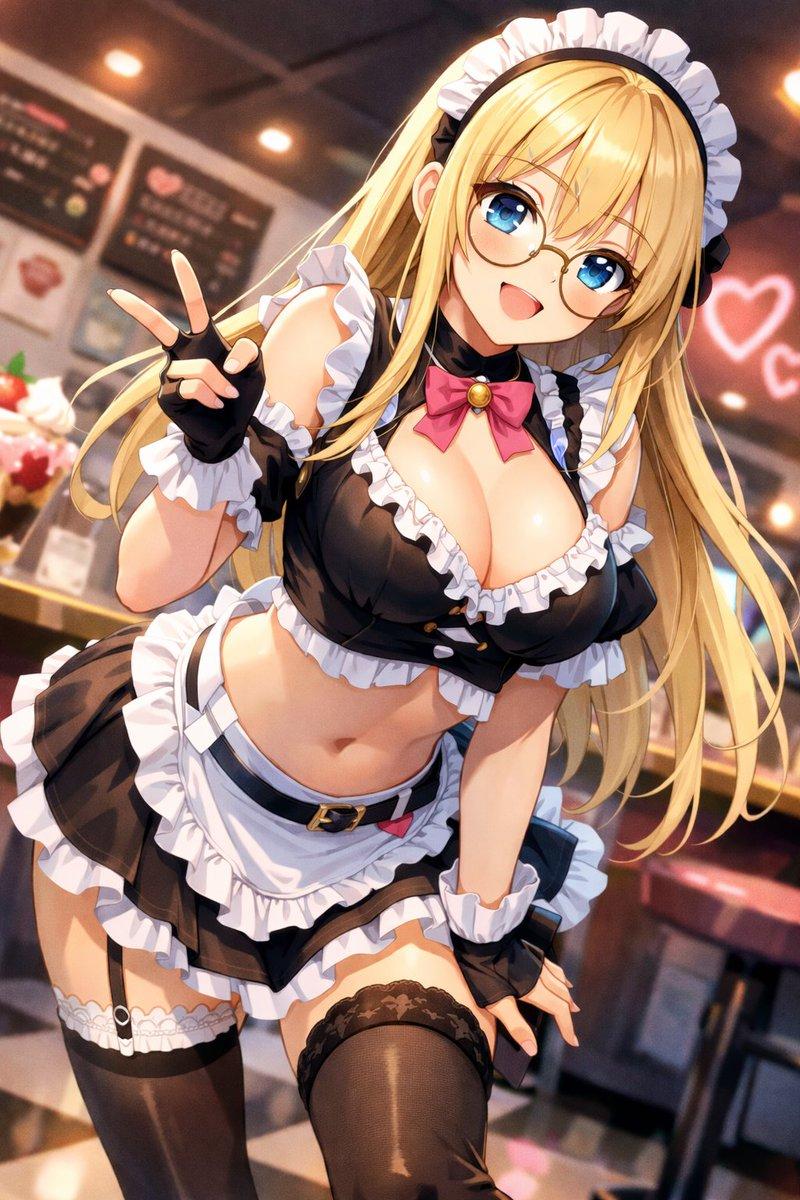
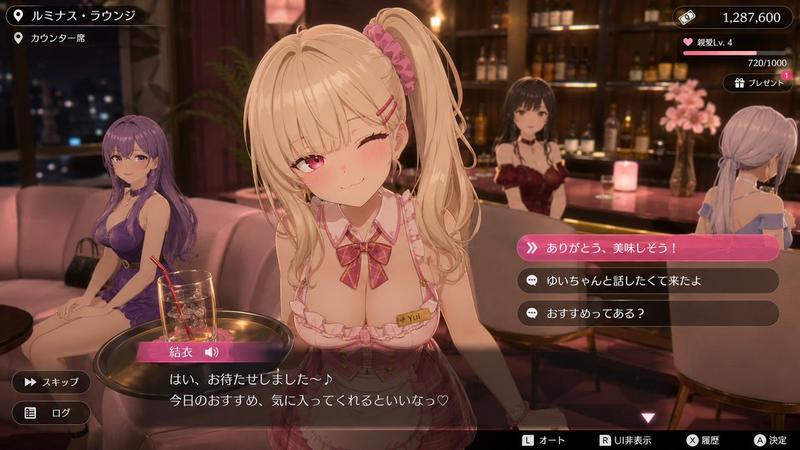
Example images

2.5D Illustration Cleanup and Enhancement

Prompt
在不改变{argument name="原始构图" default="原始构图"}、{argument name="人物姿态" default="人物姿态"}、角色设计、原光影效果与镜头关系的前提下,对图像进行整体重绘优化。保持{argument name="插画风格" default="2.5D日系插画风格"},但将画面重构为更干净、更统一的视觉输出。

对现有图像进行颜色与光照的全局重整,使整体明暗关系遵循单一稳定的光照逻辑。采用柔和、均匀的主光源,避免多光源造成的分层阴影与断裂色块。阴影边缘自然过渡,不出现硬边界或块状填色。

统一材质表现方式,使皮肤、头发与服装的色彩过渡保持连续渐变结构,减少局部噪点、色块堆积与非连续阴影区域。避免任何马赛克感、脏斑感或云状色块结构。

整体风格控制在高质量2.5D动画插画区间,具有轻微体积感与柔和空间深度,但不引入写实皮肤纹理、毛孔细节或摄影级锐化效果。保留适度手绘感与平滑色阶。

降低局部高频细节干扰,避免边缘过锐与纹理过度强化,使画面呈现干净的视觉流动性与统一的色彩节奏。

使人物轮廓线与发丝结构保持连续、顺滑且一致的走向,避免边缘抖动、断裂或颗粒化锯齿感。线条表现应接近稳定的手绘动画线稿,而不是由局部锐化或噪声堆叠形成的边界。轮廓变化应平滑过渡,不出现局部“跳变”或不规则波动。

整体降低微观对比度与局部锐化倾向,使边缘过渡保持轻柔的视觉融合感。避免皮肤、头发与服装边界出现刀切式硬边或过度清晰的分离感。高光与阴影之间应以柔性渐变连接,而非强分界线式结构。整体观感为“清晰但不锐利”,保留形体辨识度 but 抑制像素级锐化痕迹。

最终输出应呈现为清晰、柔和、无分区污染的高质量2.5D插画画面,具有稳定的光照体系、连续的线条结构与自然的渐变过渡。
Category
Architecture & Spaces
Model
nano-banana-pro
Views999
Source ID
24408
Published
Jun 6, 2026

Guide

About "2.5D Illustration Cleanup and Enhancement"

What is this prompt for?

"2.5D Illustration Cleanup and Enhancement" AI image prompt for nano-banana-pro (Architecture & Spaces). A detailed optimization prompt for refining 2.5D illus…

The full copyable prompt and example visuals above are ready for AI image generation or one-click recreate in Picva.

How to use this prompt

  1. Step 1

    Open the prompt detail

    Review the example visuals, category, and full prompt text for "2.5D Illustration Cleanup and Enhancement".

  2. Step 2

    Copy the prompt

    Copy the prompt body from this page, or load it directly in Studio.

  3. Step 3

    Pick a model (nano-banana-pro)

    Prefer nano-banana-pro. If you switch models, keep subject and composition and tweak style terms.

  4. Step 4

    Generate and export

    Recreate the look in Picva, or export into your workflow for editing and publishing.

FAQ

What is the "2.5D Illustration Cleanup and Enhancement" prompt?
It is an AI image-generation prompt for nano-banana-pro in the Architecture & Spaces category. This page includes the full prompt text, example visuals, and a one-click recreate path in Picva.
How do I use this prompt to generate an image?
Copy the prompt from this page, or use Generate / Studio. Paste it into a compatible image model, or recreate the look in Picva with optional reference images.
Which model is this prompt for?
This page lists nano-banana-pro. Most descriptive prompts also transfer to nearby image models such as GPT Image, Flux, or Midjourney with light style tweaks.
Can I use the result commercially?
You can usually copy the prompt for creation, but commercial use of the final image depends on the model terms, reference-image rights, and the generated content. Follow the source author and platform rules.