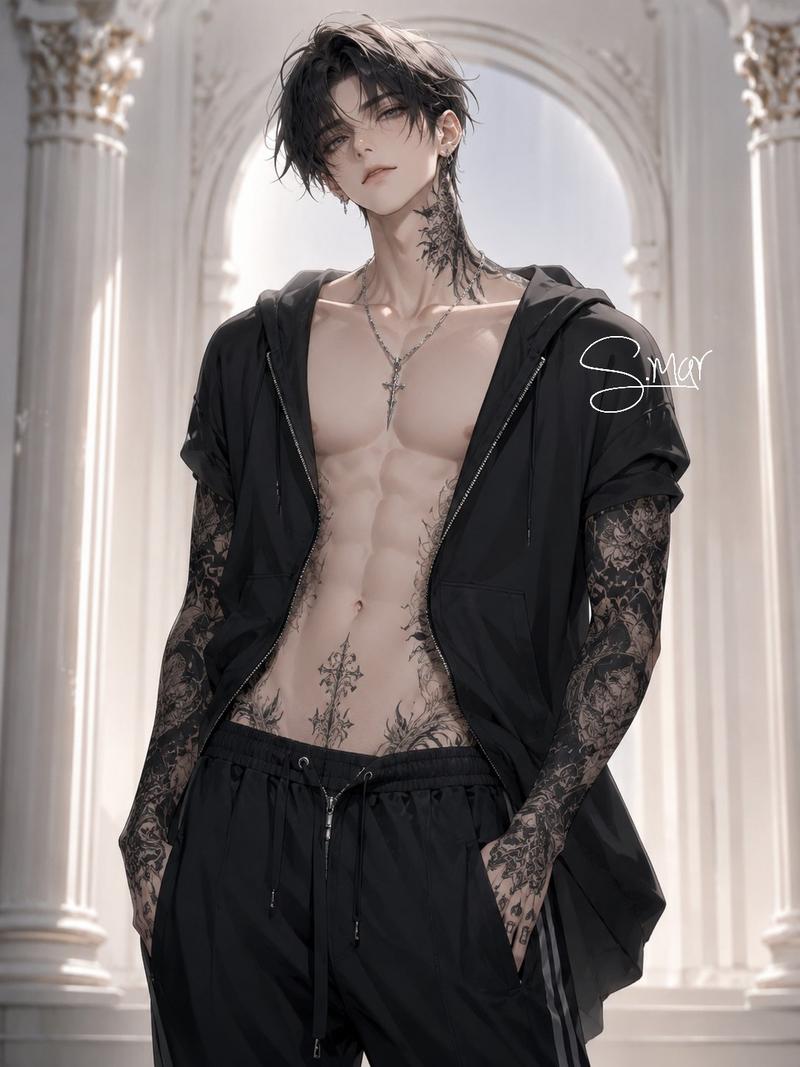
20

《鬼灭之刃》风格动漫战斗场景

Prompt
A terrifying anime demon slayer with white hair stained by blood, glowing purple eyes and a giant cursed blade leaking dark energy Hunts monstrous yokai creatures through a burning feudal Japanese city, moving so fast his attacks leave afterimages slicing through buildings and enemies simultaneously Ancient Japanese district in daylight with flames spreading across rooftops, smoke drifting through narrow streets and shattered temple gates collapsing into the chaos Starts with slow cinematic tracking through burning streets, sudden speed ramp into ultra-brutal combat, whip pans following impossible sword strikes and demon kills, orbit shots around giant cursed energy explosions, exaggerated Epic anime-style impact flashes and motion smears flooding the frame, ash and debris flying toward the camera, ending with the slayer standing atop a destroyed torii gate while giant demon bodies collapse behind him and the burning city stretches endlessly beneath the bright smoky sky
Category
Architecture & Spaces
Model
seedance-2.0
Views0
Source ID
5681
Published
Jun 4, 2026

Guide

About "《鬼灭之刃》风格动漫战斗场景"

What is this prompt for?

"《鬼灭之刃》风格动漫战斗场景" AI image prompt for seedance-2.0 (Architecture & Spaces). 一个为 Seedance 2.0 设计的史诗级动漫战斗提示词,描绘了一位白发战士在燃烧的日本封建城市中与妖怪激战的场景。 Copy it on Picva and re…

The full copyable prompt and example visuals above are ready for AI image generation or one-click recreate in Picva.

How to use this prompt

  1. Step 1

    Open the prompt detail

    Review the example visuals, category, and full prompt text for "《鬼灭之刃》风格动漫战斗场景".

  2. Step 2

    Copy the prompt

    Copy the prompt body from this page, or load it directly in Studio.

  3. Step 3

    Pick a model (seedance-2.0)

    Prefer seedance-2.0. If you switch models, keep subject and composition and tweak style terms.

  4. Step 4

    Generate and export

    Recreate the look in Picva, or export into your workflow for editing and publishing.

FAQ

What is the "《鬼灭之刃》风格动漫战斗场景" prompt?
It is an AI image-generation prompt for seedance-2.0 in the Architecture & Spaces category. This page includes the full prompt text, example visuals, and a one-click recreate path in Picva.
How do I use this prompt to generate an image?
Copy the prompt from this page, or use Generate / Studio. Paste it into a compatible image model, or recreate the look in Picva with optional reference images.
Which model is this prompt for?
This page lists seedance-2.0. Most descriptive prompts also transfer to nearby image models such as GPT Image, Flux, or Midjourney with light style tweaks.
Can I use the result commercially?
You can usually copy the prompt for creation, but commercial use of the final image depends on the model terms, reference-image rights, and the generated content. Follow the source author and platform rules.