16

Chibi scooter cafe courtyard render: GPT Image 2 prompt
Enlarge

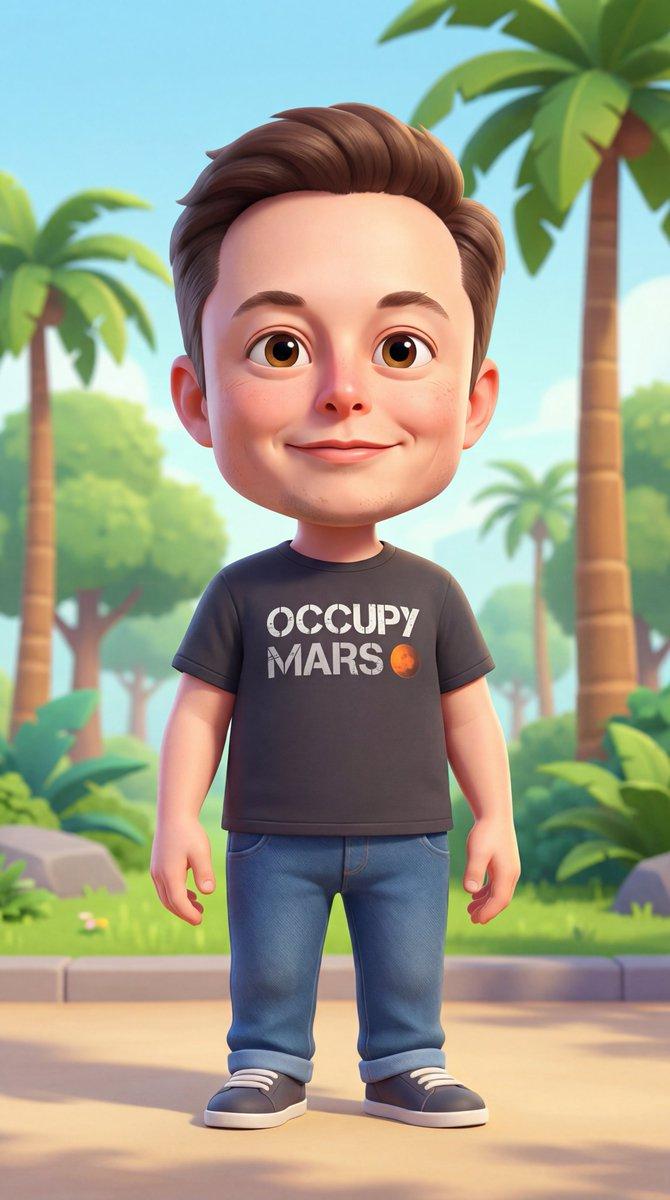
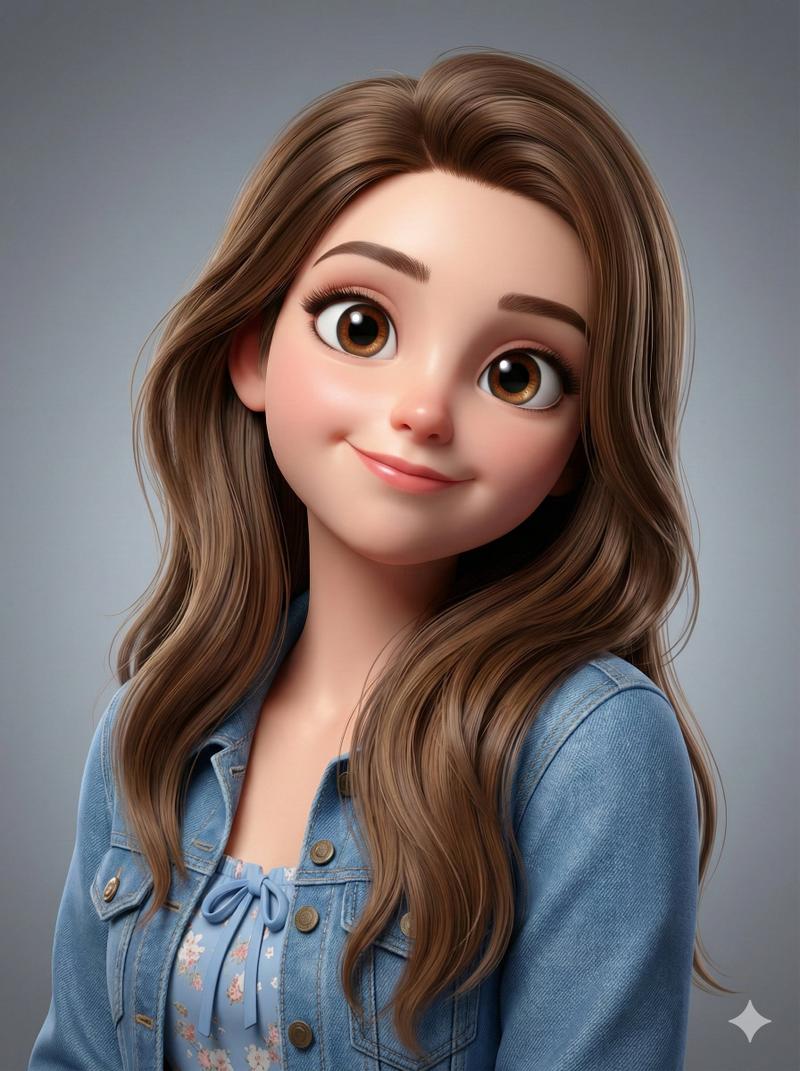
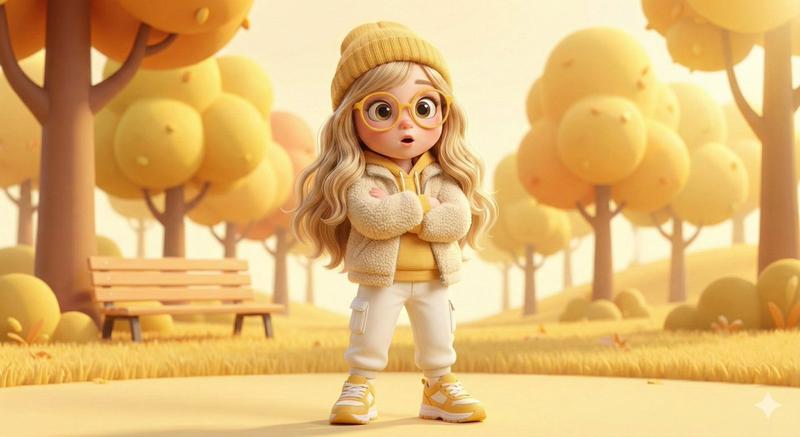
Example images

Chibi scooter cafe courtyard render: GPT Image 2 prompt

Prompt
A cute 3D chibi-style character of the uploaded image leaning against a parked mini chibi scooter, wearing a clean monochrome outfit with a t-shirt, straight-fit pants, and minimalist sneakers, holding a takeaway juice cup with a relaxed confident smile, big head and expressive eyes, modern fade haircut, set in a cozy café courtyard with wooden chairs, warm golden sunlight, soft depth of field, pastel color palette, smooth rounded proportions, subtle texture detailing, global illumination with gentle rim light, soft natural shadows, playful yet premium Pixar-quality 3D render, toy-like finish, Google Gemini cinematic but cozy mood, ultra-clean high-detail output, Instagram-ready composition, square aspect ratio 1:1
Category
Characters & People
Model
GPT Image 2
Views0
Source ID
2012060251231822295
Published
Jan 16, 2026

Guide

About "Chibi scooter cafe courtyard render: GPT Image 2 prompt"

What is this prompt for?

"Chibi scooter cafe courtyard render: GPT Image 2 prompt" AI image prompt for GPT Image 2 (Characters & People). A cute 3D chibi-style character of the uploade…

The full copyable prompt and example visuals above are ready for AI image generation or one-click recreate in Picva.

How to use this prompt

  1. Step 1

    Open the prompt detail

    Review the example visuals, category, and full prompt text for "Chibi scooter cafe courtyard render: GPT Image 2 prompt".

  2. Step 2

    Copy the prompt

    Copy the prompt body from this page, or load it directly in Studio.

  3. Step 3

    Pick a model (GPT Image 2)

    Prefer GPT Image 2. If you switch models, keep subject and composition and tweak style terms.

  4. Step 4

    Generate and export

    Recreate the look in Picva, or export into your workflow for editing and publishing.

FAQ

What is the "Chibi scooter cafe courtyard render: GPT Image 2 prompt" prompt?
It is an AI image-generation prompt for GPT Image 2 in the Characters & People category. This page includes the full prompt text, example visuals, and a one-click recreate path in Picva.
How do I use this prompt to generate an image?
Copy the prompt from this page, or use Generate / Studio. Paste it into a compatible image model, or recreate the look in Picva with optional reference images.
Which model is this prompt for?
This page lists GPT Image 2. Most descriptive prompts also transfer to nearby image models such as GPT Image, Flux, or Midjourney with light style tweaks.
Can I use the result commercially?
You can usually copy the prompt for creation, but commercial use of the final image depends on the model terms, reference-image rights, and the generated content. Follow the source author and platform rules.