18

Cheongsam portrait in Victorian mansion: GPT Image 2 prompt
Enlarge

Example images

Cheongsam portrait in Victorian mansion: GPT Image 2 prompt

Prompt
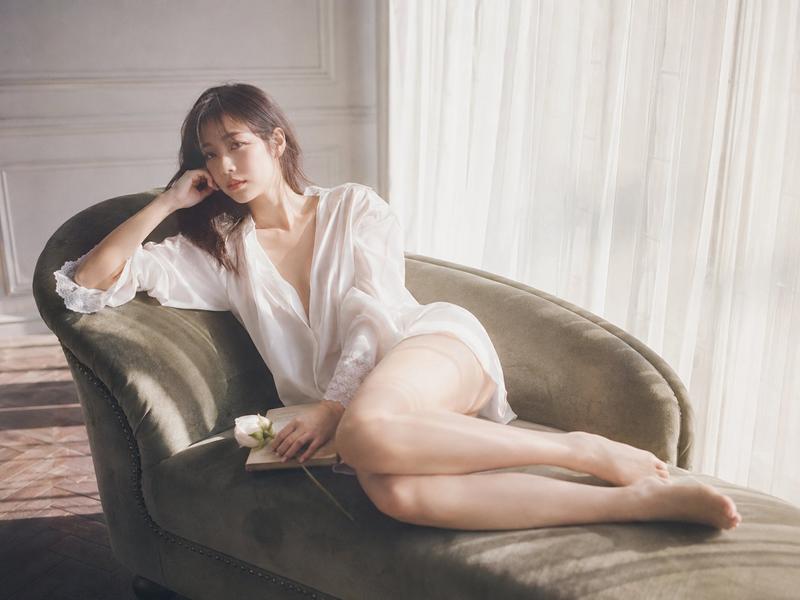
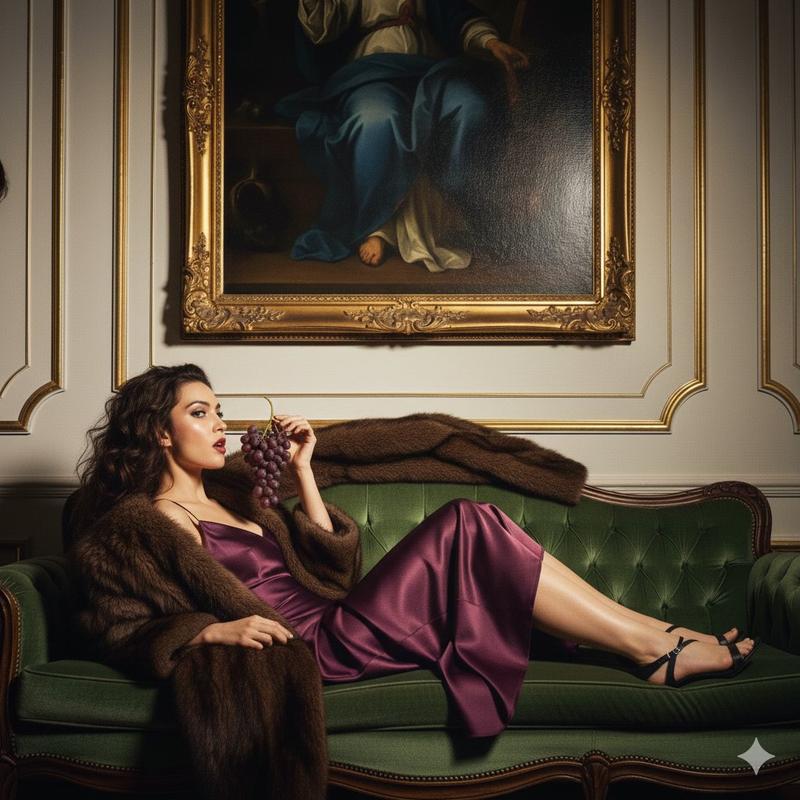
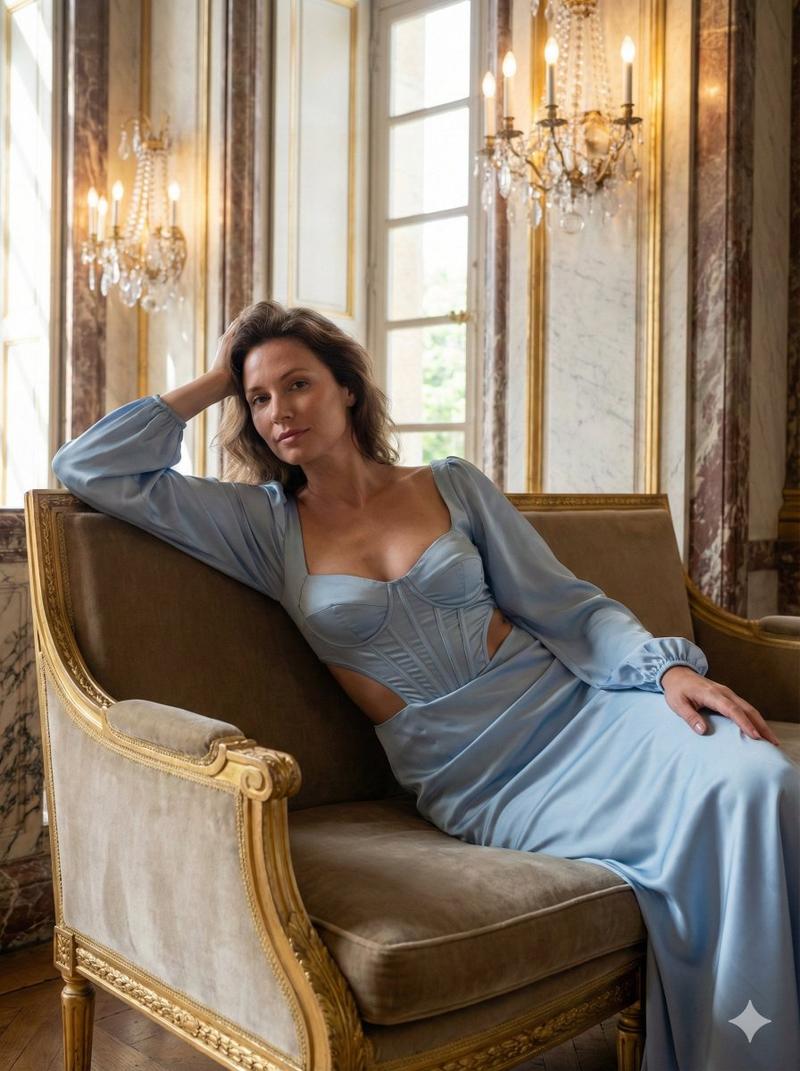
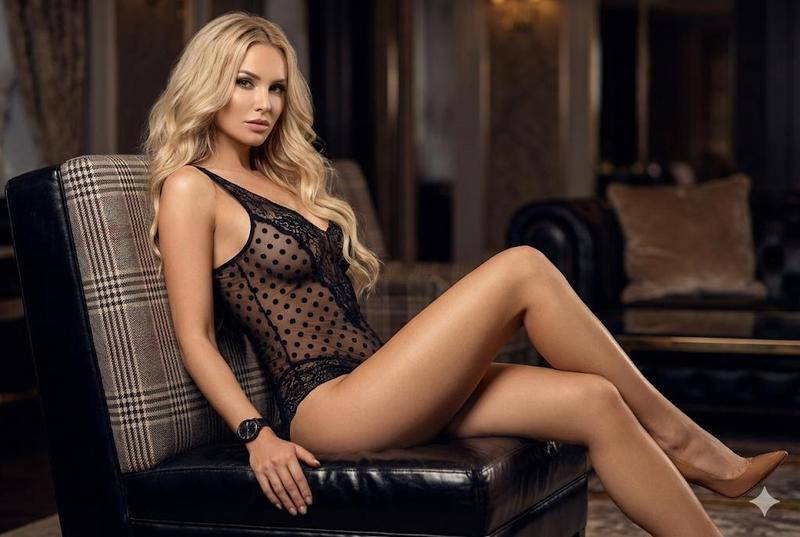
Create a photorealistic editorial portrait. The scene is looted Victorian mansion interior, torn wallpaper. The subject is one 20-year-old Japanese or Korean female portrait subject, sexy tall slim-curvy silhouette, about 168-173 cm visual height and 53-58 kg lean visual weight, 94-58-92 body proportion anchor. She wears embroidered cheongsam outfit, fitted full-body silhouette, mandarin collar, frog-button detail, intricate floral embroidery, refined traditional elegance. Pose and composition: She is lounging on an ornate single velvet armchair with leg-cross seated arrangement, let the image model choose natural hand placement relaxed and physically compatible with the selected body pose, head lowered into a three-quarter side angle, cowboy shot, american shot. Lighting: indoor warm night environment, tungsten room glow, amber interior atmosphere. Camera look: Fujifilm Provia film simulation, clean balanced color, transparent skin tones. Keep preserve the selected wardrobe as complete, realistic clothing with natural fabric texture, folds.
Category
Photography & Realism
Model
GPT Image 2
Creator
Nailai7981
Views0
Source ID
2062180260675023045
Published
Jun 3, 2026

Guide

About "Cheongsam portrait in Victorian mansion: GPT Image 2 prompt"

What is this prompt for?

"Cheongsam portrait in Victorian mansion: GPT Image 2 prompt" AI image prompt for GPT Image 2 (Photography & Realism). Create a photorealistic editorial portra…

The full copyable prompt and example visuals above are ready for AI image generation or one-click recreate in Picva.

How to use this prompt

  1. Step 1

    Open the prompt detail

    Review the example visuals, category, and full prompt text for "Cheongsam portrait in Victorian mansion: GPT Image 2 prompt".

  2. Step 2

    Copy the prompt

    Copy the prompt body from this page, or load it directly in Studio.

  3. Step 3

    Pick a model (GPT Image 2)

    Prefer GPT Image 2. If you switch models, keep subject and composition and tweak style terms.

  4. Step 4

    Generate and export

    Recreate the look in Picva, or export into your workflow for editing and publishing.

FAQ

What is the "Cheongsam portrait in Victorian mansion: GPT Image 2 prompt" prompt?
It is an AI image-generation prompt for GPT Image 2 in the Photography & Realism category. This page includes the full prompt text, example visuals, and a one-click recreate path in Picva.
How do I use this prompt to generate an image?
Copy the prompt from this page, or use Generate / Studio. Paste it into a compatible image model, or recreate the look in Picva with optional reference images.
Which model is this prompt for?
This page lists GPT Image 2. Most descriptive prompts also transfer to nearby image models such as GPT Image, Flux, or Midjourney with light style tweaks.
Can I use the result commercially?
You can usually copy the prompt for creation, but commercial use of the final image depends on the model terms, reference-image rights, and the generated content. Follow the source author and platform rules.