17

Shadow sells product ad: GPT Image 2 prompt
Enlarge

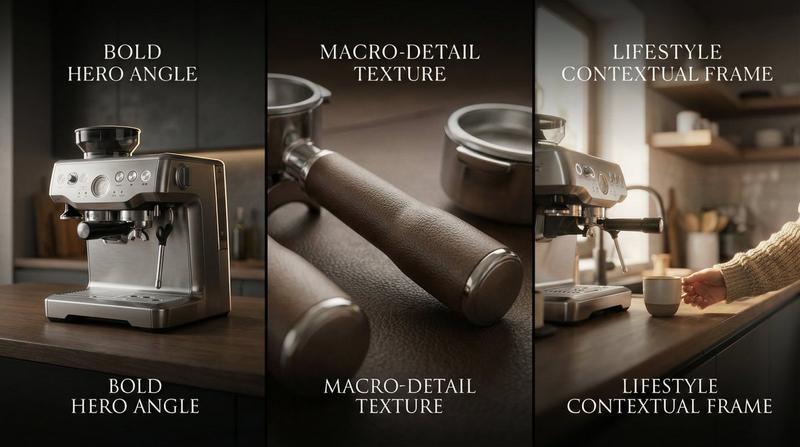
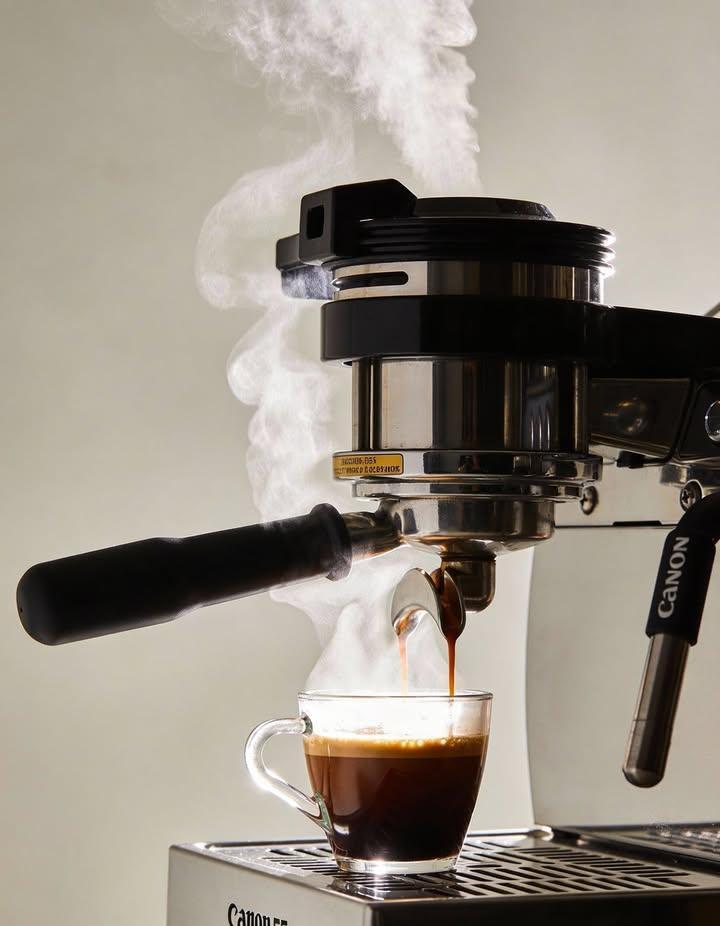
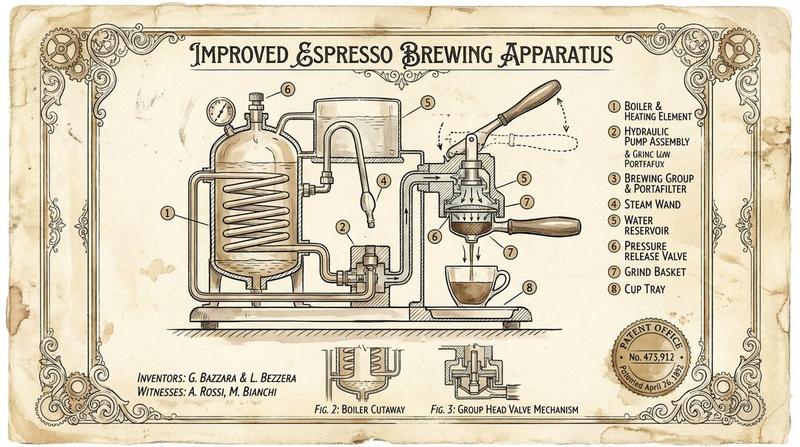
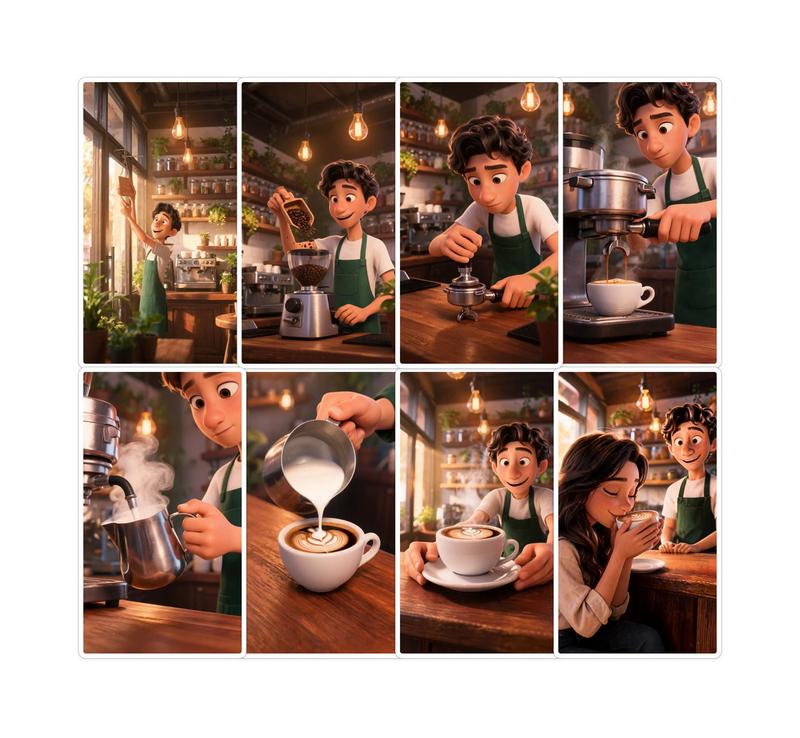
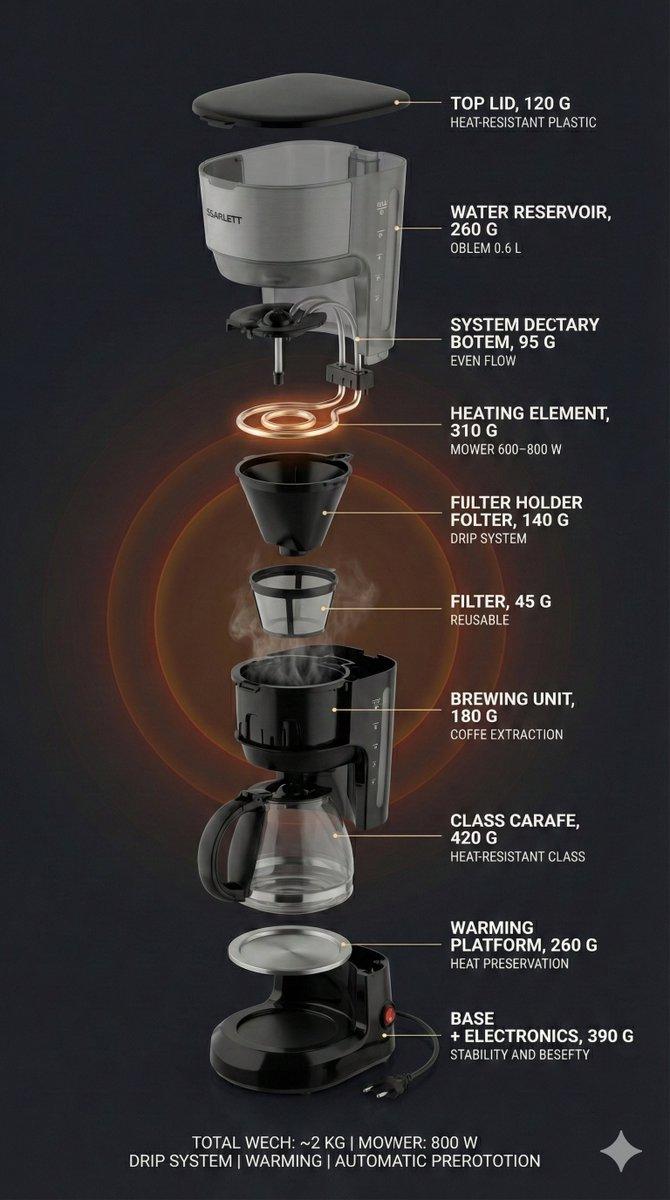
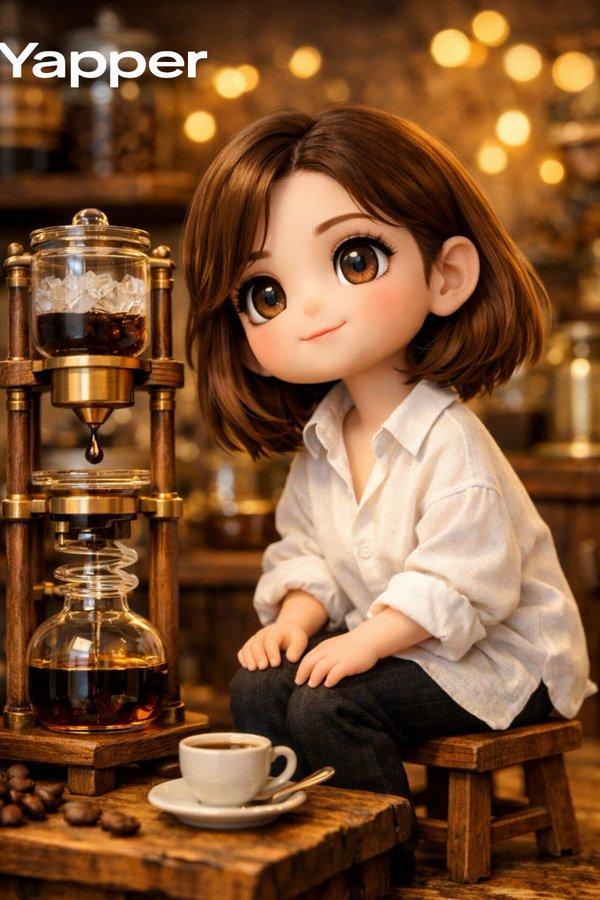
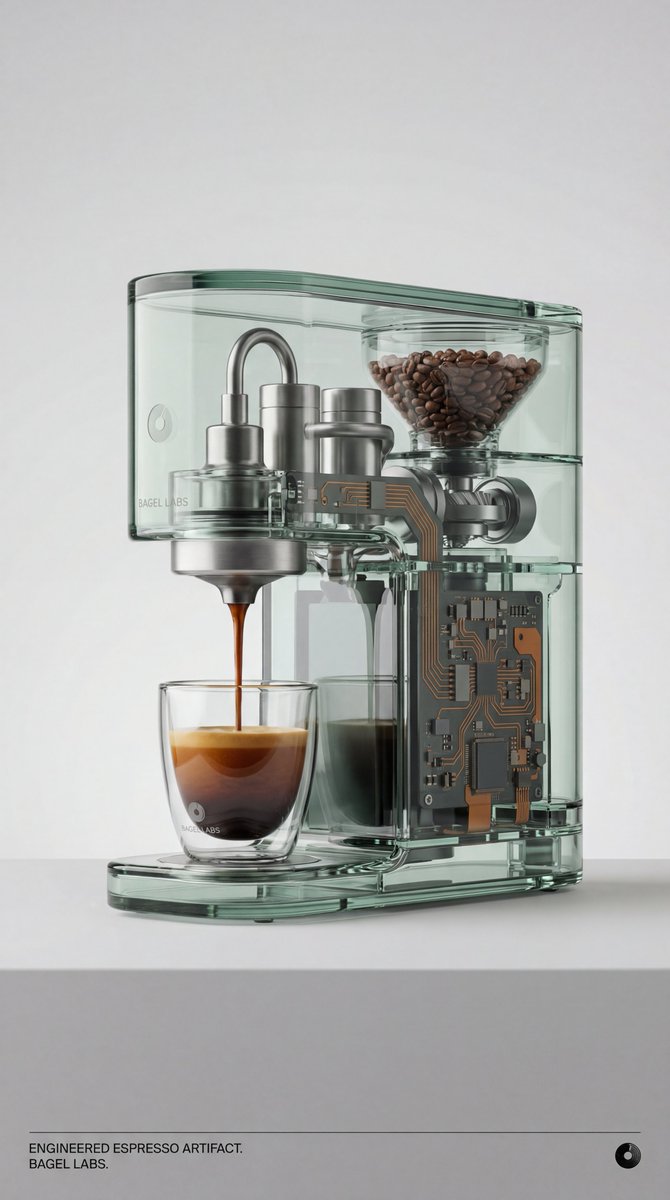
Example images

Shadow sells product ad: GPT Image 2 prompt

Prompt
Upload a clear product image first.

Create a premium 16:9 commercial product ad using the uploaded product as the exact hero reference.

Visual system: “Shadow Sells”

The product must be large, sharp, realistic, premium, and instantly recognizable. Keep the logo, label, shape, materials, colors, packaging details, and brand identity clear.

Do not create a normal product beauty shot.

The product itself should stay clean and minimal, while its cast shadow becomes the storytelling device.

The shadow must reveal the product benefit in a cinematic way:
cleanliness, speed, protection, comfort, taste, calm, recovery, creativity, performance, freshness, durability, or precision.

Place the product under dramatic directional lighting so the shadow feels physical, realistic, and intentional.

The shadow can transform into:
botanical shapes, movement trails, waveforms, mountain silhouettes, hands, sleep cycles, ingredient swirls, protection shields, sound waves, texture maps, or symbolic visual proof.

Composition:
foreground surface detail, midground hero product, background clean premium atmosphere.

The viewer should understand the product benefit in one second.

Style:
premium agency campaign, cinematic product photography, realistic shadow physics, tactile material detail, clean negative space, polished reflections, high-end editorial lighting, scroll-stopping 16:9 hero image.

Avoid:
tiny people, miniature worlds, micro cities, fake floating text, unreadable logos, cluttered background, weak product scale, random effects, cartoon shadows.
Category
Products & E-commerce
Model
GPT Image 2
Views0
Source ID
2075143065493229752
Published
Jul 9, 2026

Guide

About "Shadow sells product ad: GPT Image 2 prompt"

What is this prompt for?

"Shadow sells product ad: GPT Image 2 prompt" AI image prompt for GPT Image 2 (Products & E-commerce). Upload a clear product image first. Create a premium 16:…

The full copyable prompt and example visuals above are ready for AI image generation or one-click recreate in Picva.

How to use this prompt

  1. Step 1

    Open the prompt detail

    Review the example visuals, category, and full prompt text for "Shadow sells product ad: GPT Image 2 prompt".

  2. Step 2

    Copy the prompt

    Copy the prompt body from this page, or load it directly in Studio.

  3. Step 3

    Pick a model (GPT Image 2)

    Prefer GPT Image 2. If you switch models, keep subject and composition and tweak style terms.

  4. Step 4

    Generate and export

    Recreate the look in Picva, or export into your workflow for editing and publishing.

FAQ

What is the "Shadow sells product ad: GPT Image 2 prompt" prompt?
It is an AI image-generation prompt for GPT Image 2 in the Products & E-commerce category. This page includes the full prompt text, example visuals, and a one-click recreate path in Picva.
How do I use this prompt to generate an image?
Copy the prompt from this page, or use Generate / Studio. Paste it into a compatible image model, or recreate the look in Picva with optional reference images.
Which model is this prompt for?
This page lists GPT Image 2. Most descriptive prompts also transfer to nearby image models such as GPT Image, Flux, or Midjourney with light style tweaks.
Can I use the result commercially?
You can usually copy the prompt for creation, but commercial use of the final image depends on the model terms, reference-image rights, and the generated content. Follow the source author and platform rules.