11

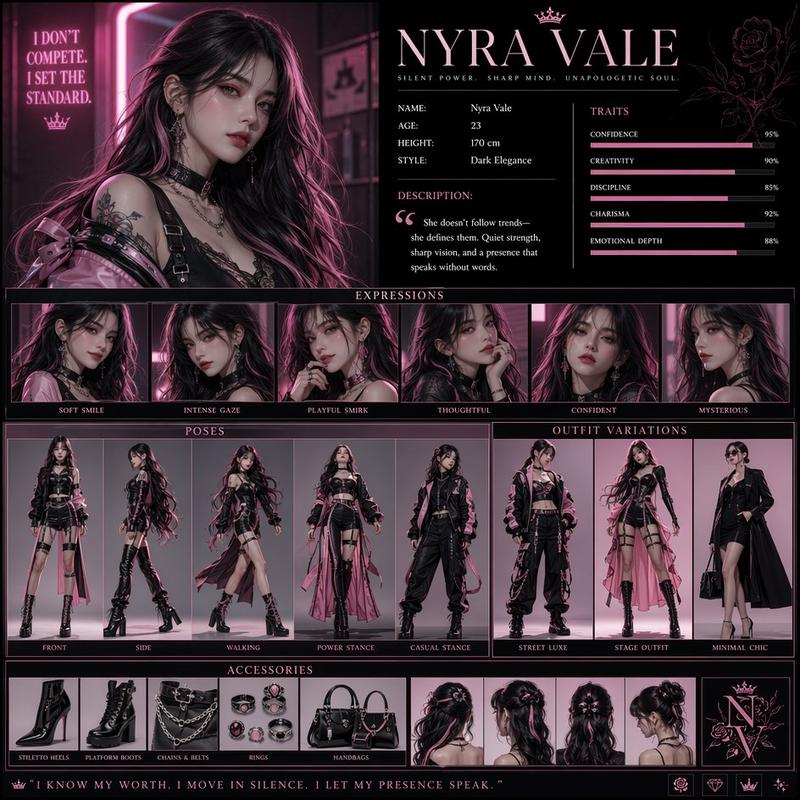
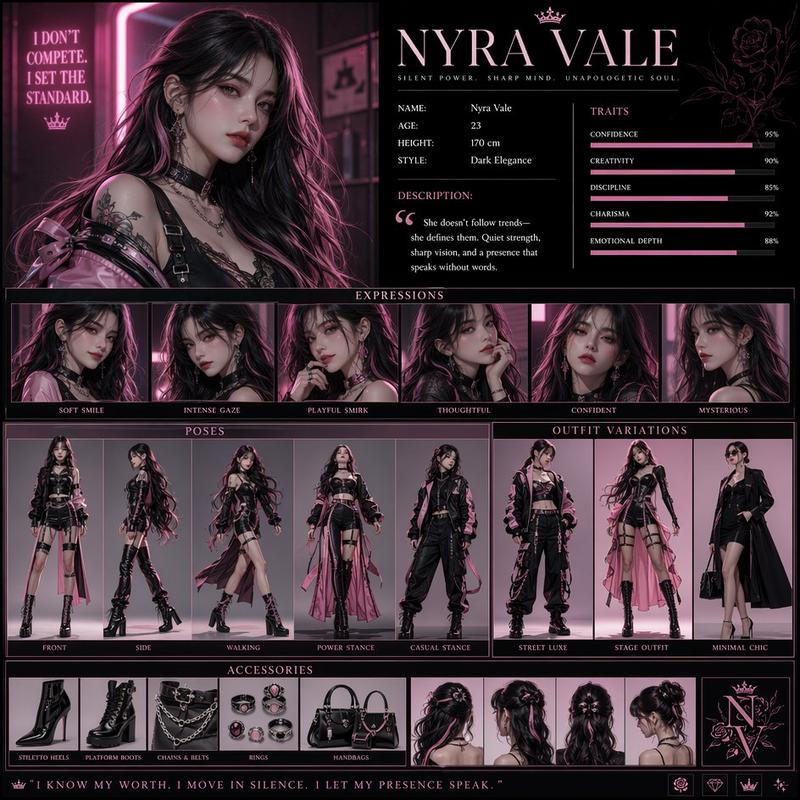
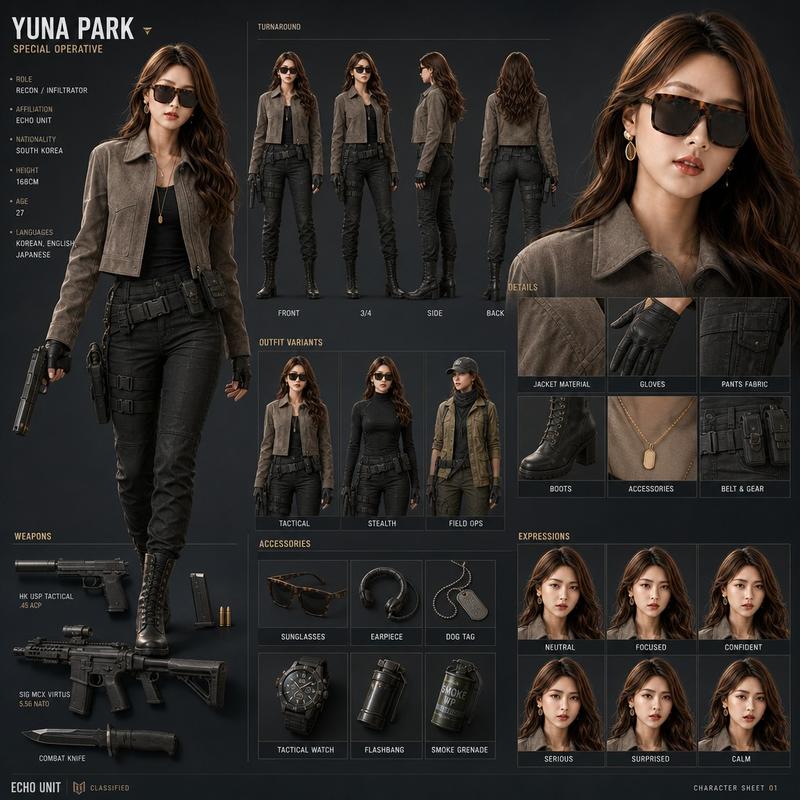
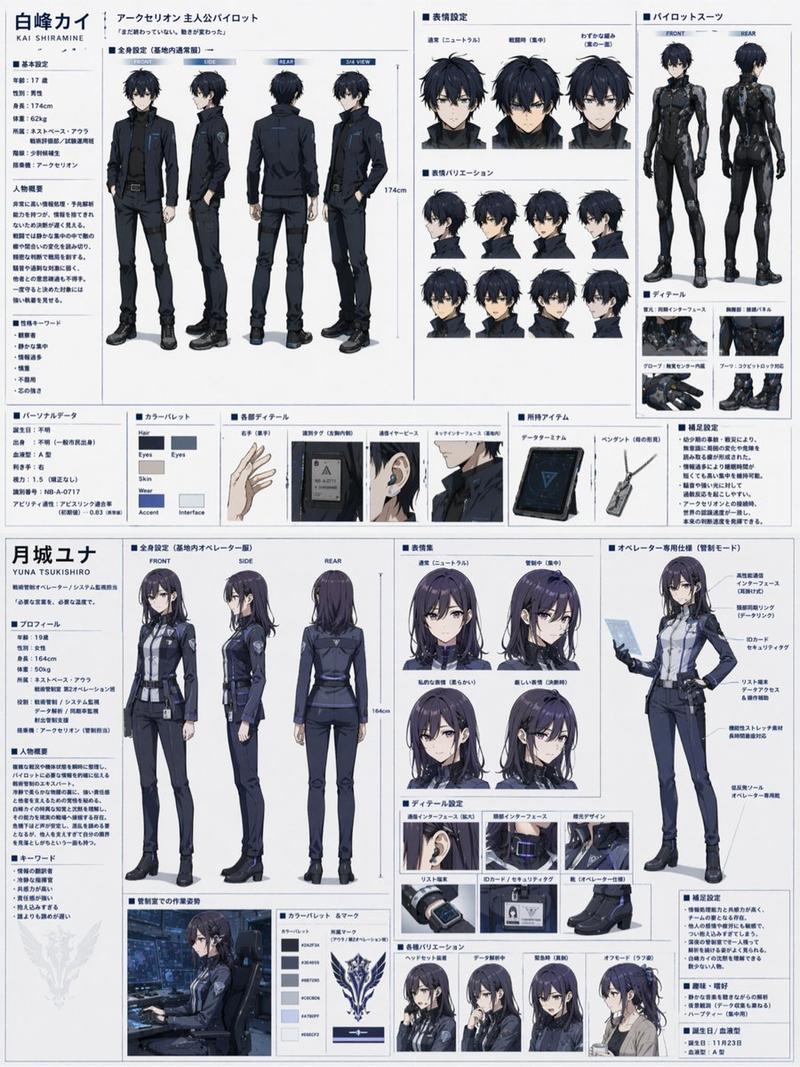
AAA game character reference sheet: GPT Image 2 prompt
Enlarge

Example images

AAA game character reference sheet: GPT Image 2 prompt

Prompt
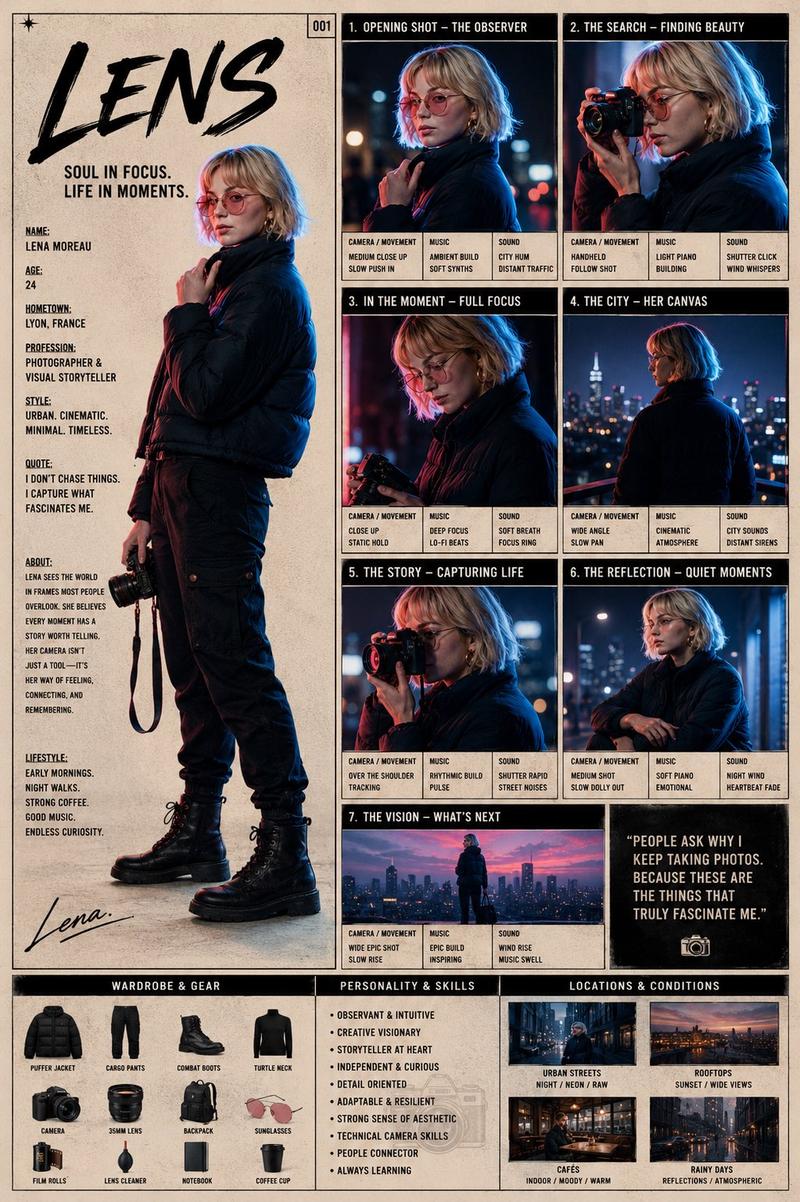
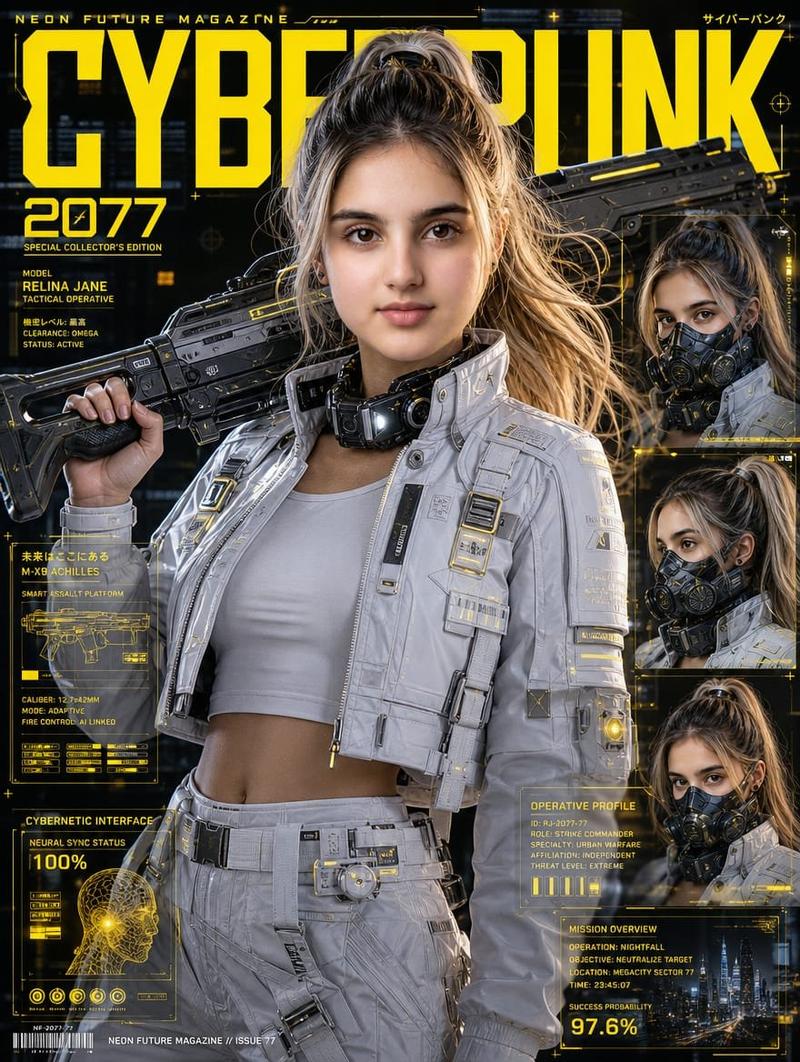
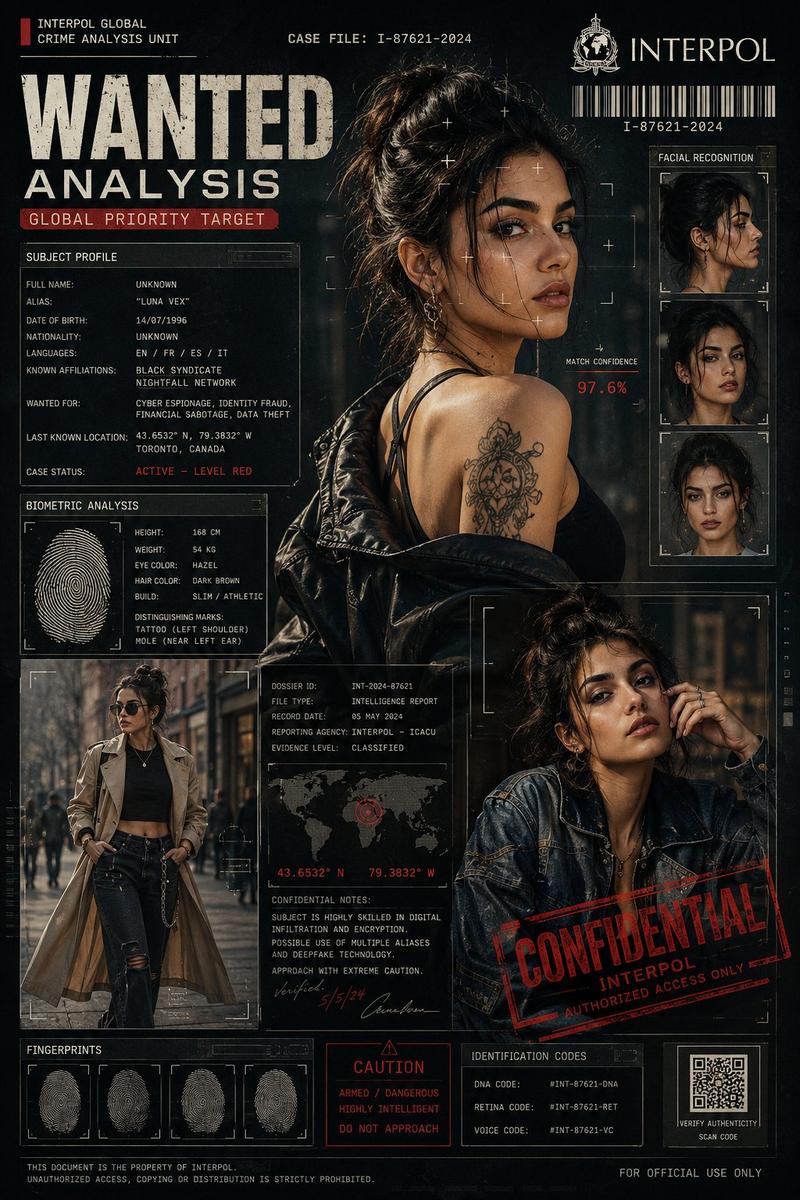
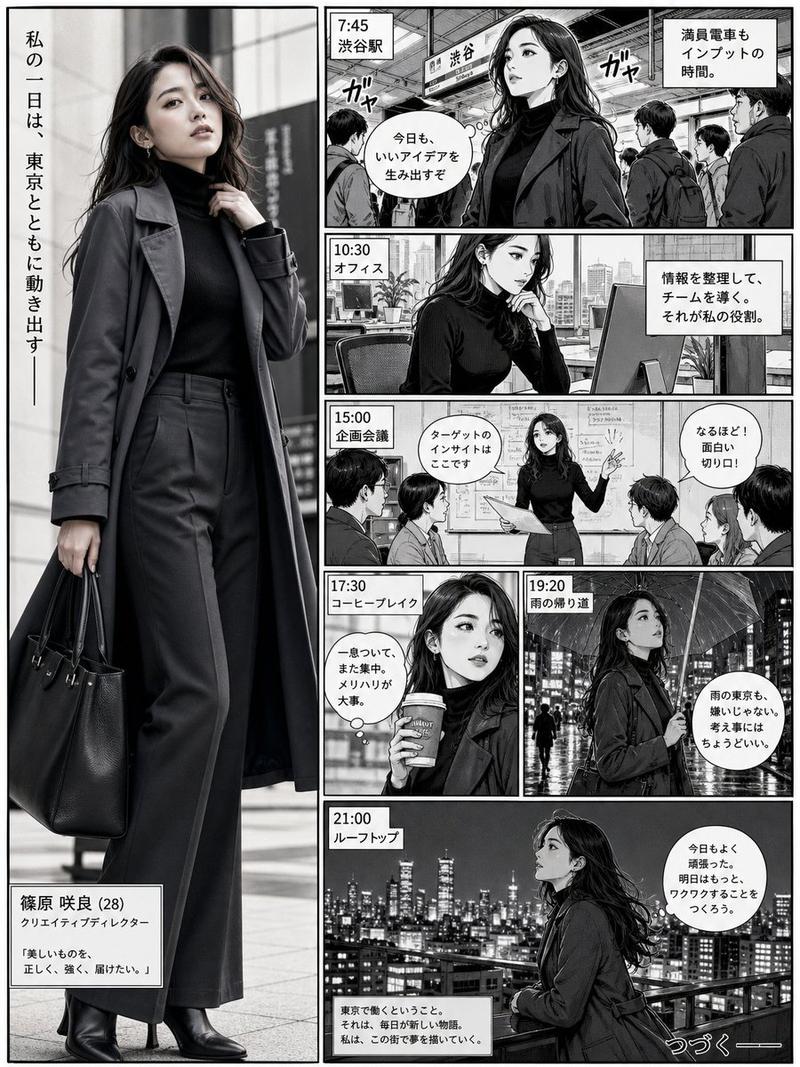
Create a premium AAA game character design reference sheet featuring one beautiful young female character. Display a large cinematic portrait on the left, followed by full-body front, three-quarter, side, and back turnaround views with consistent facial features. Include multiple facial expression studies (neutral, smiling, serious, thoughtful), detailed costume close-ups (collar, sleeves, embroidery, fabric texture, accessories, boots, gloves, jewelry, belts), prop and equipment callouts, hairstyle details from different angles, material studies, and a vertical color palette strip. Add several small cinematic lifestyle/action panels at the bottom showing the character in her world.

Use a clean cream/off-white background with a premium editorial layout, thin dividing lines, elegant typography, subtle labels, organized grid composition, concept art presentation board style. Hyper-realistic face, ultra-detailed clothing, cinematic lighting, ArtStation quality, Unreal Engine 5 look, Octane render, sharp focus, 8K, masterpiece, highly detailed, consistent character identity across every panel.

Style options: cyberpunk neon operative, ancient Chinese hanfu scholar, or fantasy desert alchemist. Keep the same layout and presentation quality regardless of the chosen theme.
Category
Characters & People
Model
GPT Image 2
Creator
Eesha
Views7
Source ID
2076276747038060849
Published
Jul 12, 2026

Guide

About "AAA game character reference sheet: GPT Image 2 prompt"

What is this prompt for?

"AAA game character reference sheet: GPT Image 2 prompt" AI image prompt for GPT Image 2 (Characters & People). Create a premium AAA game character design refe…

The full copyable prompt and example visuals above are ready for AI image generation or one-click recreate in Picva.

How to use this prompt

  1. Step 1

    Open the prompt detail

    Review the example visuals, category, and full prompt text for "AAA game character reference sheet: GPT Image 2 prompt".

  2. Step 2

    Copy the prompt

    Copy the prompt body from this page, or load it directly in Studio.

  3. Step 3

    Pick a model (GPT Image 2)

    Prefer GPT Image 2. If you switch models, keep subject and composition and tweak style terms.

  4. Step 4

    Generate and export

    Recreate the look in Picva, or export into your workflow for editing and publishing.

FAQ

What is the "AAA game character reference sheet: GPT Image 2 prompt" prompt?
It is an AI image-generation prompt for GPT Image 2 in the Characters & People category. This page includes the full prompt text, example visuals, and a one-click recreate path in Picva.
How do I use this prompt to generate an image?
Copy the prompt from this page, or use Generate / Studio. Paste it into a compatible image model, or recreate the look in Picva with optional reference images.
Which model is this prompt for?
This page lists GPT Image 2. Most descriptive prompts also transfer to nearby image models such as GPT Image, Flux, or Midjourney with light style tweaks.
Can I use the result commercially?
You can usually copy the prompt for creation, but commercial use of the final image depends on the model terms, reference-image rights, and the generated content. Follow the source author and platform rules.