13

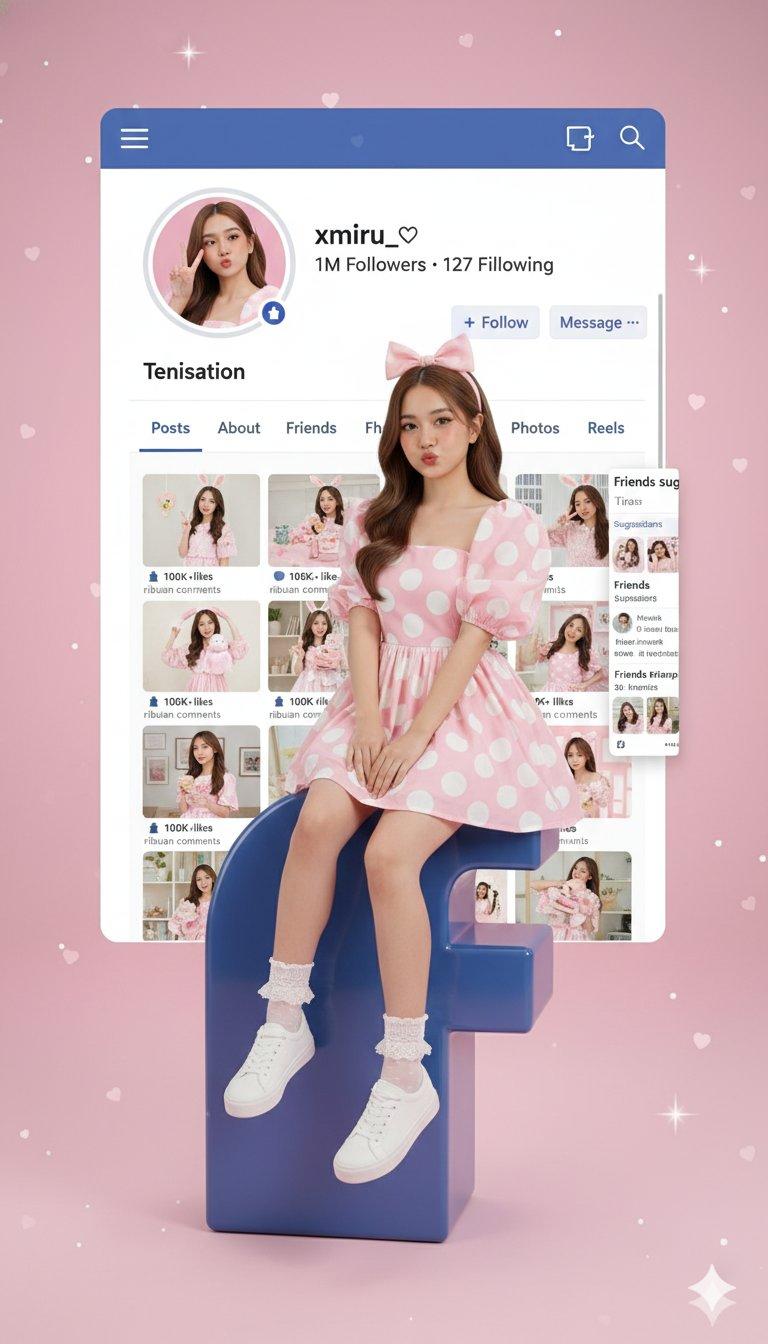
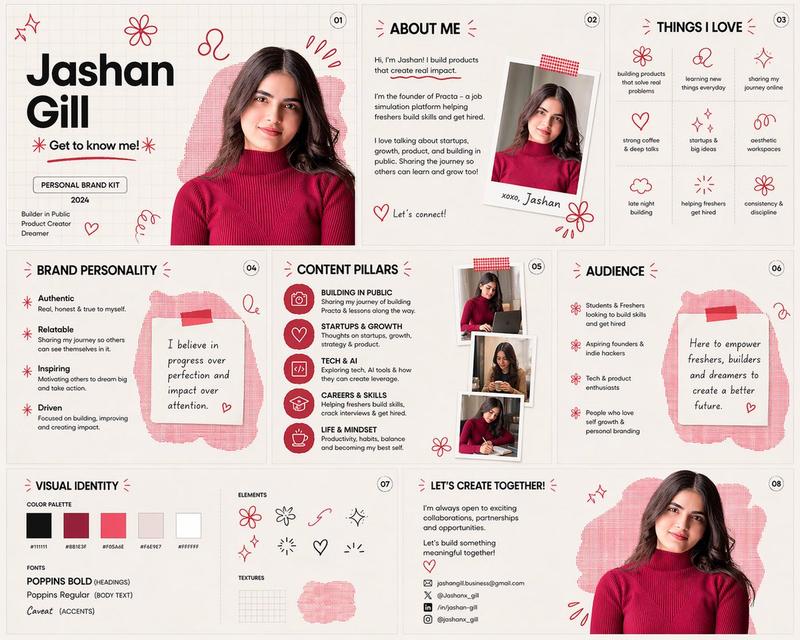
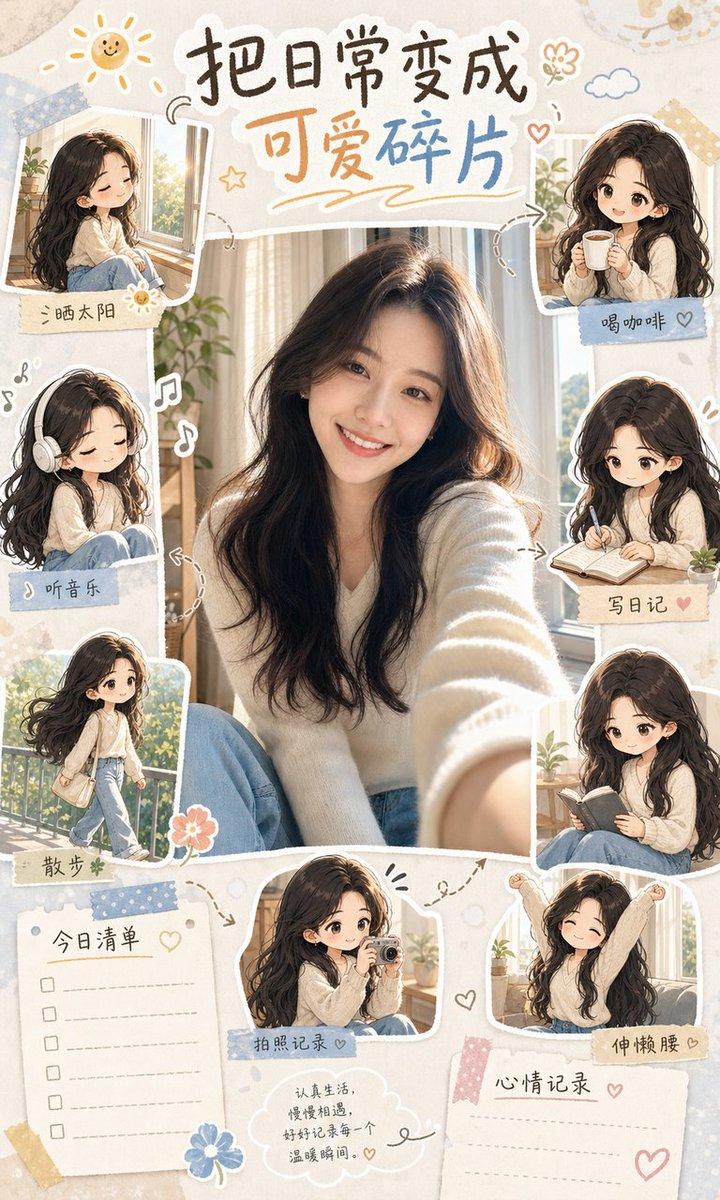
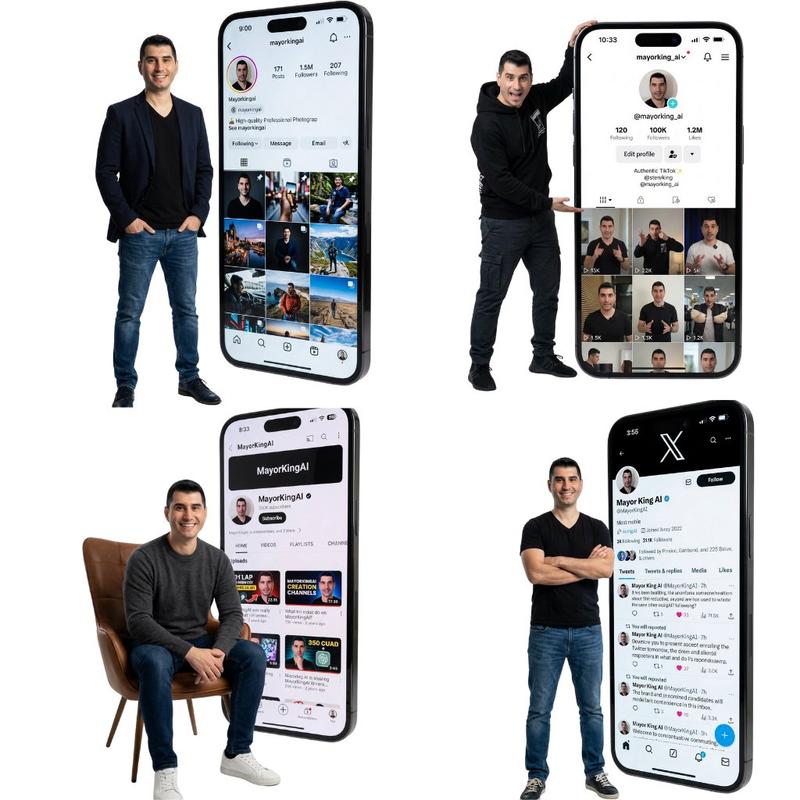
3D 小红书个人资料卡
Enlarge

3D 小红书个人资料卡

Prompt
一只手中握着一张3D小红书个人资料卡,卡片中间方形镂空,一个女孩随意地坐在卡片镂空的边缘,温暖的米色和柔和的粉彩美学背景,逼真的深度和阴影,电影般的柔和光线,闪亮光滑的纹理,小红书风格的UI,漂浮的互动图标(点赞、评论、分享)带有发光的霓虹效果,闪光和光晕,背景中温馨的美学布置包括书籍、花瓶里的花和一台复古相机,梦幻氛围,Pixar风格+半现实主义融合,超高品质,4K,居中构图,高端影响者美学
Category
UI & Interfaces
Model
GPT Image 2
Views3
Source ID
402

Guide

About "3D 小红书个人资料卡"

What is this prompt for?

"3D 小红书个人资料卡" AI image prompt for GPT Image 2 (UI & Interfaces). 一只手中握着一张3D小红书个人资料卡,卡片中间方形镂空,一个女孩随意地坐在卡片镂空的边缘,温暖的米色和柔和的粉彩美学背景,逼真的深度和阴影,电影般的柔和光线,闪亮光滑的纹理,小红书风格的U…

The full copyable prompt and example visuals above are ready for AI image generation or one-click recreate in Picva.

How to use this prompt

  1. Step 1

    Open the prompt detail

    Review the example visuals, category, and full prompt text for "3D 小红书个人资料卡".

  2. Step 2

    Copy the prompt

    Copy the prompt body from this page, or load it directly in Studio.

  3. Step 3

    Pick a model (GPT Image 2)

    Prefer GPT Image 2. If you switch models, keep subject and composition and tweak style terms.

  4. Step 4

    Generate and export

    Recreate the look in Picva, or export into your workflow for editing and publishing.

FAQ

What is the "3D 小红书个人资料卡" prompt?
It is an AI image-generation prompt for GPT Image 2 in the UI & Interfaces category. This page includes the full prompt text, example visuals, and a one-click recreate path in Picva.
How do I use this prompt to generate an image?
Copy the prompt from this page, or use Generate / Studio. Paste it into a compatible image model, or recreate the look in Picva with optional reference images.
Which model is this prompt for?
This page lists GPT Image 2. Most descriptive prompts also transfer to nearby image models such as GPT Image, Flux, or Midjourney with light style tweaks.
Can I use the result commercially?
You can usually copy the prompt for creation, but commercial use of the final image depends on the model terms, reference-image rights, and the generated content. Follow the source author and platform rules.