Miami Comic
Prompt
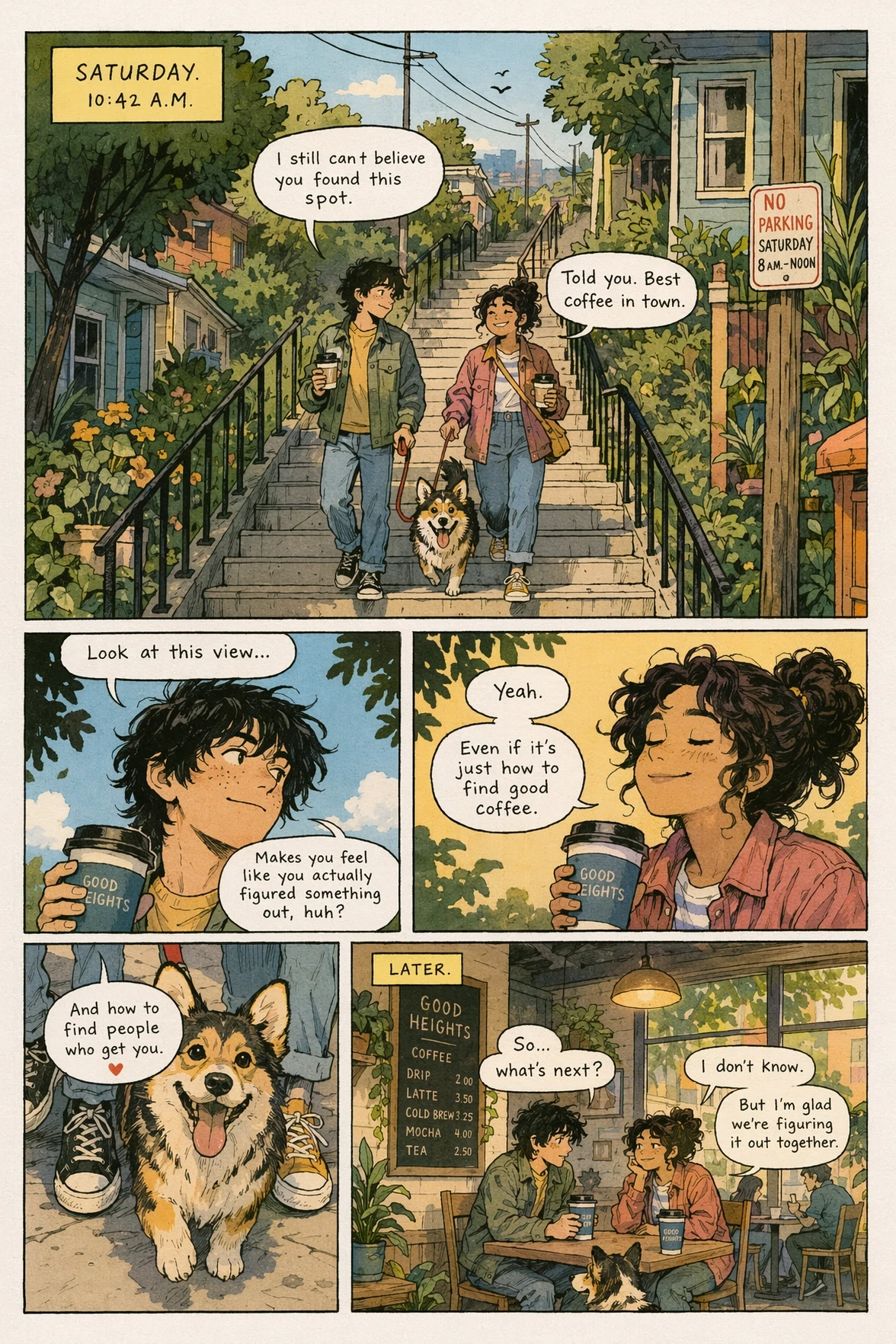
这幅由 ChatGPT 图像 2.0 生成的复古漫画页面插图将一次迈阿密博物馆之旅变成了一个连贯的叙事序列,融合了复古印刷纹理、分镜叙事、一致的角色、清晰可读的文字以及目的地品牌推广。它展示了模型在多场景连贯性和风格化杂志感叙事方面的实力。
- Category
- Characters & People
- Model
- GPT Image 2
- Creator
- OpenAI
- Source ID
- 027
Views1
19
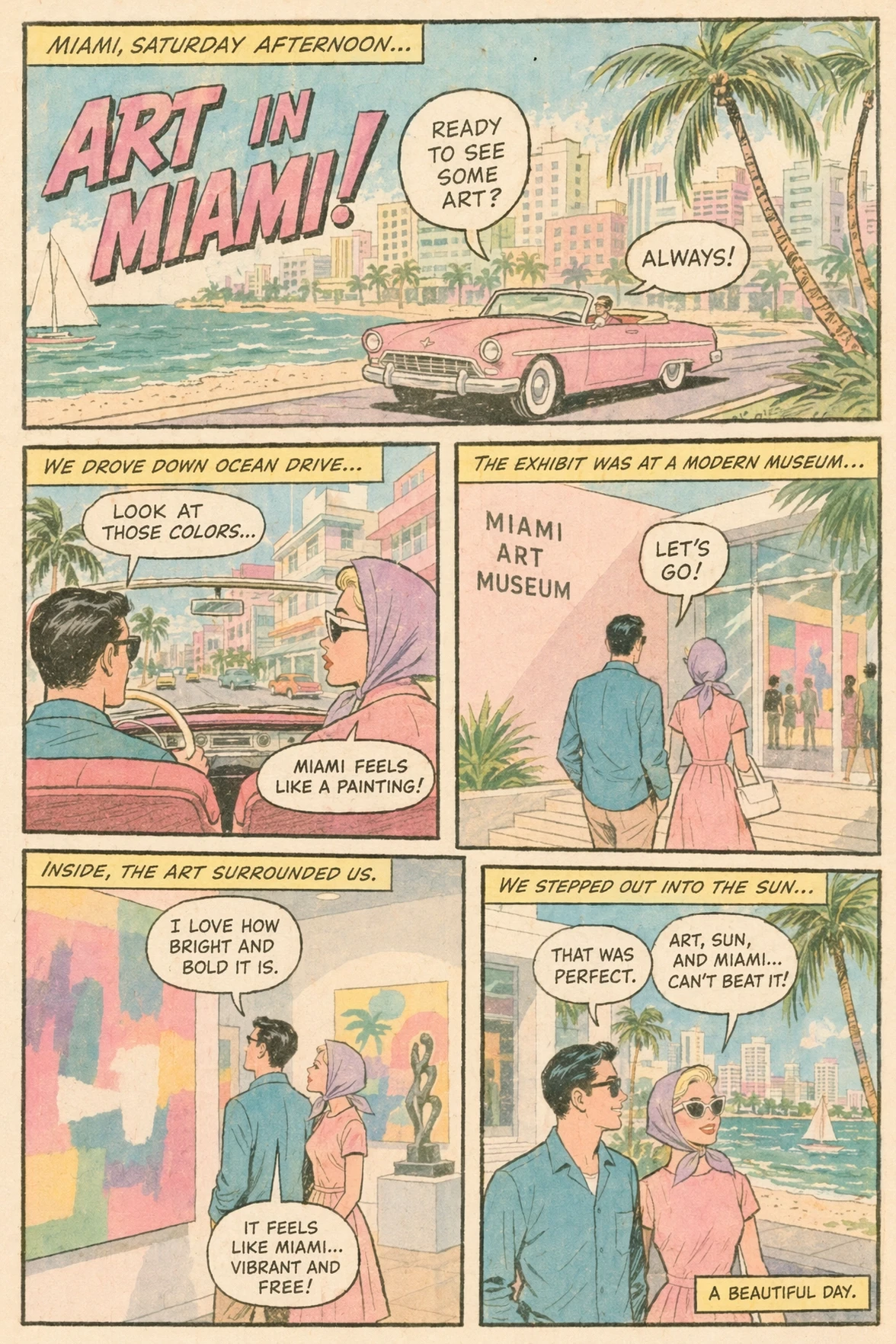
这幅由 ChatGPT 图像 2.0 生成的复古漫画页面插图将一次迈阿密博物馆之旅变成了一个连贯的叙事序列,融合了复古印刷纹理、分镜叙事、一致的角色、清晰可读的文字以及目的地品牌推广。它展示了模型在多场景连贯性和风格化杂志感叙事方面的实力。
Guide
"Miami Comic" AI image prompt for GPT Image 2 (Characters & People). 这幅由 ChatGPT 图像 2.0 生成的复古漫画页面插图将一次迈阿密博物馆之旅变成了一个连贯的叙事序列,融合了复古印刷纹理、分镜叙事、一致的角色、清晰可读的文字以及目的地品牌推…
The full copyable prompt and example visuals above are ready for AI image generation or one-click recreate in Picva.
Step 1
Review the example visuals, category, and full prompt text for "Miami Comic".
Step 2
Copy the prompt body from this page, or load it directly in Studio.
Step 3
Prefer GPT Image 2. If you switch models, keep subject and composition and tweak style terms.
Step 4
Recreate the look in Picva, or export into your workflow for editing and publishing.