16

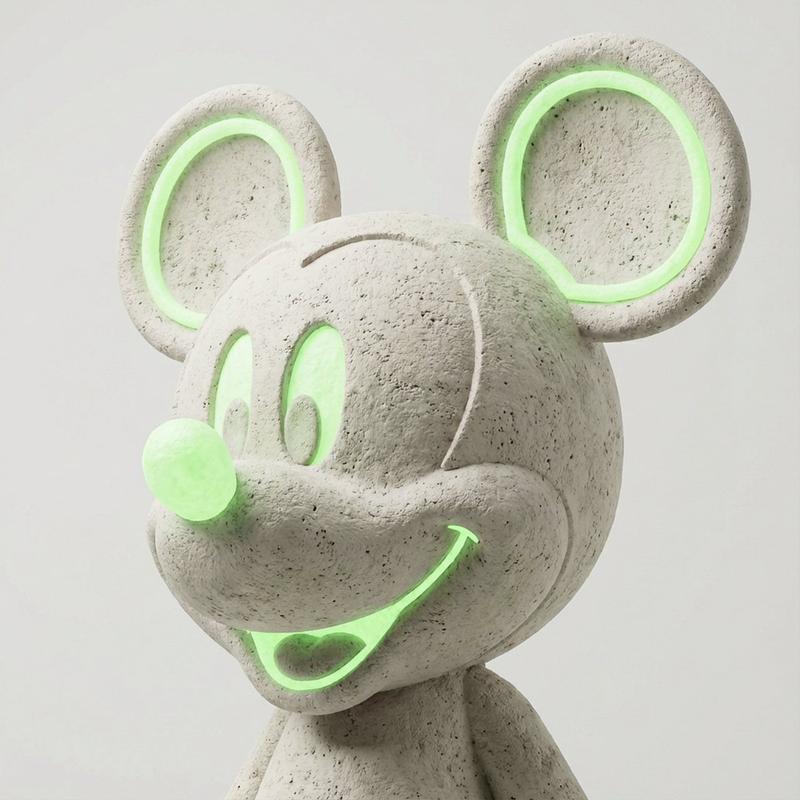
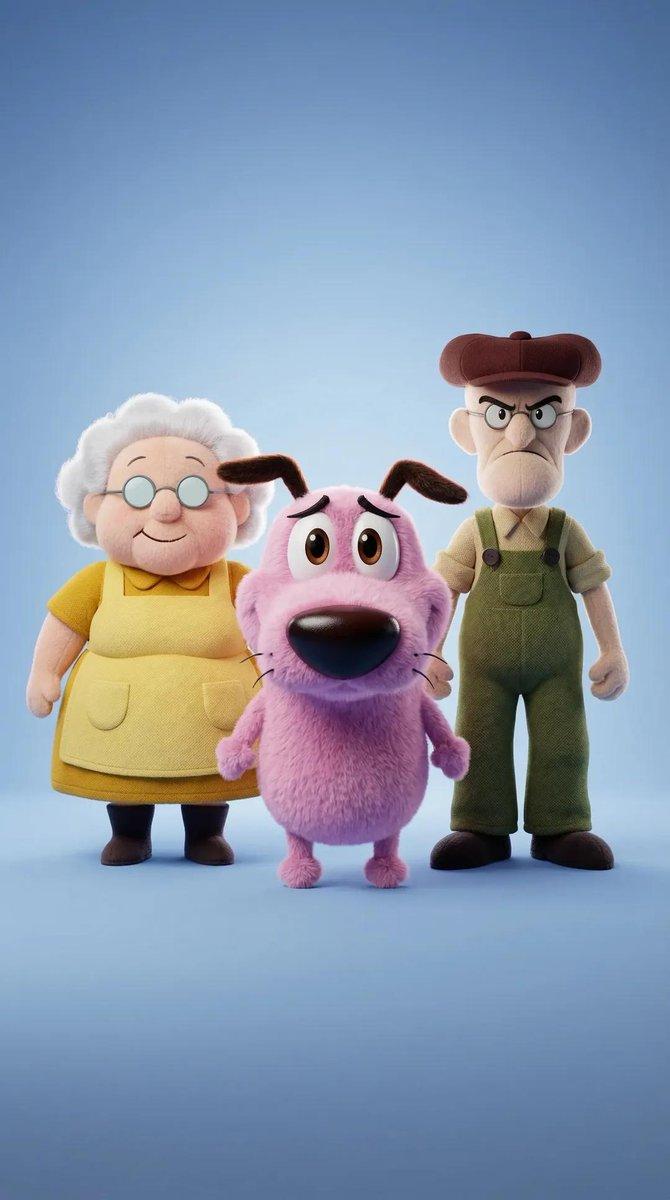
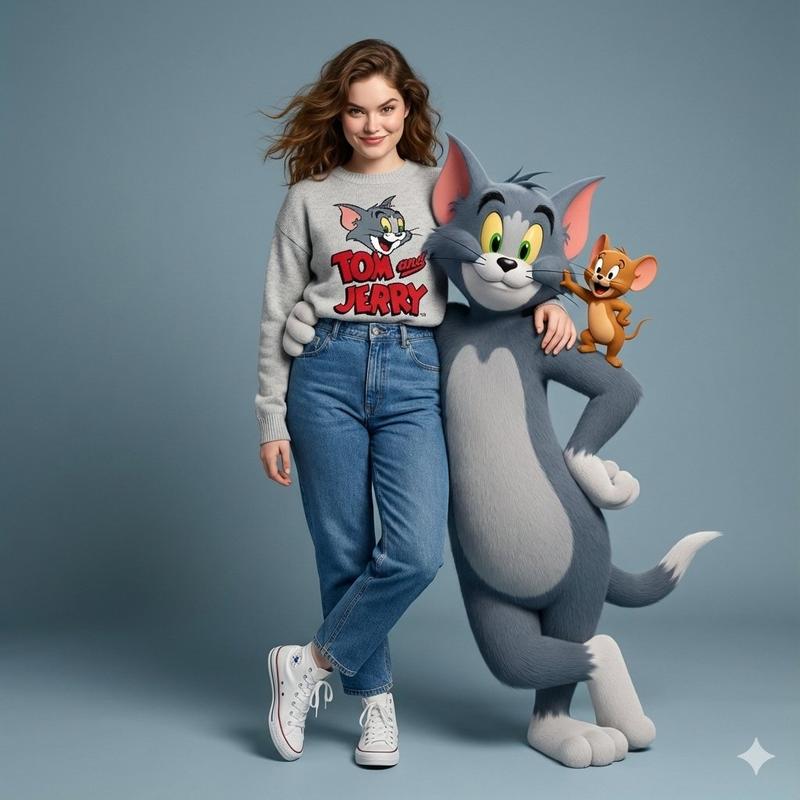
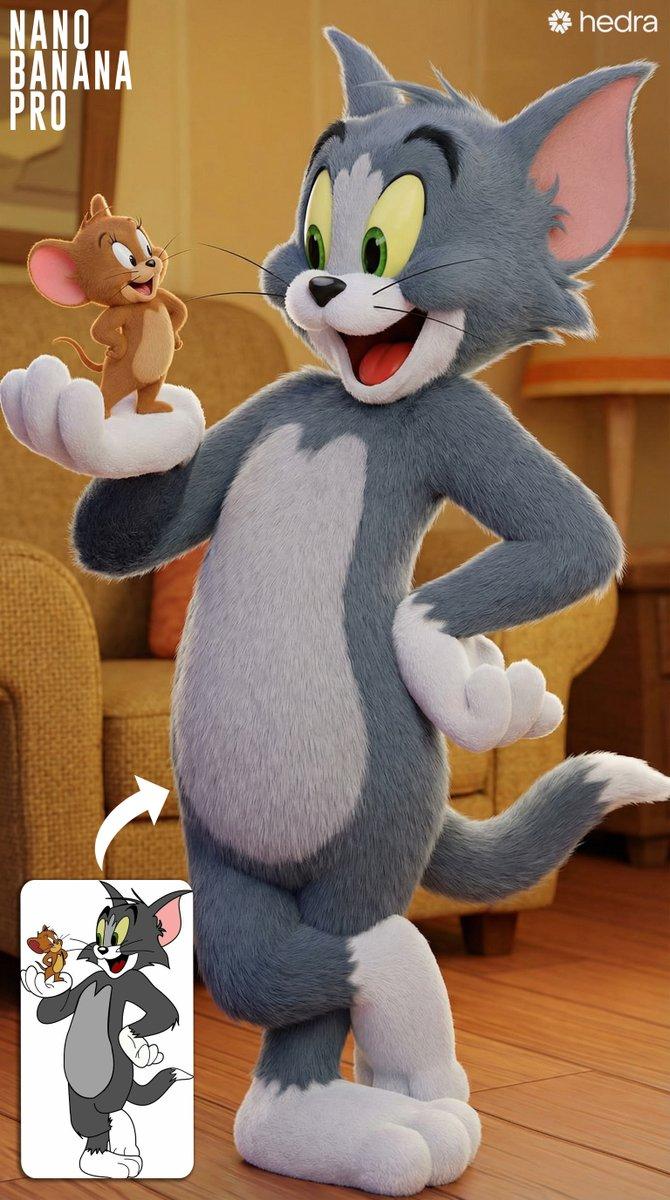
3D风格角色破裂文字视觉冲击海报
Enlarge

Example images

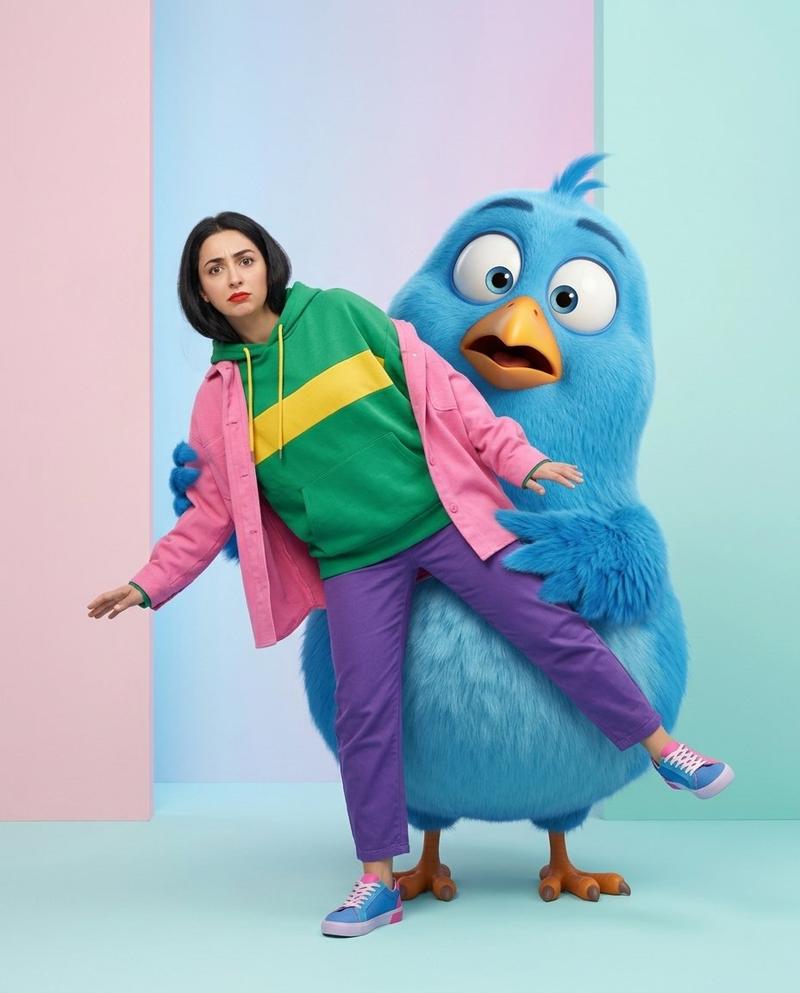
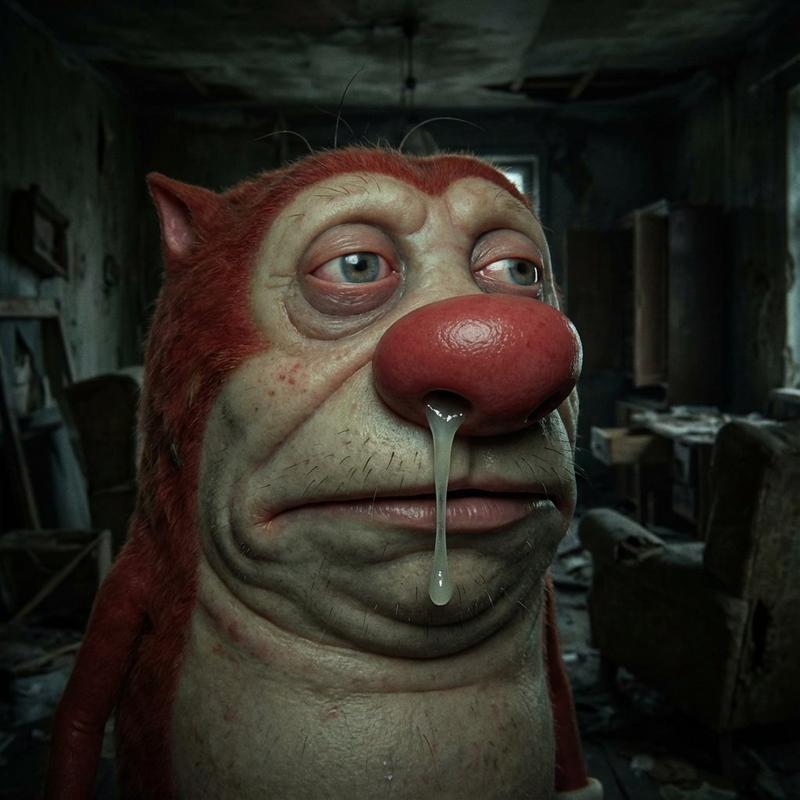
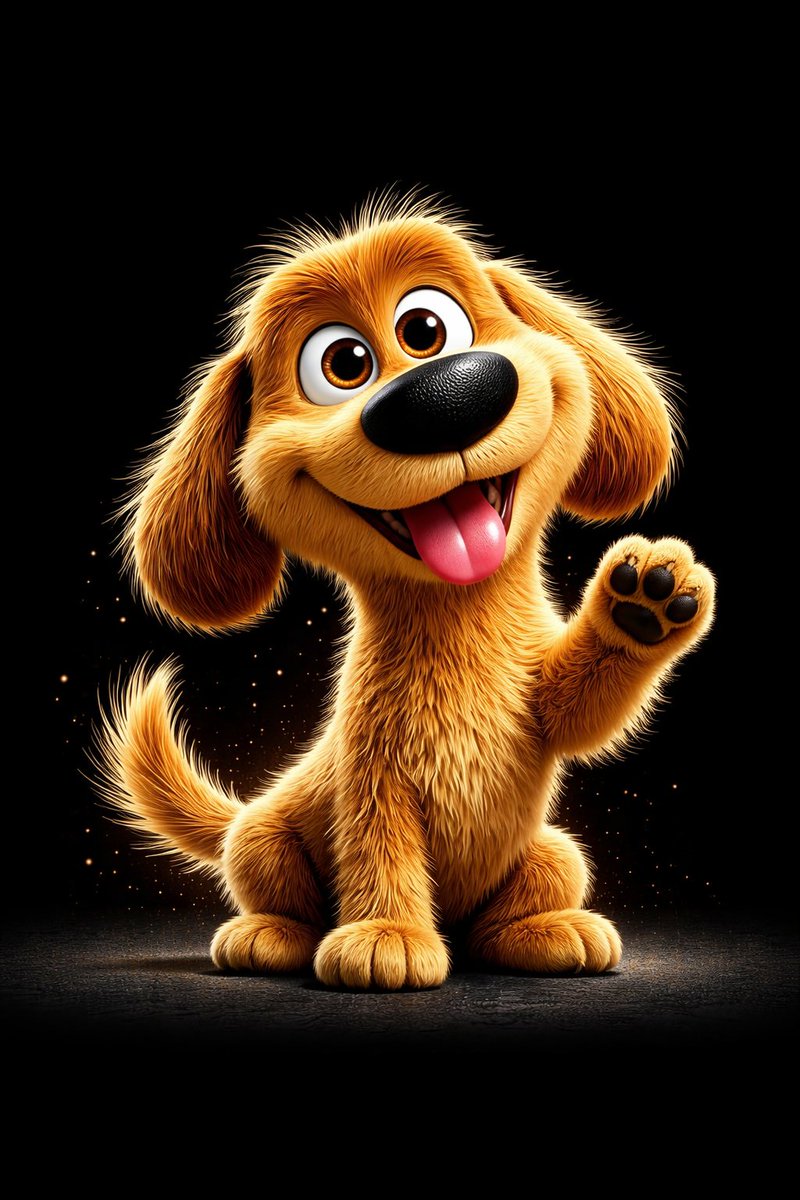
3D风格角色破裂文字视觉冲击海报

Prompt
A high-energy 3D digital artwork of a [CHARACTER NAME] from [FRANCHISE/SHOW] bursting forward in an aggressive mid-air action pose, with a fierce expression and dynamic foreshortened perspective. The character is centered and rendered in a glossy, highly detailed stylized 3D look, matching their signature outfit, colors, and iconic features. They are breaking through a massive cracked 3D stone typography of their name, which explodes into flying debris against a dark background. Powerful energy effects (lightning, aura, or glow) in [PRIMARY COLOR] radiate through the shattered letters, casting dramatic highlights and enhancing motion. The scene uses a bold complementary color palette, cinematic lighting, high contrast, and extreme depth to create a dramatic “punch-through-text” impact style composition.
Category
Charts & Infographics
Model
ChatGPT
Views2
Source ID
17076
Published
Jun 29, 2026

Guide

About "3D风格角色破裂文字视觉冲击海报"

What is this prompt for?

"3D风格角色破裂文字视觉冲击海报" AI image prompt for ChatGPT (Charts & Infographics). 来自 [FRANCHISE/SHOW] 的 [CHARACTER NAME] 的高能 3D 数字艺术作品,以咄咄逼人的半空动作姿态向前冲出,带有凶狠的表情和动态的透视缩短。角…

The full copyable prompt and example visuals above are ready for AI image generation or one-click recreate in Picva.

How to use this prompt

  1. Step 1

    Open the prompt detail

    Review the example visuals, category, and full prompt text for "3D风格角色破裂文字视觉冲击海报".

  2. Step 2

    Copy the prompt

    Copy the prompt body from this page, or load it directly in Studio.

  3. Step 3

    Pick a model (ChatGPT)

    Prefer ChatGPT. If you switch models, keep subject and composition and tweak style terms.

  4. Step 4

    Generate and export

    Recreate the look in Picva, or export into your workflow for editing and publishing.

FAQ

What is the "3D风格角色破裂文字视觉冲击海报" prompt?
It is an AI image-generation prompt for ChatGPT in the Charts & Infographics category. This page includes the full prompt text, example visuals, and a one-click recreate path in Picva.
How do I use this prompt to generate an image?
Copy the prompt from this page, or use Generate / Studio. Paste it into a compatible image model, or recreate the look in Picva with optional reference images.
Which model is this prompt for?
This page lists ChatGPT. Most descriptive prompts also transfer to nearby image models such as GPT Image, Flux, or Midjourney with light style tweaks.
Can I use the result commercially?
You can usually copy the prompt for creation, but commercial use of the final image depends on the model terms, reference-image rights, and the generated content. Follow the source author and platform rules.