17

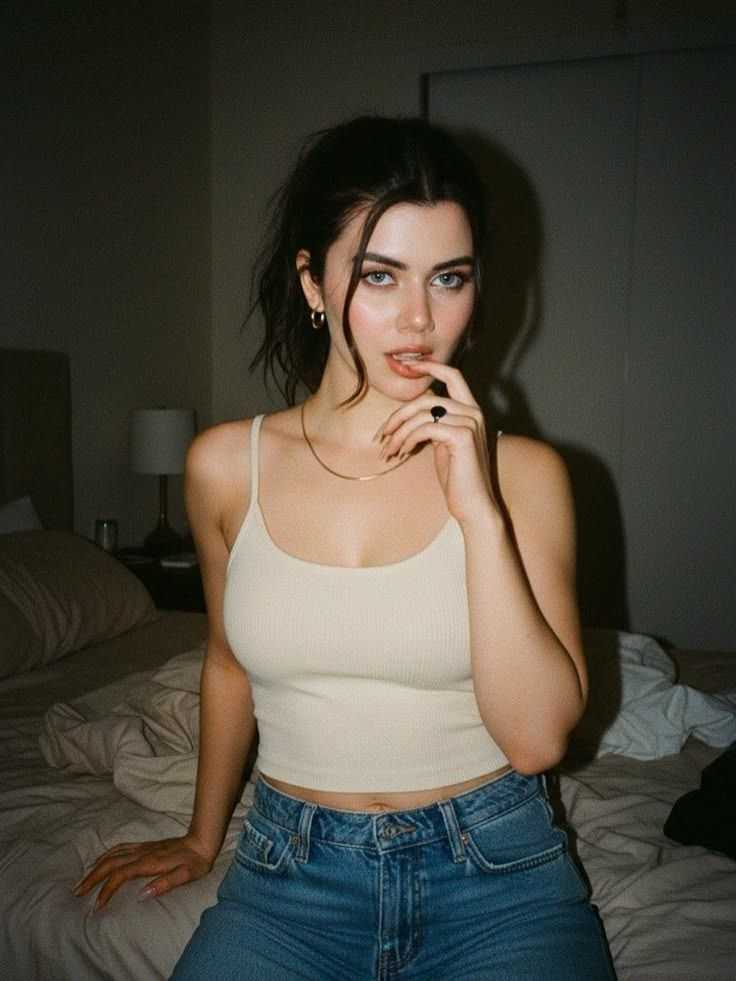
九十年代胶片闪光下的卧室少女
Enlarge

九十年代胶片闪光下的卧室少女

Prompt
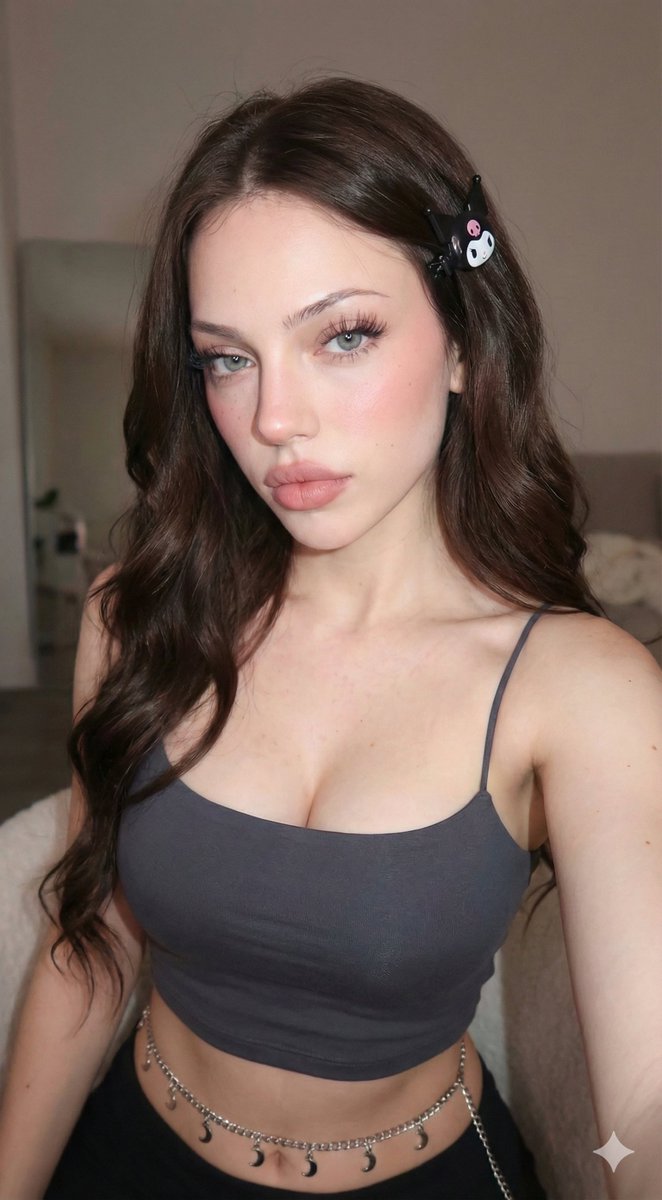
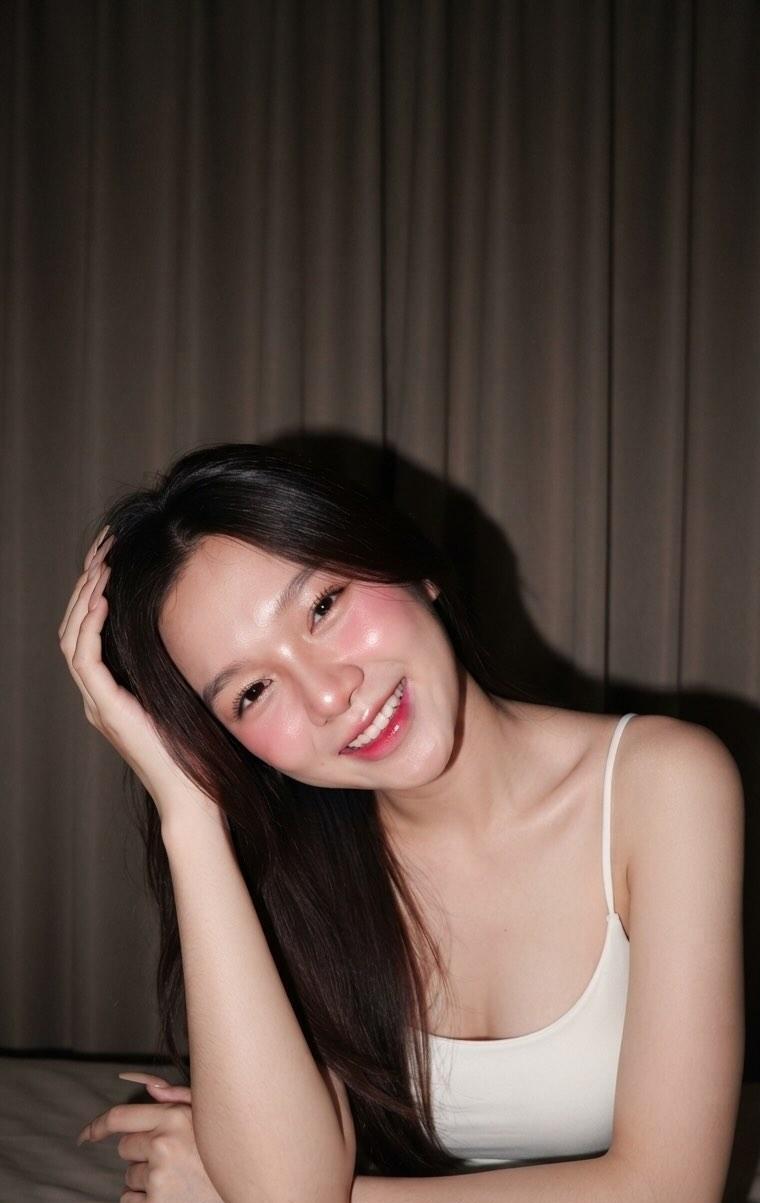
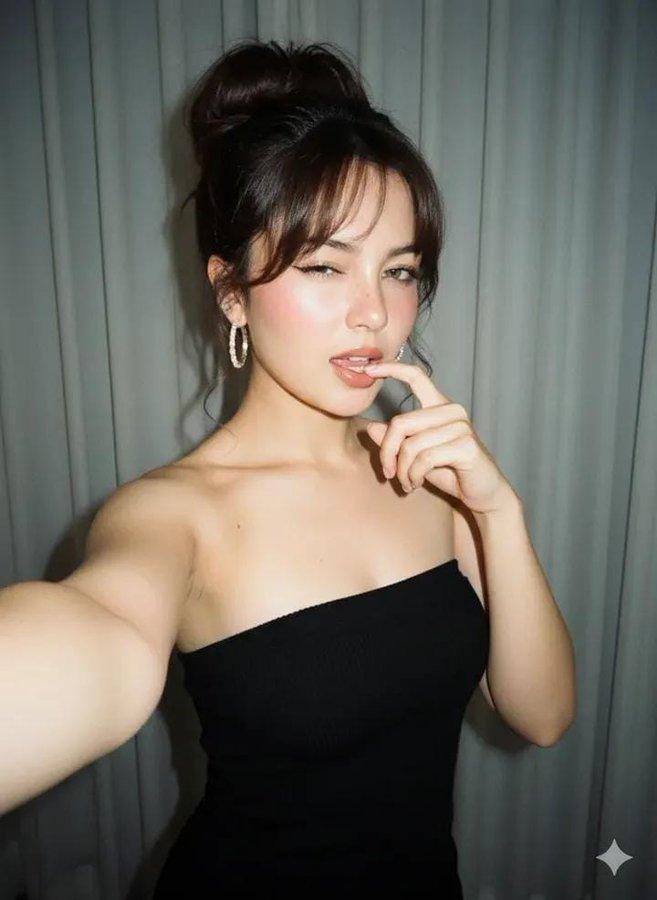
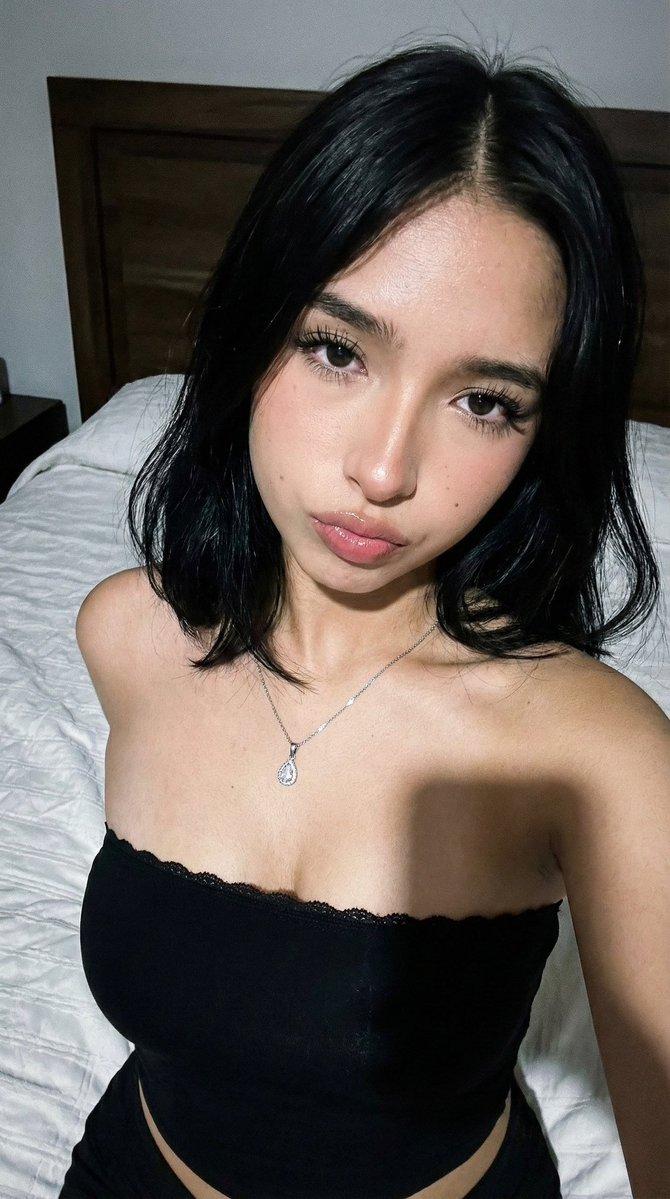
The picture captures a moody, late-night aesthetic using a film-style flash. Here are some key highlights of her look: Outfit: She is wearing a classic, minimalist combination of a cream-colored cropped tank top and high-waisted blue jeans. Accessories: Subtle but elegant gold jewelry, including small hoop earrings and a thin gold chain, paired with a statement dark ring. Hair & Makeup: Her hair is styled in a messy, "undone" ponytail with loose face-framing strands. Her makeup is soft and dewy, emphasizing her striking blue eyes and natural features. Setting: The bedroom background and the direct camera flash give the photo a raw, authentic "90s film" feel. Would you like me to help you create some Instagram captions for a photo like this, or perhaps suggest a similar outfit for a photoshoot?
Category
Architecture & Spaces
Model
Nano Banana Pro
Views33
Source ID
12655
Published
Apr 14, 2026

Guide

About "九十年代胶片闪光下的卧室少女"

What is this prompt for?

"九十年代胶片闪光下的卧室少女" AI image prompt for Nano Banana Pro (Architecture & Spaces). 这张照片通过胶片风格的闪光灯捕捉到了深夜的忧郁美感。以下是她造型的一些主要亮点: 服装:她身穿经典的极简主义搭配——米色短款背心和高腰蓝色牛仔裤。 配饰:精致而优…

The full copyable prompt and example visuals above are ready for AI image generation or one-click recreate in Picva.

How to use this prompt

  1. Step 1

    Open the prompt detail

    Review the example visuals, category, and full prompt text for "九十年代胶片闪光下的卧室少女".

  2. Step 2

    Copy the prompt

    Copy the prompt body from this page, or load it directly in Studio.

  3. Step 3

    Pick a model (Nano Banana Pro)

    Prefer Nano Banana Pro. If you switch models, keep subject and composition and tweak style terms.

  4. Step 4

    Generate and export

    Recreate the look in Picva, or export into your workflow for editing and publishing.

FAQ

What is the "九十年代胶片闪光下的卧室少女" prompt?
It is an AI image-generation prompt for Nano Banana Pro in the Architecture & Spaces category. This page includes the full prompt text, example visuals, and a one-click recreate path in Picva.
How do I use this prompt to generate an image?
Copy the prompt from this page, or use Generate / Studio. Paste it into a compatible image model, or recreate the look in Picva with optional reference images.
Which model is this prompt for?
This page lists Nano Banana Pro. Most descriptive prompts also transfer to nearby image models such as GPT Image, Flux, or Midjourney with light style tweaks.
Can I use the result commercially?
You can usually copy the prompt for creation, but commercial use of the final image depends on the model terms, reference-image rights, and the generated content. Follow the source author and platform rules.